Berniem
Members
-
Joined
-
Last visited
-
 Now sold!!
 -
Berniem changed their profile photo
-
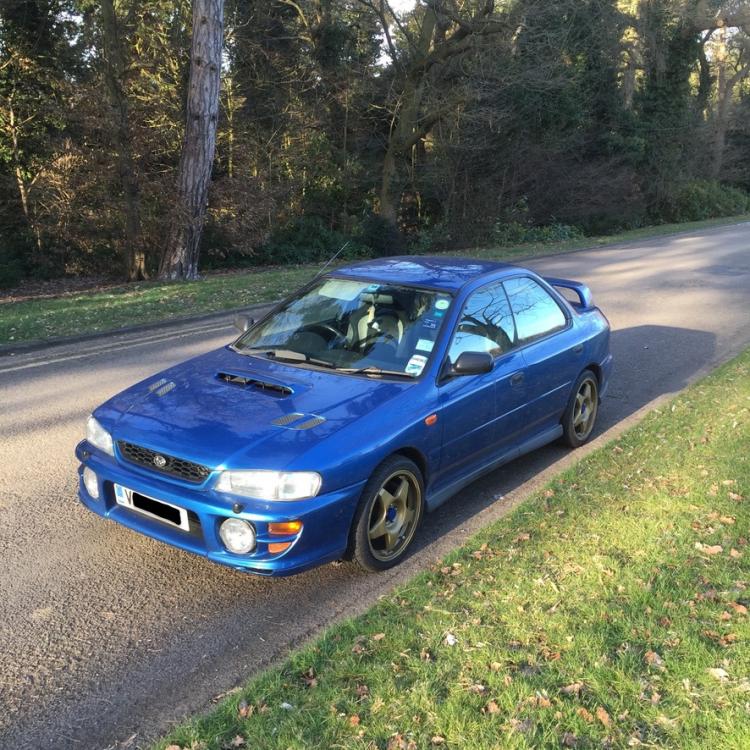
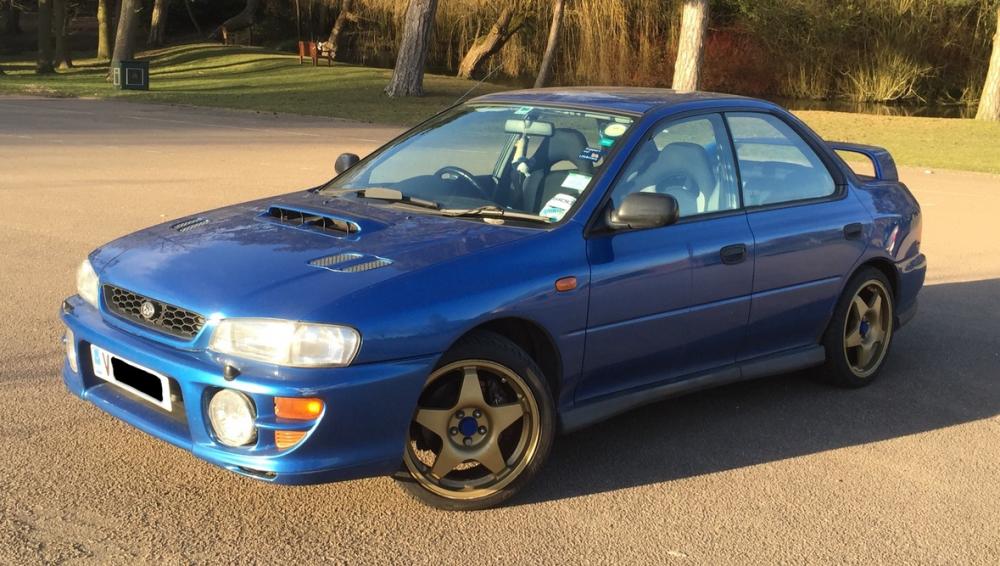
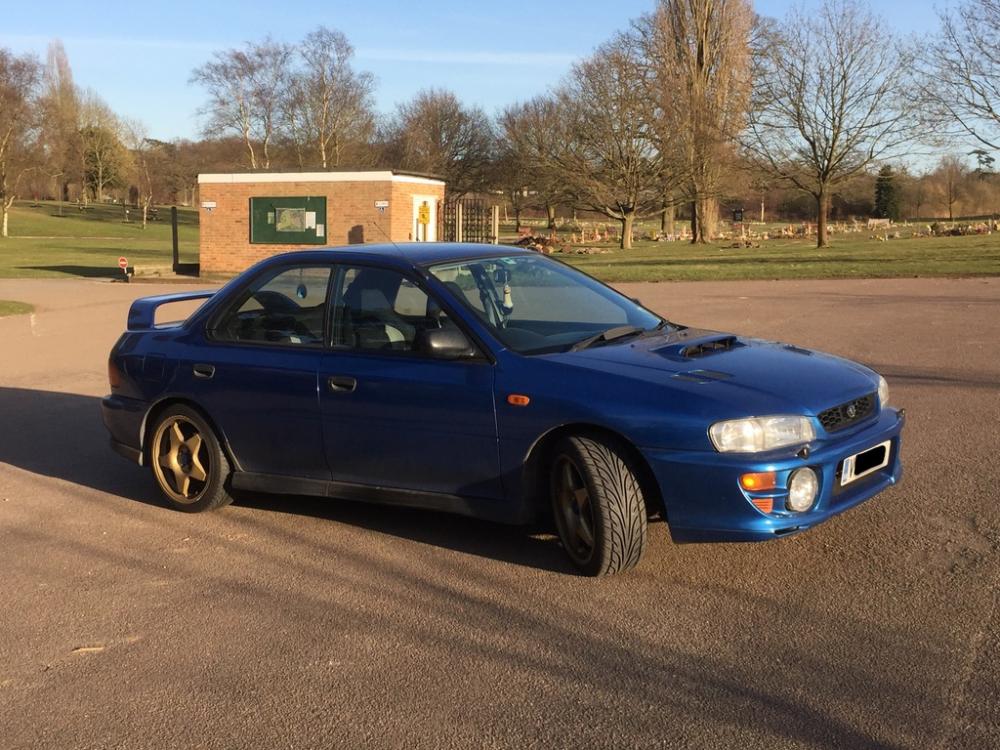
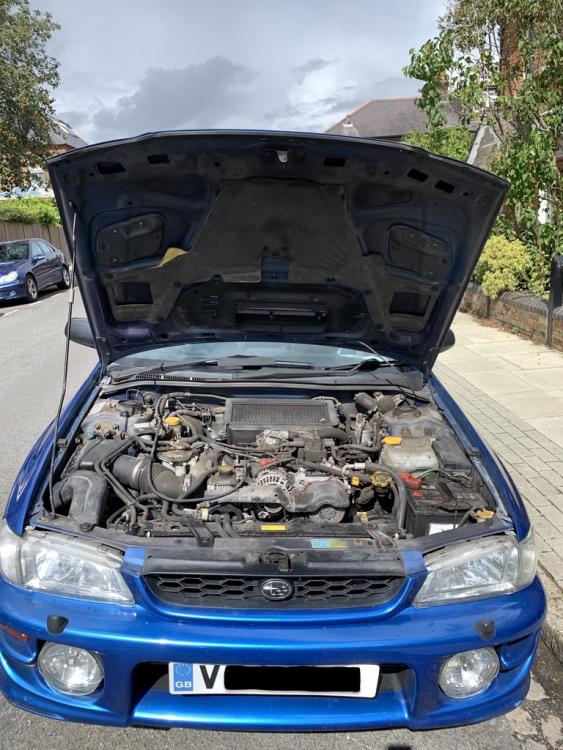
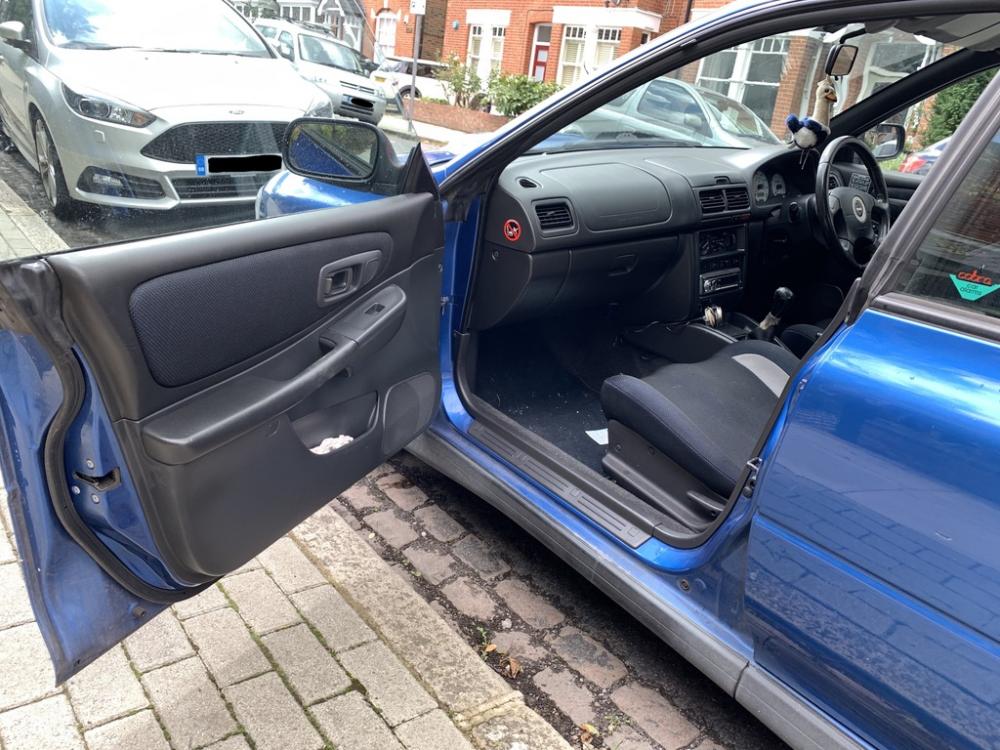
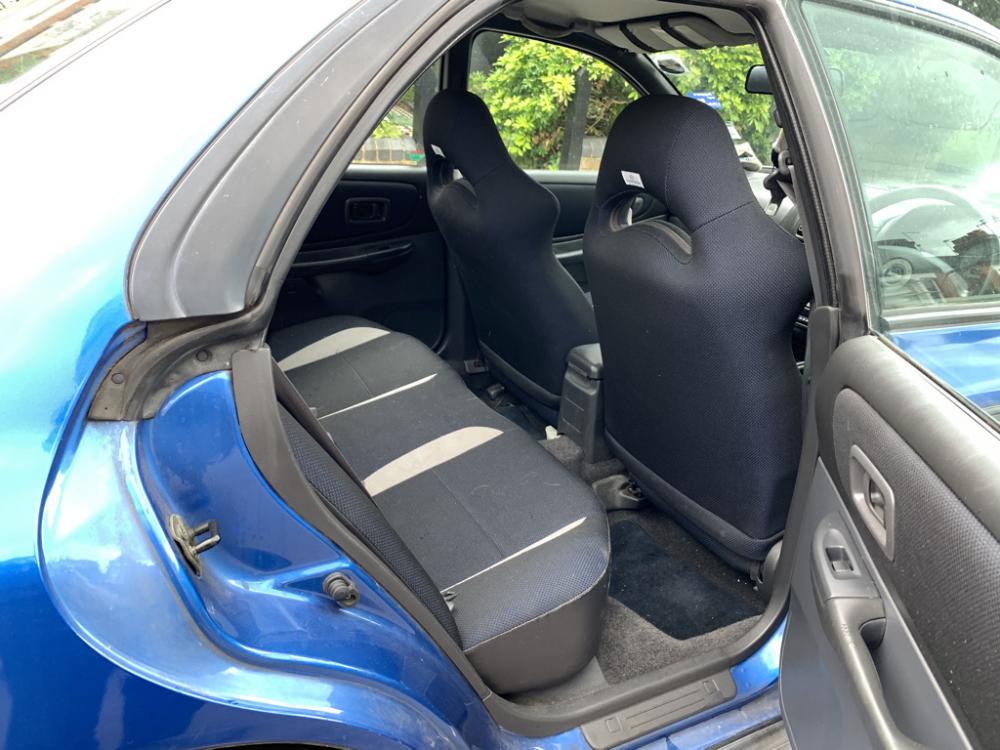
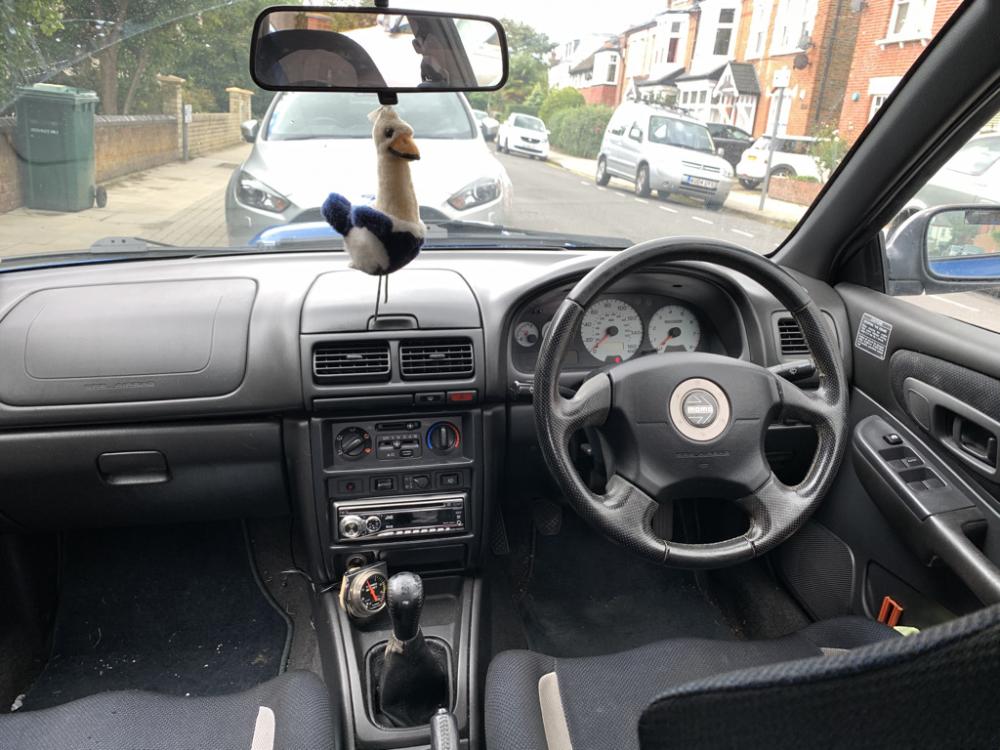
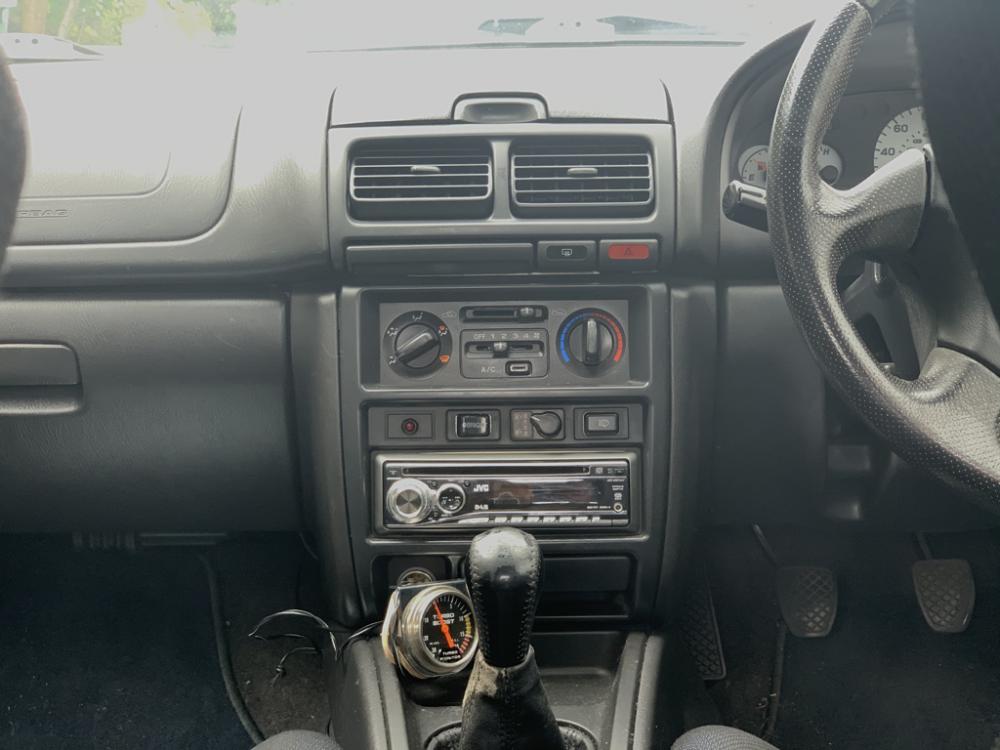
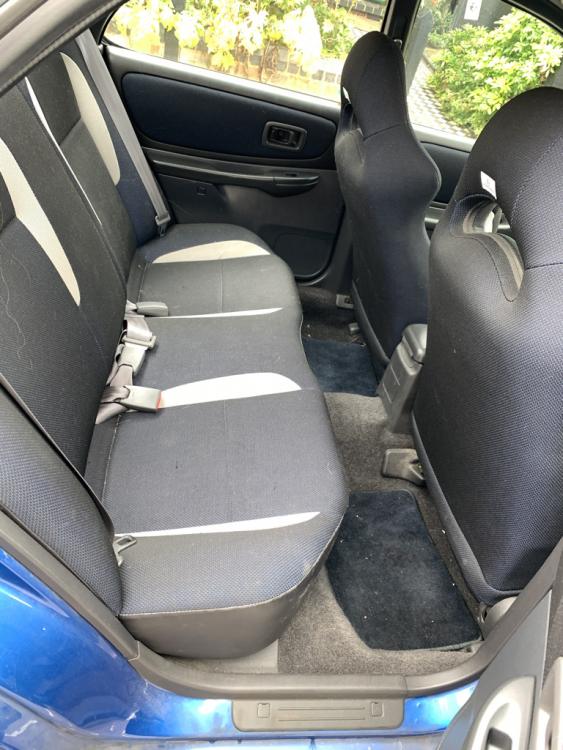
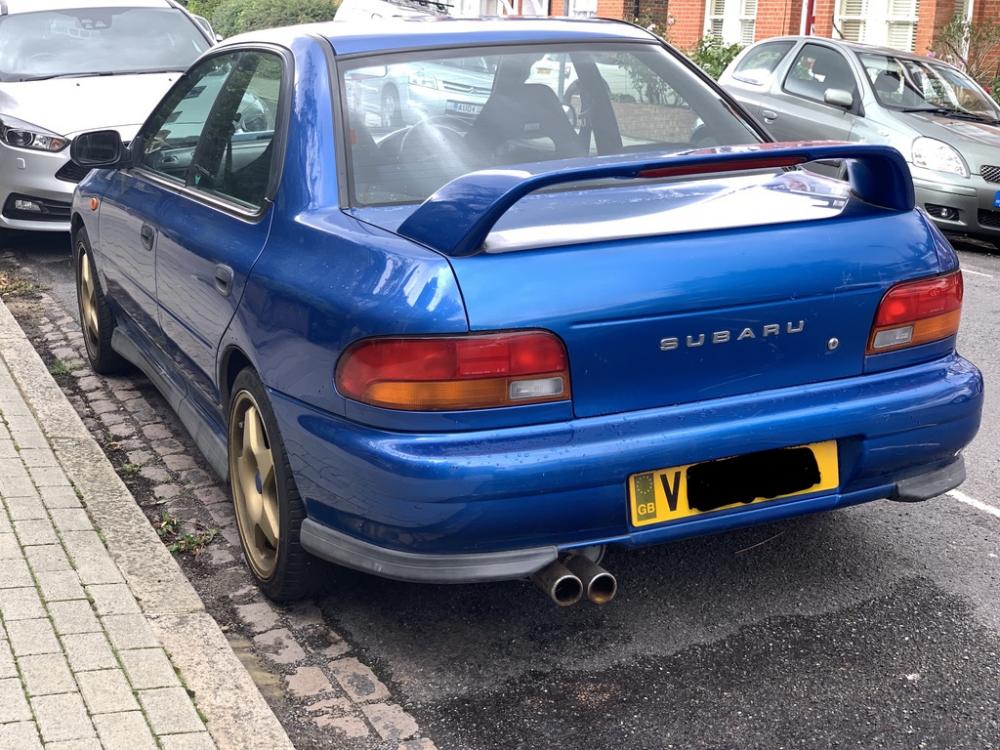
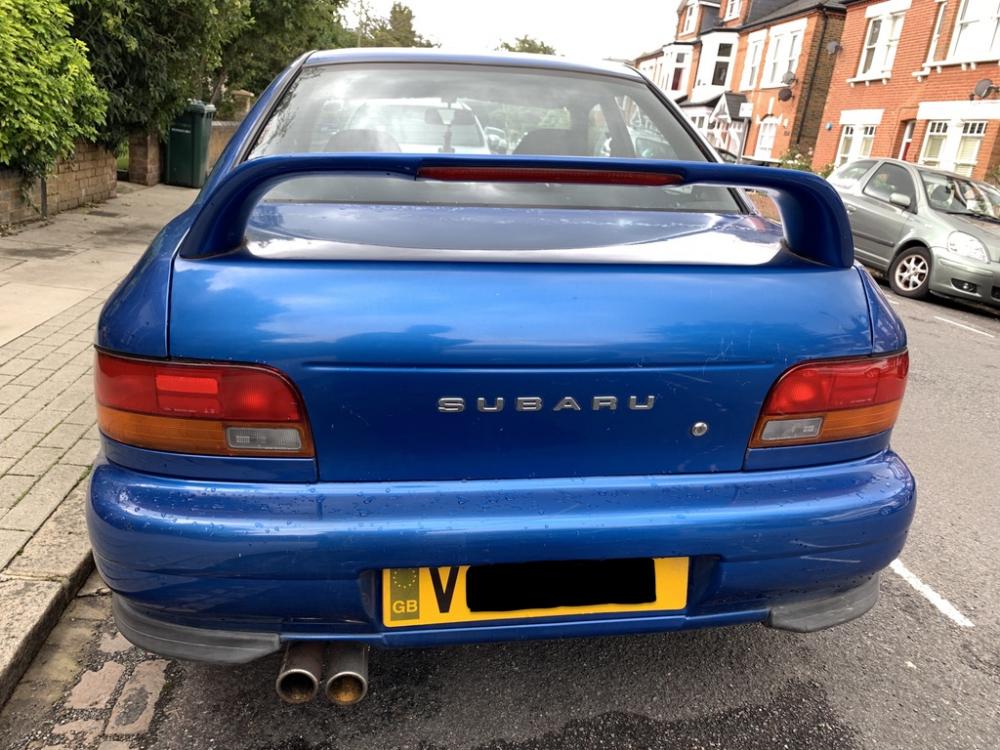
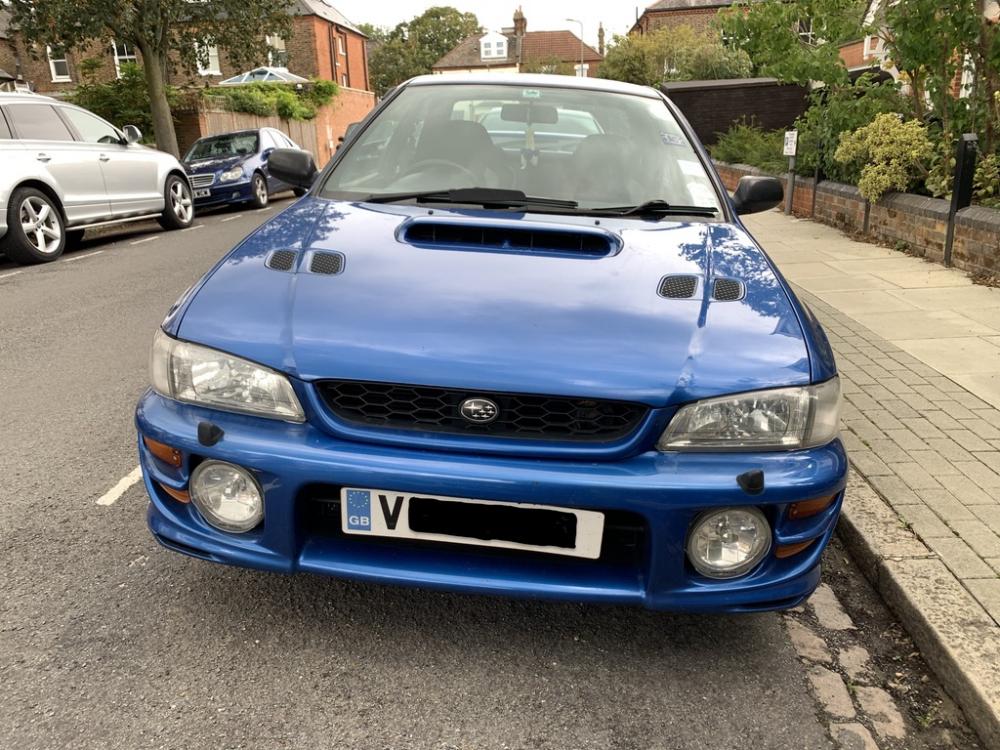
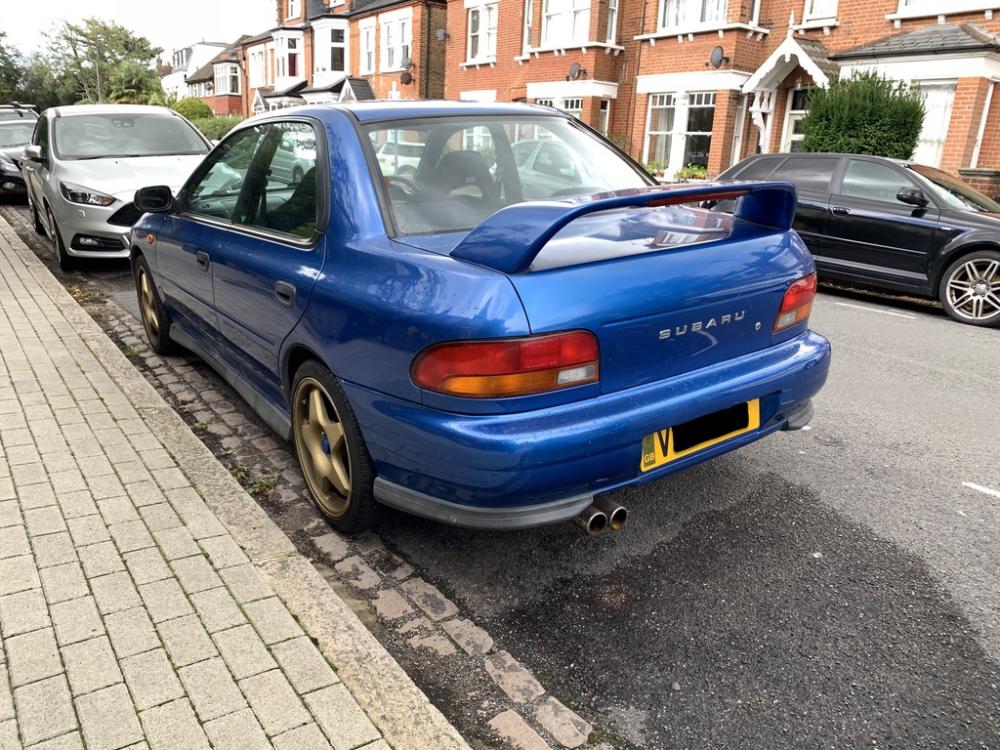
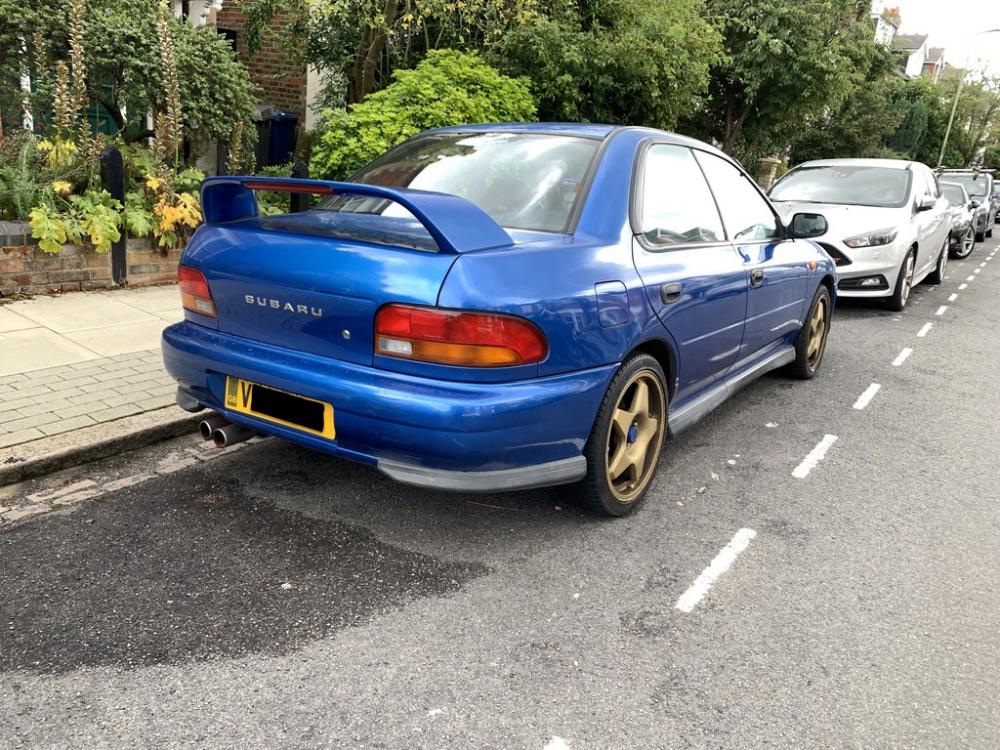
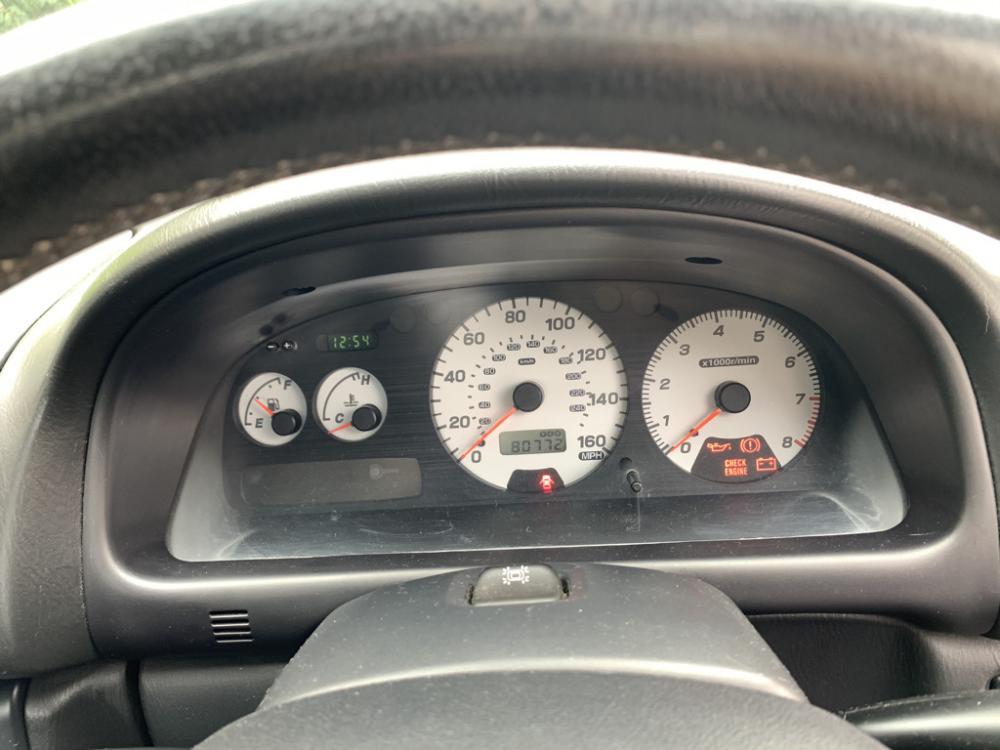
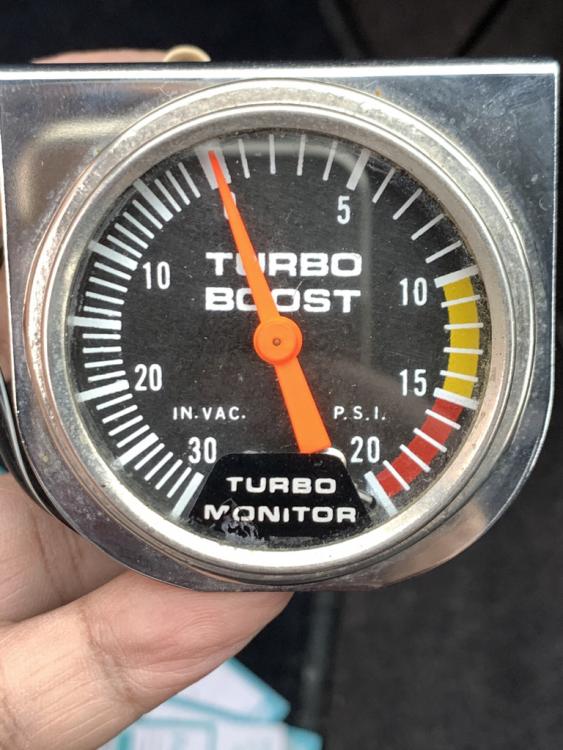
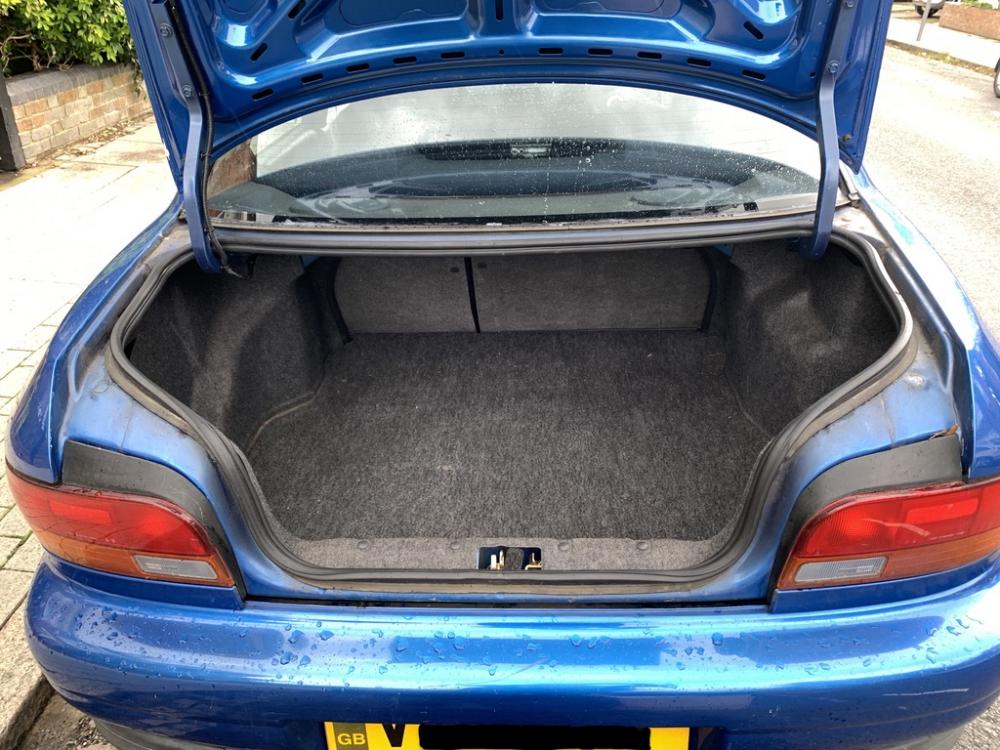
It's finally time to say goodbye to my treasured 1999 Scooby- which I have owned from New- nearly 22 years! Excellent condition for its age with 4 months MoT and still running like new- still puts a smile on my face when I drive it! Used as a daily commute for the first 12 years then only taken out of its garage for weekend spins for the past 8 years! Unaltered from original 1999MY spec, hence reliable and easy to get parts. 17in Gold alloy wheels (I still have the original 16in silver and also another gold set - these can be included too). Otherwise as per photos - I have added ventilated discs with Red stuff brake shoes, DAB radio and a Turbo gauge to complete the package. In its life the Radiator, Air Con condenser, Exhaust and Mass air flow sensor have been replaced. Looking for around £4-5k or realistic offers for this Classic Impreza Bernie (North London) 07973224243