Welcome to the Subaru Owners' Club - An Independent community!
Membership is completely free, and our community is built by enthusiasts, for enthusiasts. We’re a proudly independent, non-official club, so all the help and opinions you’ll find here come directly from members with real experience of Subaru ownership.
Join the club now!
Topics
-
Hi everyone, Important member safety notice: please be extremely cautious when buying parts from people you do not know. We have recently seen a small number of scammers joining the community and attempting to target members with used car parts. These adverts or private messages may look tempting, often featuring rare, interesting, or hard-to-find parts, but the seller may then ask you to continue the conversation by email, either with them directly or with a “friend”. Please do not engage with
-
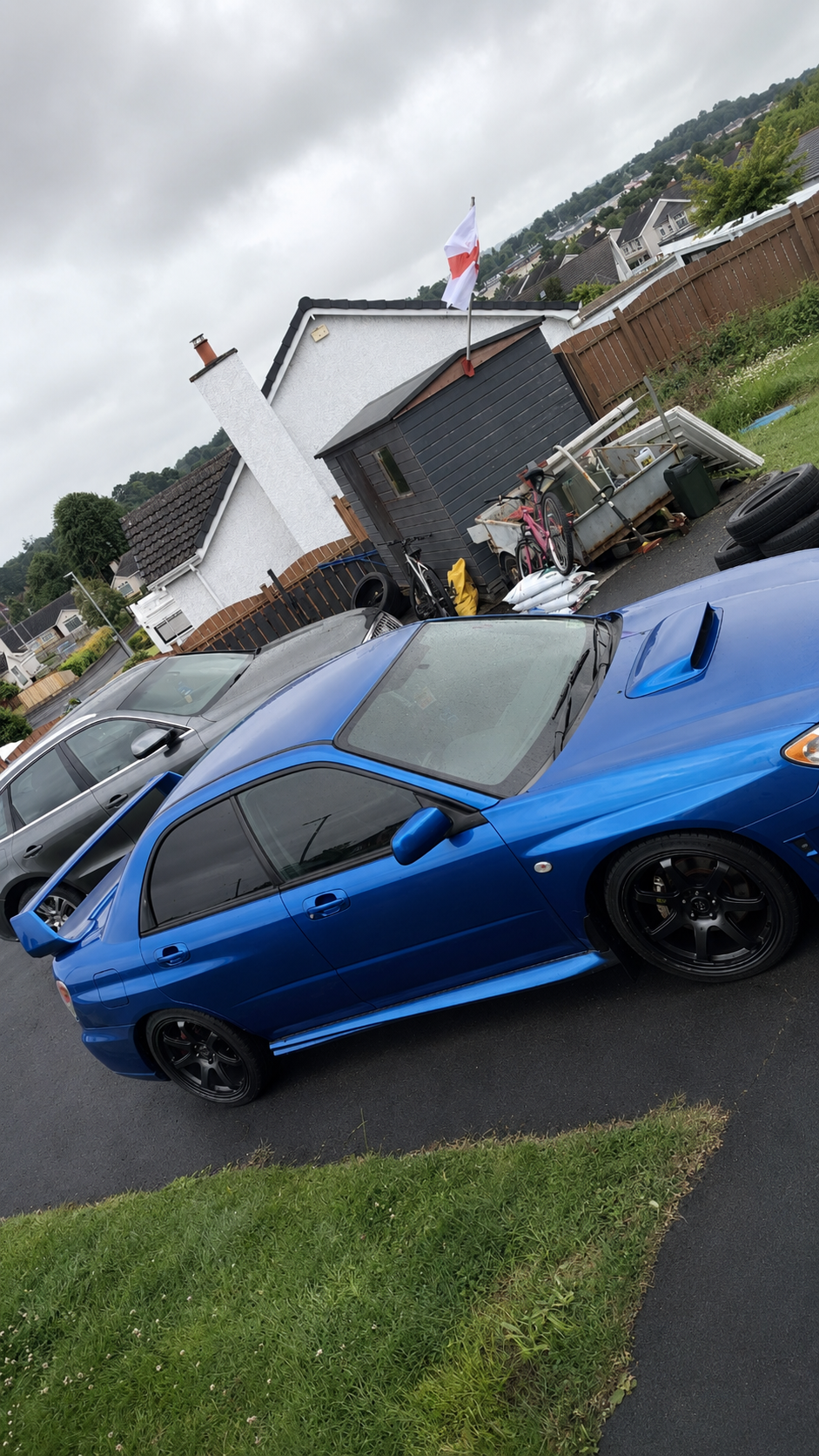
I have a 2007 WRX hawkeye it needs welding I've already put new sills an stuff in it but lost interest ATM would I be better selling as a complete car or better off breaking it thanks
-
Hi everyone, Important member safety notice: please be extremely cautious when buying parts from people you do not know. We have recently seen a small number of scammers joining the community and attempting to target members with used car parts. These adverts or private messages may look tempting, often featuring rare, interesting, or hard-to-find parts, but the seller may then ask you to continue the conversation by email, either with them directly or with a “friend”. Please do not engage with
-
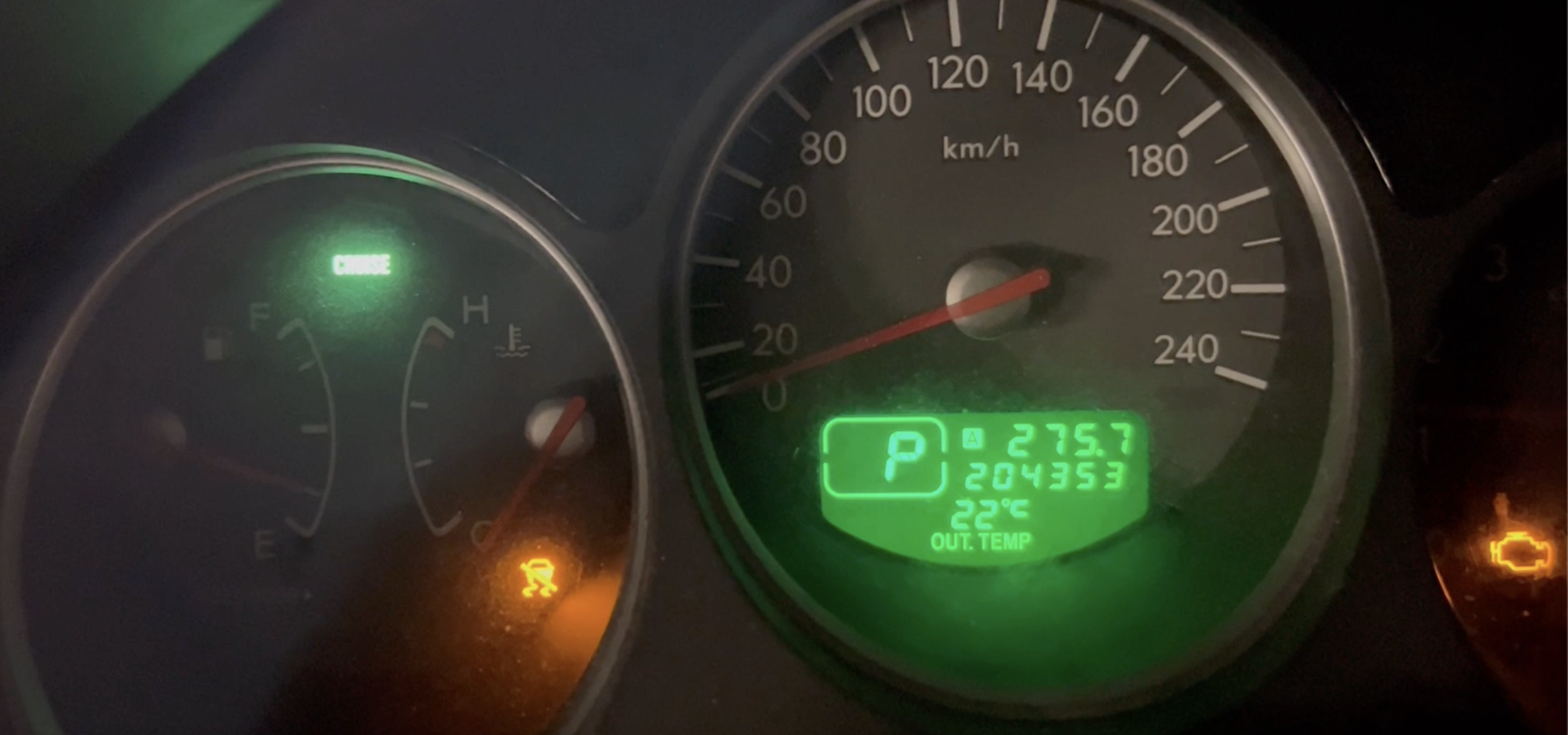
Hello everyone, Based in France in La Rochelle, I'm looking for advice from people familiar with the 2007 Subaru Forester XT (SG9, EJ255 Turbo). Vehicle: Subaru Forester XT Turbo Model year: 2007 VIN: JF1SG9LT56G077030 France (European model) Current mileage: around 250,000 km Symptoms For about 6 years, the following warning lights are present: Check Engine ON VDC/ESP warning CRUISE light flashing Cruise control completely disabled The warning lights are already present immediately aft
-
I have a problem when starting my 2012 XV diesel after a long-ish run. i.e., when the engine has been fully warmed up—when I come back to the car, it sometimes makes a rather unpleasant sound when I turn the key and start it. It sounds to me as if the starter motor may not be engaging correctly. The car has never failed to start, and it doesn't require turning the engine over a lot. Has anyone had experience of this?



Members Feed
-
Seems to be so many more nowadays and they are using some really quite elaborate schemes
-
-
Seems to be so many more nowadays and they are using some really quite elaborate schemes
-
-