


PaulW
Members
-
Joined
-
Last visited
Everything posted by PaulW
-
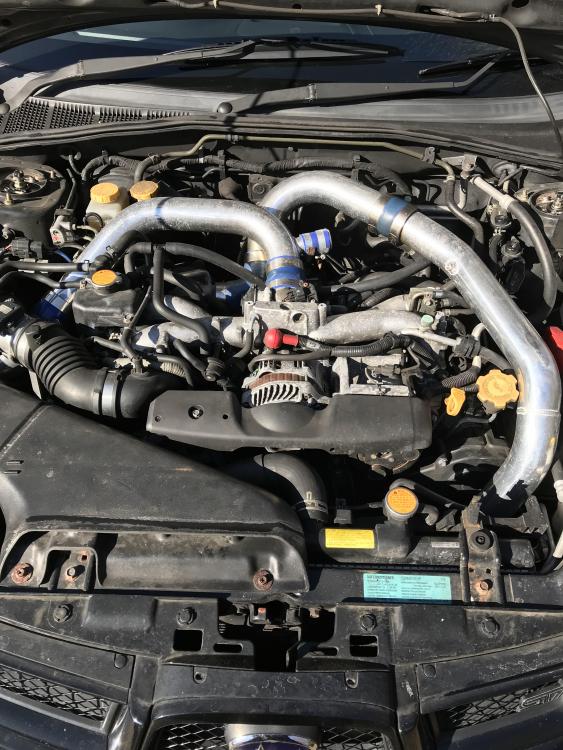
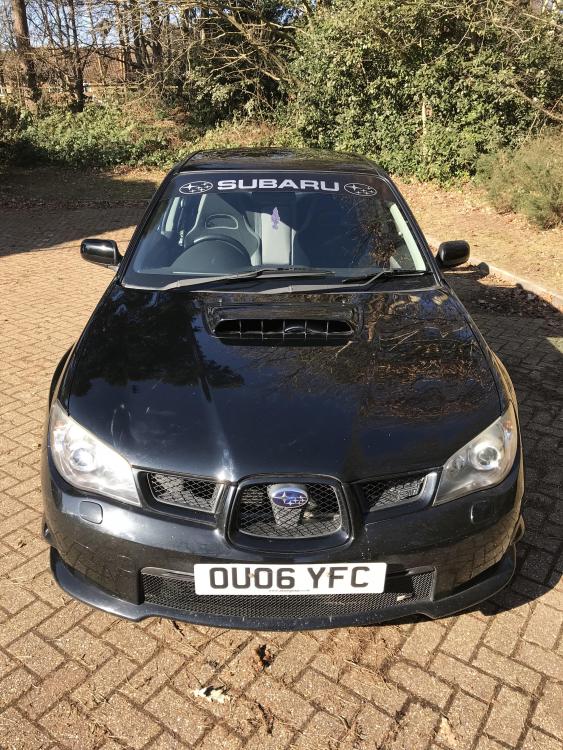
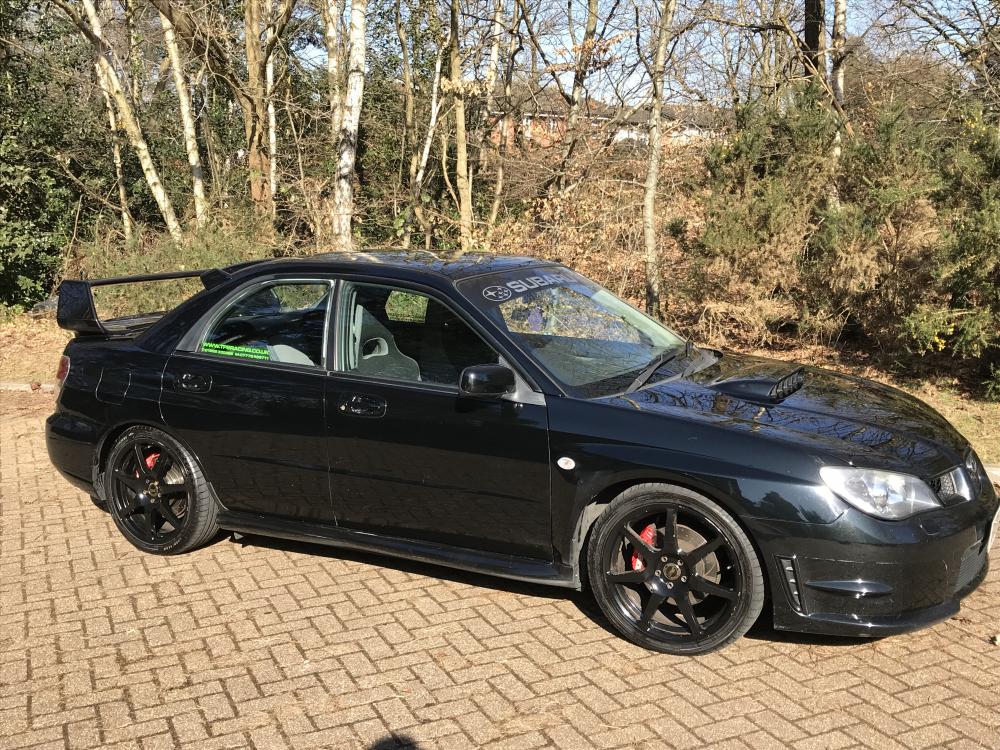
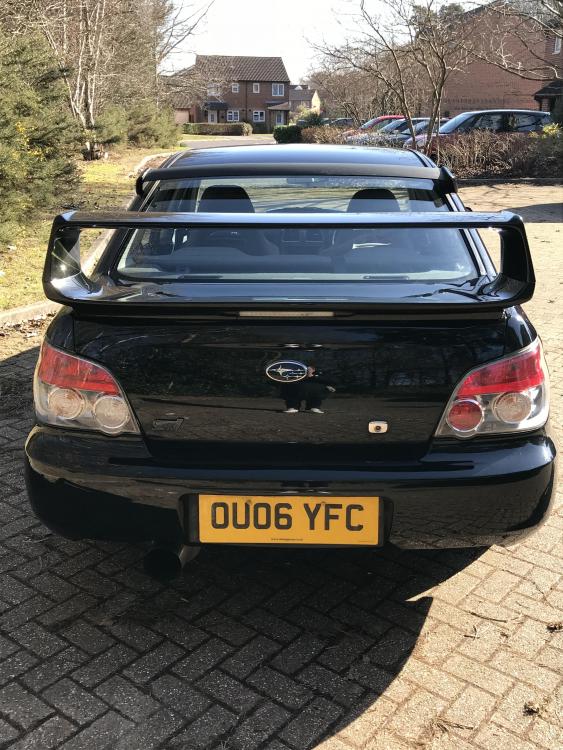
For sale, highly modified Hawkeye WRX. £6,500 ONO. Over £10k + of modifications. 388.6bhp with dyno print out 2006, but old tax band (£305 for year) 90,500 miles Full service history 2.5 forged engine Hybrid turbo Front mount inter cooler 3” decat blitz nur spec r system (have bung) 18” wheels STI rear roof spoiler and boot spoiler JVC headset STI gear knob 825cc injectors 2 keys Taxed until September 2018 Service & MOT due August 2018 All modifications have by done by TFS Racing and all maps done by RaceDynamix. There is no finance on the car. Tons of paperwork with receipts for everything. Viewing welcome in the evenings or any time on the weekend. The car is in Farnborough, Hampshire.
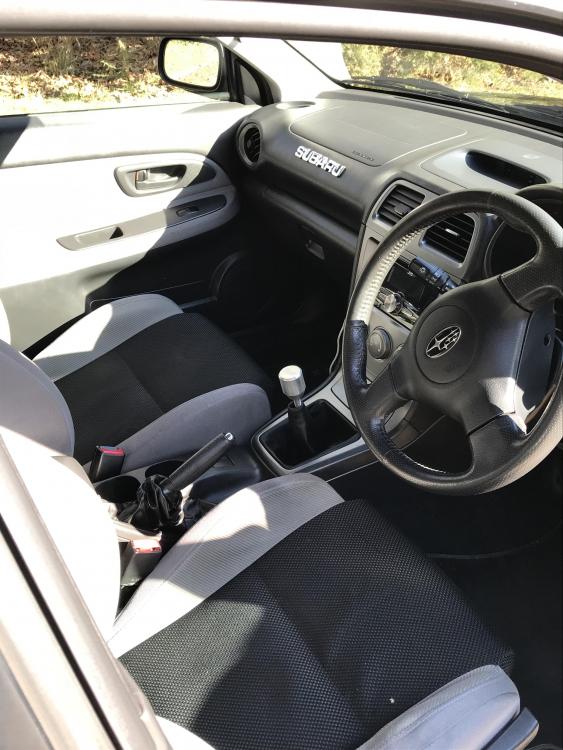
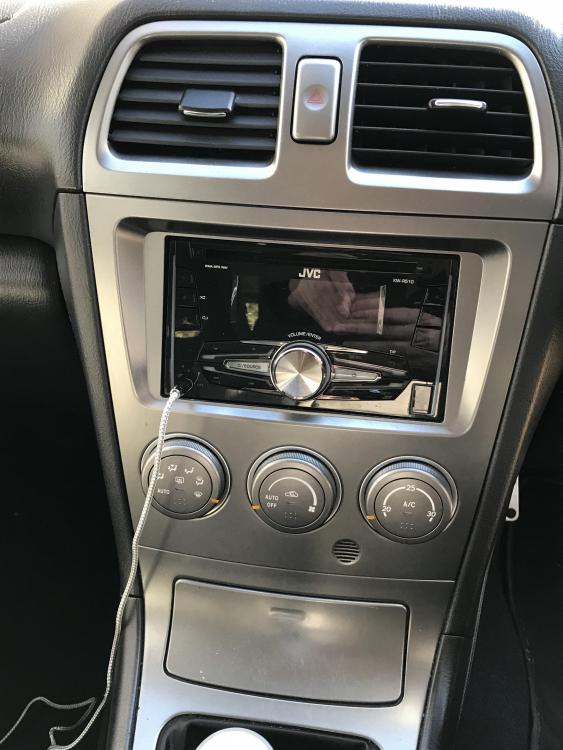
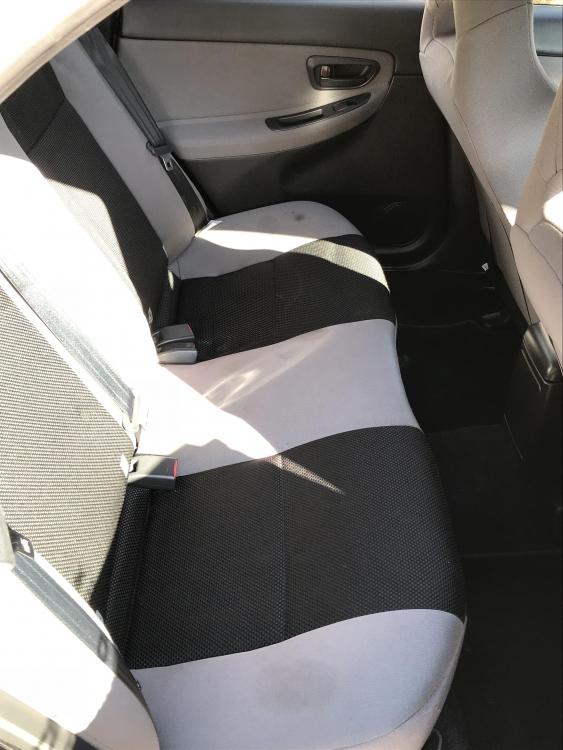
-
Hi everyone, my names Paul and I’ve been in and out of Scooby ownership for several years now. Ive currently got a highly modified Hawkeye wrx (388.6bhp) which is actually up for sale but I am planning on getting another Subaru next year, hence me joining and staying up to date with what’s going on! Im located in farnborough, Hampshire so May of seen some of you around. I used to go to some meets with Berkshire Scoobies and south east scoobies a few years ago. Ill put the hawk in the for sale section so feel free to check there for all the specs and stuff.


