frankrad
Members
-
Joined
-
Last visited
-
frankrad changed their profile photo
-
Hi all I’ve got told I’ve a rcm system on my scooby and rcm has confirmed it via photo but I’ve recently bought a team ice rear box but it doesn’t go near the exhaust mounts have any one go the measurements for the centre rcm exhaust
-
Thanks mate just wanna make sure before tossing money at it
-
Strange question but how could I tell that my Subaru is a 2.1 stroker would it be just a case of whipping the sump off and seeing what’s in side or would the heads have to come off also I’ve got receipts and pics of the work but I want solid proof if you know what I mean
-
Strange question but how could I tell that my Subaru is a 2.1 stroker would it be just a case of whipping the sump off and seeing what’s in side I’ve got receipts and pics of the work but I want solid proof if you know what I mean
-
Thanks both think I’ll be looking in to a 6 speed for strength as I would love 400hp+
-
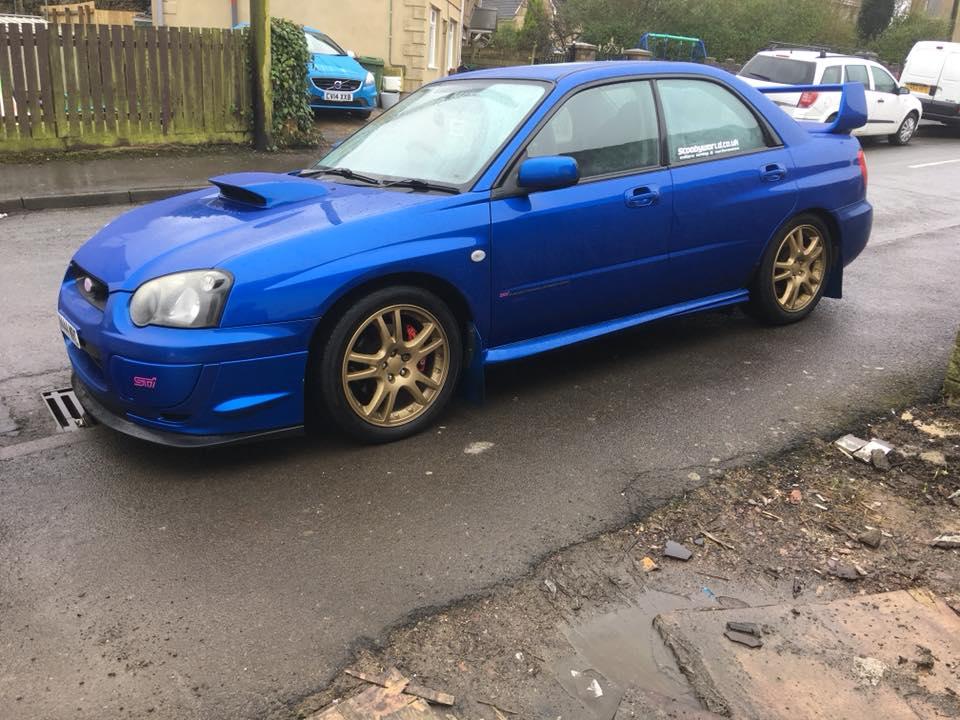
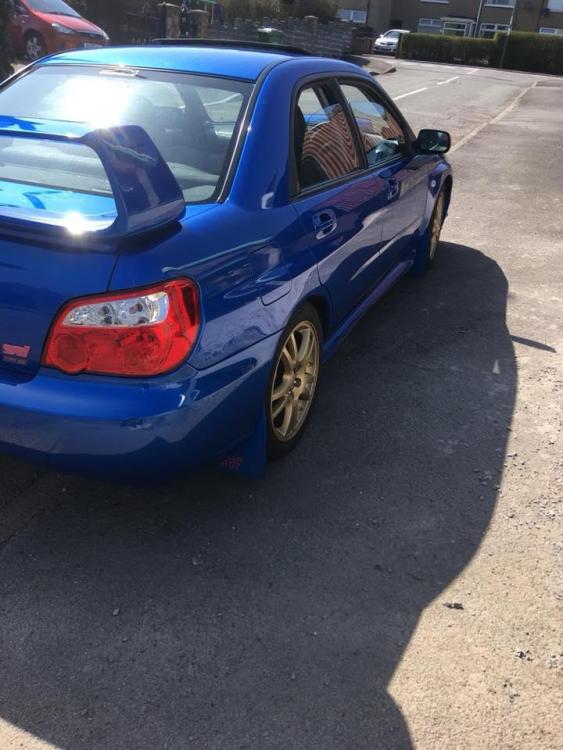
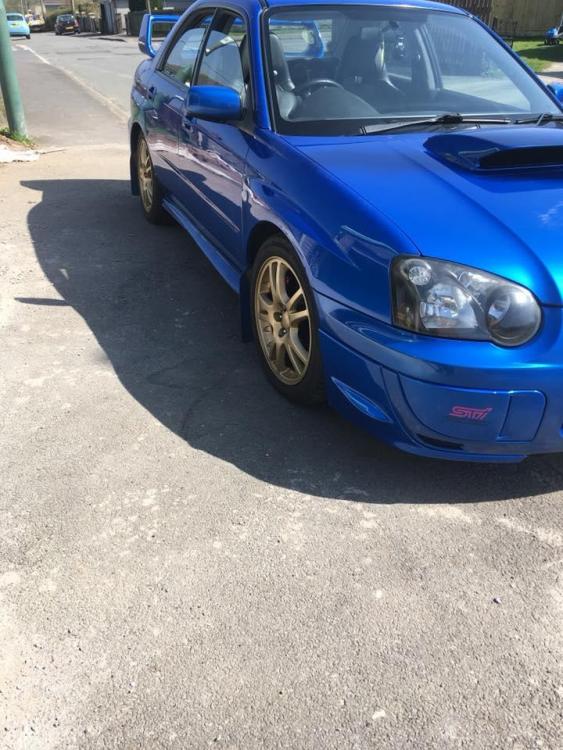
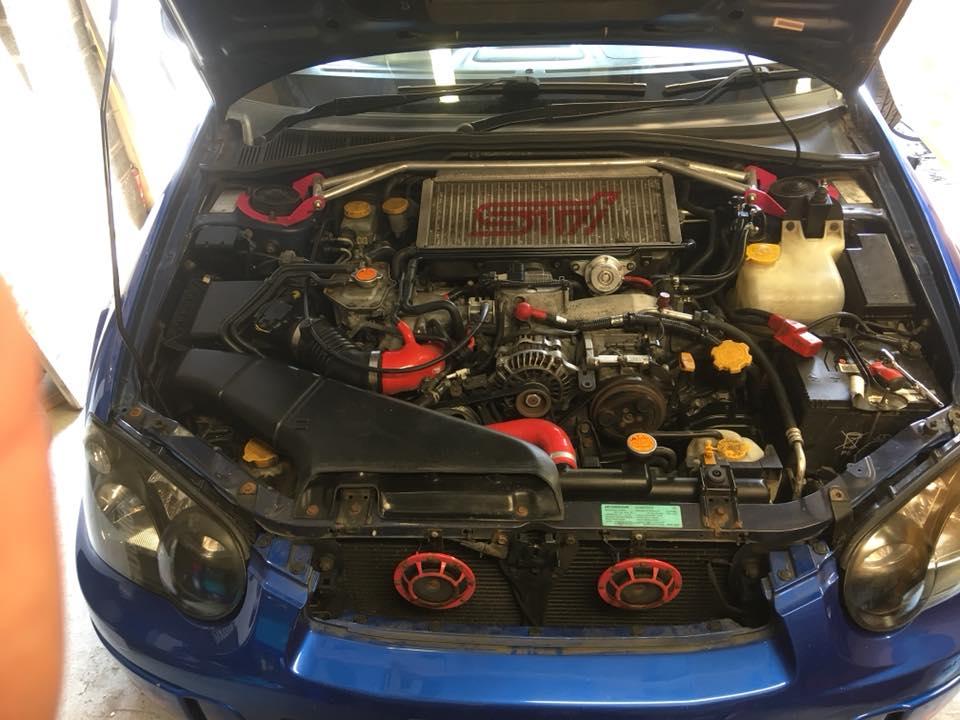
bought a wrx sti rep last feb and I'm loving it best car ive owned the shell has done 80k and the engine has done 2k spec is sti tmic 2.1 forged bottom end rebuilt 5 speed 11mm oil pump 11mm head studs 3 port solenoid Williams motor sport headers and up-pipe tgv delete 565cc injectors# rcm 1.1mm headgasket , water pump and belt kit rcm sports cat and system rts clutch and flywheel vf35 turbo dyno'd at 320-hp/355lb-ft