Skip to content
View in the app

A better way to browse. Learn more.

Subaru Owners Club UK | Subaru Forums

A full-screen app on your home screen with push notifications, badges and more.

To install this app on iOS and iPadOS
  1. Tap the Share icon in Safari
  2. Scroll the menu and tap Add to Home Screen.
  3. Tap Add in the top-right corner.
To install this app on Android
  1. Tap the 3-dot menu (⋮) in the top-right corner of the browser.
  2. Tap Add to Home screen or Install app.
  3. Confirm by tapping Install.

Leggy5912

Members
  • Joined

  • Last visited

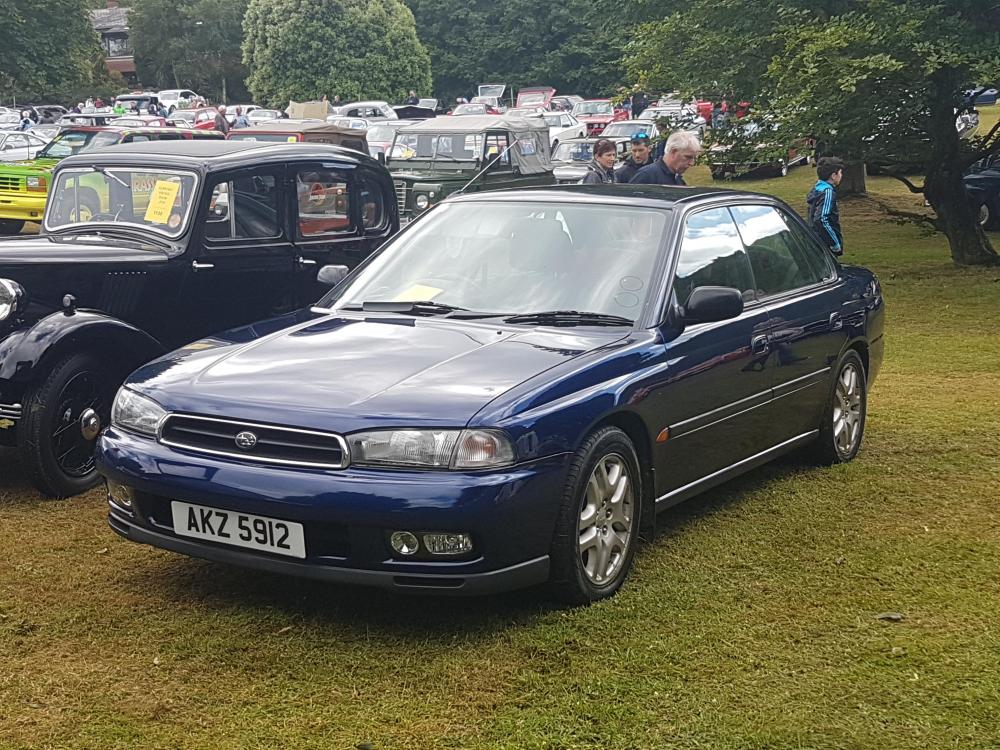
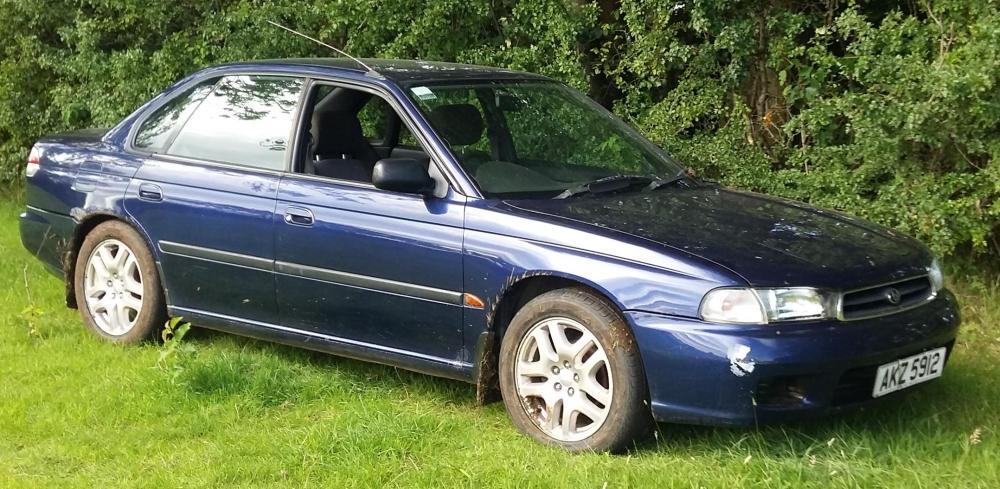
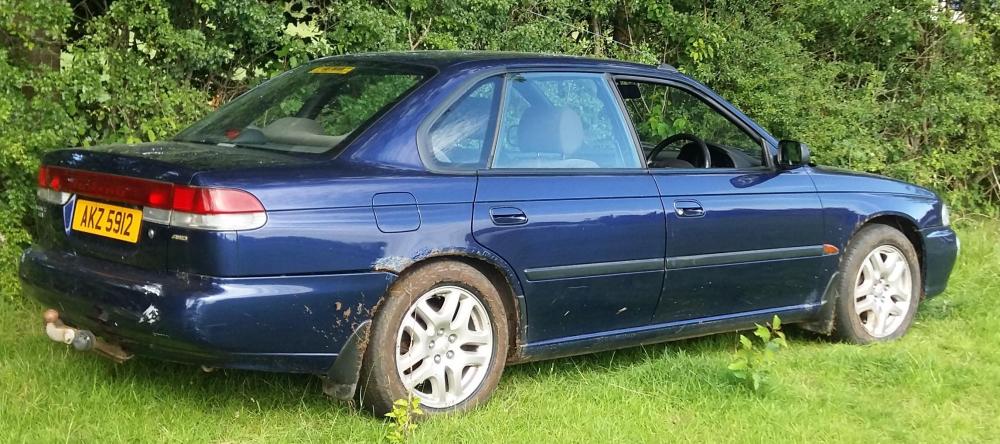
  1. Hi guys. I've been enjoying looking at everyone's projects and cars since June this year. I decided I'd like to tell you all about my baby. It's 98 legacy 2.0l na. Ive owned it since 2011. I bought it as a rough car for the country roads in winter, but really enjoyed driving and messing about in it. It was off the road for 4 years, until earlier this year. I decided my poor wee girl needed sorted, and put back on the road again. See before and after pics.
Background Picker
Customize Layout

Account

Navigation

Search

Search

Configure browser push notifications

Chrome (Android)
  1. Tap the lock icon next to the address bar.
  2. Tap Permissions → Notifications.
  3. Adjust your preference.
Chrome (Desktop)
  1. Click the padlock icon in the address bar.
  2. Select Site settings.
  3. Find Notifications and adjust your preference.