Do Not Sell My Personal Information Jump to content
View in the app

A better way to browse. Learn more.

Subaru Owners Club UK | Subaru Forums

A full-screen app on your home screen with push notifications, badges and more.

To install this app on iOS and iPadOS
  1. Tap the Share icon in Safari
  2. Scroll the menu and tap Add to Home Screen.
  3. Tap Add in the top-right corner.
To install this app on Android
  1. Tap the 3-dot menu (⋮) in the top-right corner of the browser.
  2. Tap Add to Home screen or Install app.
  3. Confirm by tapping Install.

Leehaydon96

Members
  • Joined

  • Last visited

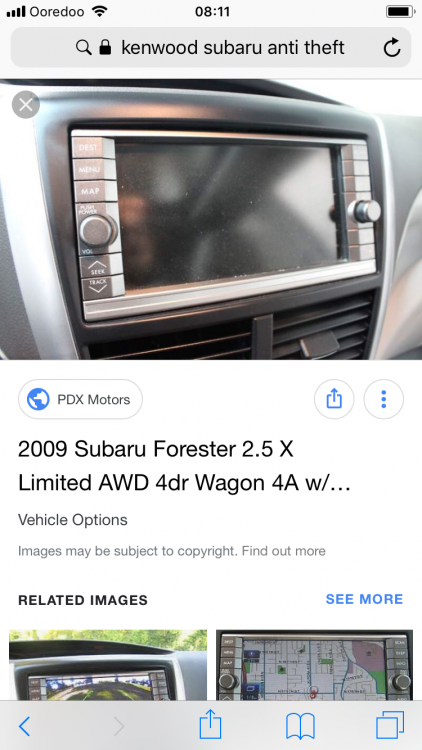
  1. So one of the pictures I’ve got from google is a photo of the headunit I have. And the other photo is the Security screen its stuck in. Theres no way of typing any code from what I can see
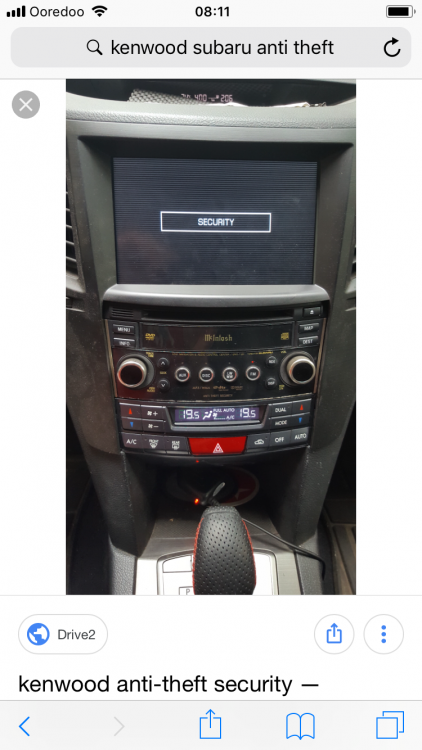
  2. Hi guys, I have a bit of a problem installing the Kenwood Navi stereo fitted to the later Subaru models into my 2008 Impreza. I have followed the pinouts and made my own harness and I am sure everything is fine after following ae64. However when I sit it into my car, it just displays Security and does nothing more. I have tried ringing around local dealers and audio specialists but no one is too interested in helping me, so I have come here. Thanks for your time

Background Picker
Customize Layout

Account

Navigation

Search

Configure browser push notifications

Chrome (Android)
  1. Tap the lock icon next to the address bar.
  2. Tap Permissions → Notifications.
  3. Adjust your preference.
Chrome (Desktop)
  1. Click the padlock icon in the address bar.
  2. Select Site settings.
  3. Find Notifications and adjust your preference.