kate575
Members
-
Joined
-
Last visited
-
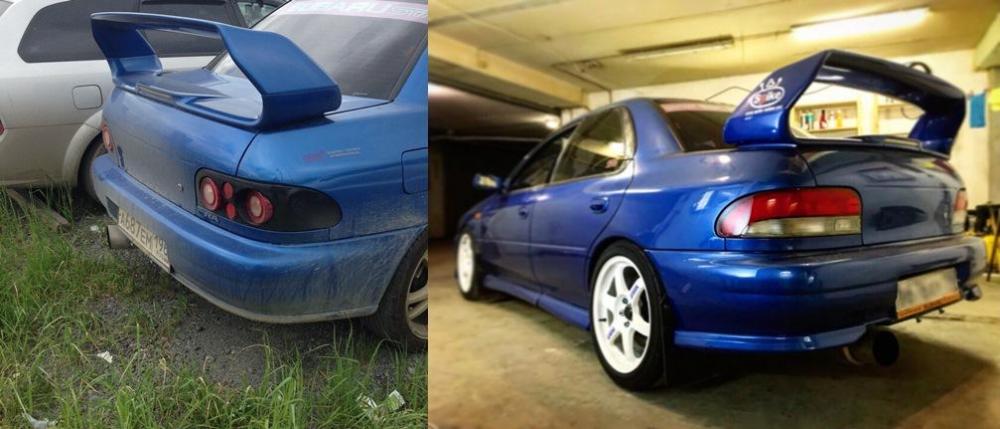
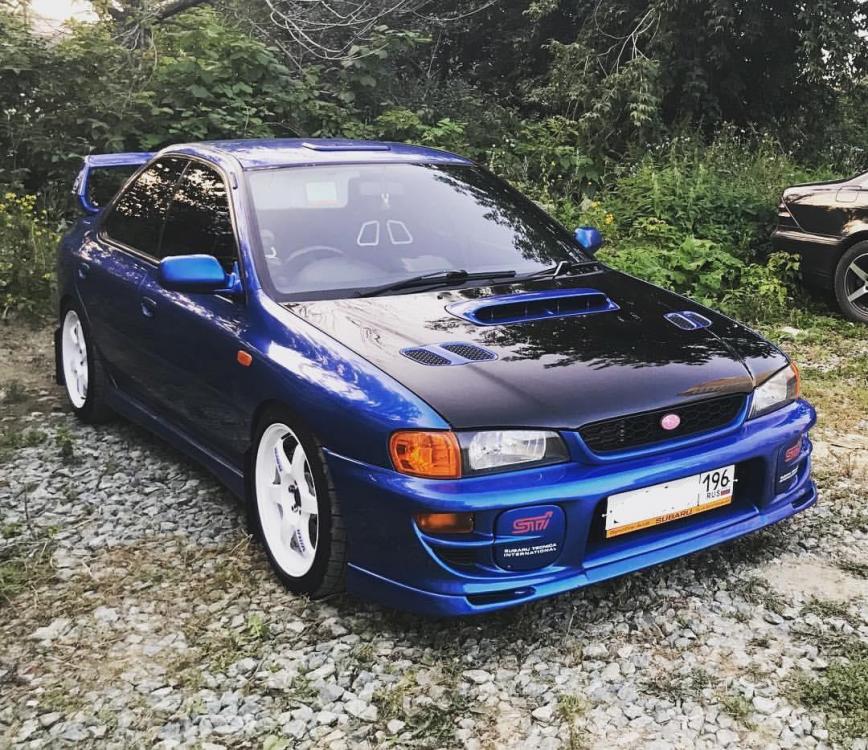
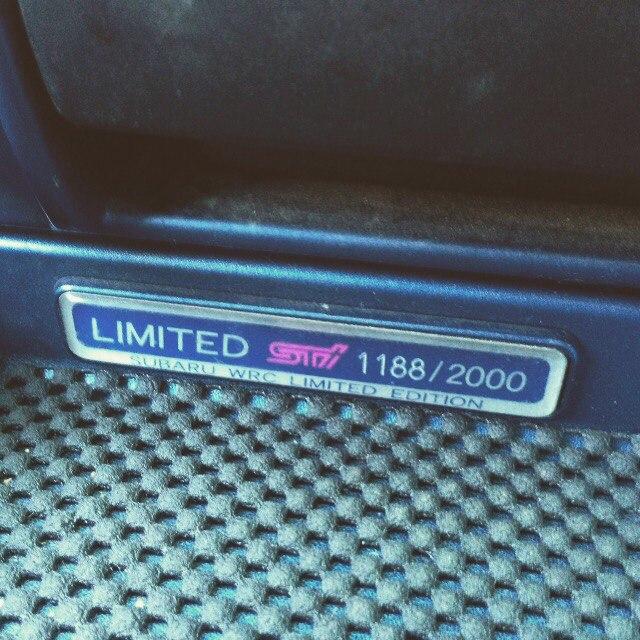
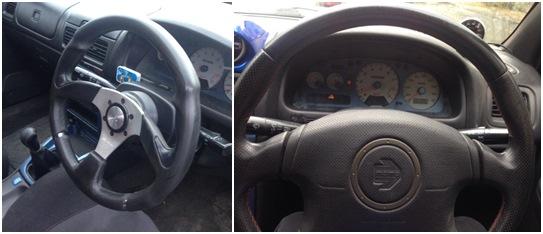
Hi to everybody! Soon my dear friend has his Birthday (on 27th of October), he is a big fan of this amazing Subaru cars and I’m kindly asking for your help - to make a memorable congratulation to him. It would be so kind from your side, I mean the owners of Subaru Impreza wrx sti gc8 type ra limited edition cars or other fans of Subaru, to shoot an outstanding video being behind your cars. About the car and owner: subaru impreza wrx sti gc8 type ra limited edition 1188/2000 GDB SPEC C INSIDE Owner: Evgeny, living in Russia, Ekaterinburg This car is a recycling car, it has to be disassembled on the spare part, but Evgeny has given her the second life, having put in her the heart and soul, time and of course, money. I would be very grateful if you wish my friend ‘Happy Birthday’ and show the car having told about you (Where are you from/Name/Age/and so on) and about the car. Please, send your videos on my email address: [email protected] or you can contact me on Facebook: facebook.com/katerinburg