


Cooky1996
Members
-
Joined
-
Last visited
-
Thanks for the reply, I did disconnect the battery for about an hour and drain all of the capacitors in hope that it reset the ecu when I installed it all, everything runs ok and power doesn’t seem to have dropped at all but is just seems higher up in the rev range! i will take your advice and try and track down the original mapper to se if he can try and balance everything out for me. thanks again
-
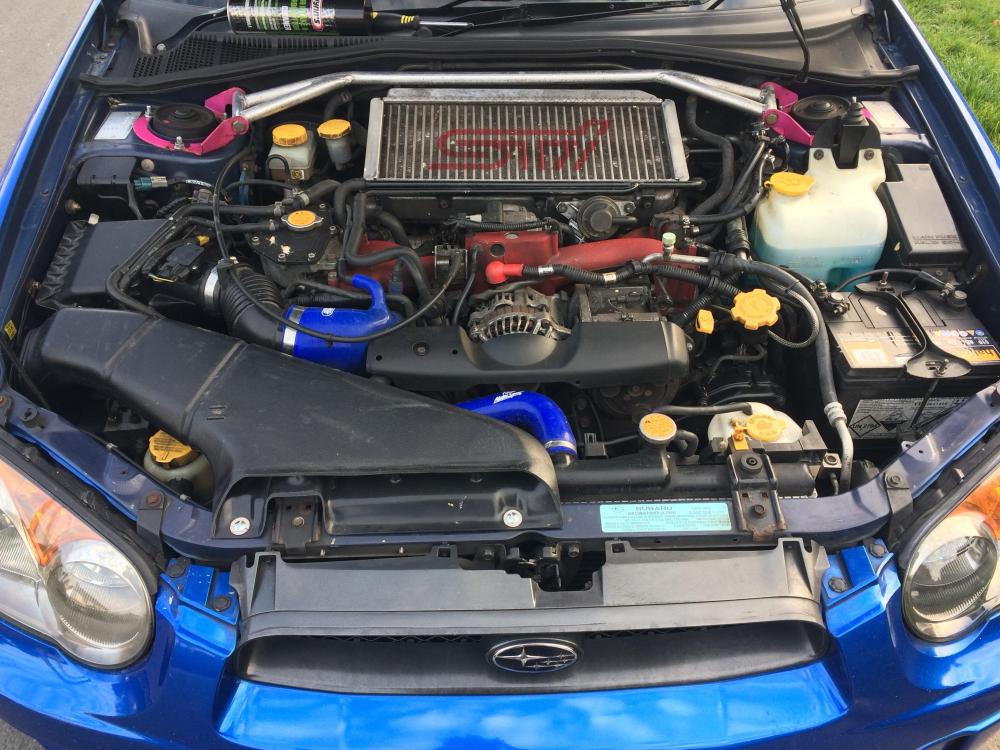
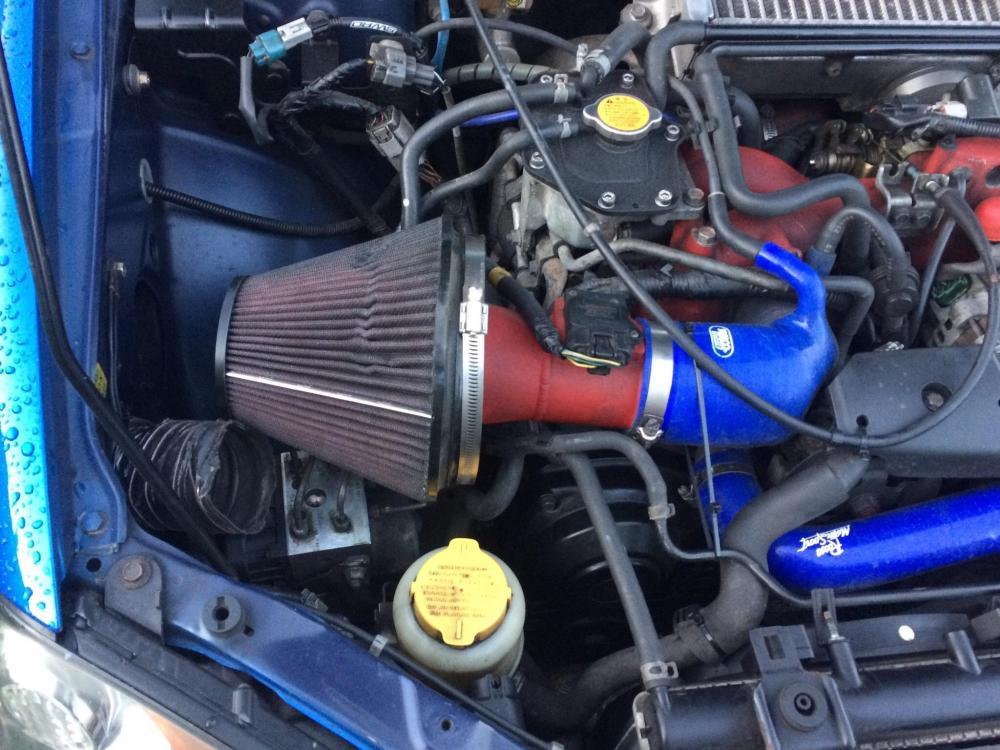
Hi i'm after some intake help, i bought a blob sti a couple of weeks ago and it came with a short cone filter. the filter was covered in holes and burns so instead of replacing it i removed it and opted for the standard airbox setup (minus the resonator) with a green performance panel filter. since then i have noticed a lot more turbo lag, turbo seems to hit full boost at around 3500rpm, instead of 2800rpm before. The car has been remapped previously and i wonder if the map was written for the short intake previously on it? My question is do i need to get the car mapped again to accompany for the different intake? Any advice would be appreciated. cheers
-
Cooky1996 changed their profile photo
-
Hi all, i'm a new member and was wondering how do i join the subaru club at Japfest this year and if so what tickets to buy? Cheers Josh


