Gibbo13
Members
-
Joined
-
Last visited
Everything posted by Gibbo13
-
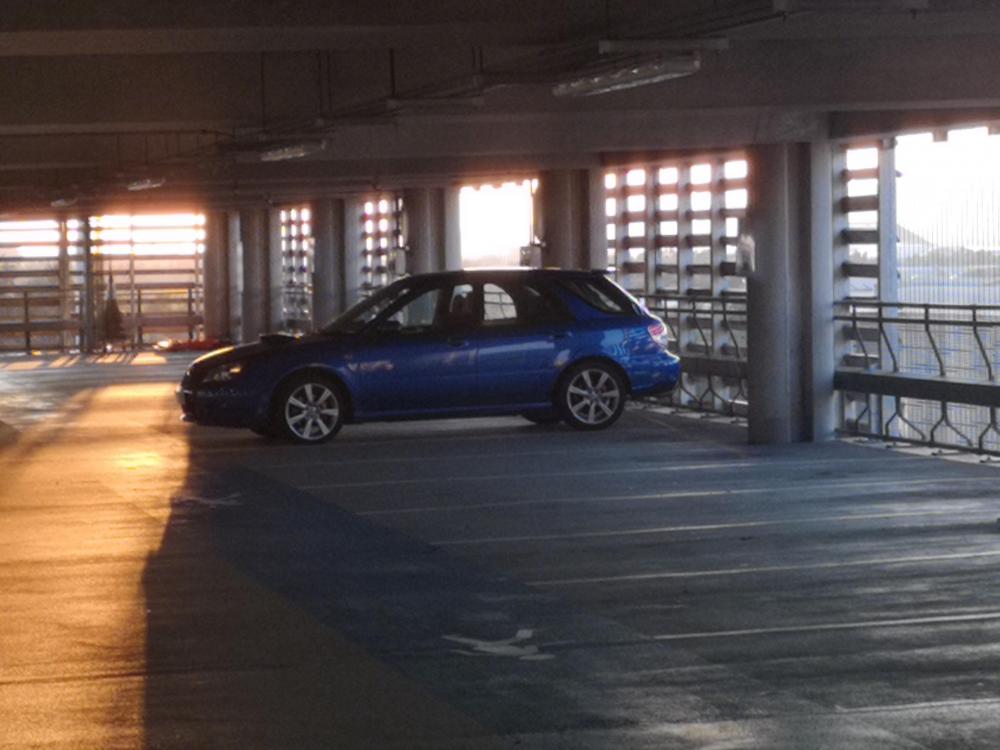
 Hi everyone. Just a quick hello. Purchased first impreza last month a 2007 impreza wrx Estate. Loving everything about it so far. Including how easy it is to work on. Used this forum before the purchase to know what to look out for. And for ideas of things to do once I got the right one. Located in Edinburgh. Chris gibson