Sarah Chivers
Members
-
Joined
-
Last visited
-
Sarah Chivers changed their profile photo
-
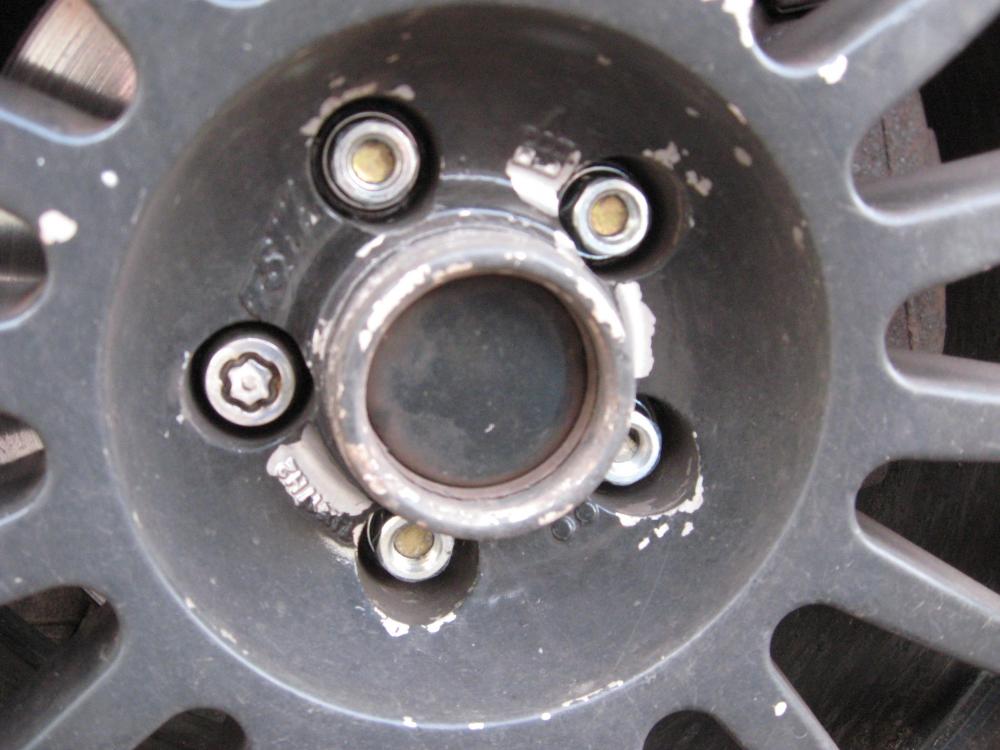
I have just checked where I got the nuts from and it says that they are for (M12 x 1.25) from nuts4wheels
-
Hi all I have a couple of little problems with my studs ! I have locking nuts on but no key! I do know that they are not Subaru as I have been to see them and they got a key in but it did not fit over the shoulder of the nut. So they are aftermarket. This is not the main problem though as we do know we can get them off . The problem is I bought 1/2 20 nuts for it but they will not go on as the thread is not the same? So do Imprezers come with different studs or are these aftermarket as well and what thread could they be? The nut will go on 3 turns and then it stops! Can anyone help or can anyone supply me with original studs please TIA Sarah
-
Thank you guys . Its a 2005 so im off to get a code reader Sarah X
-
Hi all I am a little confused about my engine light. It comes on for a few days and then for some reason it goes off? There doesn't seam to be any change to the car or the way it drives. Any help would be welcomed Sarah
-
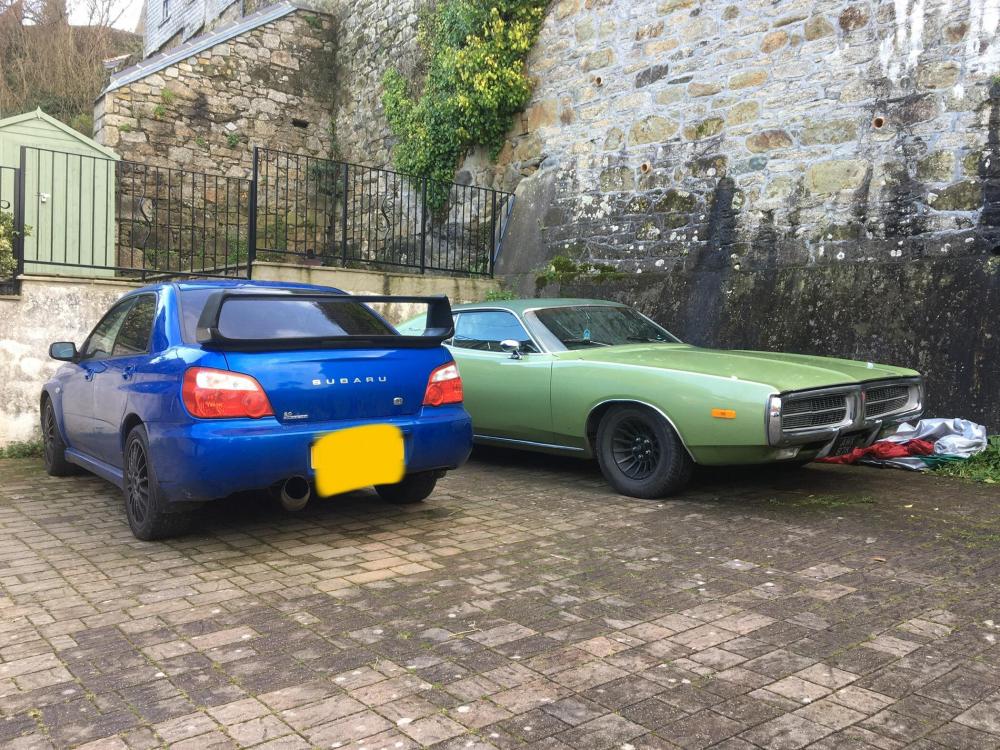
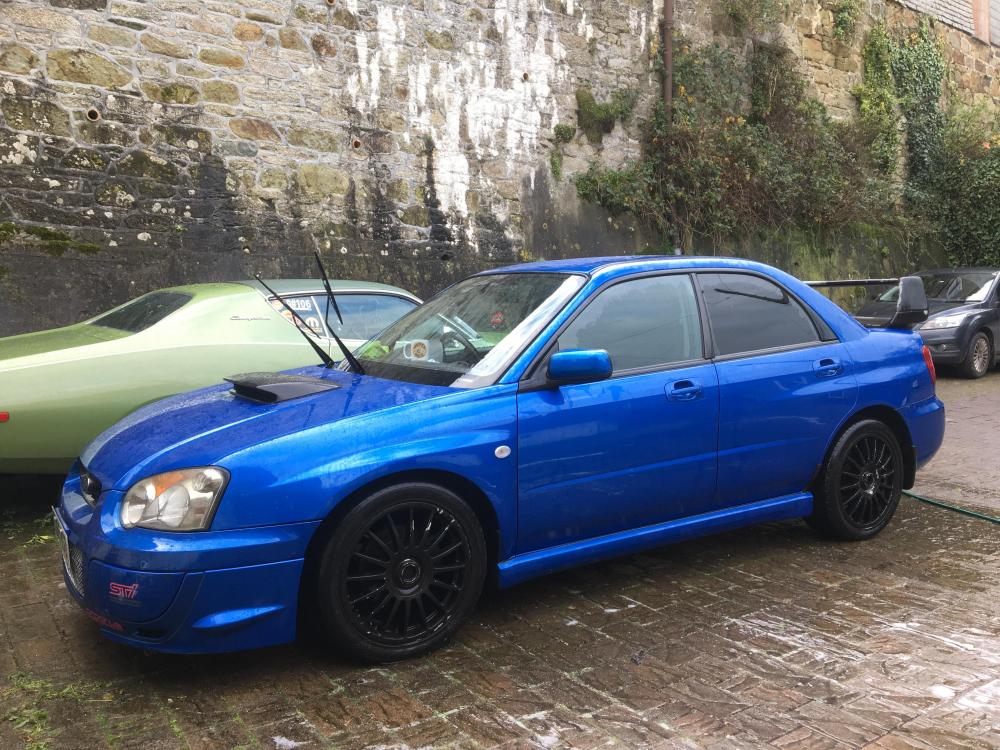
Thanks! Charger has been with us about 5 years now and does turn plenty of heads. Scooby is my new rolling project - rough at the mo but will get the tlc it needs now. Got it last Monday and not had chance to do anything yet except wash it
-
Hi from Cornwall Finally got myself an Impreza this week after YEARS of wanting one! Looking forward to being part of this group 😀