mattthewscooby78
Members
-
Joined
-
Last visited
-
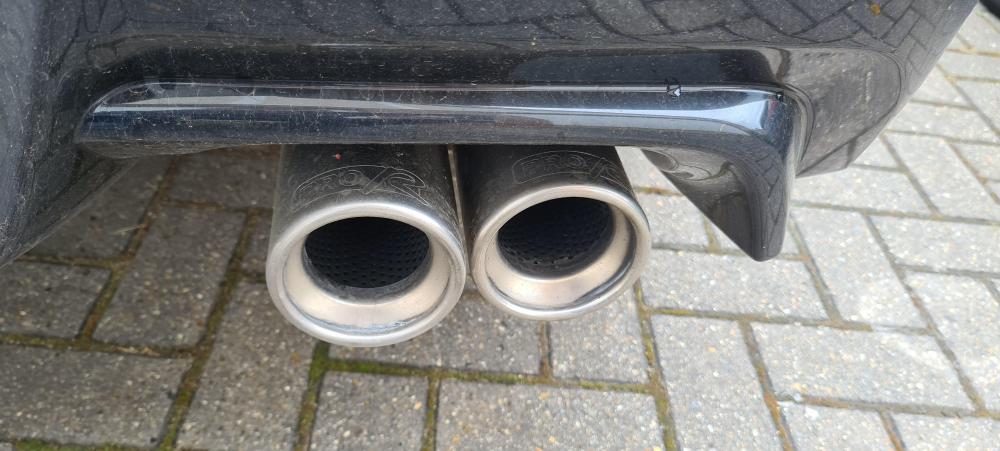
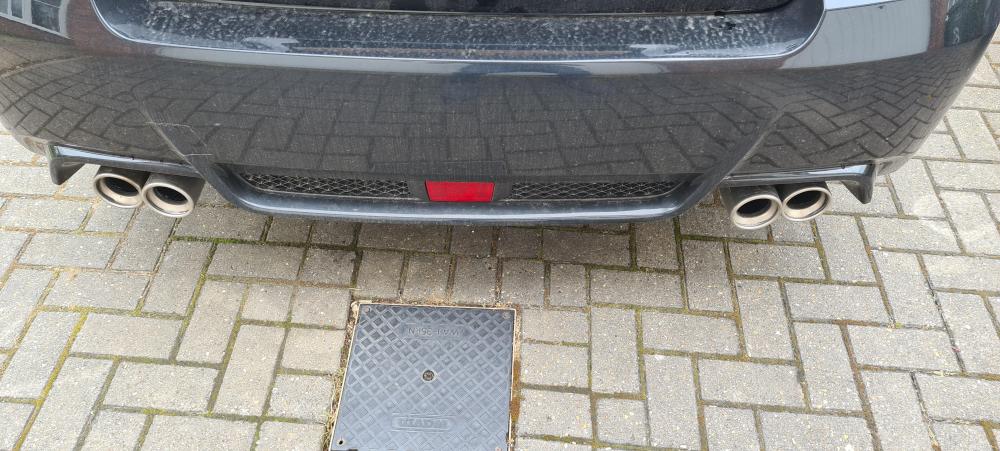
installing a N1 invidia on my 2012 sti sedan, will have really good condition pro r quad exhaust for sale, nice sound,made by scorpion, comes with mid pipe and resonator which is oem subaru, looking for good offers.
-
Spoke to alyn nice guy he's gonna sort me out 👍👍
-
Cheers bud 👍👍
-
so spoke to cat tuning and been advised I need a rcm intake,will a 01-07 sti one fit as I can only find that one nearest my 2012 sti, also advised a 3inch mid pipe de resonated, again a pain to find, any ideas ??
-
Cool, I've emailed him just waiting on a quote 👍👍
-
Thats who I thought mate so glad someone else has recommended him. 👍👍
-
hi, need my sedan sti dyno tuned, added a few mods so needs tuning, anyone know of a good tuner in norfolk or willing to travel. Cheers👍
-
Love it mate, fastest one I've had running around 345 bhp, so much torque and love the vf48 sound 👍👍
-
hi all, new to SOC but not to subarus, had a 95 classic, 05 hawkeye, now have a sedan 2012 wrx sti 340r. Is stock apart from 340r upgrade kit ( fuel pump upgrade/Pro r catback), agency power turbo intake, performance intake. Pretty much do all my own work on the car apart from the remapping but hey, is possible with courses. 😁 Hi to all and hope all are well 👍👍