Do Not Sell My Personal Information Jump to content
View in the app

A better way to browse. Learn more.

Subaru Owners Club UK | Subaru Forums

A full-screen app on your home screen with push notifications, badges and more.

To install this app on iOS and iPadOS
  1. Tap the Share icon in Safari
  2. Scroll the menu and tap Add to Home Screen.
  3. Tap Add in the top-right corner.
To install this app on Android
  1. Tap the 3-dot menu (⋮) in the top-right corner of the browser.
  2. Tap Add to Home screen or Install app.
  3. Confirm by tapping Install.

scoobypaddy92

Members
  • Joined

  • Last visited

  1. Welcome buddy, new member myself, bought my Impreza 2 weeks ago and loving it 🙂 hope you have fun with it
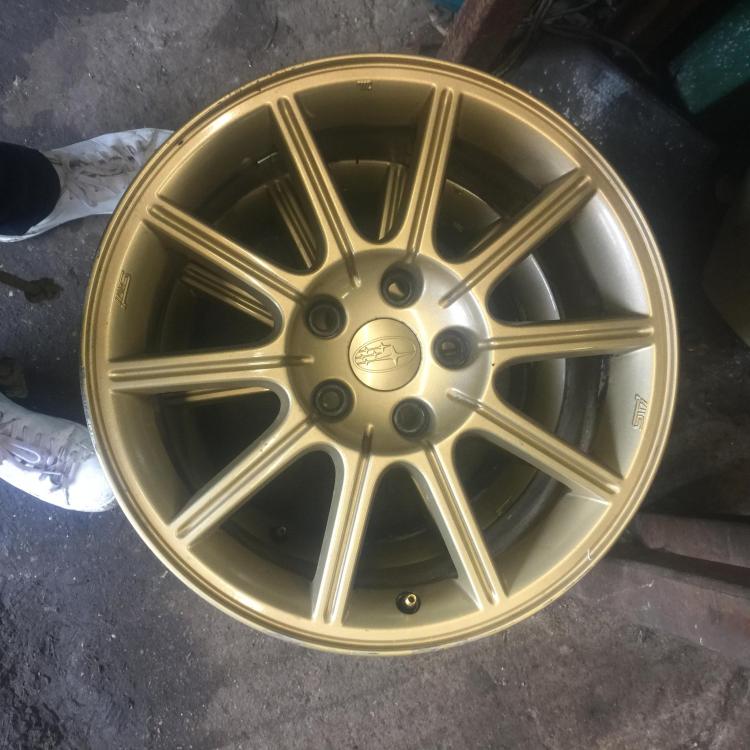
  2. Have x4 gold alloys is great condition, came of an Impreza, pcd is 5x114. Collection only from n18, Tottenham, London. £200 cash on collection
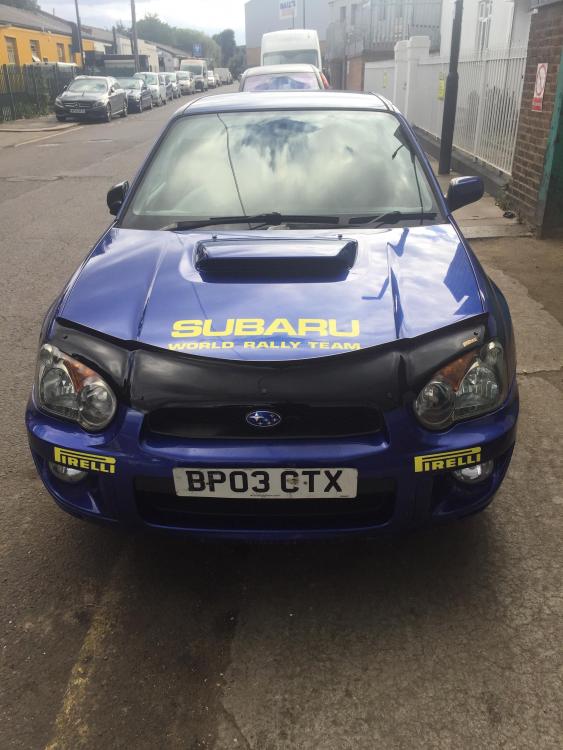
  3. Thanks jay! Defo will do that, if I can’t find anyone I’ll give it a go myself like, just decals ain’t really my area so I wanted to leave it to a pro 😂
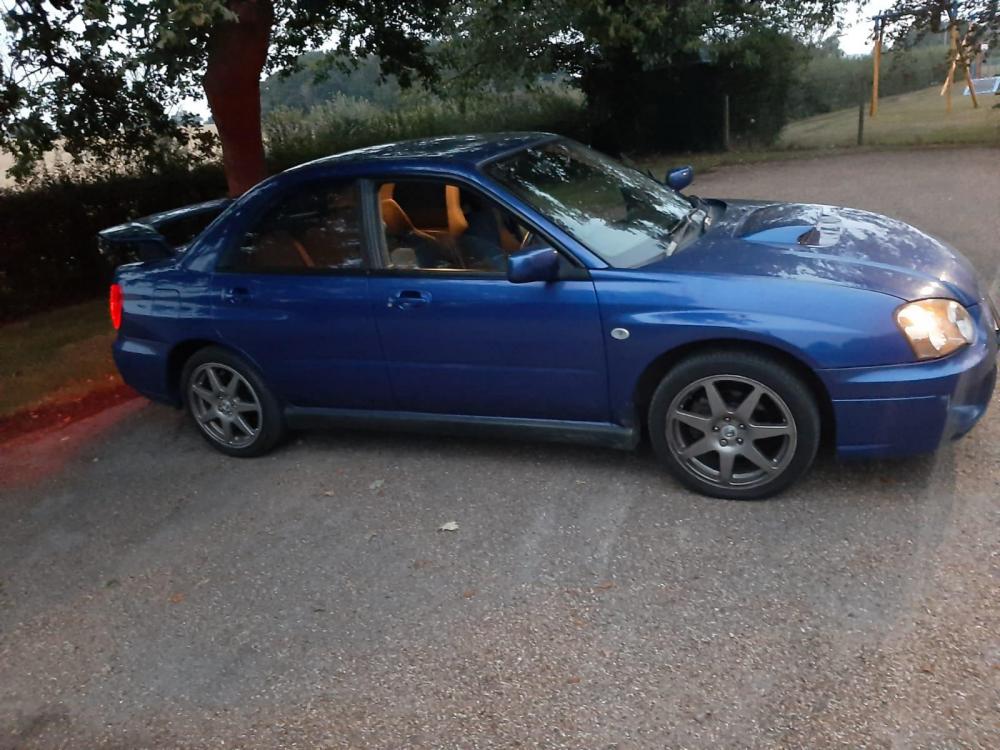
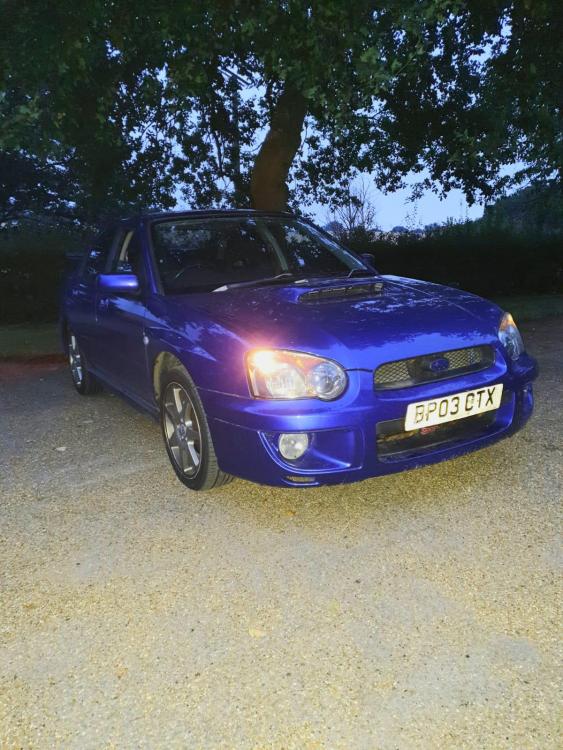
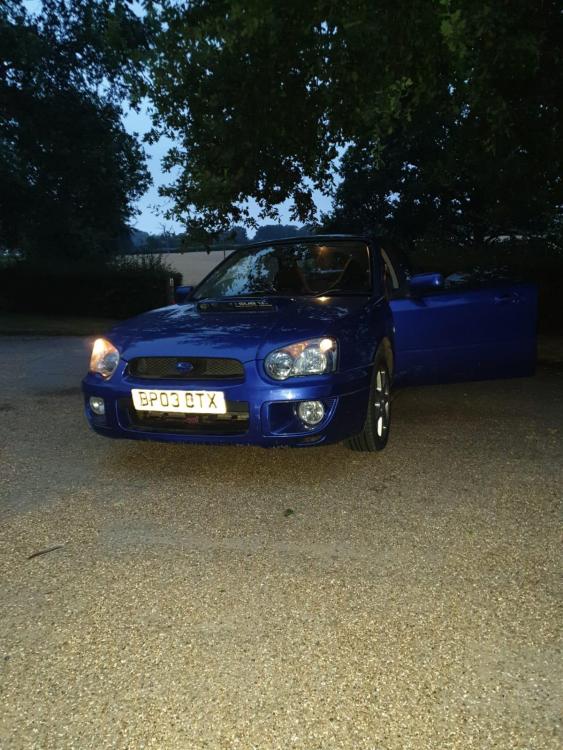
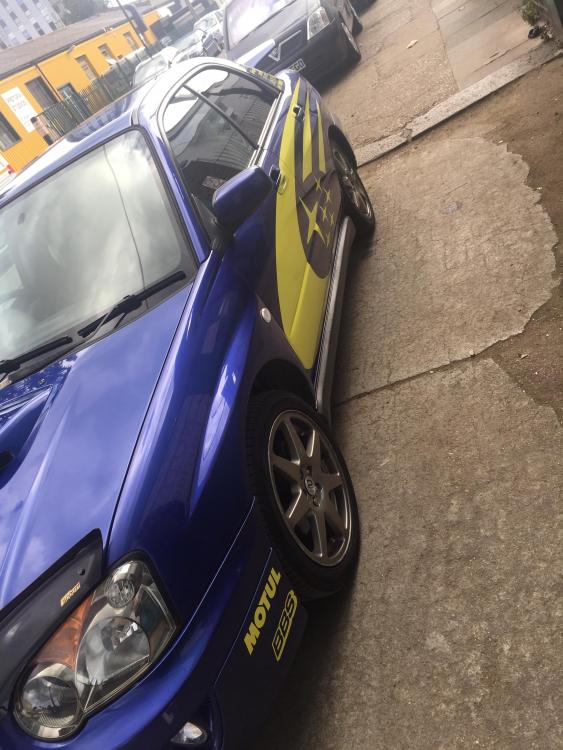
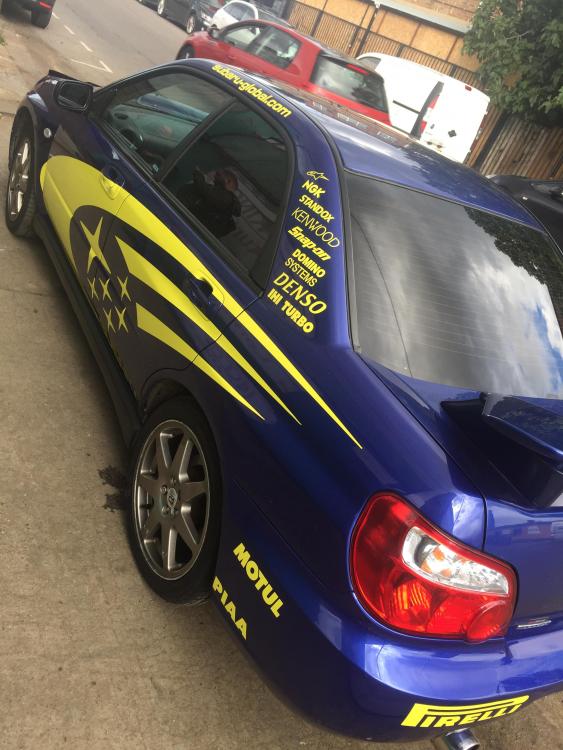
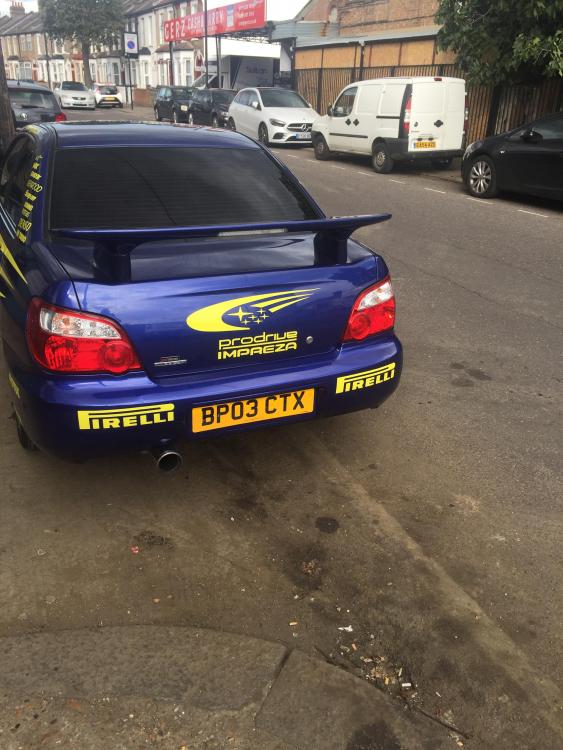
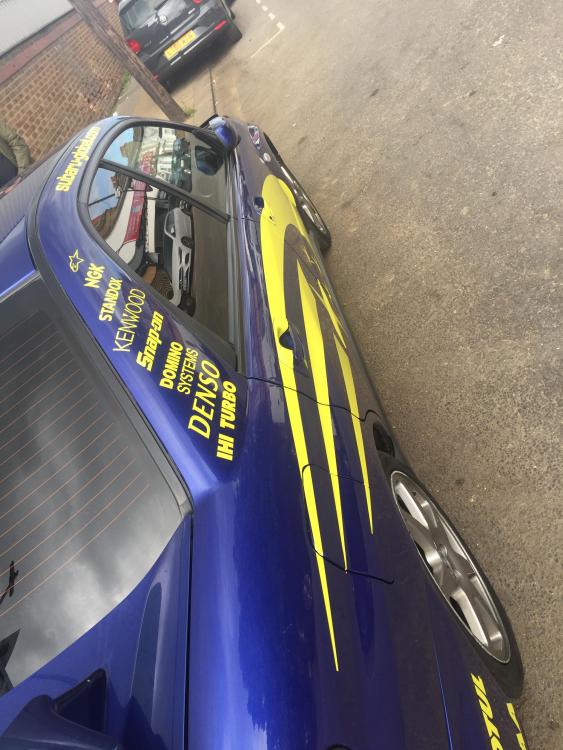
  4. Morning all, new member and first time scooby owner, loving it so far it’s an auto gx but converting it to manual next weekend, was wondering though does anyone know where I can get the world rally decal kit fitted? In or just outside London? Thanks 🙂
Background Picker
Customize Layout

Account

Navigation

Search

Configure browser push notifications

Chrome (Android)
  1. Tap the lock icon next to the address bar.
  2. Tap Permissions → Notifications.
  3. Adjust your preference.
Chrome (Desktop)
  1. Click the padlock icon in the address bar.
  2. Select Site settings.
  3. Find Notifications and adjust your preference.