Do Not Sell My Personal Information Jump to content
View in the app

A better way to browse. Learn more.

Subaru Owners Club UK | Subaru Forums

A full-screen app on your home screen with push notifications, badges and more.

To install this app on iOS and iPadOS
  1. Tap the Share icon in Safari
  2. Scroll the menu and tap Add to Home Screen.
  3. Tap Add in the top-right corner.
To install this app on Android
  1. Tap the 3-dot menu (⋮) in the top-right corner of the browser.
  2. Tap Add to Home screen or Install app.
  3. Confirm by tapping Install.

Dibdob0

Members
  • Joined

  • Last visited

  1. Thank you. Hoping to find someone who will love her like we do. Fingers crossed as full year MOT, and sound, apart from the pesky under rust. Some TLC will do her grand 👍
  2. Dibdob0 joined the community
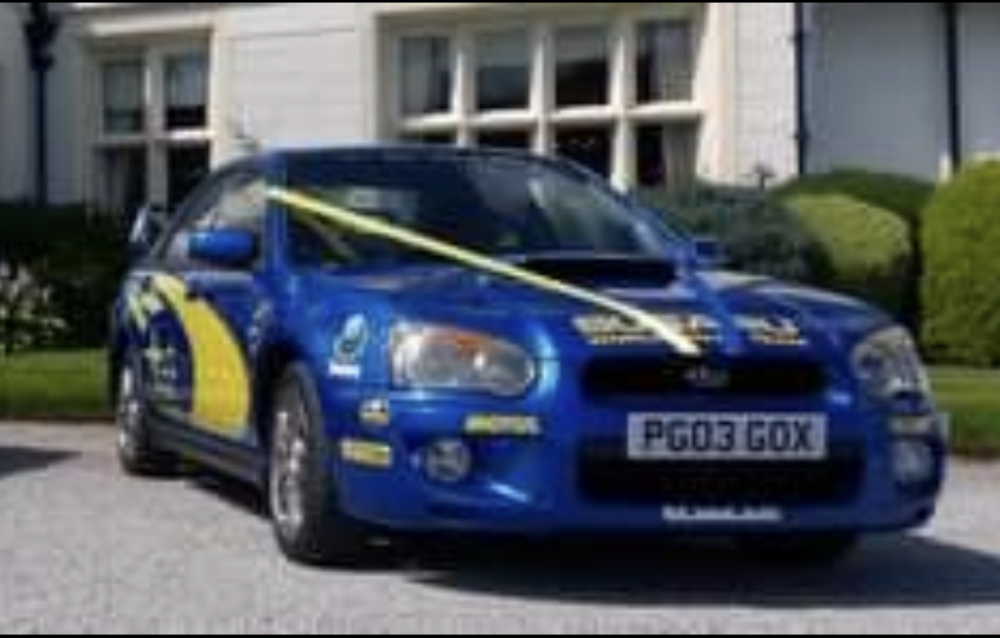
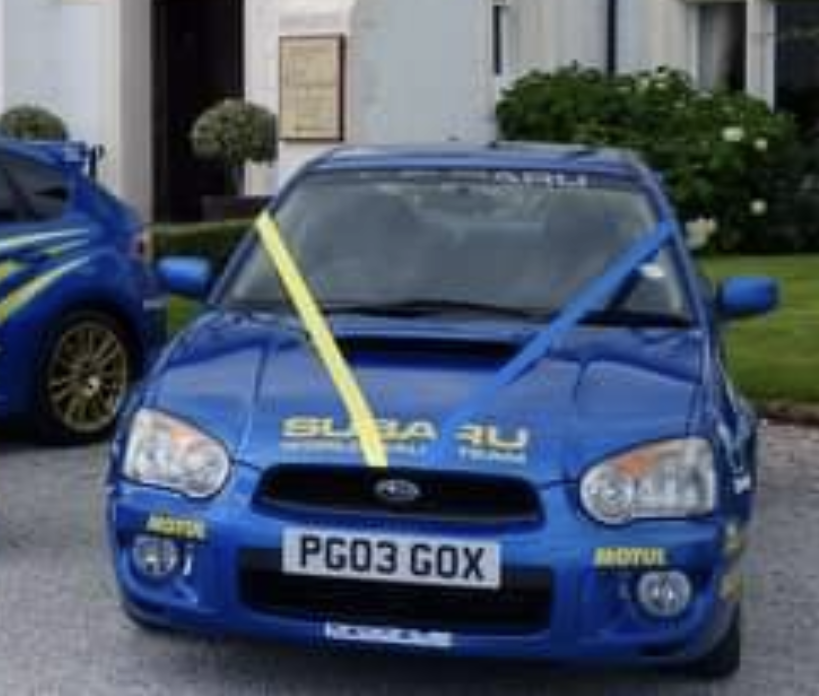
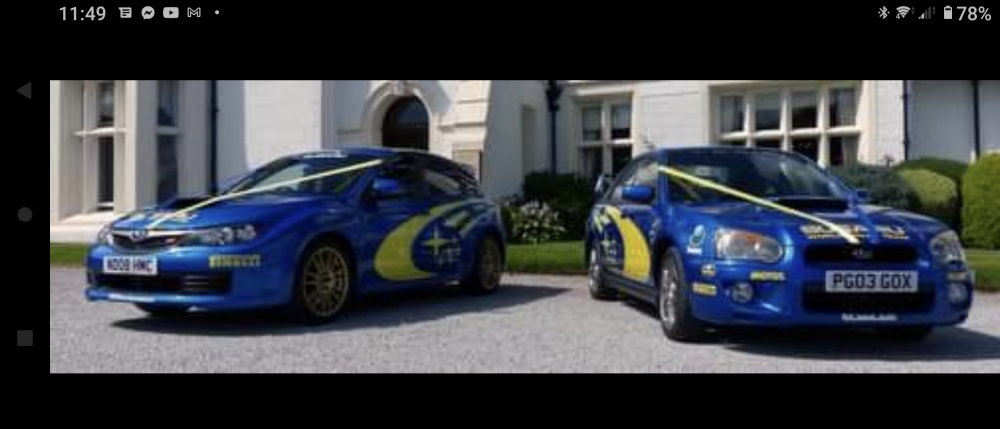
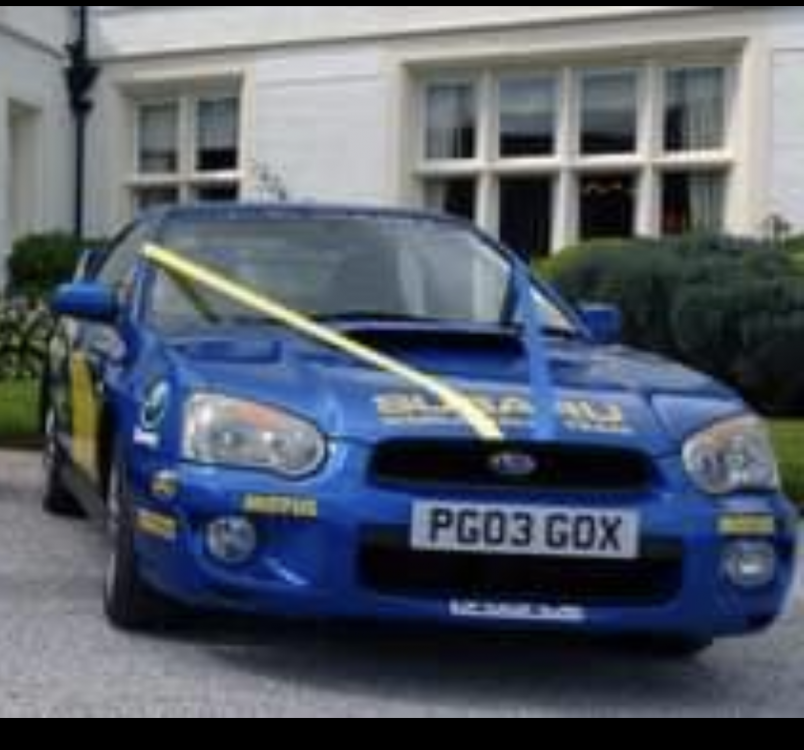
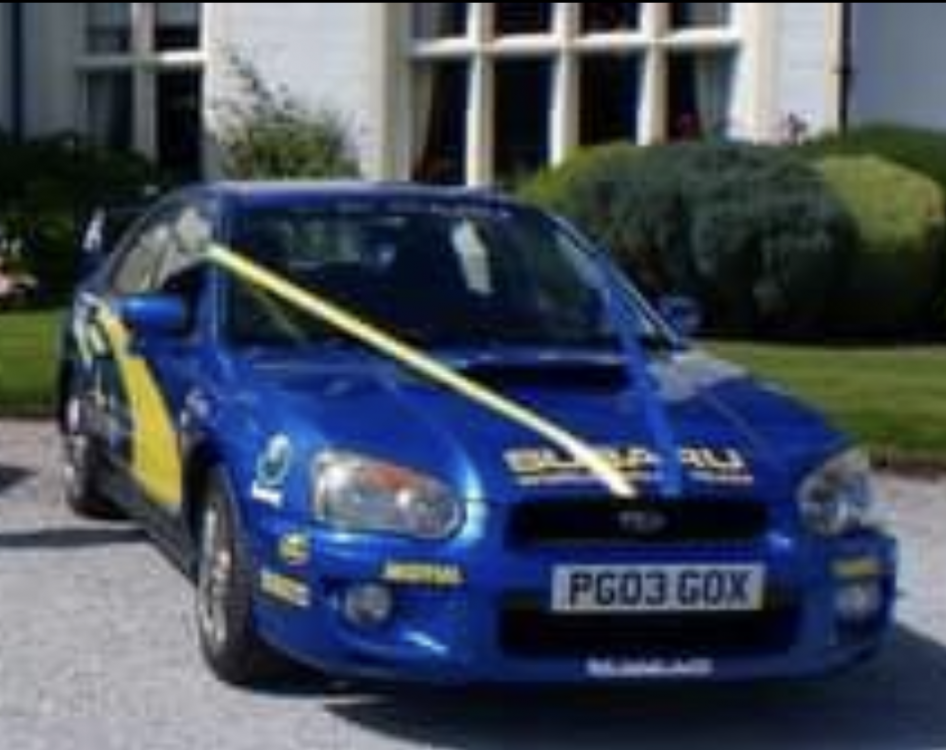
  3. Just enquiring if anyone would be interested in buying a much loved WRX 2003. This car we have had since new. It was 'dressed' by our local Subaru garage as a special demonstrator. She is getting to be an old girl now, and needs some work. Nothing very major, but it is underneath rust, that we haven't the expertise or facilities to do. She has done 64,000 miles, and has been used for weddings and proms as well as being our run around car. Can give more details and pictures if any serious interest.
Background Picker
Customize Layout

Account

Navigation

Search

Configure browser push notifications

Chrome (Android)
  1. Tap the lock icon next to the address bar.
  2. Tap Permissions → Notifications.
  3. Adjust your preference.
Chrome (Desktop)
  1. Click the padlock icon in the address bar.
  2. Select Site settings.
  3. Find Notifications and adjust your preference.