Tobiaz
Members
-
Joined
-
Last visited
Everything posted by Tobiaz
-
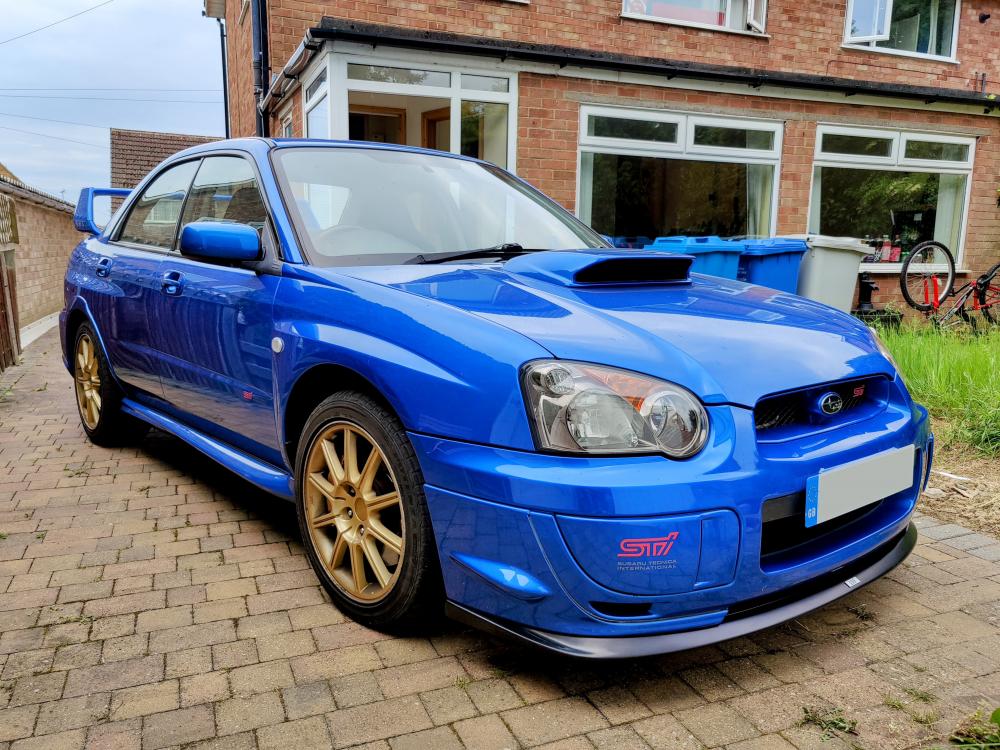
Good evening all! I am hopefully looking to get some more information surrounding the specifications of the suspension for my Impreza WRX STi Type UK Blobeye Widetrack model with PPP. I have been struggling for a while to find OEM or equivalent standard springs & shocks for my model given it being the last UK blobeye model with the 5 x 114 wheel fitment. Would anyone be able to help at all for where I can obtain some original suspension parts? I am trying my absolute best to keep this car in its original condition as I love the stock look and want to keep it looking its best. Thanks all! Toby
-
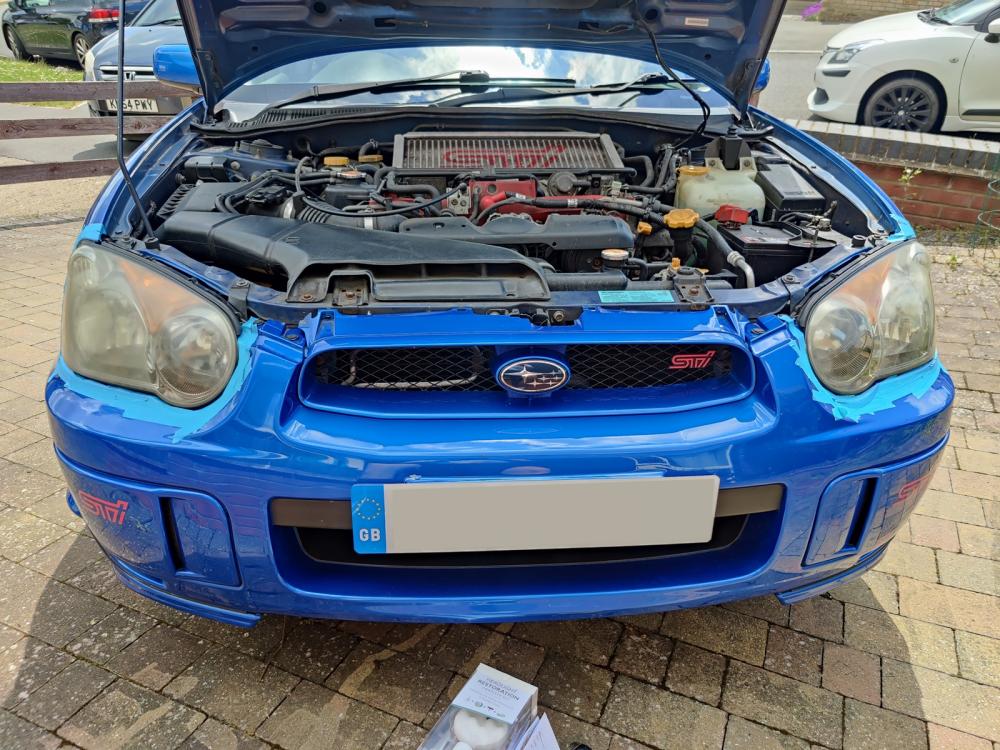
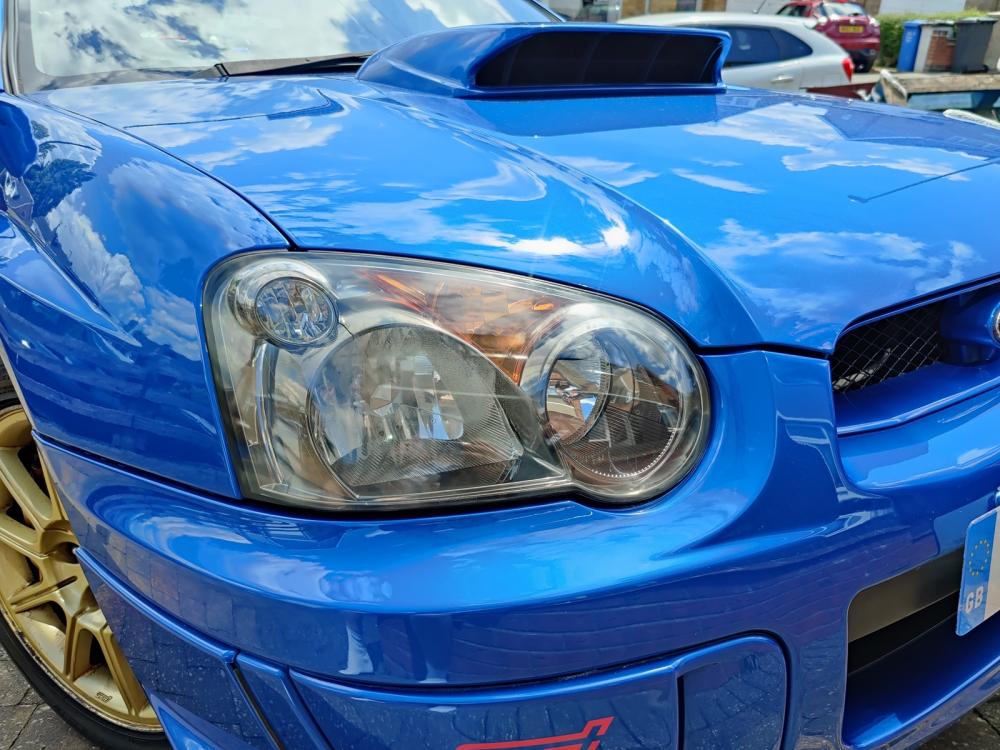
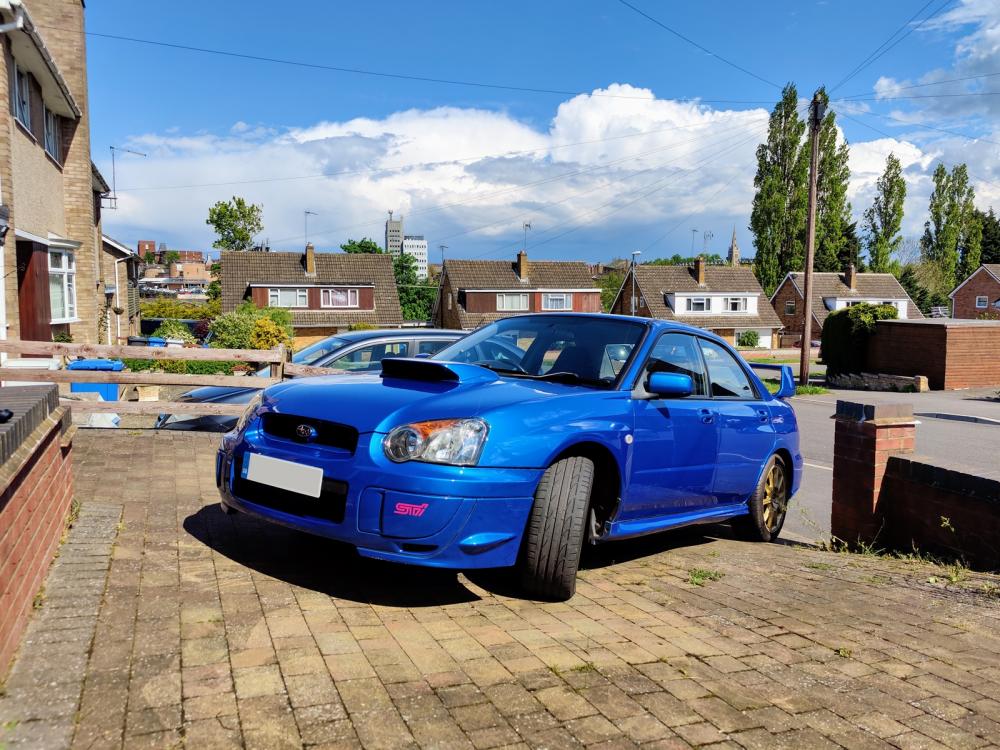
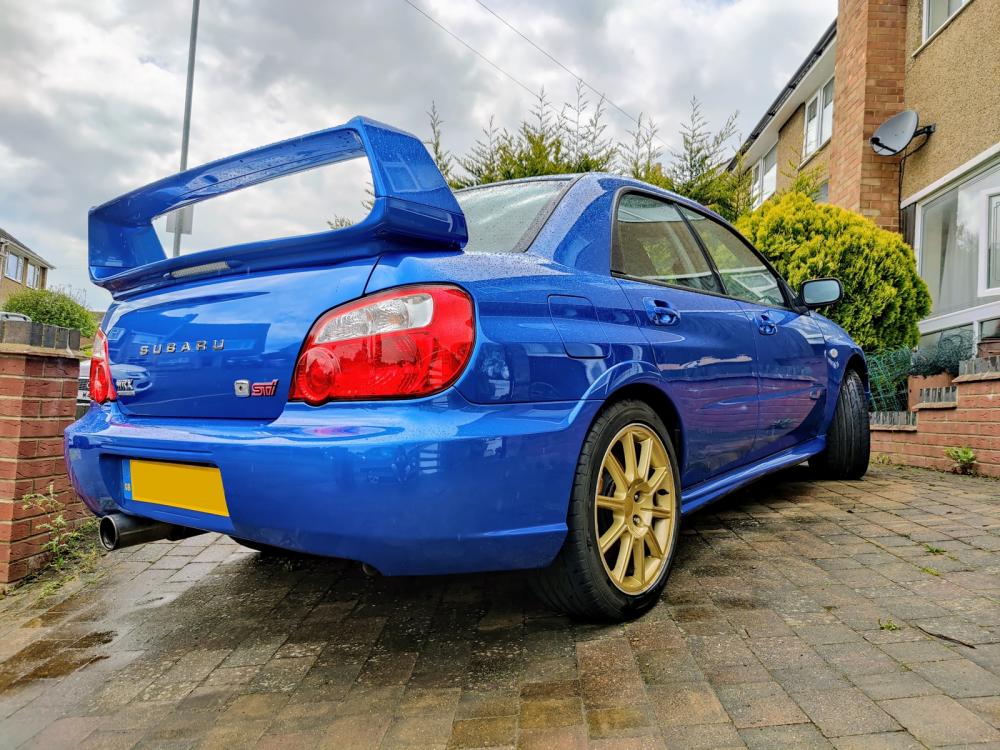
Good afternoon all! Hope you're doing good. After months of research, planning and working out personal finance, I can say I am now a very proud owner of a WRX STI Type UK! Widetrack PPP included on a 55 plate model. Plenty of little jobs to do to make it perfect. Just completed an exterior headlight restore, still got to do the inside of the headlights, wheels, underframe clean blah blah blah..... No intention of doing any mods to it at all. Furthest I'd go is a front lip or new/different wheels but otherwise pretty chuffed. Cheers all. Toby