gibbo-wrx
Members
-
Joined
-
Last visited
Everything posted by gibbo-wrx
-
 Haha, she's not to bad, but when she passes it'll be a massive relief. Less shop trips and more taking the kids out for a decent run in the motor.
 -
Aye you guessed right. Makes working on motors easy having kitted out workshop right on the doorstep. Been around Loanhead fair bit recently, Mrs is learning to drive so most of my time is spent sitting in passenger seat of her Renault trying to stay calm.
-
I'm just near Penicuik and hopefully gonna be able to stay in the UK for a wee while without being sent away so I can actually enjoy the car.
-
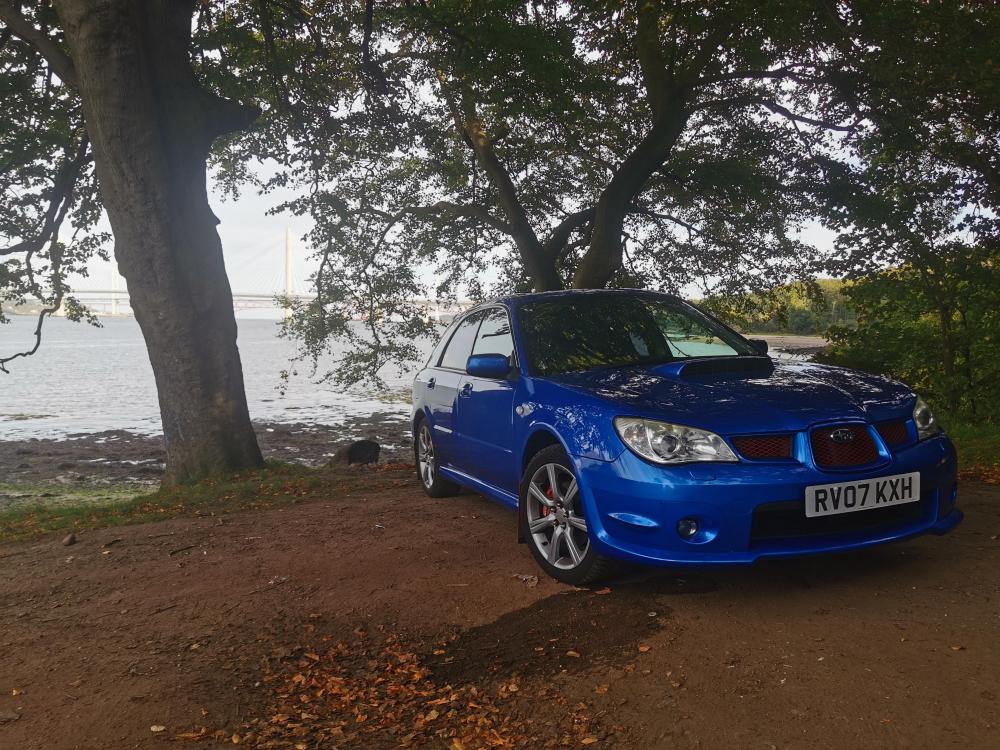
hello, new to the forum. my names chris, owned my hawk wrx estate for just over 2 years now. located in Edinburgh with family including car mad son and daughter. Mechanic by trade and enjoy working on motors no matter what it is.