Do Not Sell My Personal Information Jump to content
View in the app

A better way to browse. Learn more.

Subaru Owners Club UK | Subaru Forums

A full-screen app on your home screen with push notifications, badges and more.

To install this app on iOS and iPadOS
  1. Tap the Share icon in Safari
  2. Scroll the menu and tap Add to Home Screen.
  3. Tap Add in the top-right corner.
To install this app on Android
  1. Tap the 3-dot menu (⋮) in the top-right corner of the browser.
  2. Tap Add to Home screen or Install app.
  3. Confirm by tapping Install.

JoeCoppen

Members
  • Joined

  • Last visited

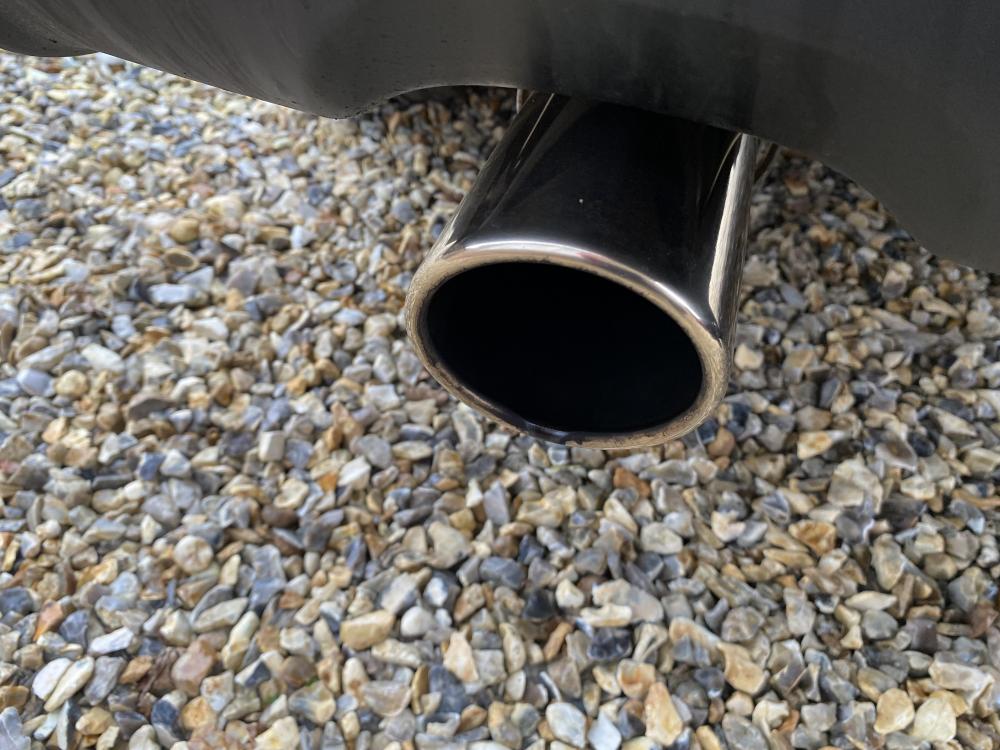
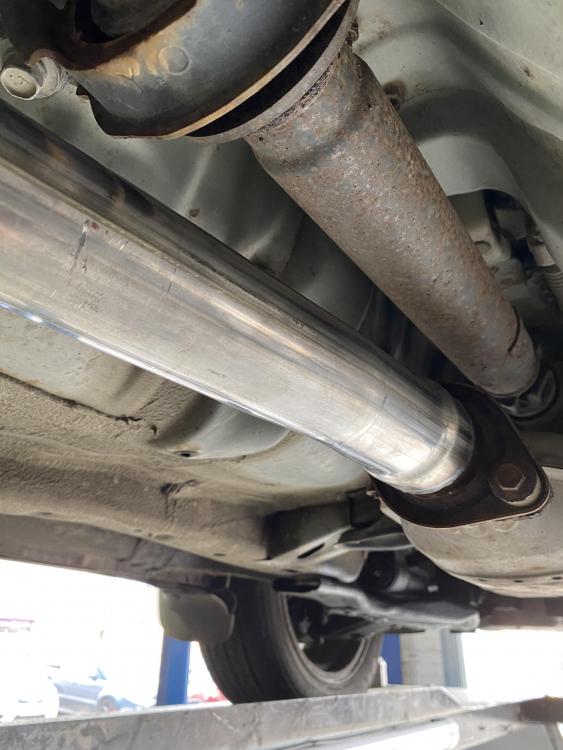
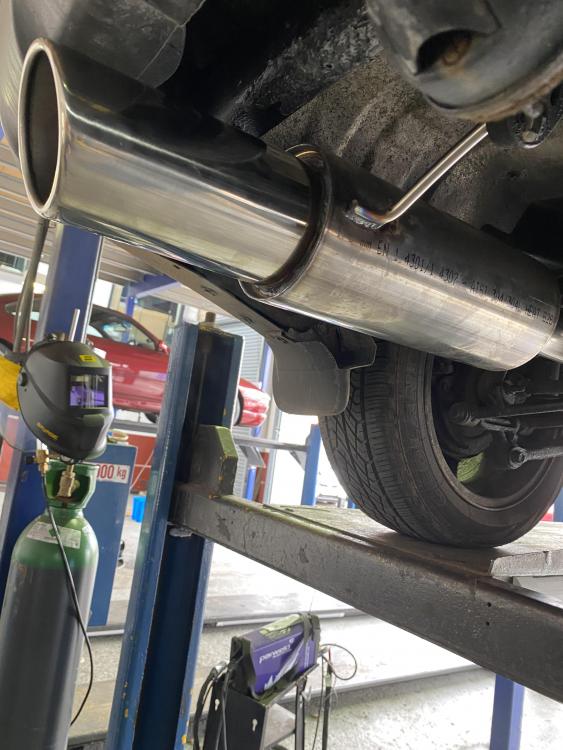
  1. Credit to MIJ in Walsall. Fantastic job and a lovely burble.
  2. Judd thank you mate that’s a blessing to know. Have you modified yours? any suggestions on tasteful additions to improve the drive and capability of the car?
  3. JoeCoppen joined the community
  4. Hi I’ve just purchased a lovely second hand Forester from an elderly driver. She had taken very good care of it. I want to investigate how much a service will cost? Where best to get the work carried out and what my options are. Two dealers quoted me £330-£340. The car has covered 35k miles and been serviced annually by its previous owner. thanks
Background Picker
Customize Layout

Account

Navigation

Search

Configure browser push notifications

Chrome (Android)
  1. Tap the lock icon next to the address bar.
  2. Tap Permissions → Notifications.
  3. Adjust your preference.
Chrome (Desktop)
  1. Click the padlock icon in the address bar.
  2. Select Site settings.
  3. Find Notifications and adjust your preference.