Carouselambra
Members
-
Joined
-
Last visited
Everything posted by Carouselambra
-
Sorry, no they've gone. I am moving and needed the space. I'll try and edit the post to show they're not avilable.
-
Hello - I'm very sorry but I've only just seen your message - I thought I'd set the forum to email me with replies but I've not seen it. They're from a 2005 WRX so I think that could have been a blobeye or a hawkeye (sorry i didn't see the donor car, it had already been stripped). Also I think the internal configuration may be the same anyway but I really couldn't be sure. Sorry I'm not of much use on this (I wanted the drivers' seat for my Foz so I didn't pay much attention at the time). But let me know if there any info I can give or photos that might narrow it down.
-
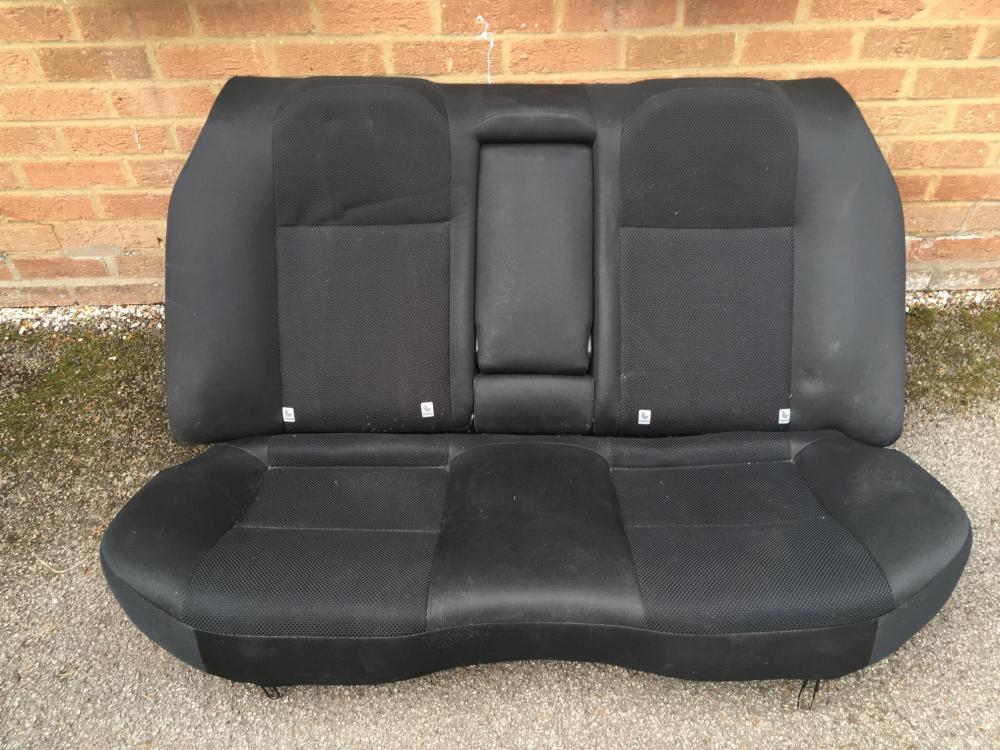
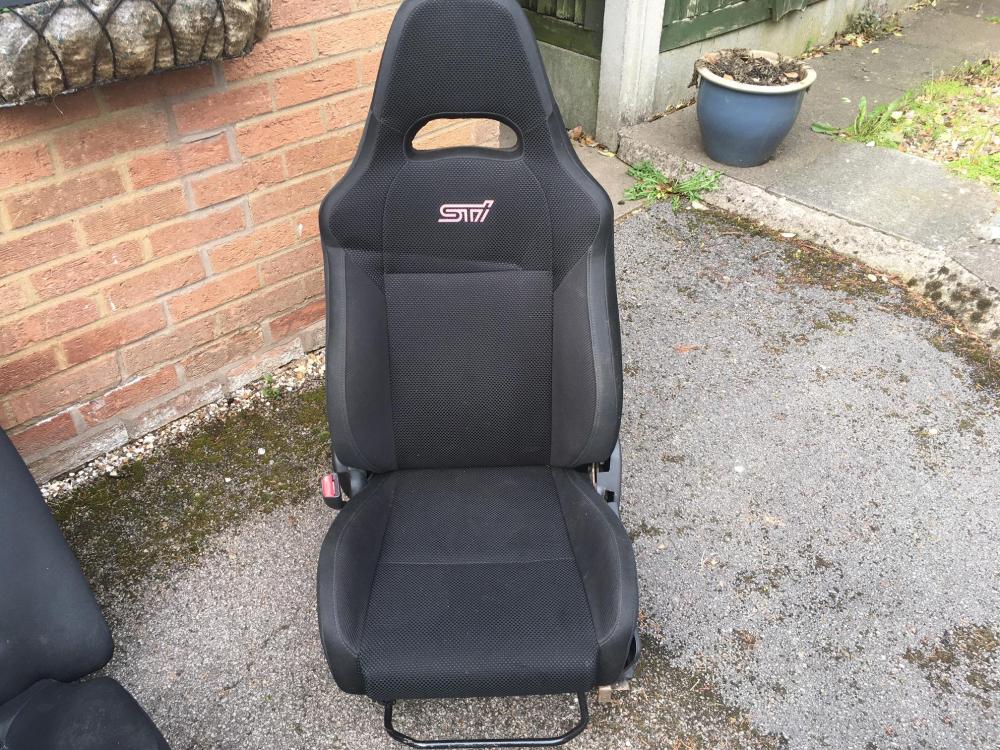
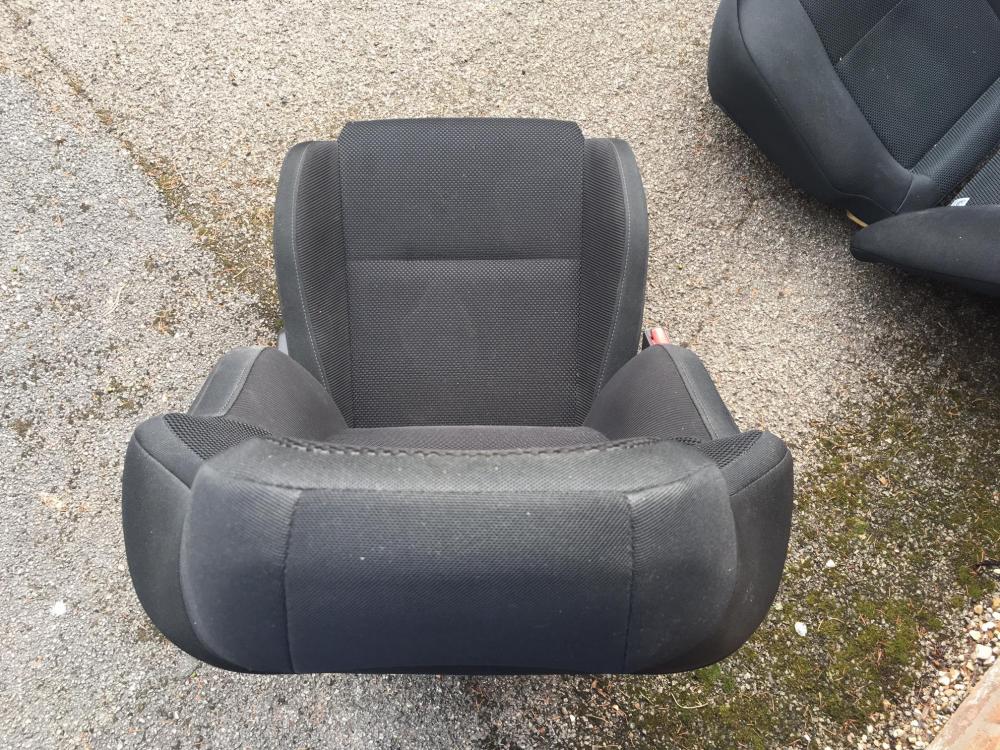
Ignore the fake STI branding on the passenger seat! It's a heat transfer which someone applied. These are from an Impreza WRX saloon, approximately 2005. Passenger seat complete with rails, and a rear bench seat. The creases you see are the result of them being stacked on each other in the garage and should go away I think. The passenger seat has a very slight twist - see picture from above - the car that's from had a bad OSR impact which is probably the cause. Other than that, they're just dusty. Free to a good home, buyer must collect from south west Leicestershire.