Do Not Sell My Personal Information Jump to content
View in the app

A better way to browse. Learn more.

Subaru Owners Club UK | Subaru Forums

A full-screen app on your home screen with push notifications, badges and more.

To install this app on iOS and iPadOS
  1. Tap the Share icon in Safari
  2. Scroll the menu and tap Add to Home Screen.
  3. Tap Add in the top-right corner.
To install this app on Android
  1. Tap the 3-dot menu (⋮) in the top-right corner of the browser.
  2. Tap Add to Home screen or Install app.
  3. Confirm by tapping Install.

Dusty5

Members
  • Joined

  • Last visited

  1. Hi Mikku, just posted under the General Chat forum. I could only paste about half my photos for some reason, but enjoy anyway.
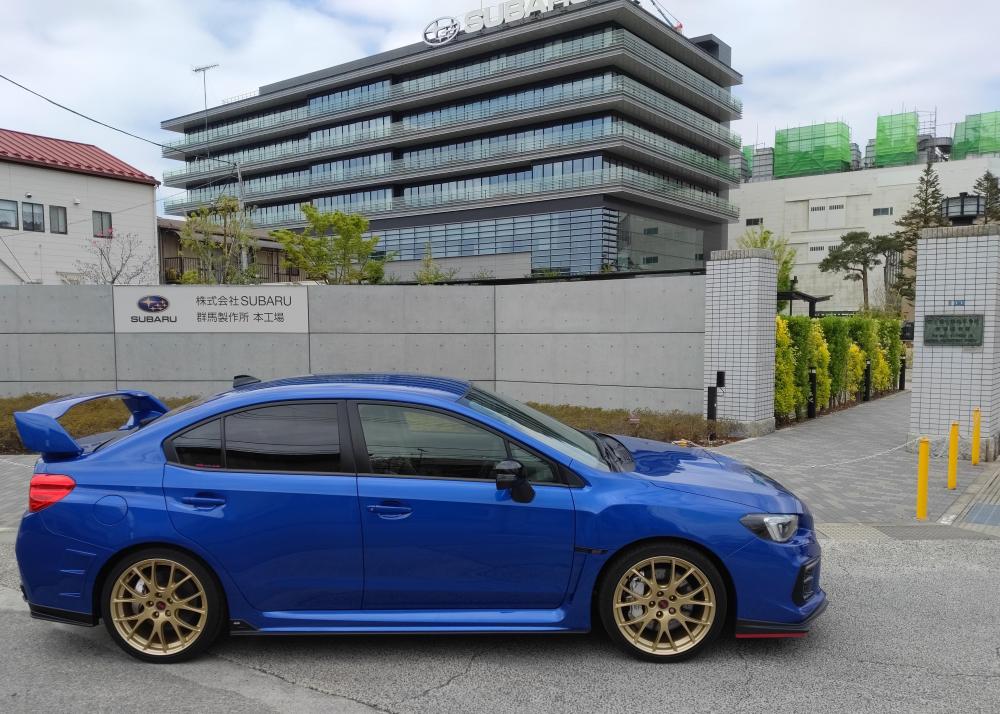
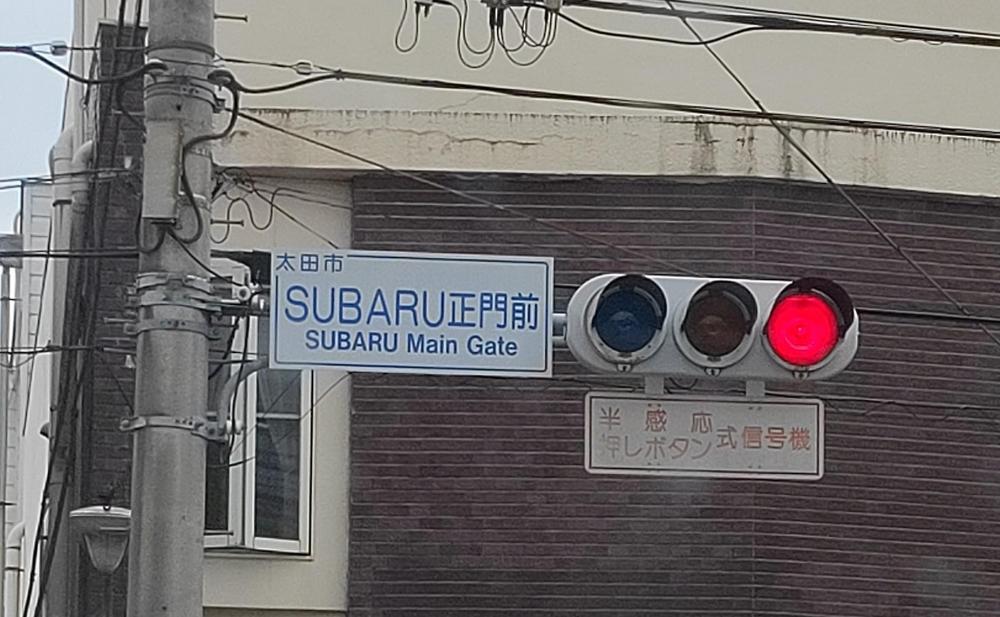
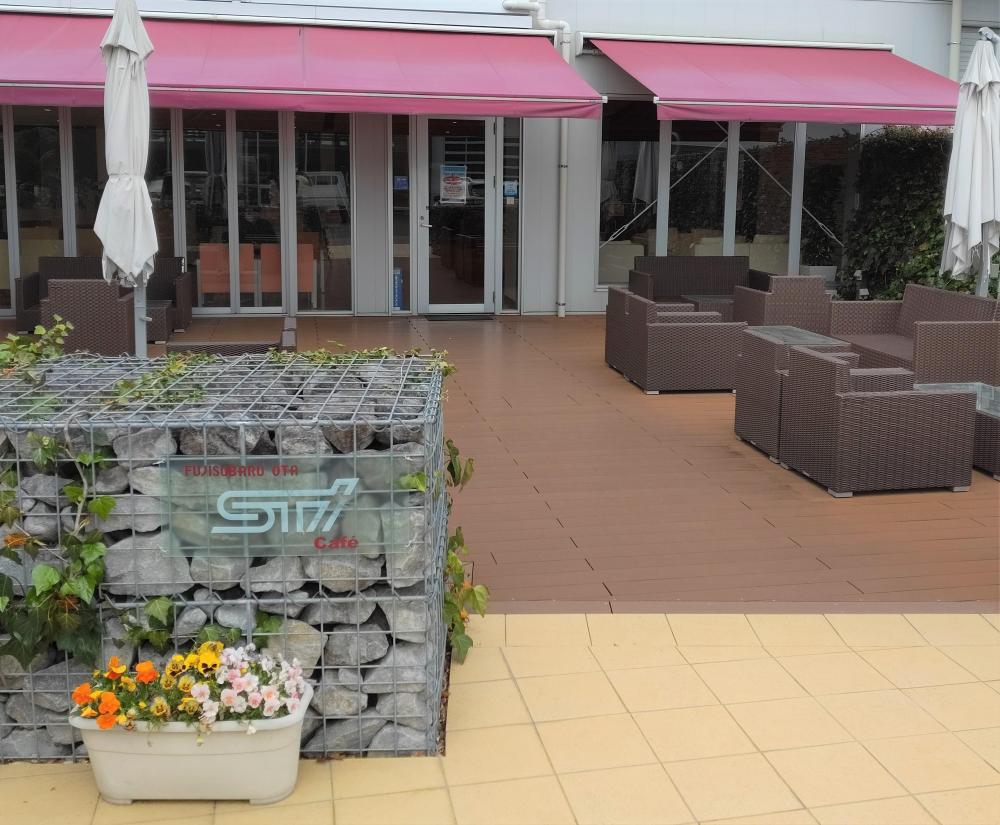
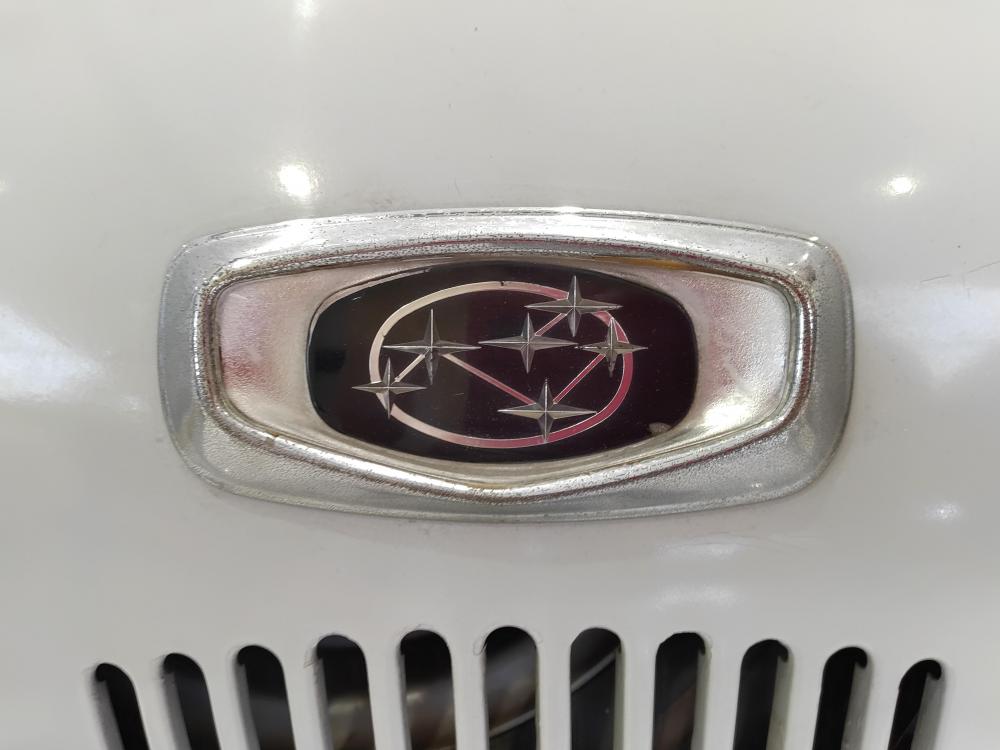
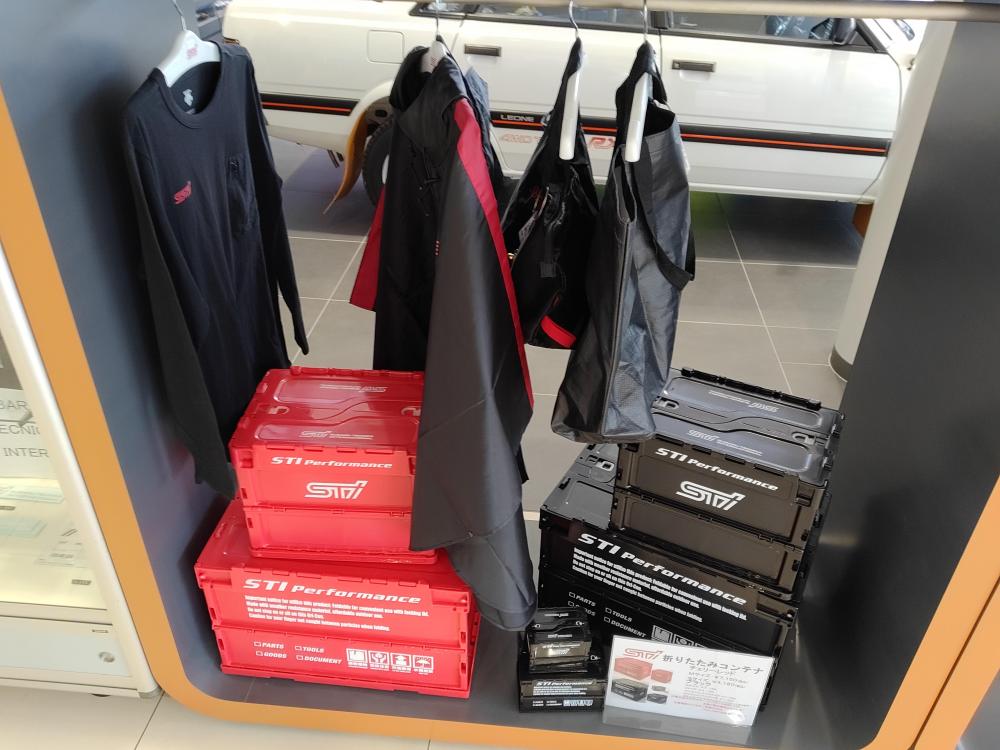
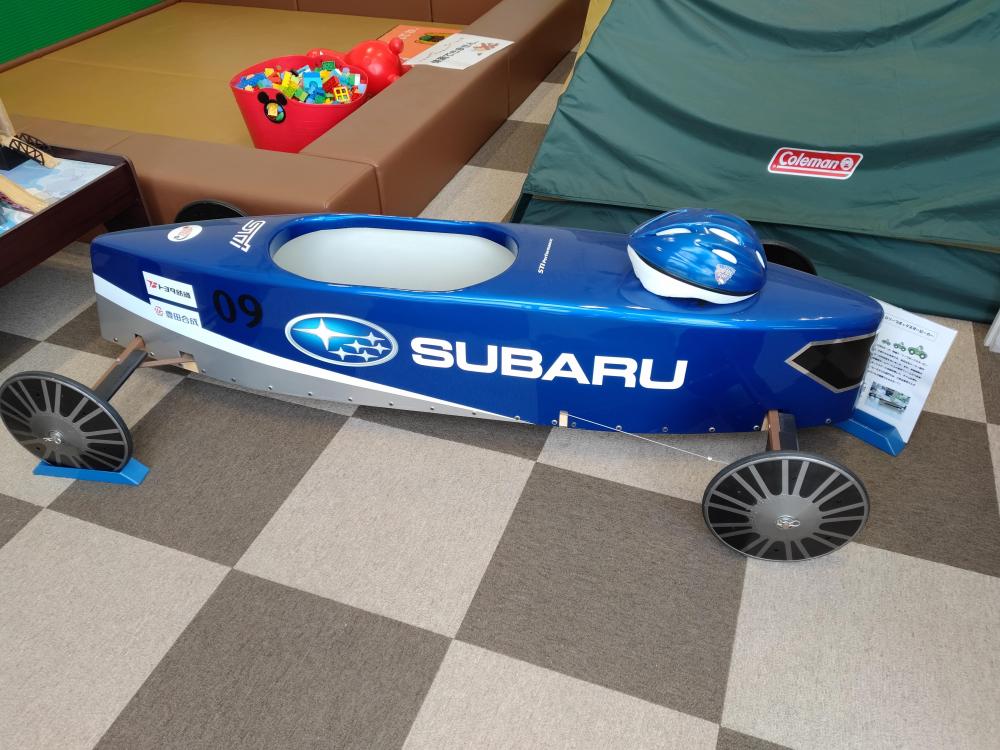
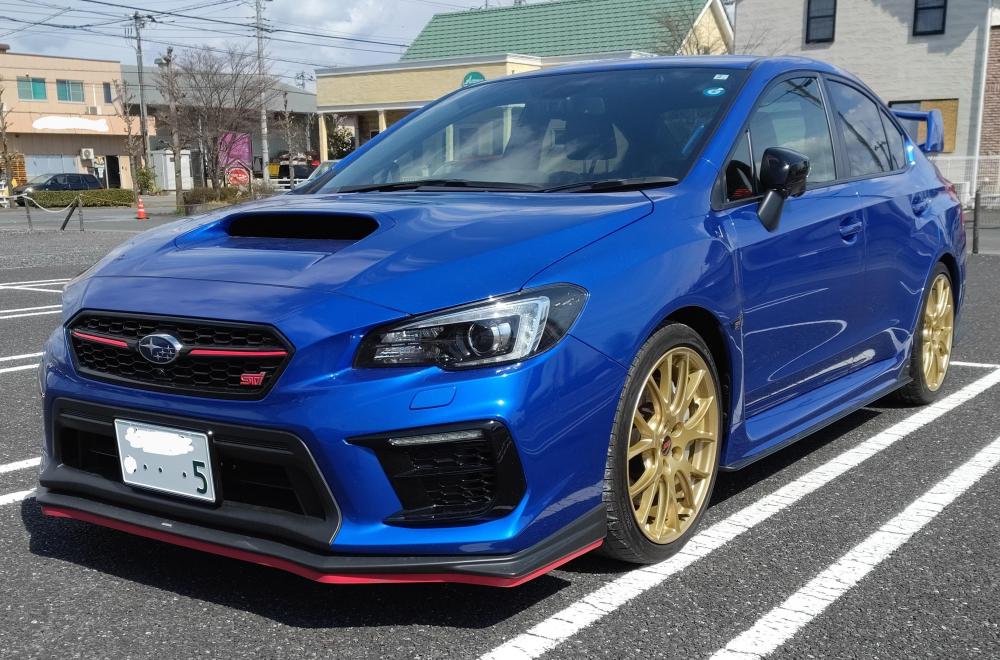
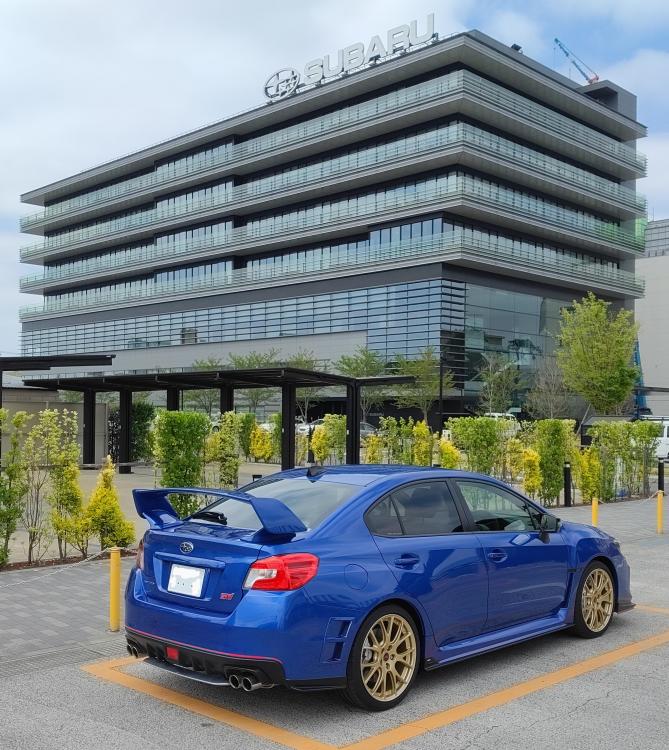
  2. British guy living in Japan and new Subaru owner. Took my STI for a drive over the the Subaru factory and HQ in Gunma where she was born. Saw a few cool sights around the place, so thought I would share a few here.
  3. Hi Mikku, yes that's right. Quite near the Subaru factory. I will drive over there some time soon and take some pictures.
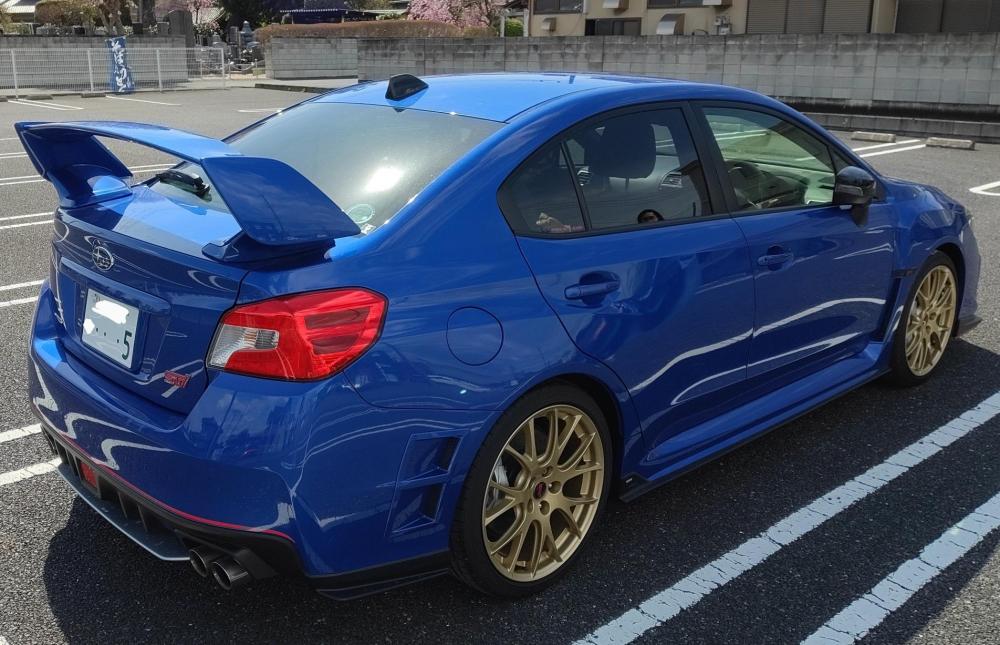
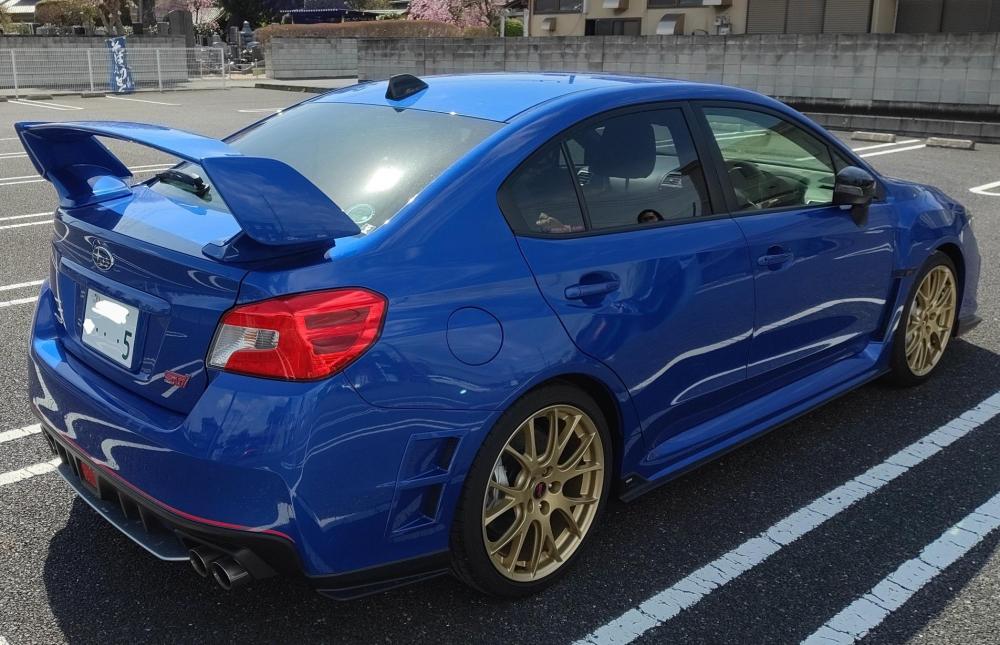
  4. Hello. British guy in Japan, just got my first ever Subaru! I live close the factory where it was made.
  5. Hi Mikku, I am just outside of Tokyo. You?
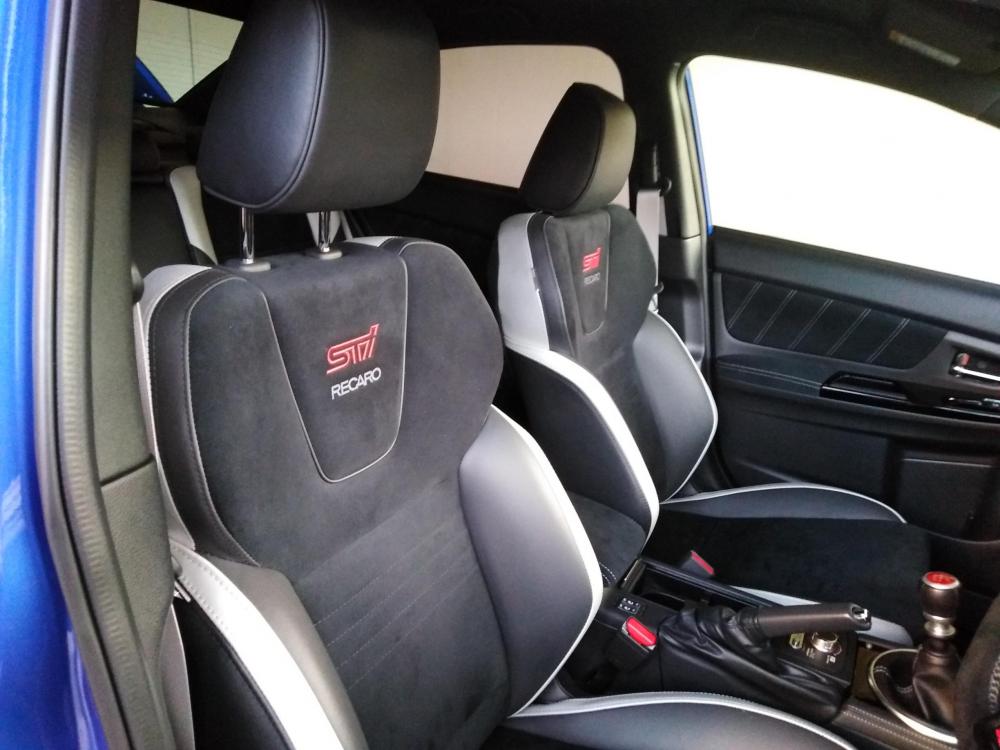
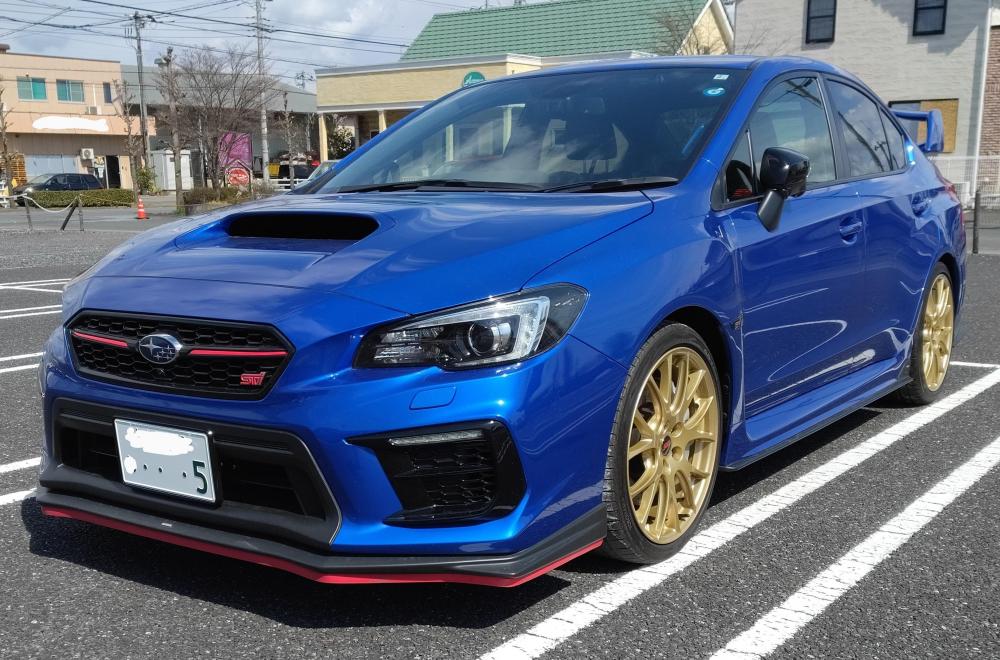
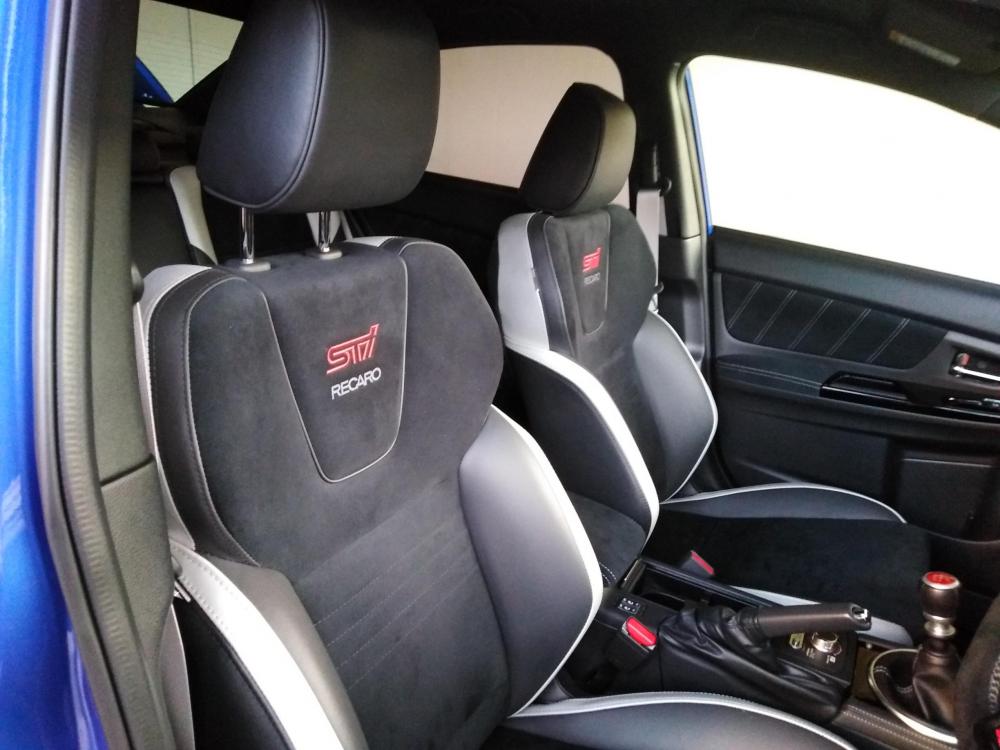
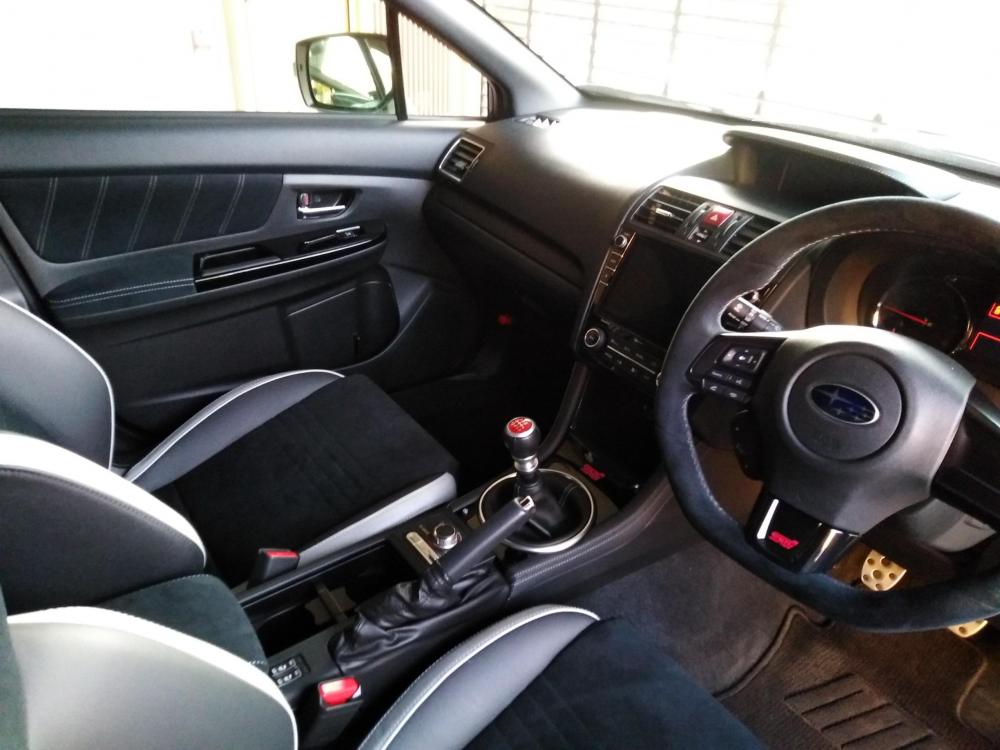
  6. British guy living in Japan. Just bought my first WRX STI (EJ20 Final Edition) 🙂
Background Picker
Customize Layout

Configure browser push notifications

Chrome (Android)
  1. Tap the lock icon next to the address bar.
  2. Tap Permissions → Notifications.
  3. Adjust your preference.
Chrome (Desktop)
  1. Click the padlock icon in the address bar.
  2. Select Site settings.
  3. Find Notifications and adjust your preference.