John Sreeves
Members
-
Joined
-
Last visited
-
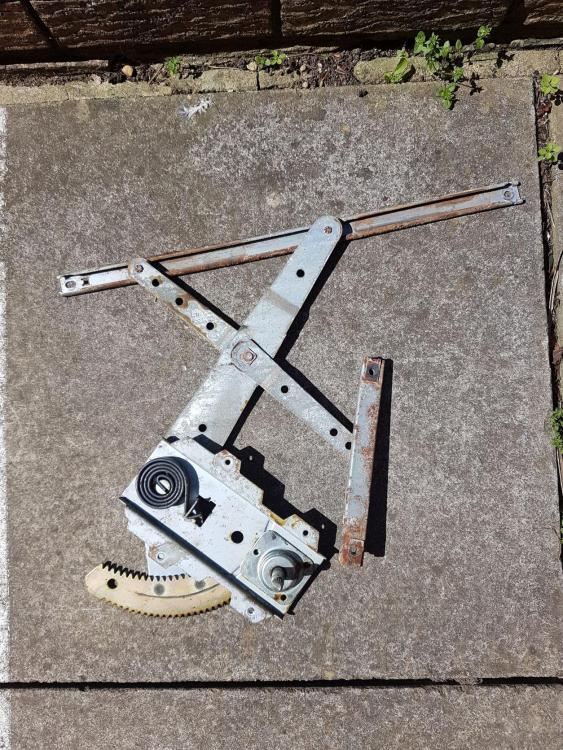
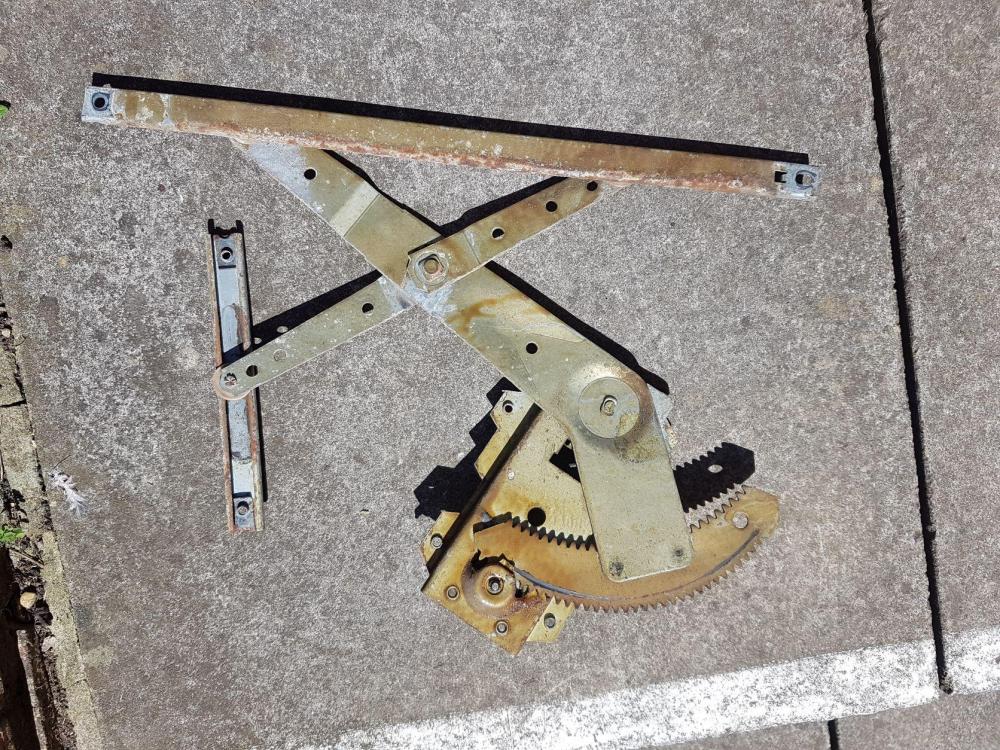
Thanks for your advice. It does indeed appear to be the case that the spindle is turning while the pinion teeth are in-tact. Then it will be a case for stripping down and then a specialist workshop job to reconnect by weld or braze followed by turning on a lathe to remove excess weld deposition. I will try that, as the chance of getting another from a breakers is nil.
-
I have a 1982 GL 1800 estate, 4wd, still going strong and very usable. The front left window winder (regulator) broke two weeks ago. It is manually operated, not electric. The spindle turns round freely but does not move the toothed quadrant so the window cannot be wound up or down. Fortunately it failed in the 'up' position so I was able to carry on driving the car. Now that the regulator is removed the glass has to be held up with a piece of wood, or allowed to rest inside the door in the fully down position. Please does anyone have a spare one of these or know whether its repairable? To access the pinion drive it appears that there are three annular rivets that have to be drilled out. Then presumably the pinion has to be reattached to the spindle or a new one made. Has anyone attempted this? This model is now quite rare and enquiries to breakers have failed to find a replacement so far. For sourcing spares, there may be commonality with later models but it would be a matter of trial and error. Thanks for your help.