Kjohno
Members
-
Joined
-
Last visited
Everything posted by Kjohno
-
-
Thanks mate, yeah I’ve been watching it. They’ve done an amazing job so far. thank you very much.
-
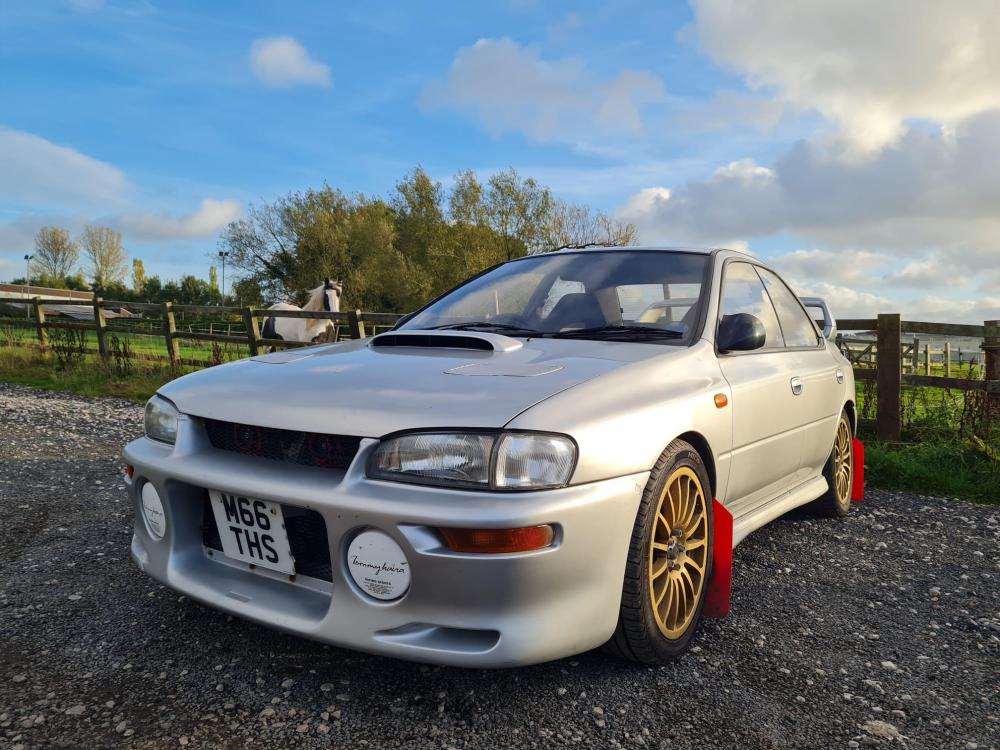
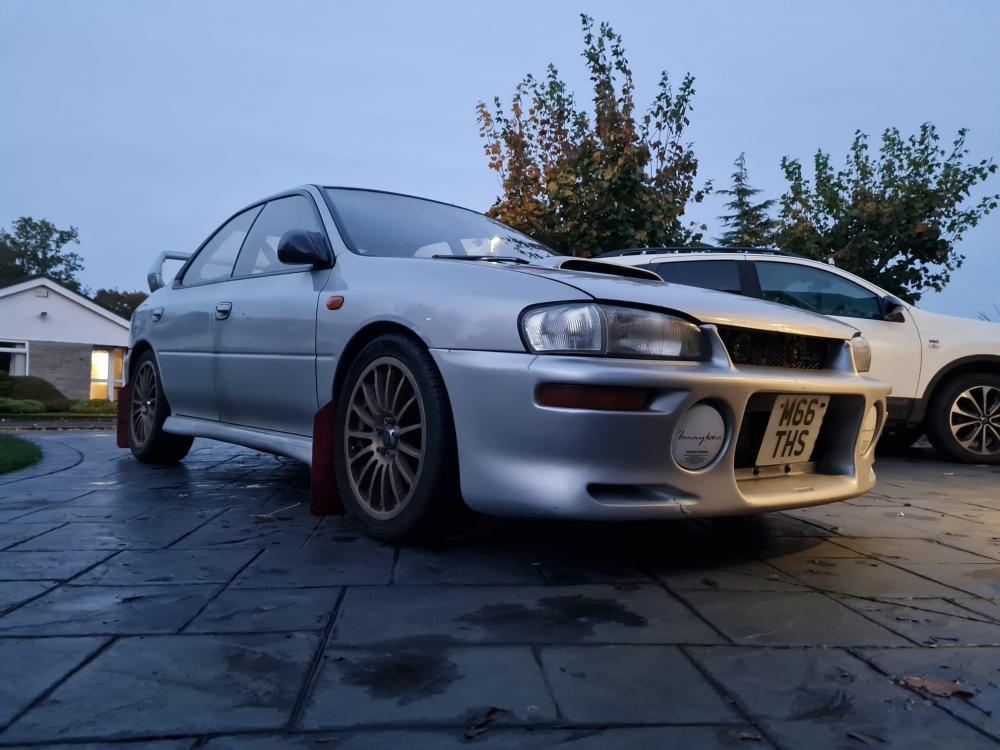
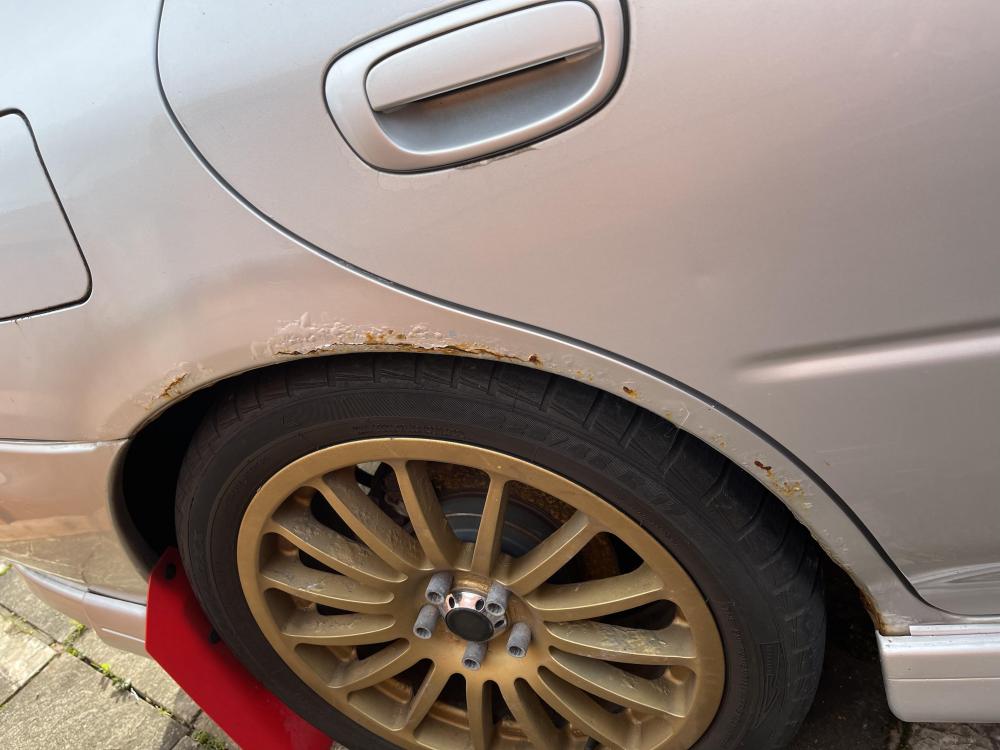
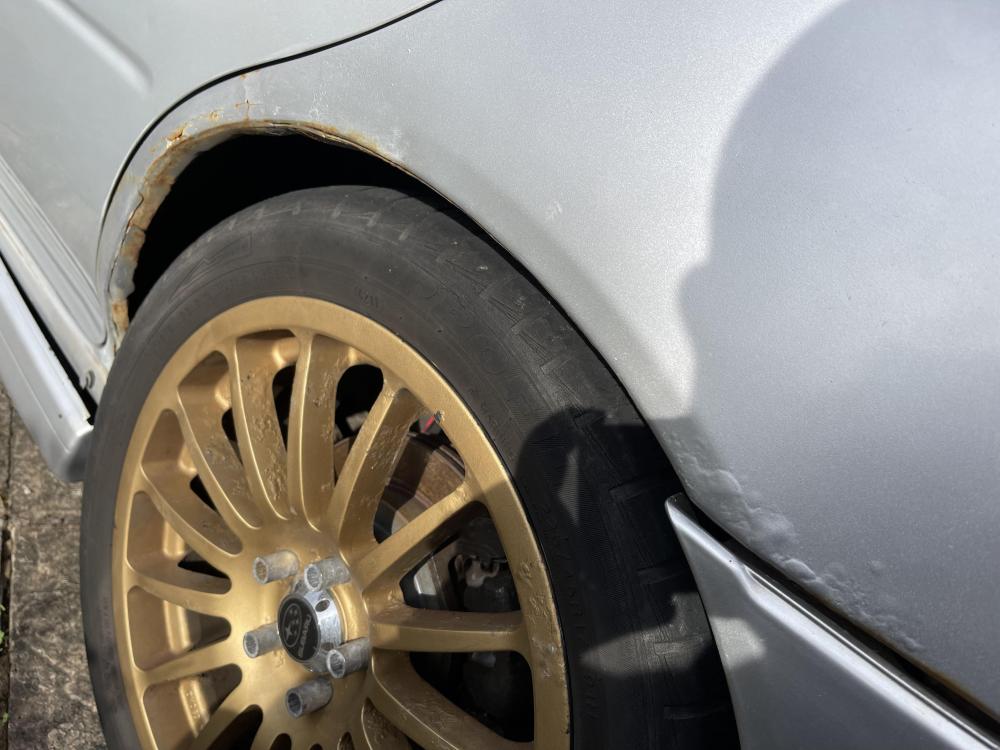
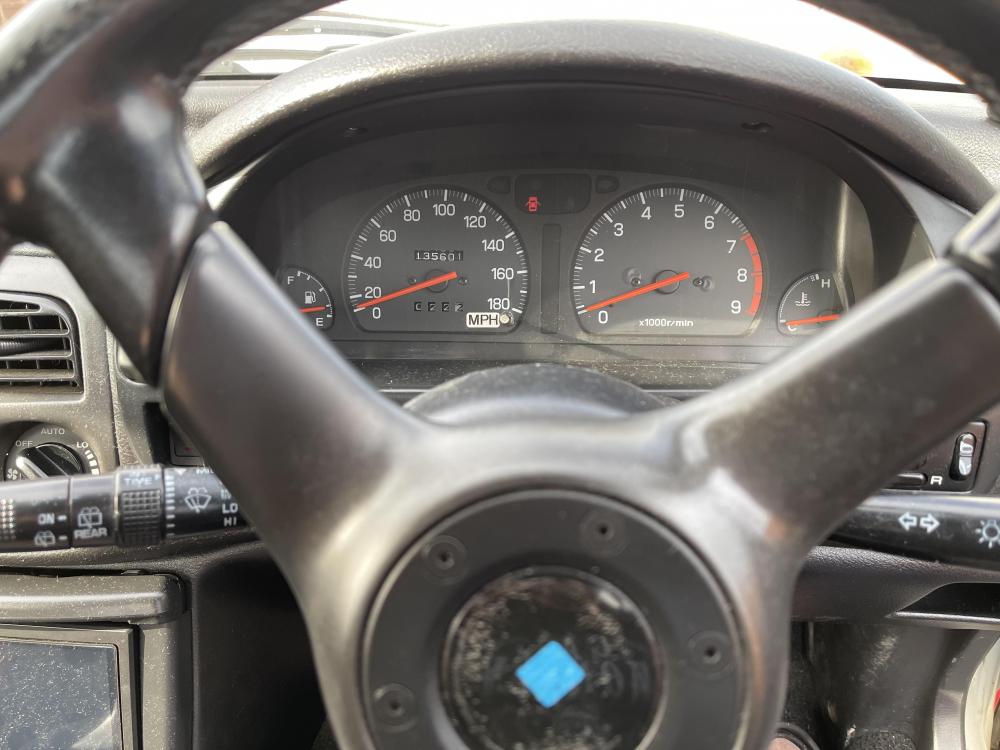
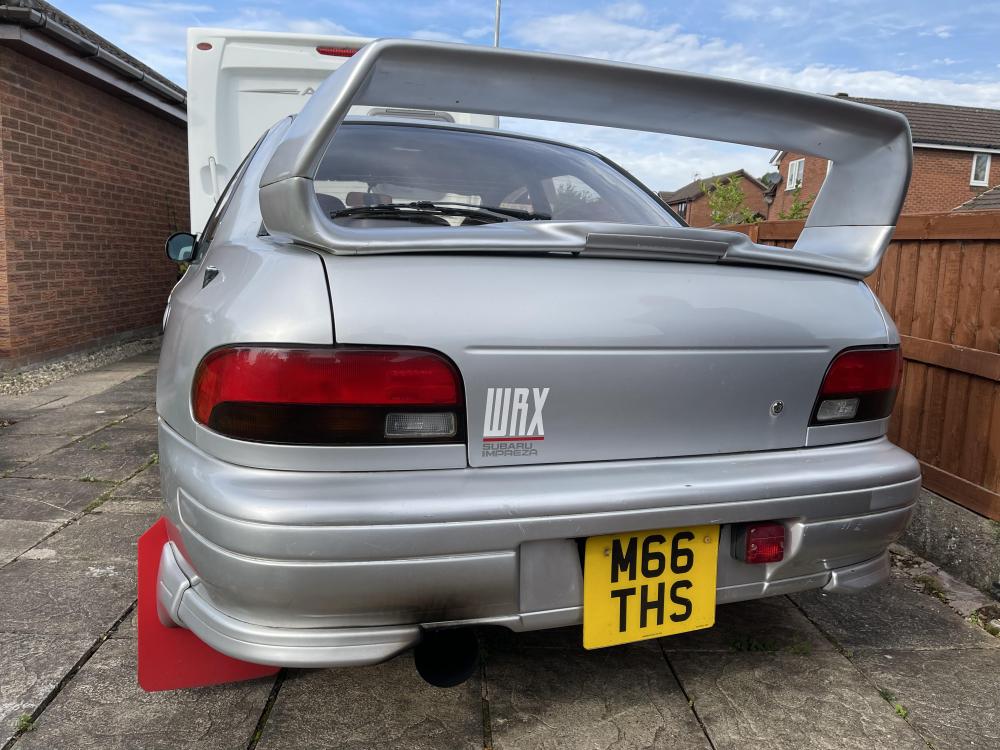
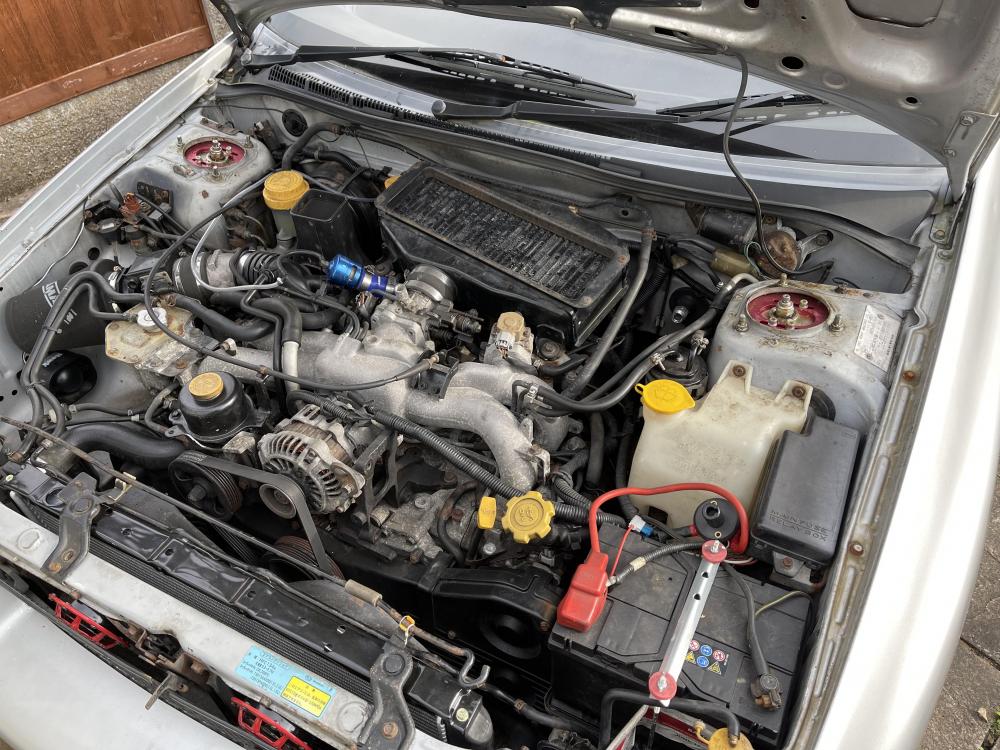
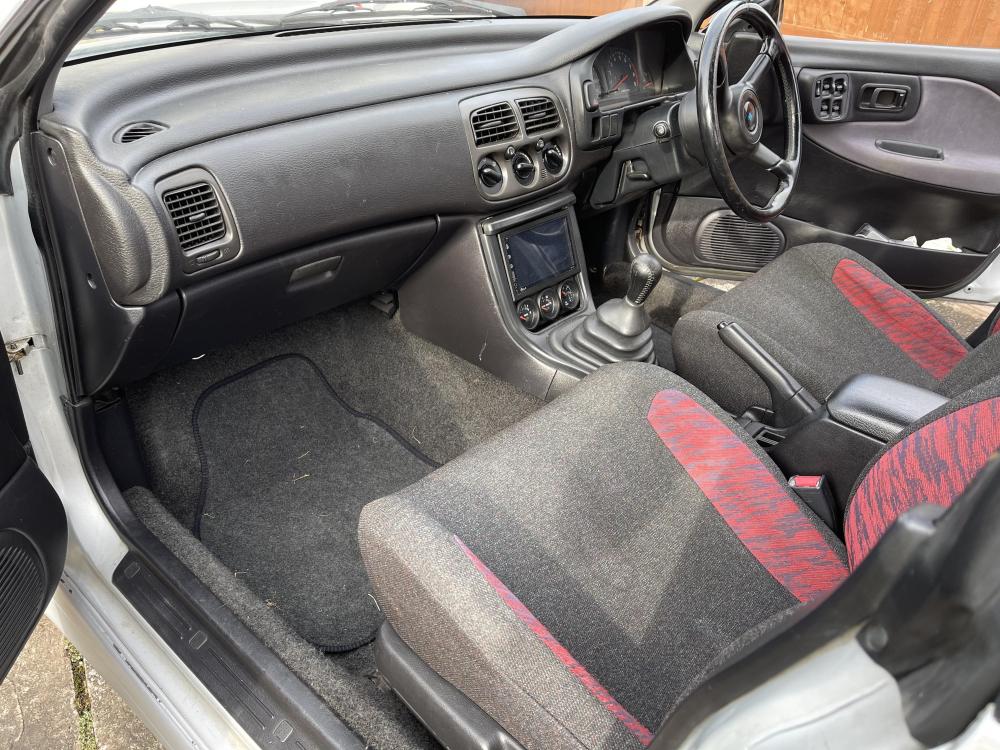
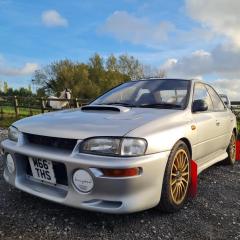
Hello all, I’m Kearon. I bought my first Subaru last year. It was a spur of the moment thing as I didn’t really have much interest in Imprezas. The only one I ever really liked was the bugeye STI. From day one of seeing them I just thought “they look so cool!” Move on later on in life I now have the privilege of being able to own a few cars, the Impreza over the road caught my eye not thinking anything would come of it my neighbour came over and started chatting as I was cleaning my supra. Turns out he wanted rid of the car and didn’t want very much money for it either. So a ride out later and the car was sat on my drive. A little unloved and just needing some overall attention in most places. Fast forward to the present day I’m now joining the forums and hoping to dive more into the car and how it works properly before I prepare to get it on a rotisserie and completely bare metal restoration on the old girl!