Do Not Sell My Personal Information Jump to content
View in the app

A better way to browse. Learn more.

Subaru Owners Club UK | Subaru Forums

A full-screen app on your home screen with push notifications, badges and more.

To install this app on iOS and iPadOS
  1. Tap the Share icon in Safari
  2. Scroll the menu and tap Add to Home Screen.
  3. Tap Add in the top-right corner.
To install this app on Android
  1. Tap the 3-dot menu (⋮) in the top-right corner of the browser.
  2. Tap Add to Home screen or Install app.
  3. Confirm by tapping Install.

Jord1n

Members
  • Joined

  • Last visited

Everything posted by Jord1n

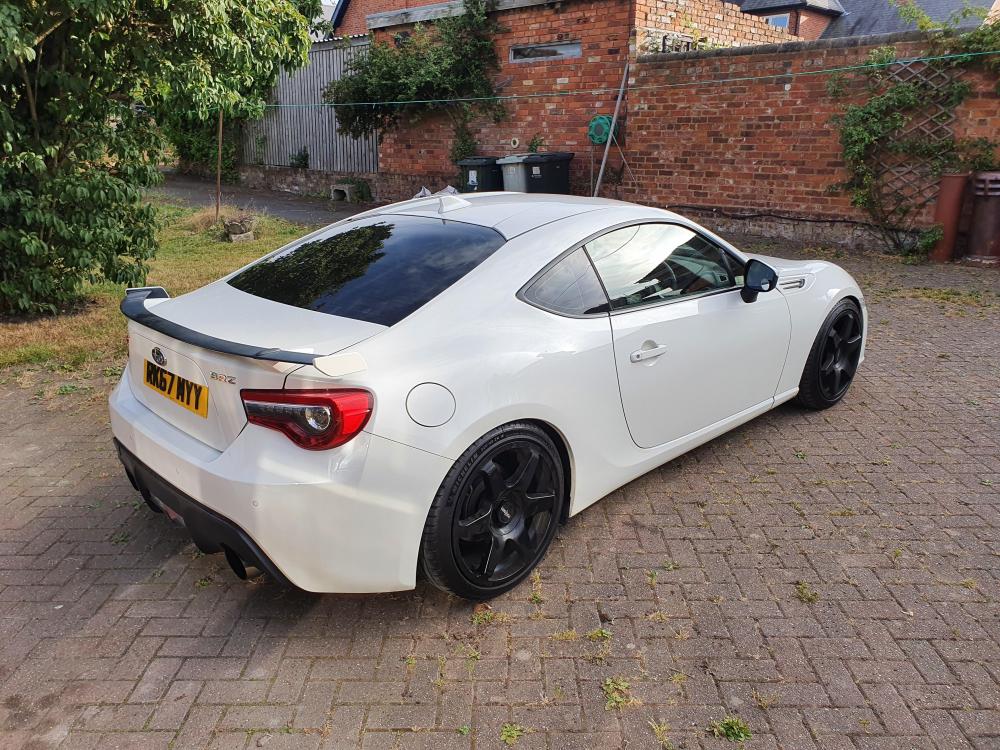
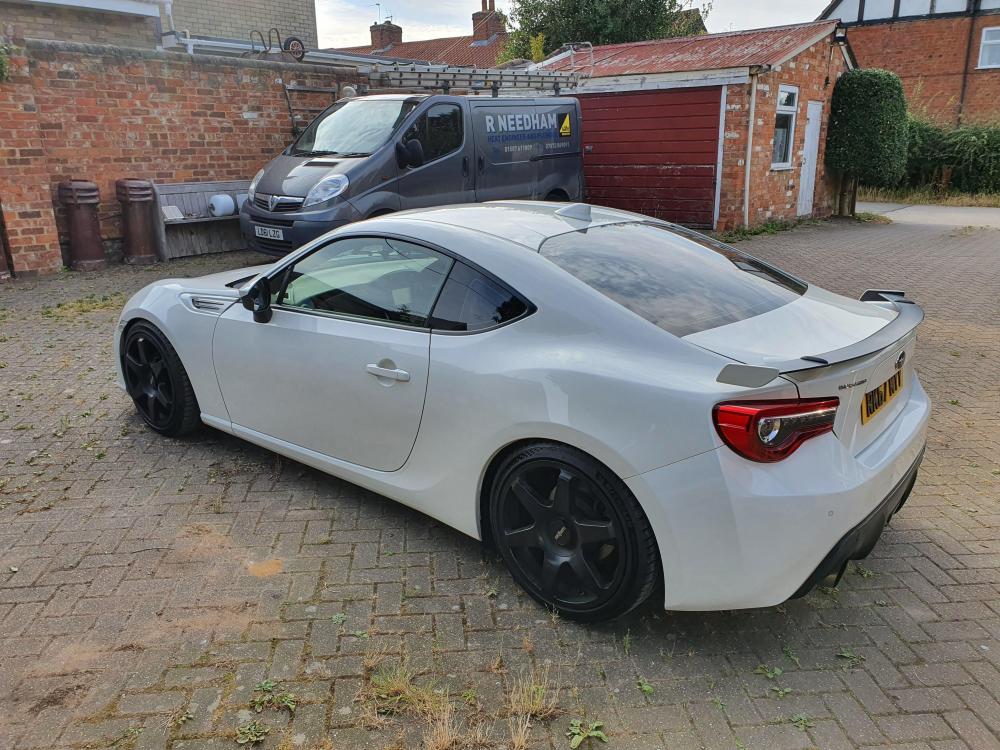
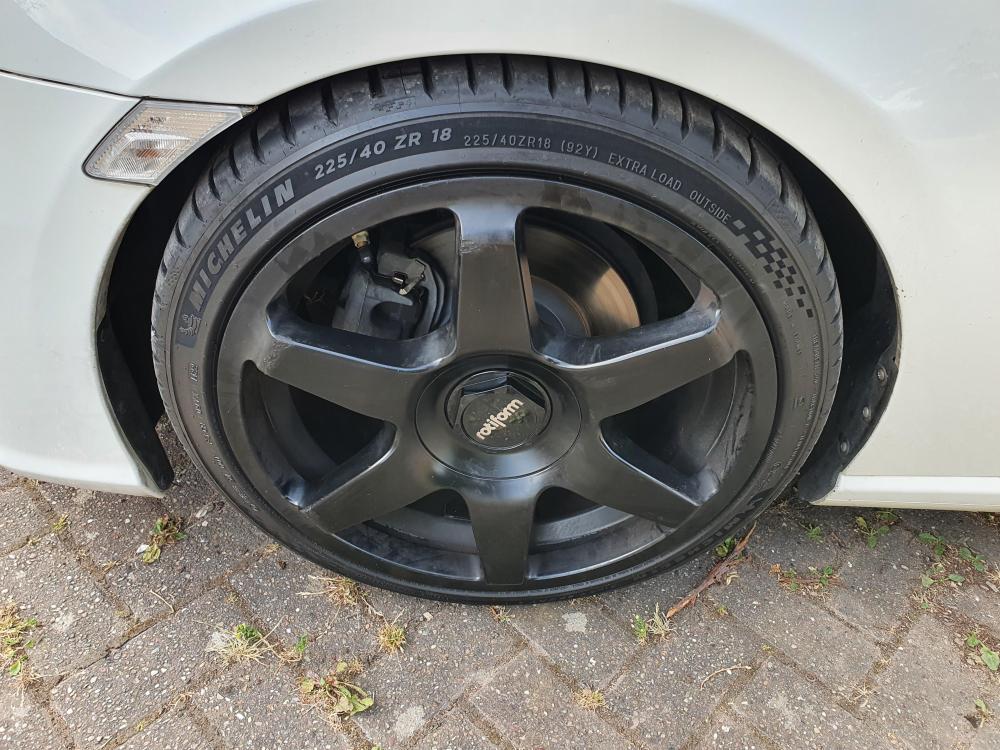
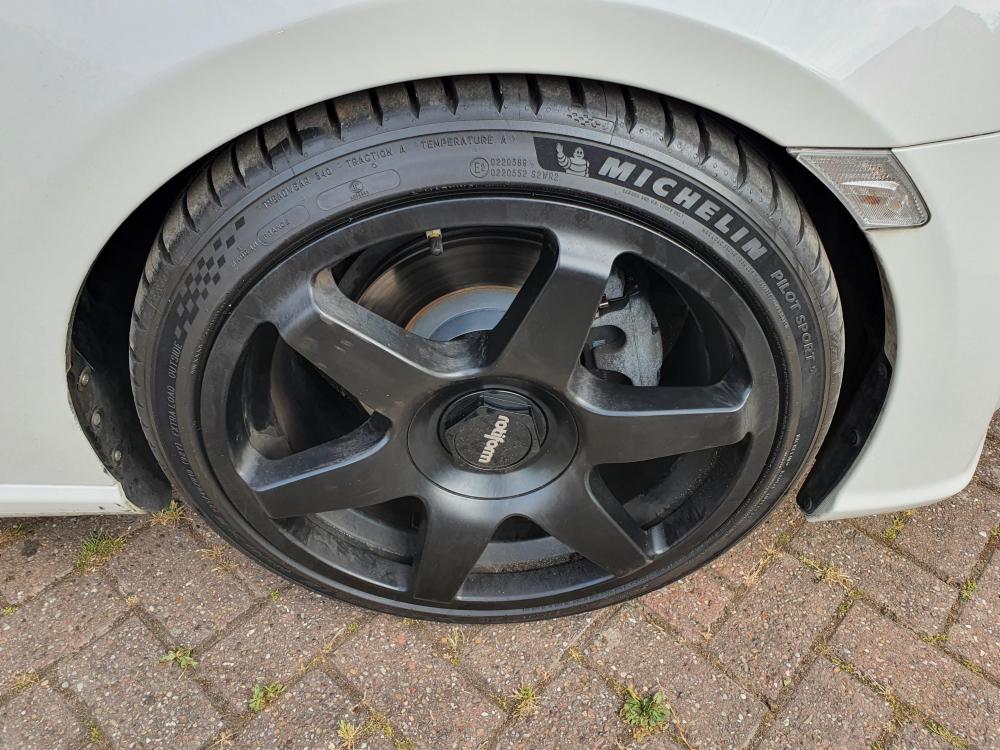
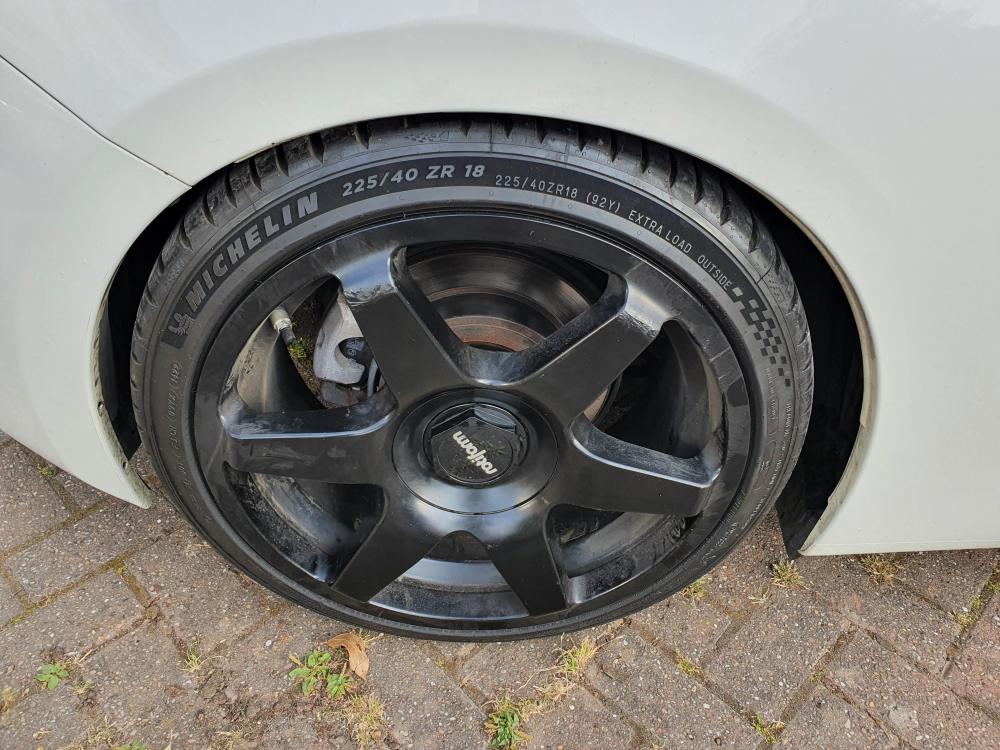
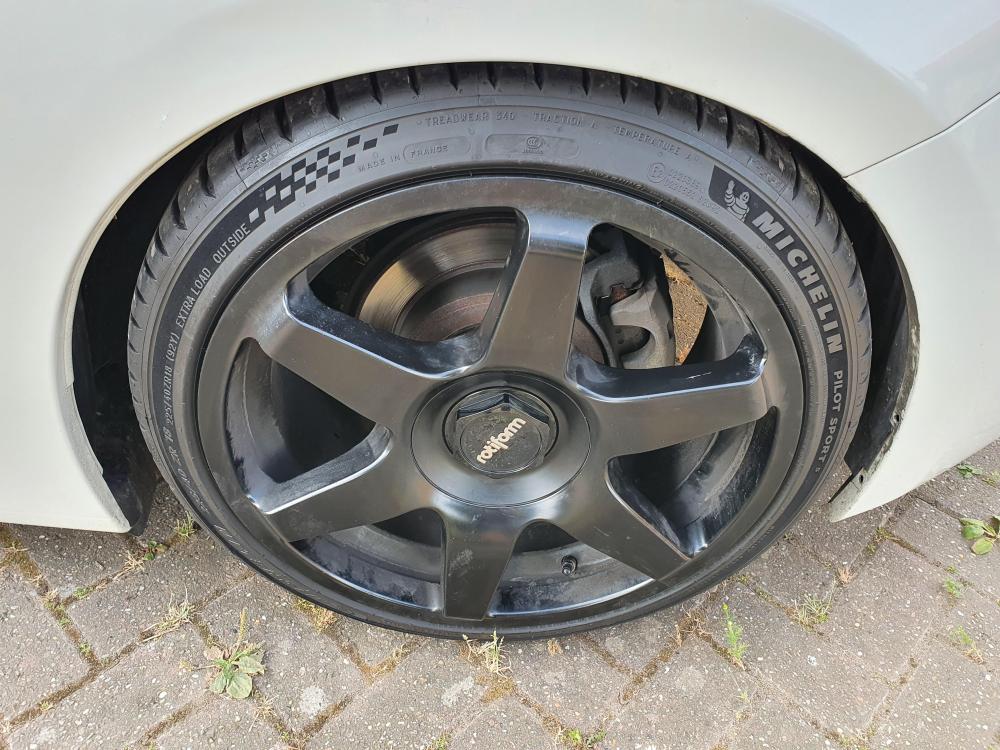
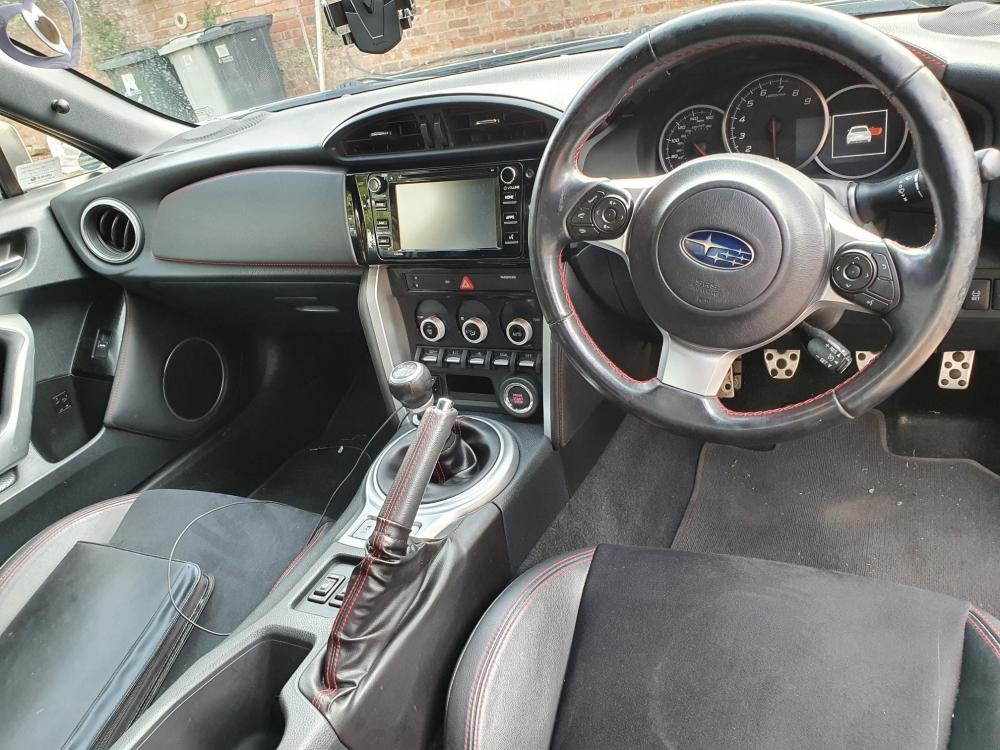
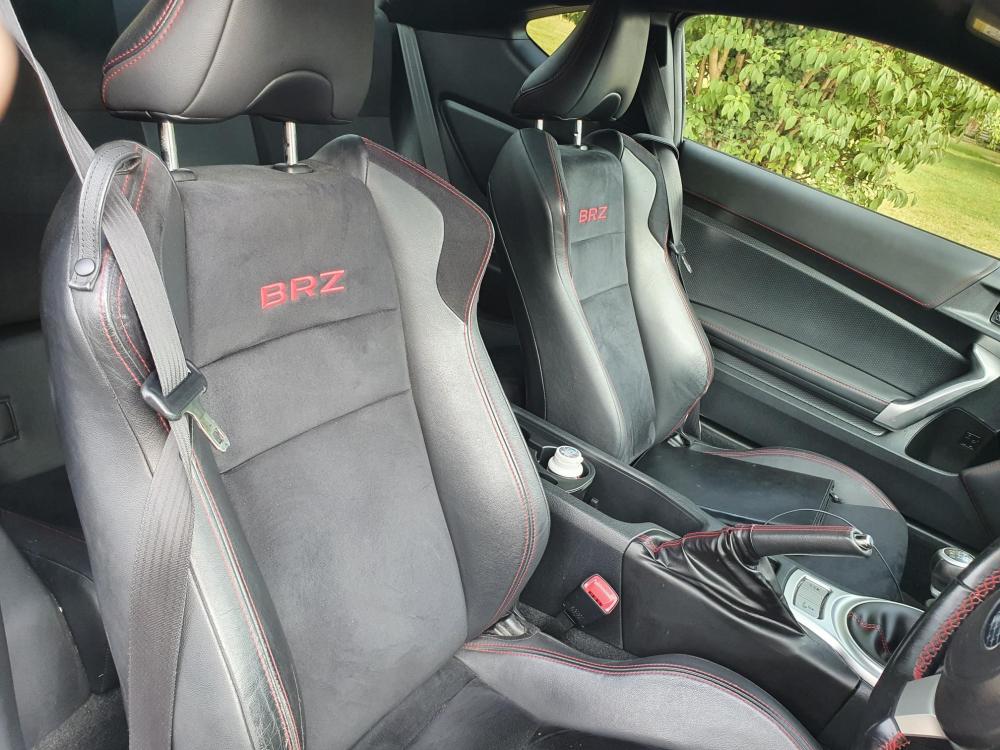
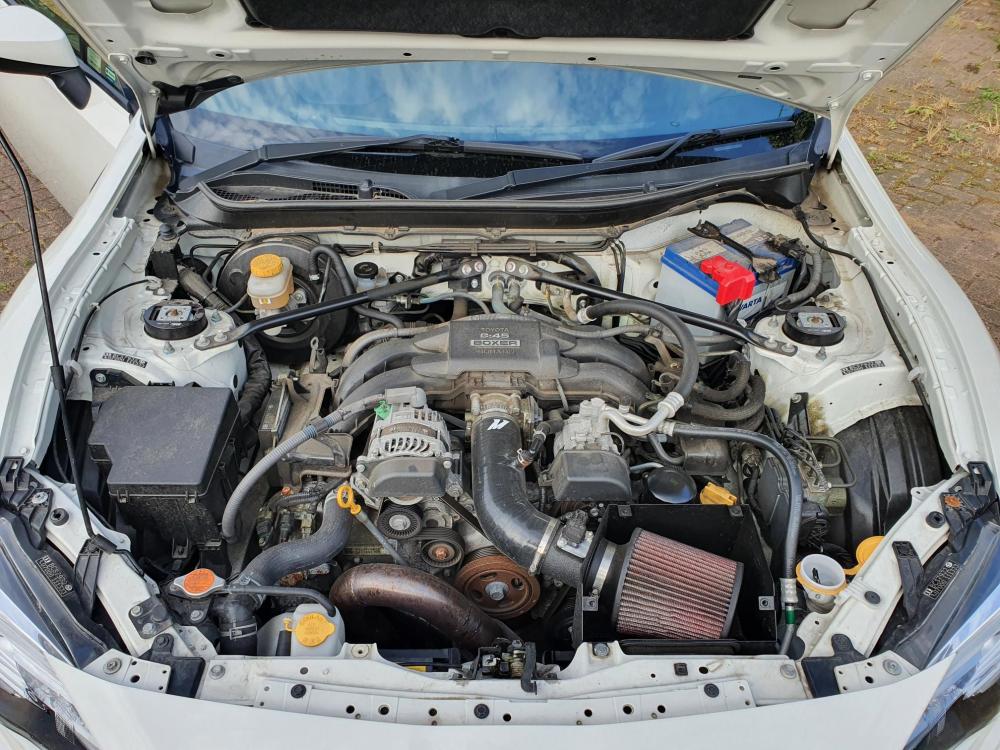
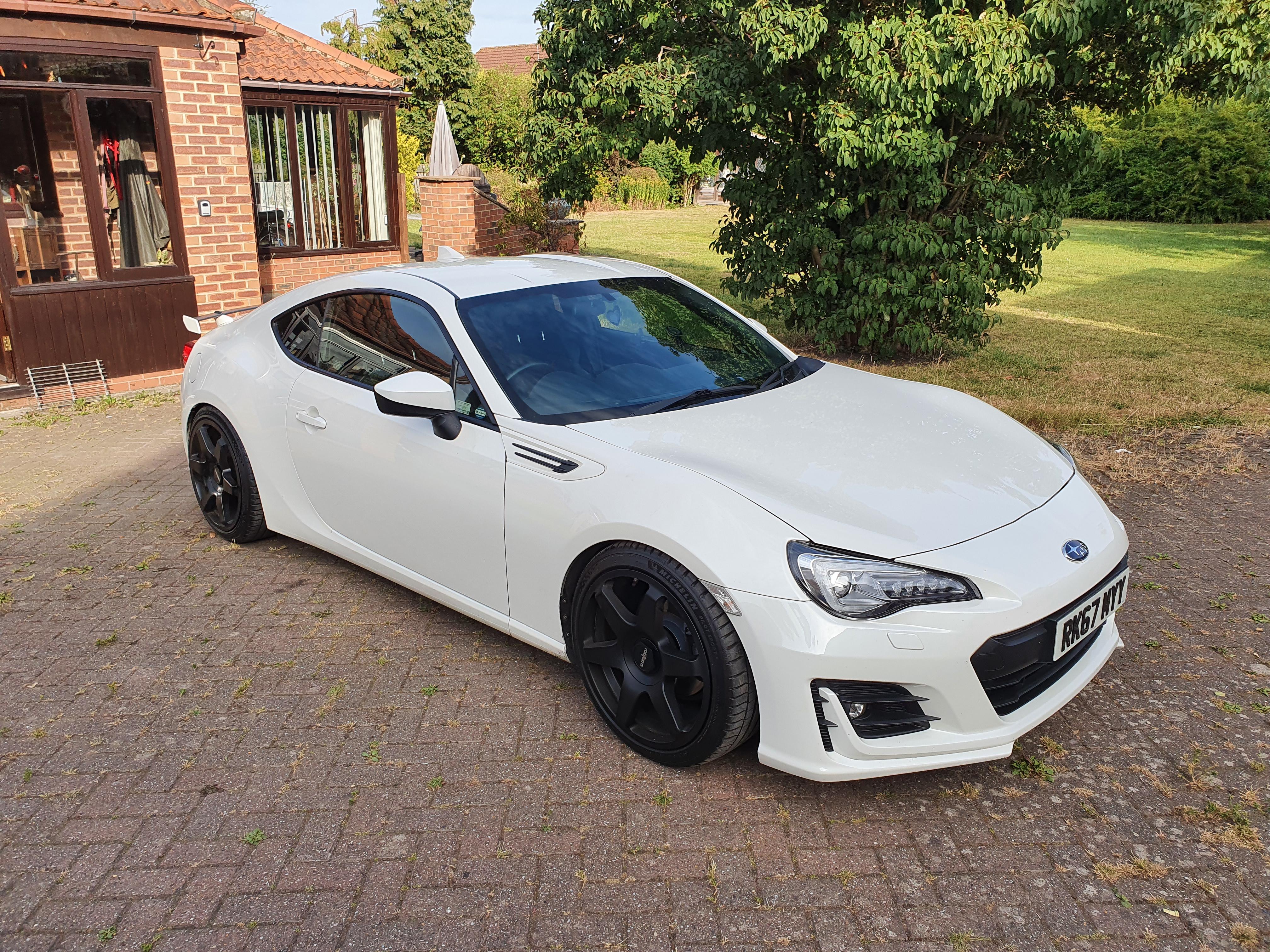
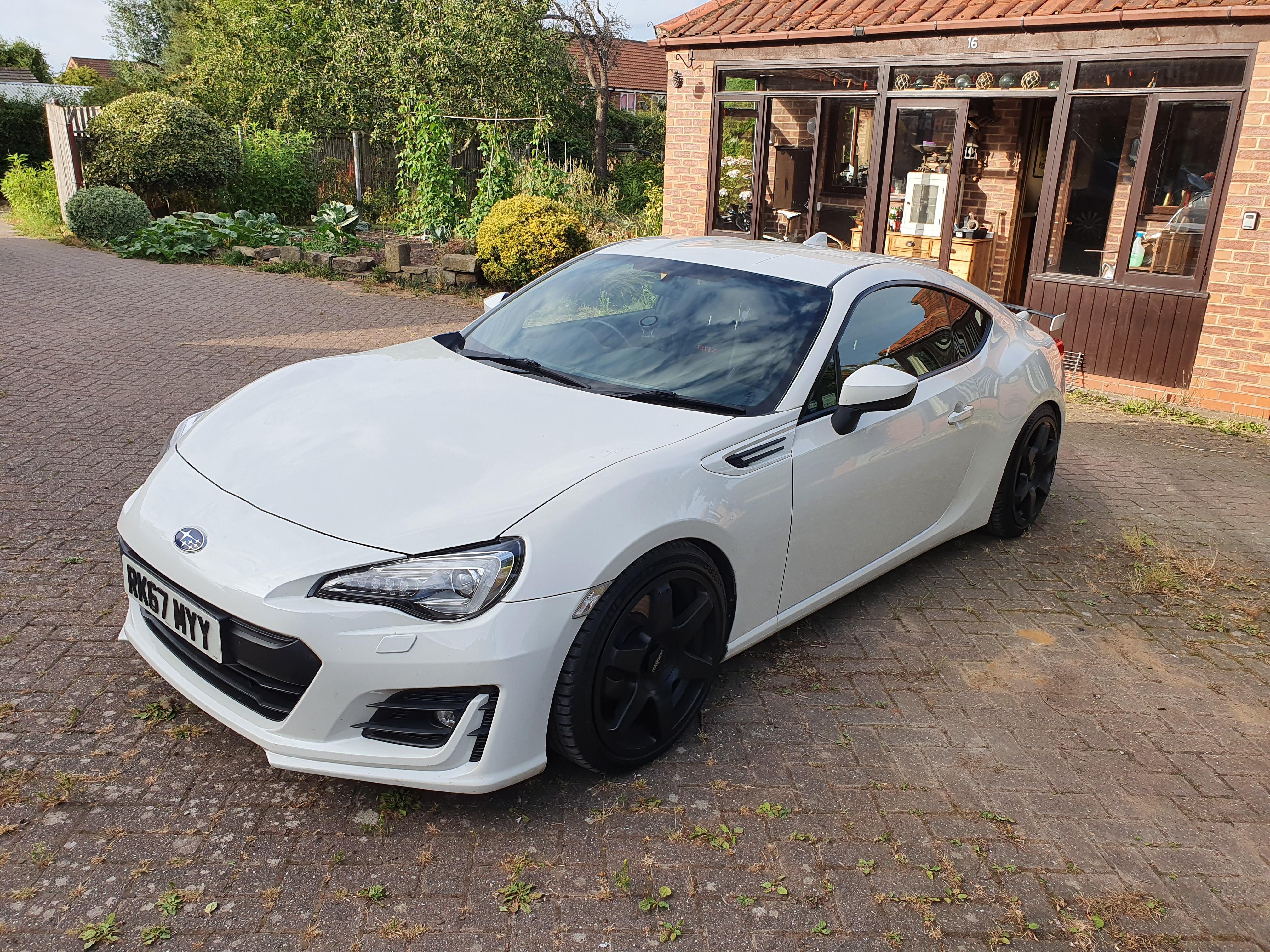
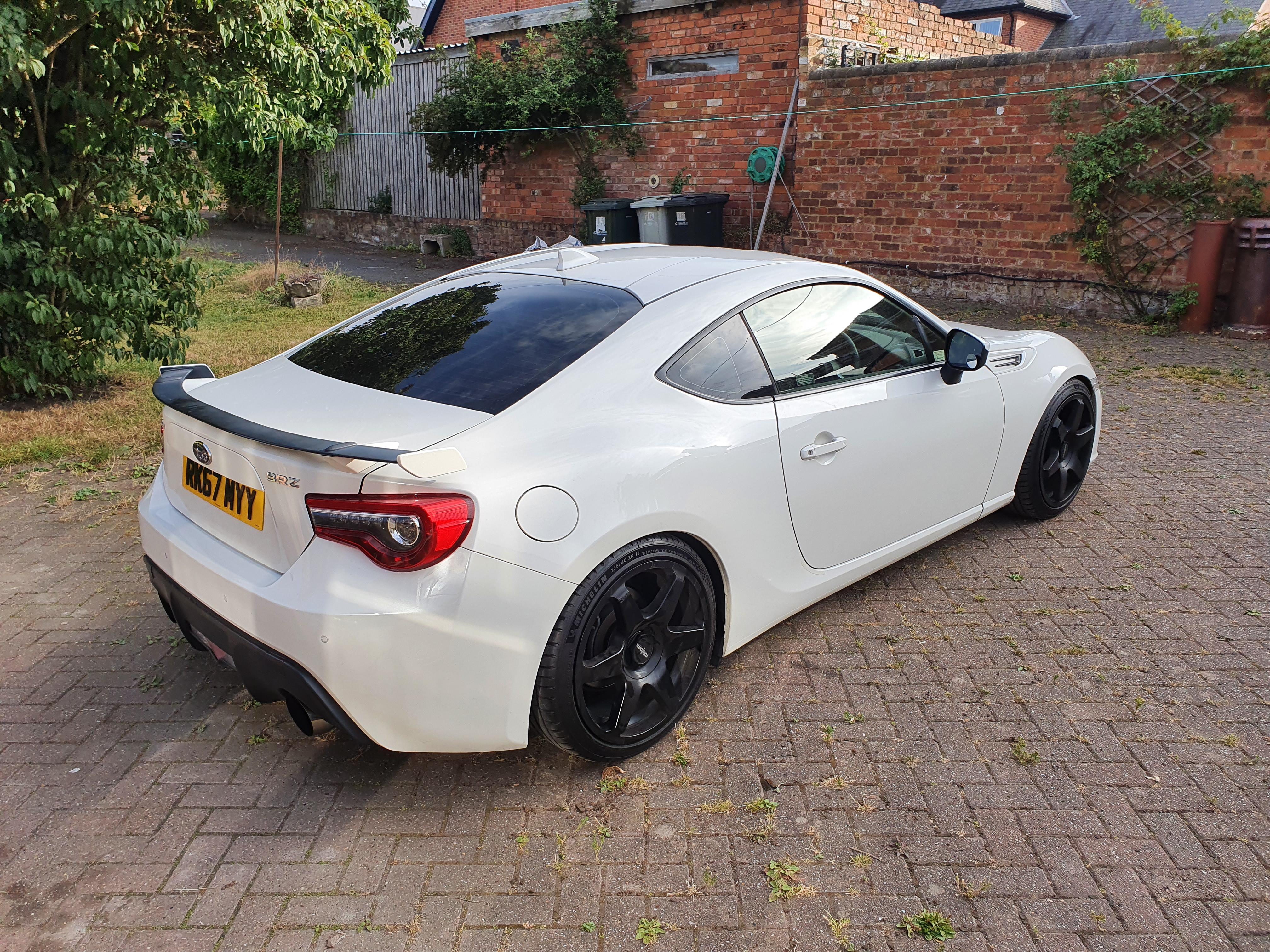
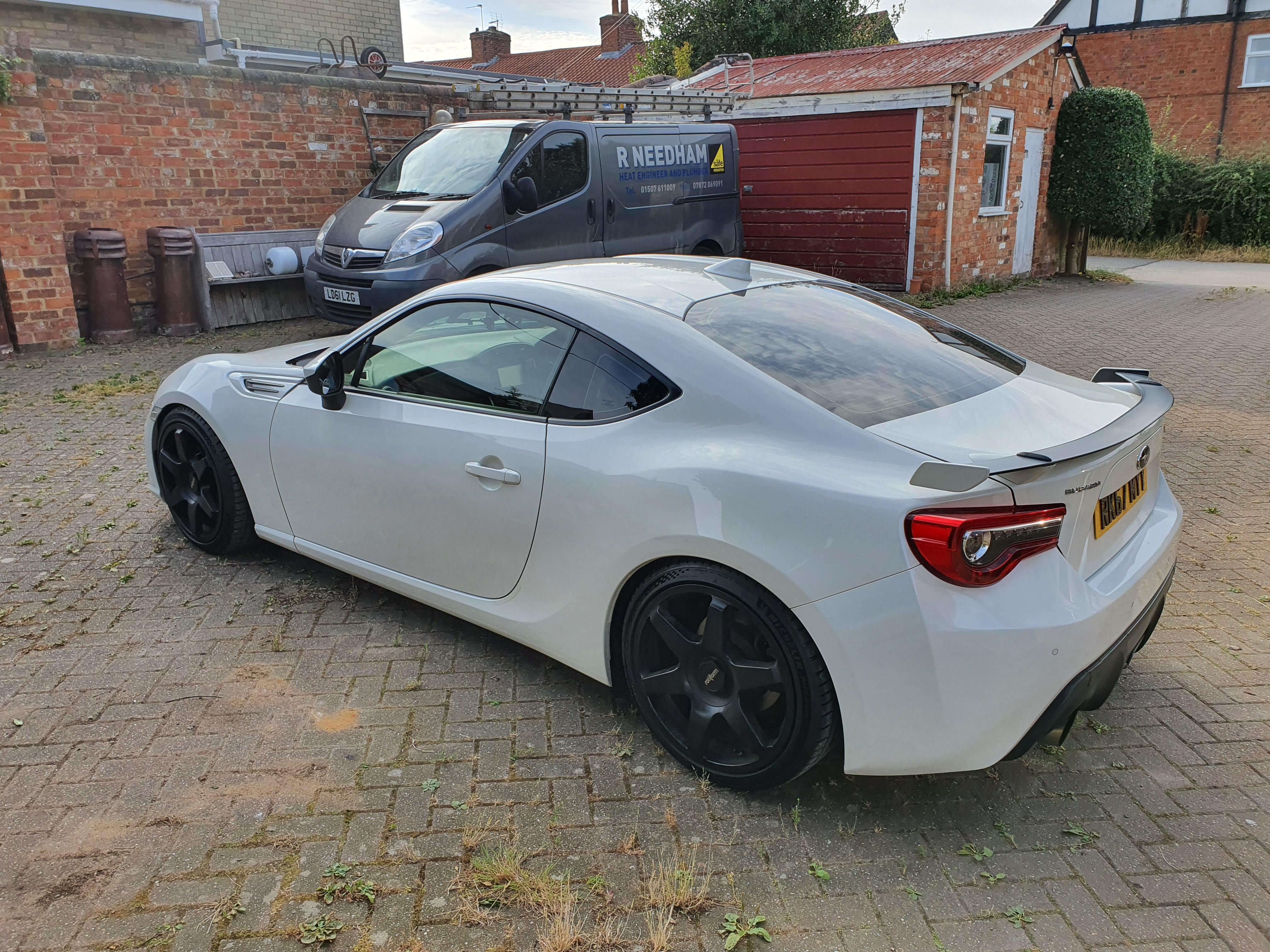
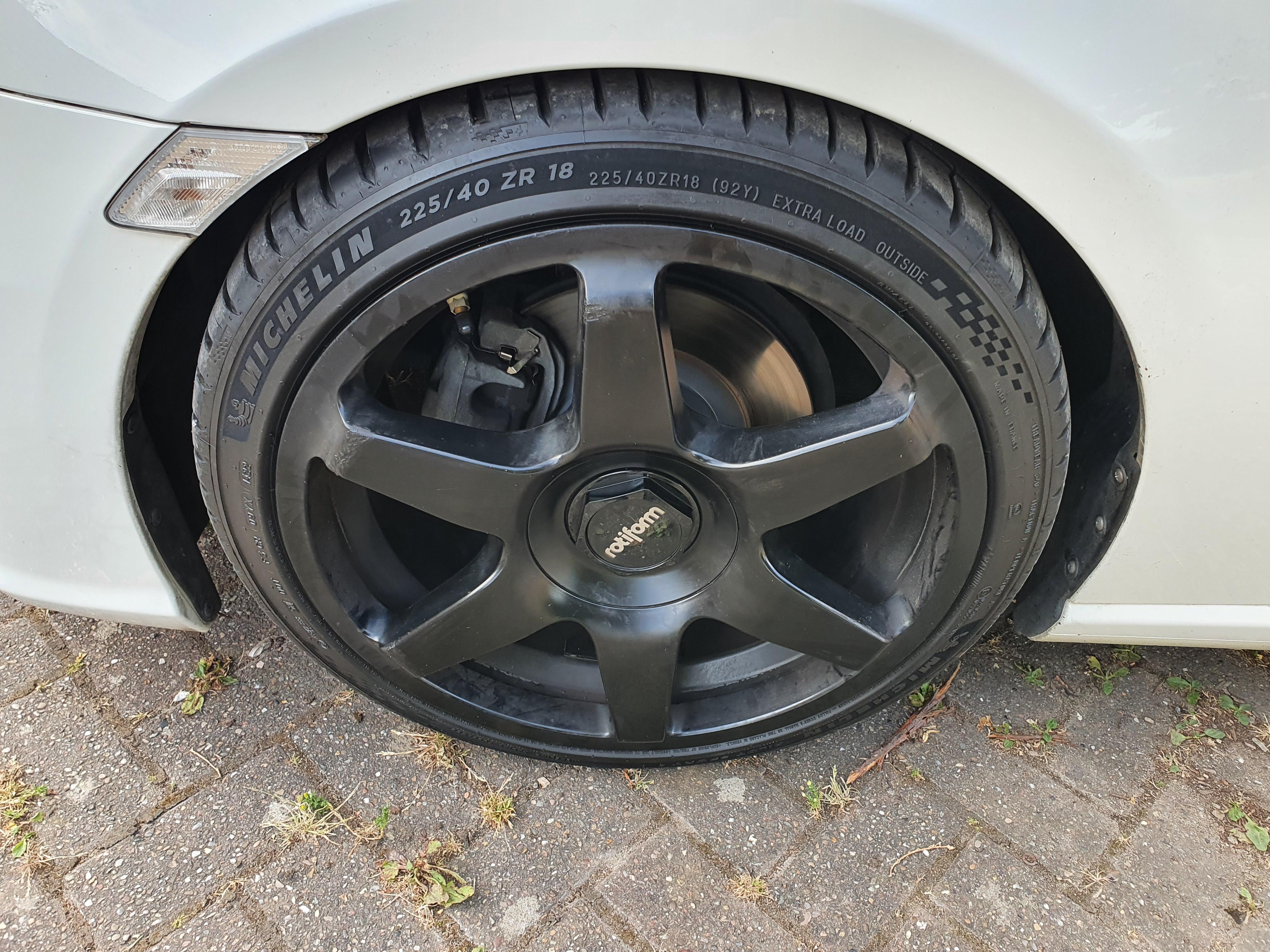
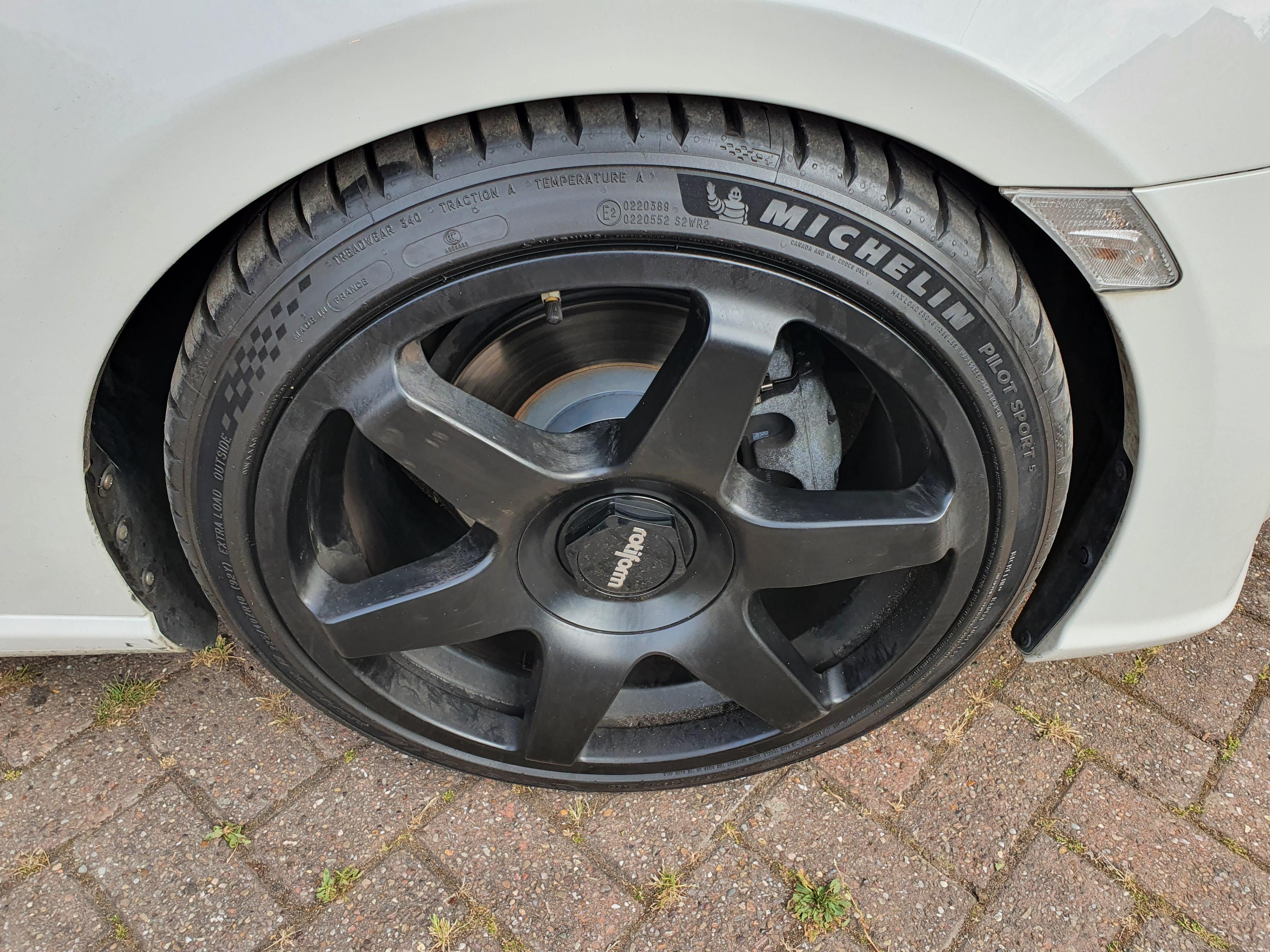
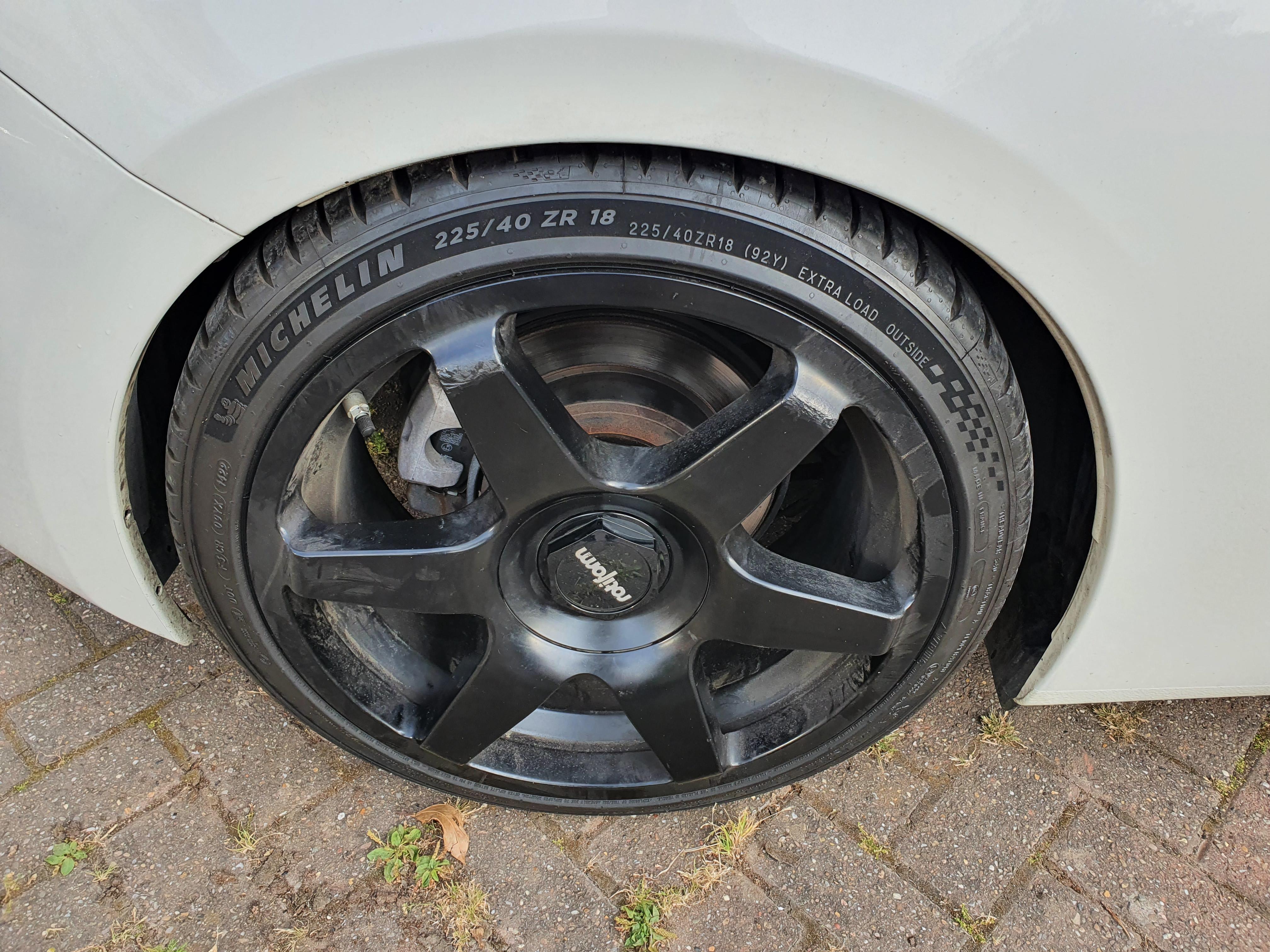
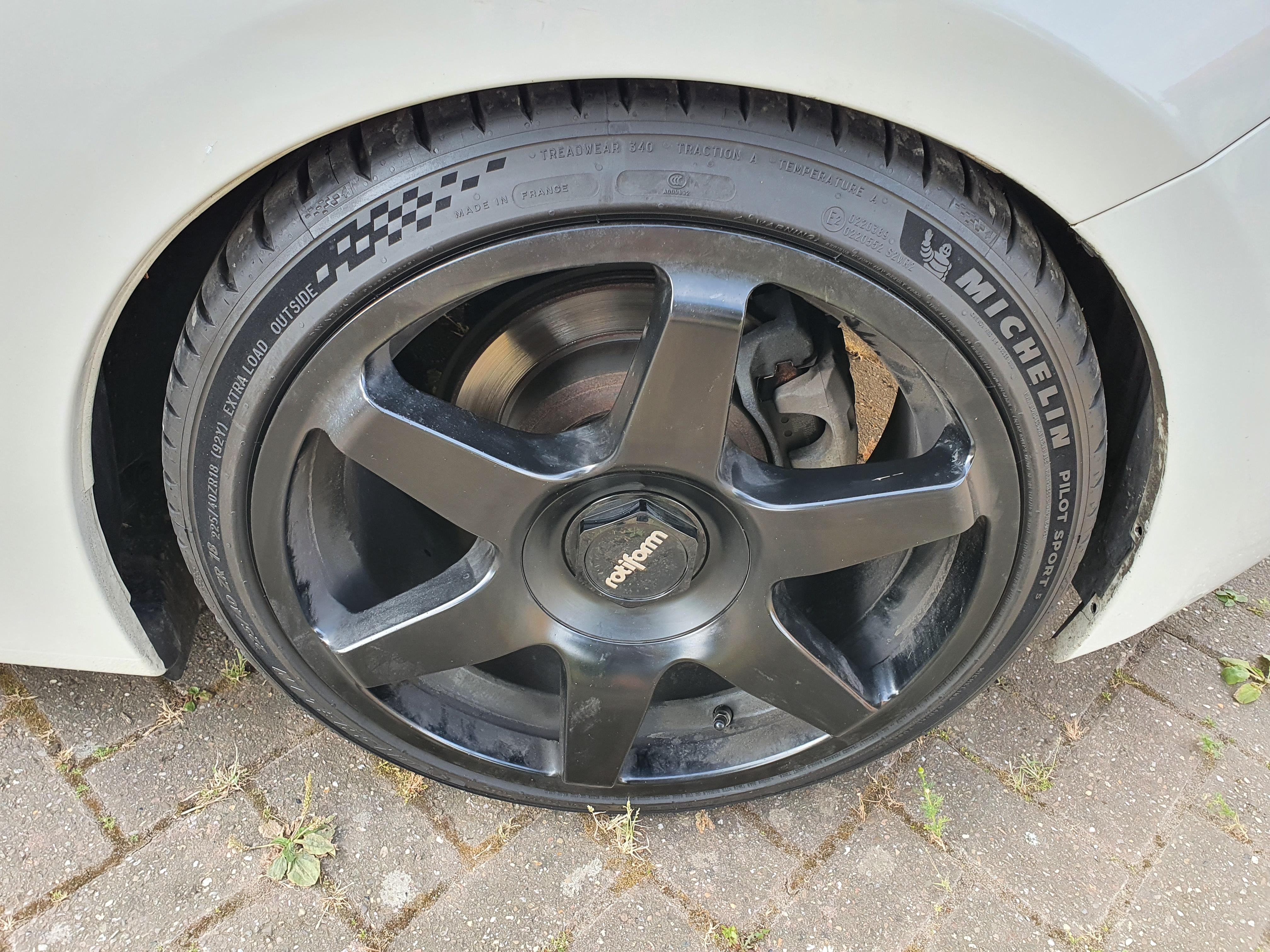
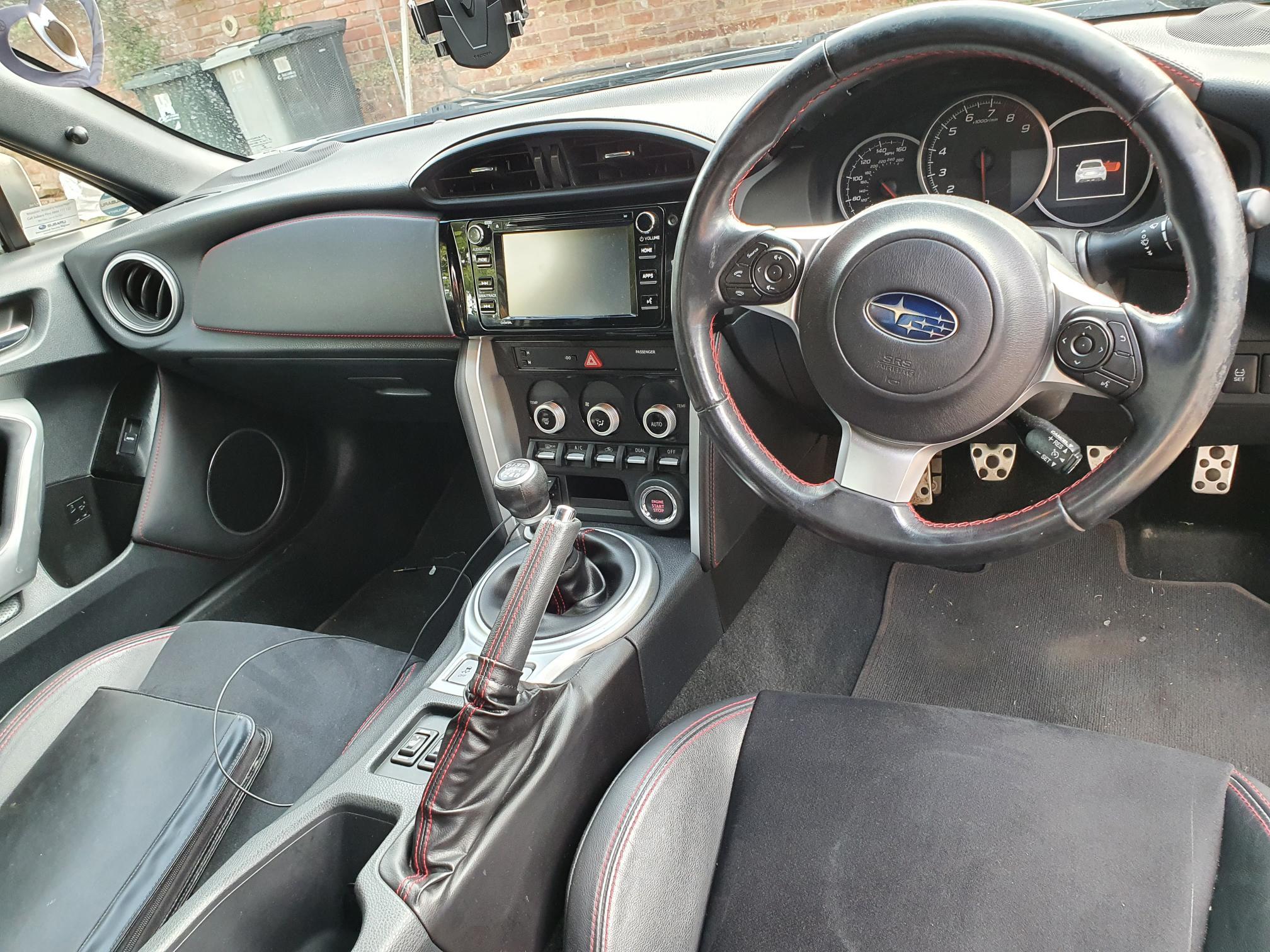
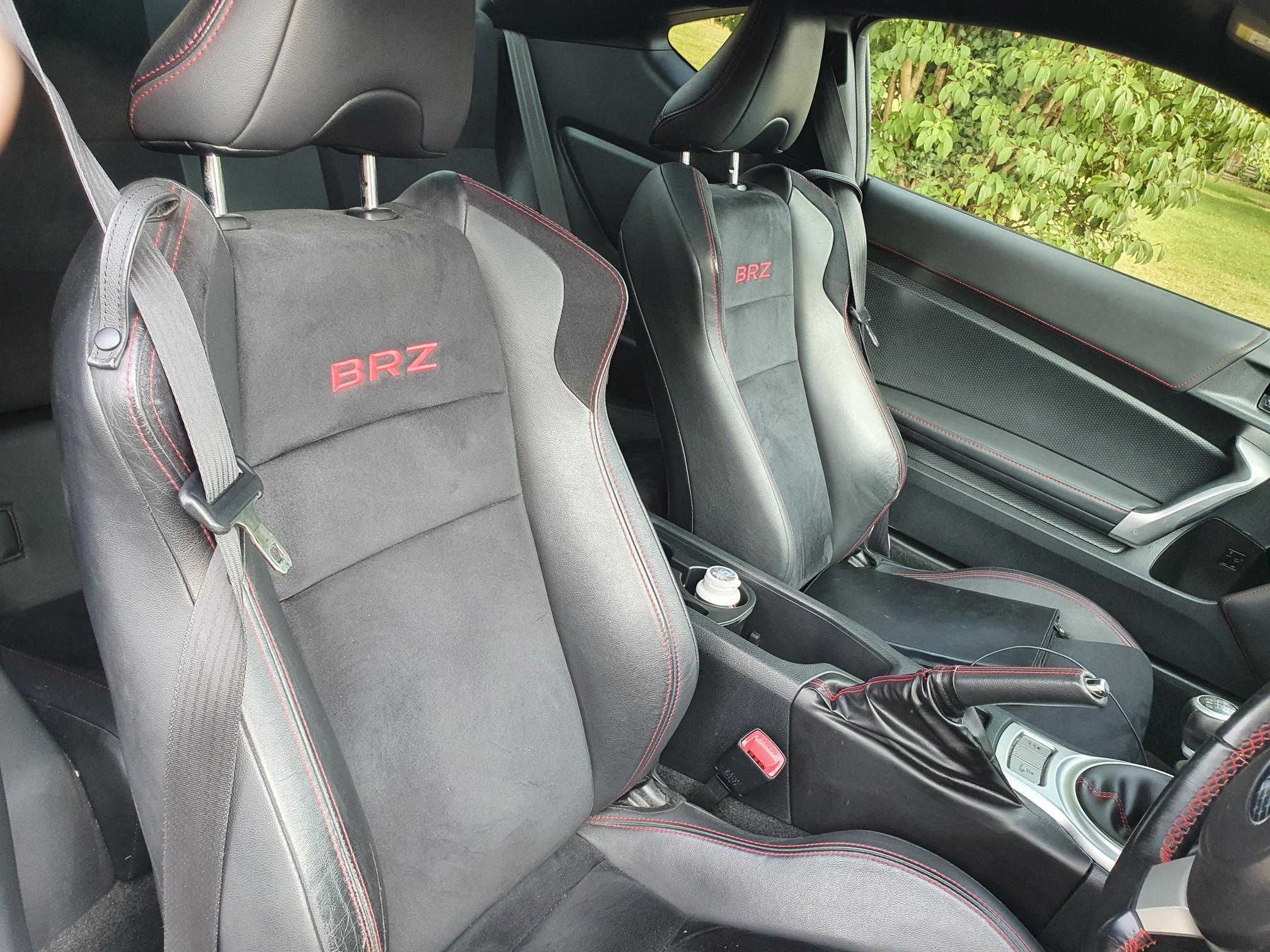
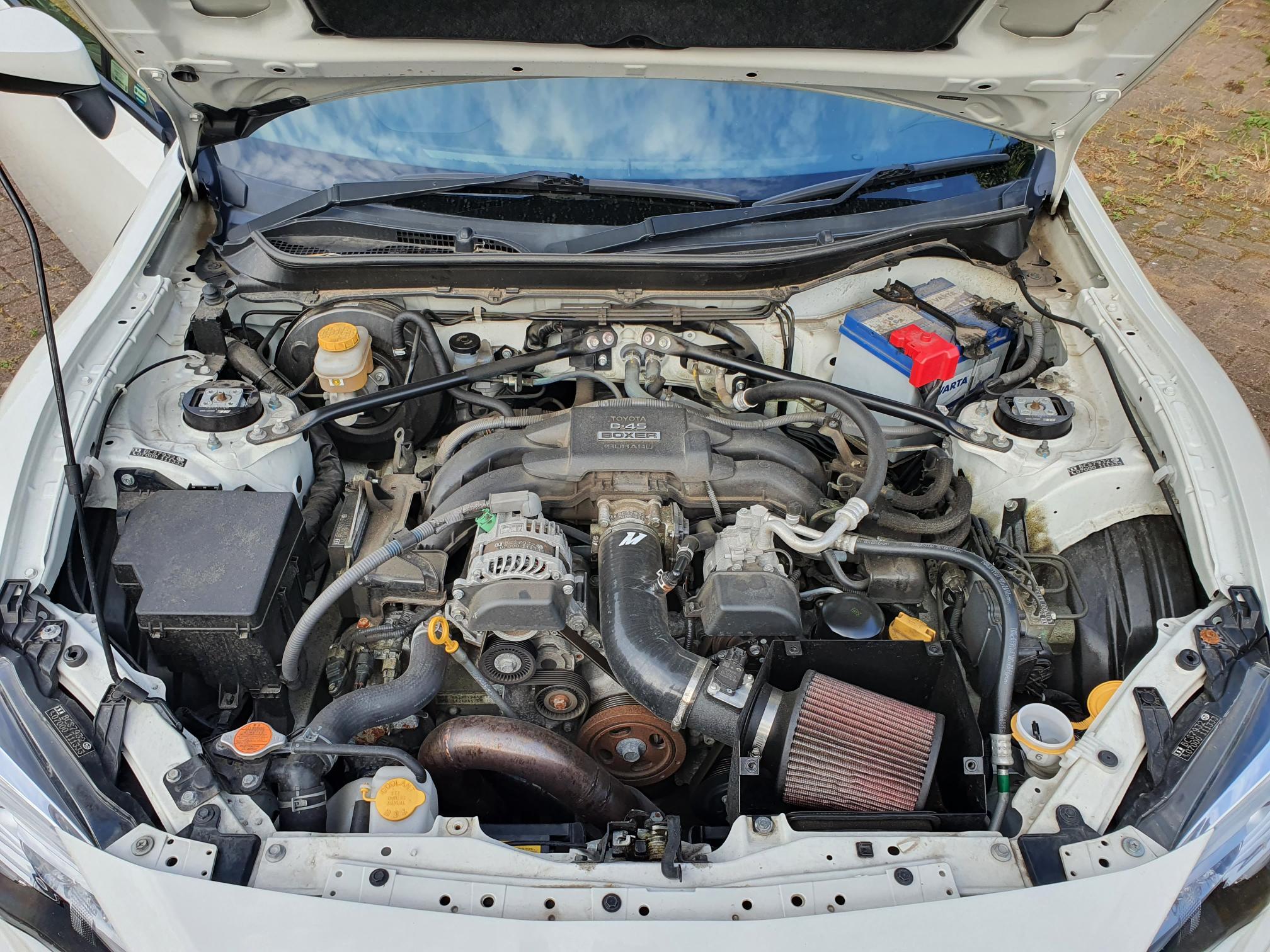
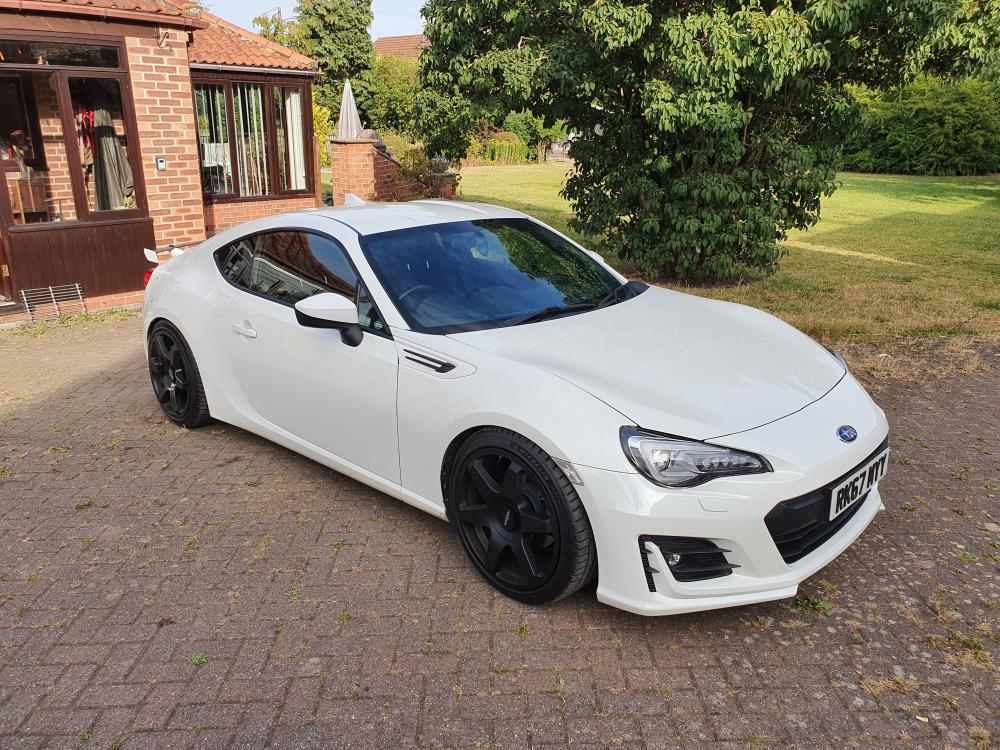
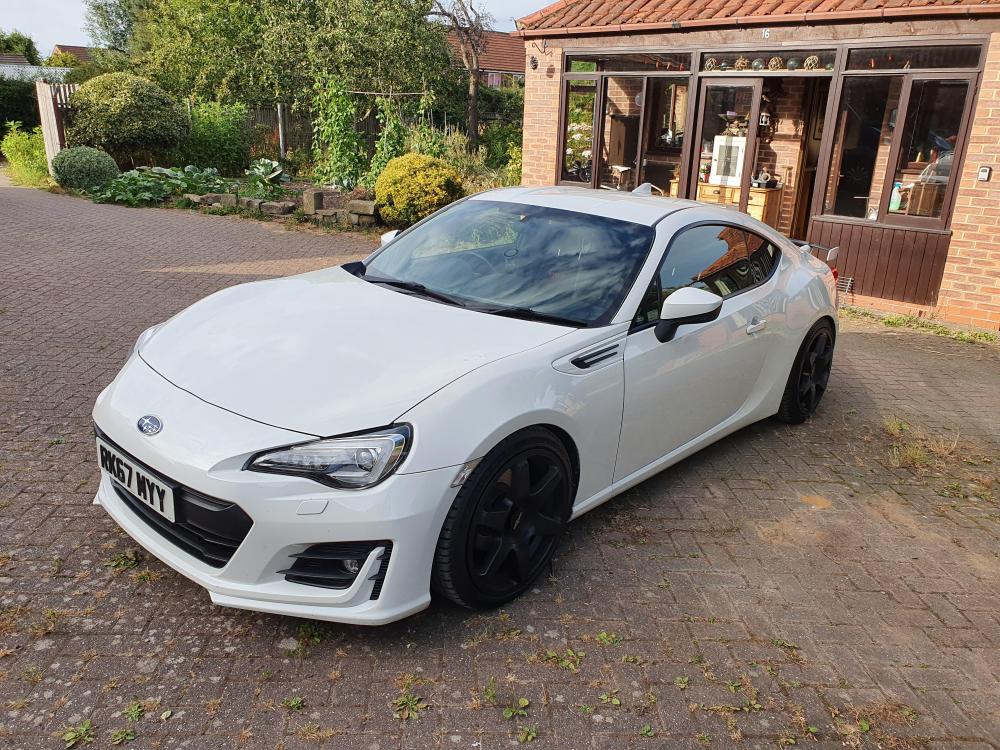
  1. 2017 Subaru BRZ · Coupe · 31700 Miles - £18,500 Selling my tastefully modified BRZ to upgrade to something more practical, I've had so much joy driving it but it's time to move on as I have just got a new puppy with my girlfriend. Brand new Pilot Sport 5 Tyres. 2017 face-lift model. ST XTA Coilovers, Rotiform Alloys, Wheel Spacers, Mishimoto air intake, Tuning Developments UEL Header, Alive Tuning Remap, Cobra Resonated Exhaust, Sound Dampened Boot, Tinted Rear Windows. Full service history, 2 previous owners, 2 keys.
Background Picker
Customize Layout

Configure browser push notifications

Chrome (Android)
  1. Tap the lock icon next to the address bar.
  2. Tap Permissions → Notifications.
  3. Adjust your preference.
Chrome (Desktop)
  1. Click the padlock icon in the address bar.
  2. Select Site settings.
  3. Find Notifications and adjust your preference.