Dan Kitchen
Members
-
Joined
-
Last visited
-
Dan Kitchen joined the community
-
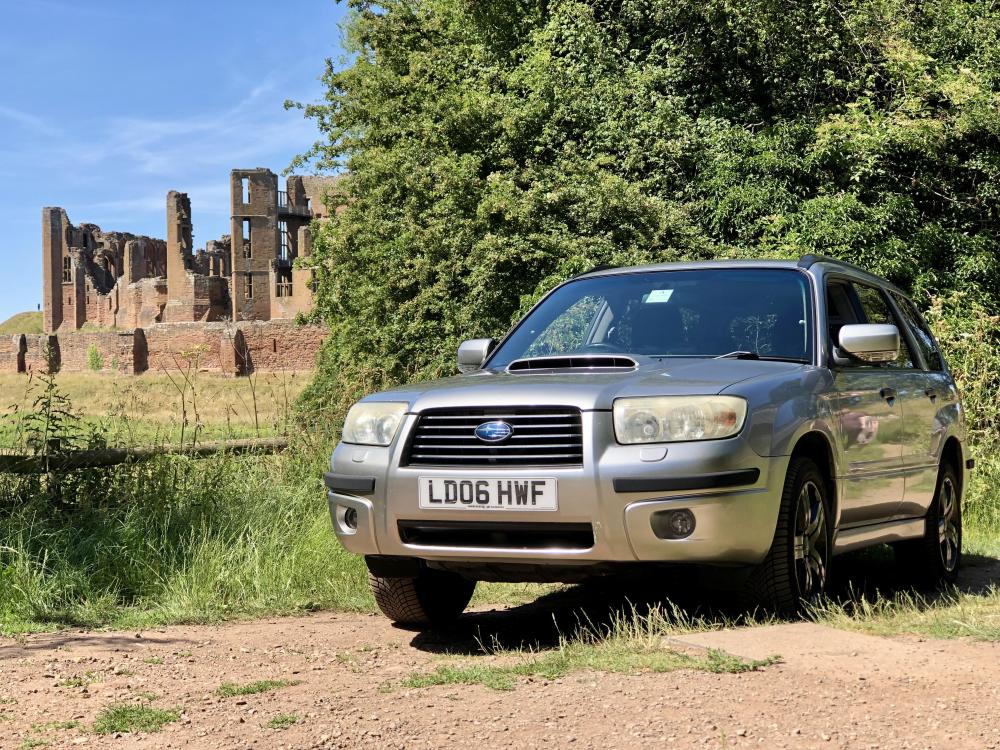
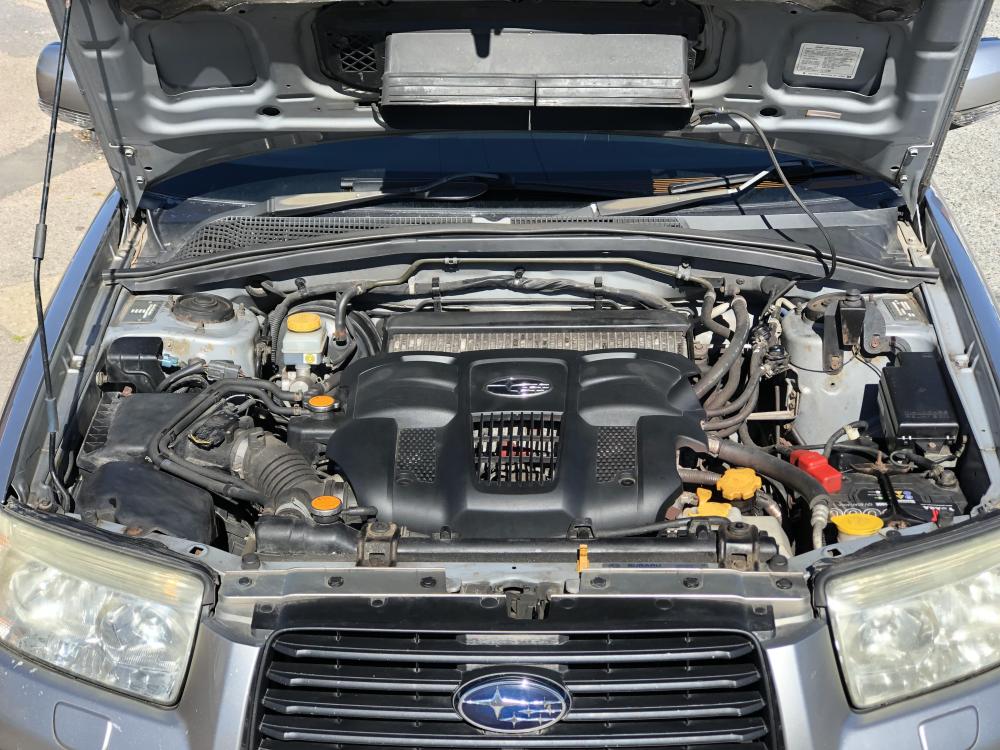
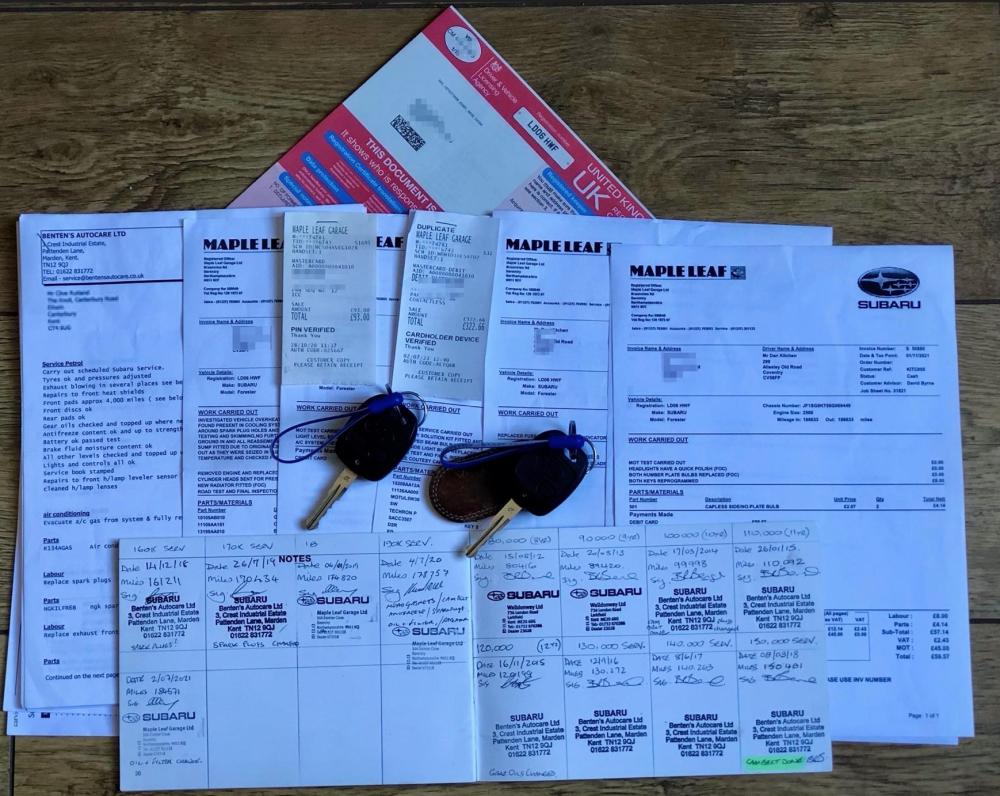
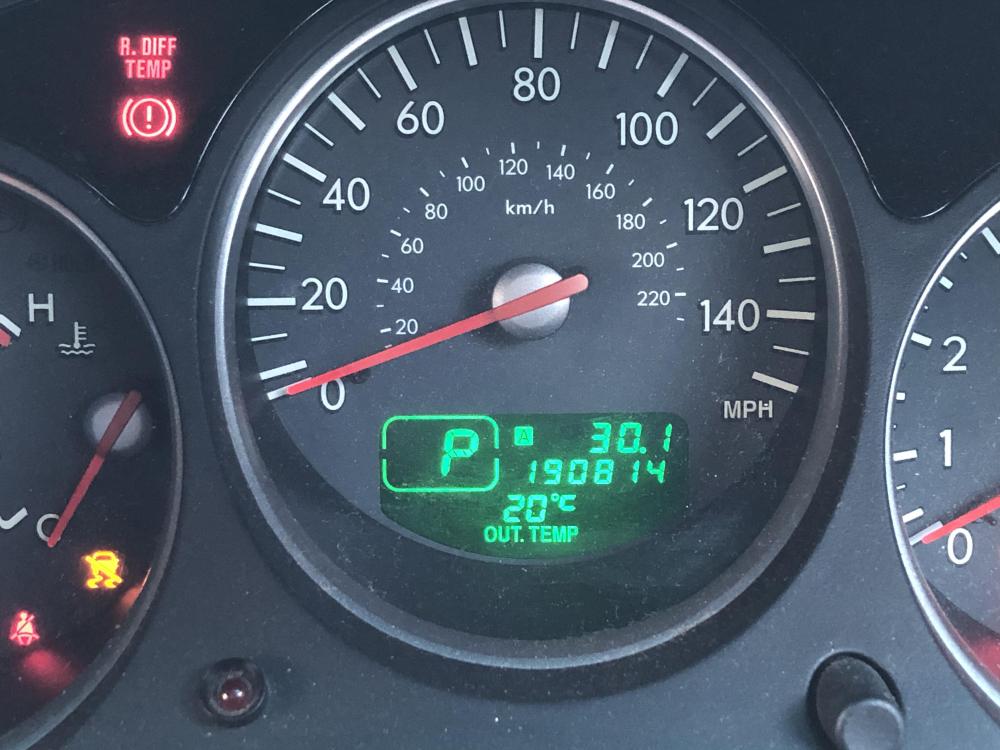
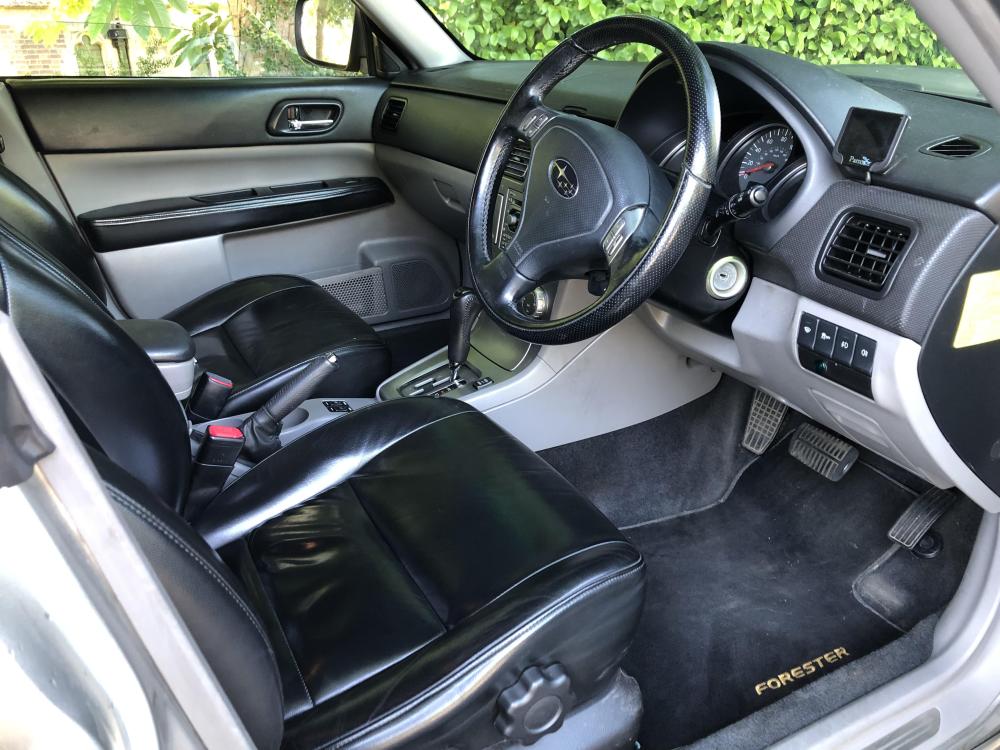
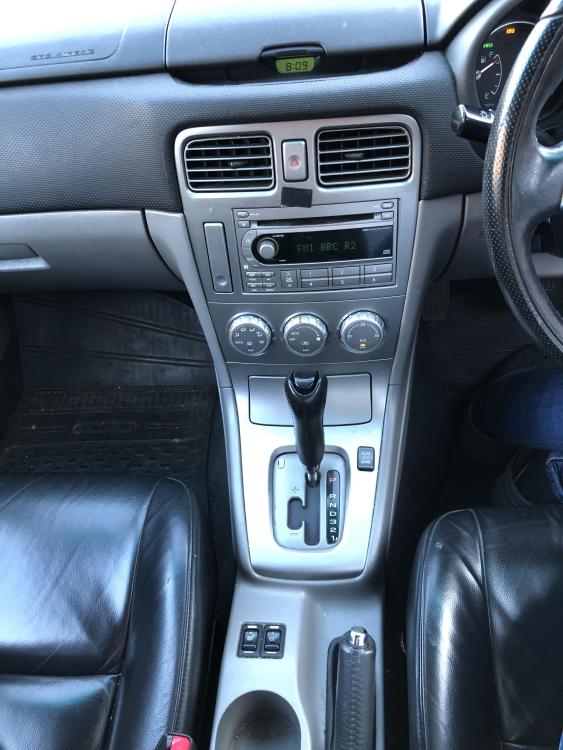
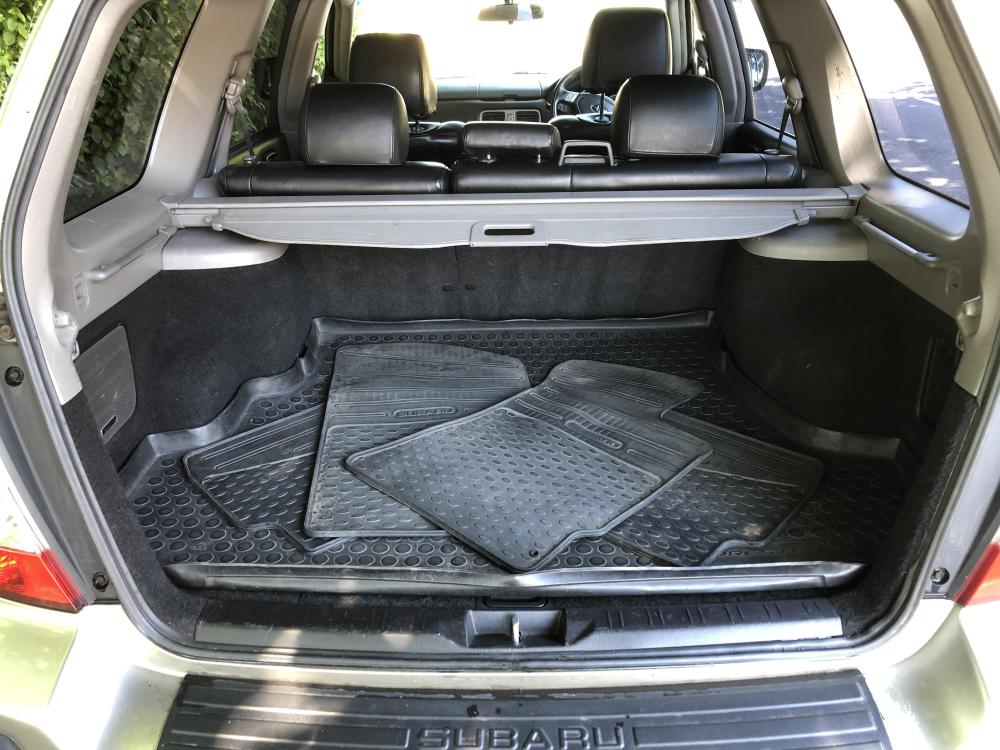
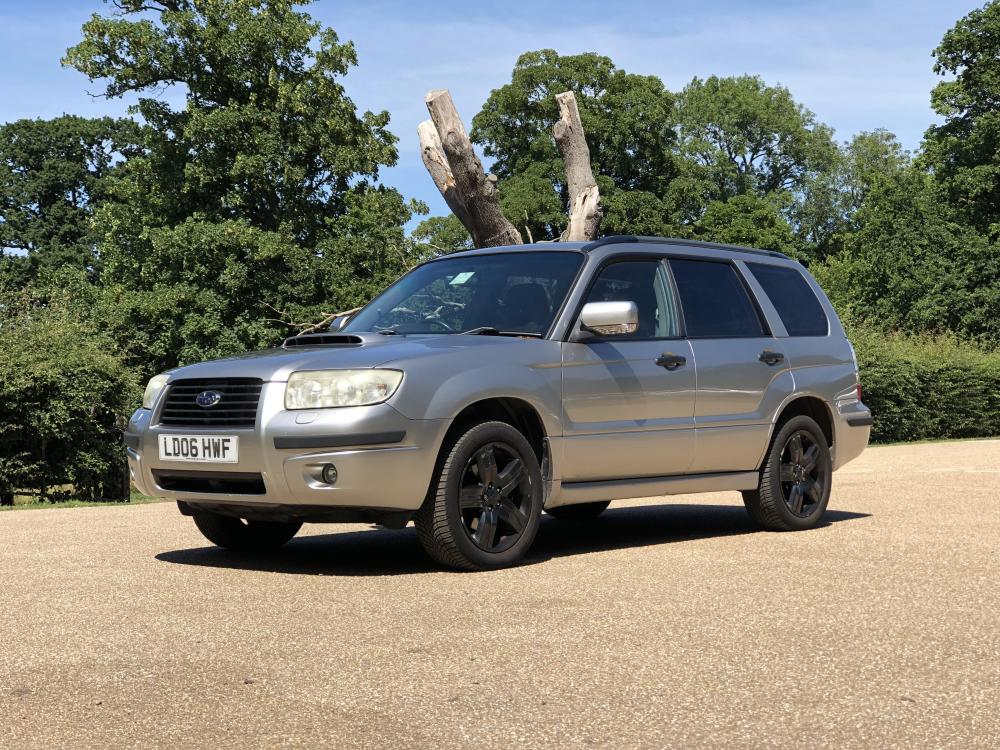
Our well loved family vehicle for the last few years but unfortunately it no longer fits our needs. The car is generally in good condition all round considering its age and mileage (191,000). And that 2.5 turbo engine still packs a punch when you ask it. I'll be sad to see this one go! The extensive service history was what sold the car to me, as you can see from the pictures, there are lots of dealer service stamps and details of what was carried out. About two years and about 13,000 miles ago, the car overheated due to a leaking radiator. So we invested more than £2000 in getting the heads skimmed, new radiator, new cam belt and water pump.The Forester is also running on a full set of Bridgestone Weather Control A005 EVO tyres that are only about 6 months old. Includes boot liner and both genuine Subaru Forester rubber and carpet floor mats. Serviced, MoT'd (due Aug 2023) and ready to go! £2,550 ono