Shane N
Members
-
Joined
-
Last visited
Everything posted by Shane N
-
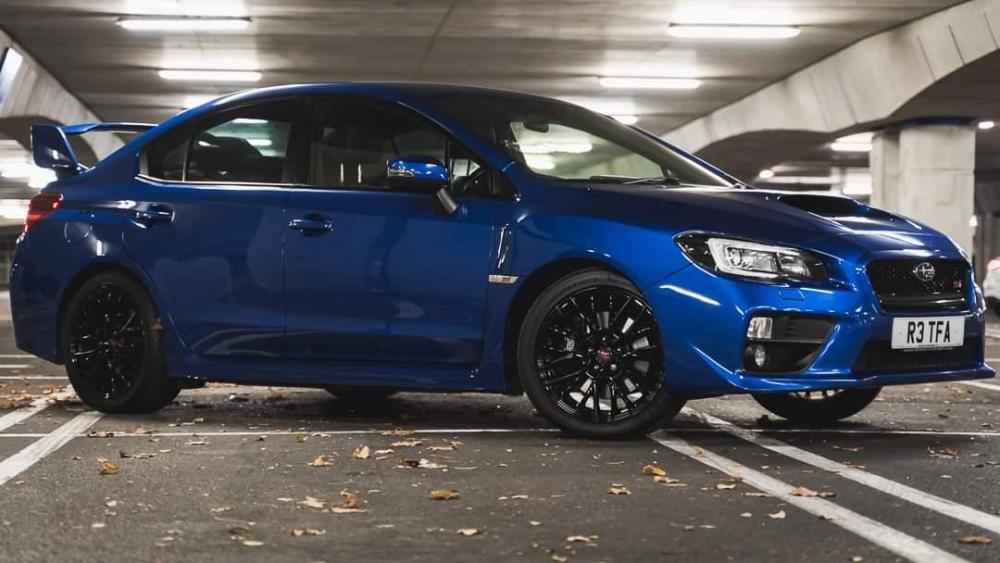
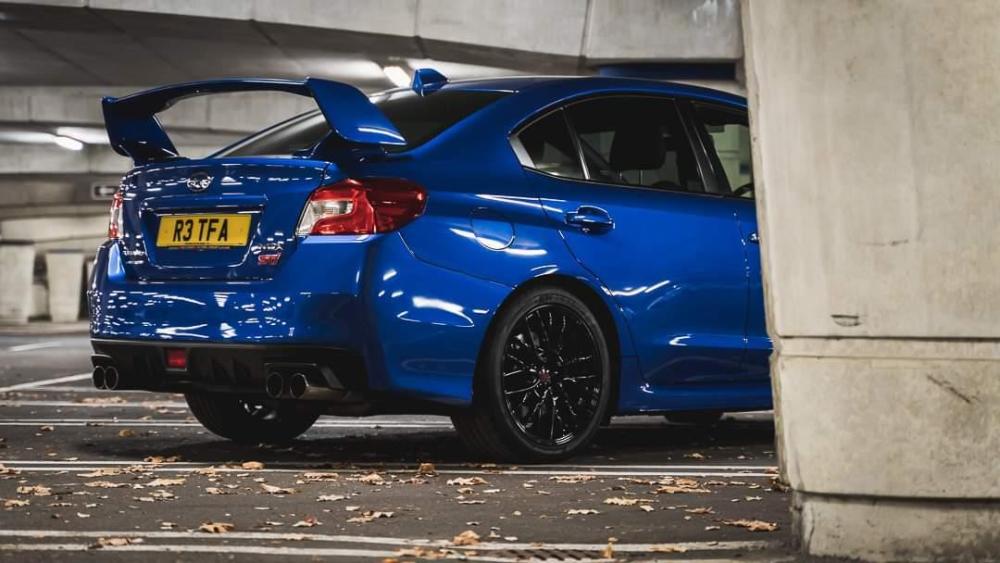
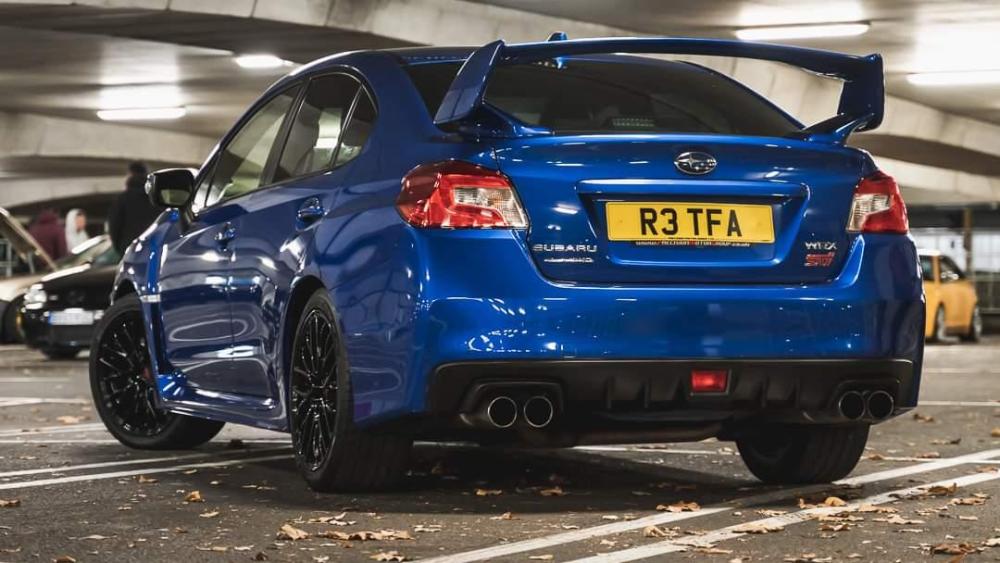
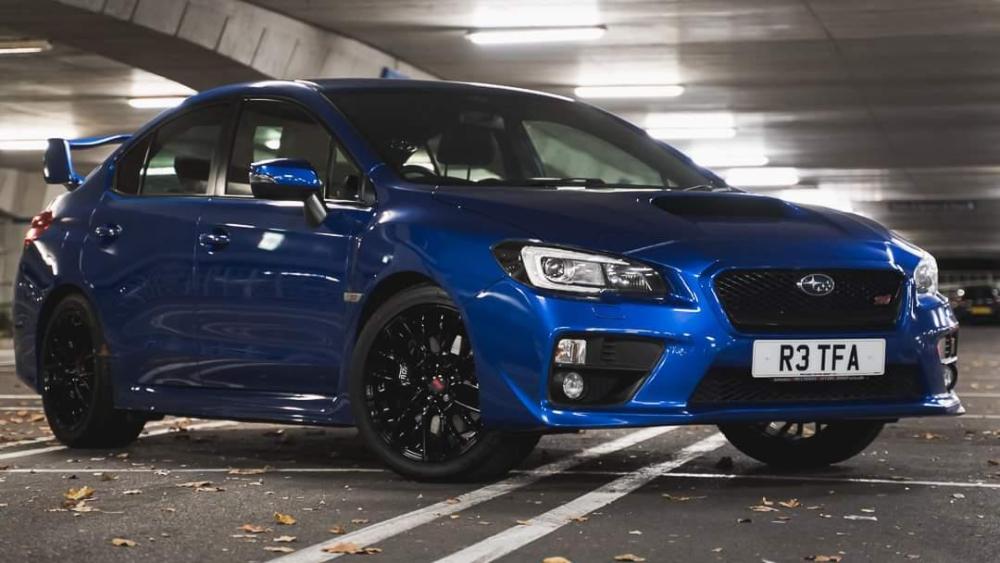
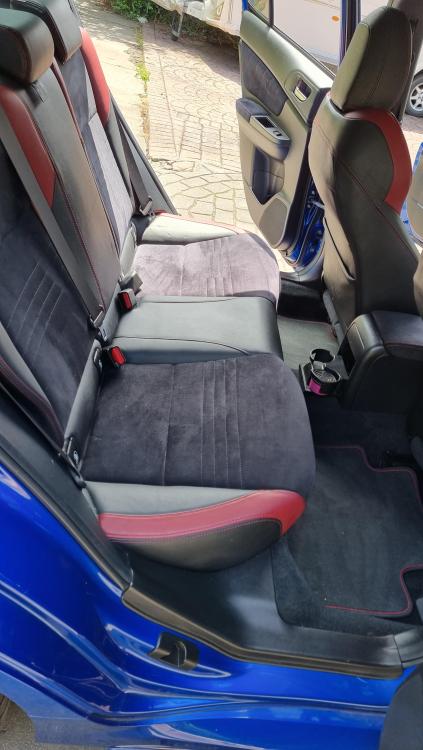
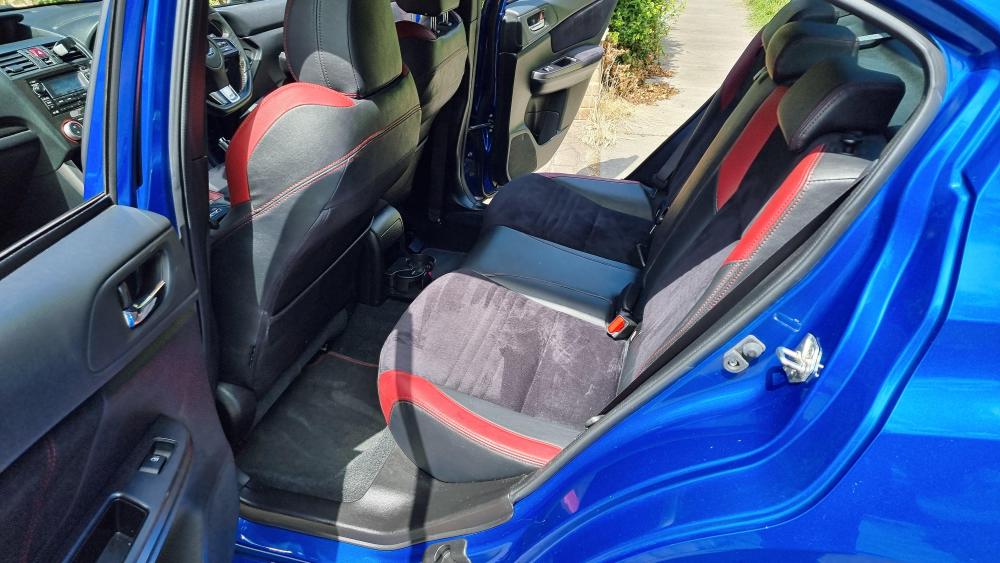
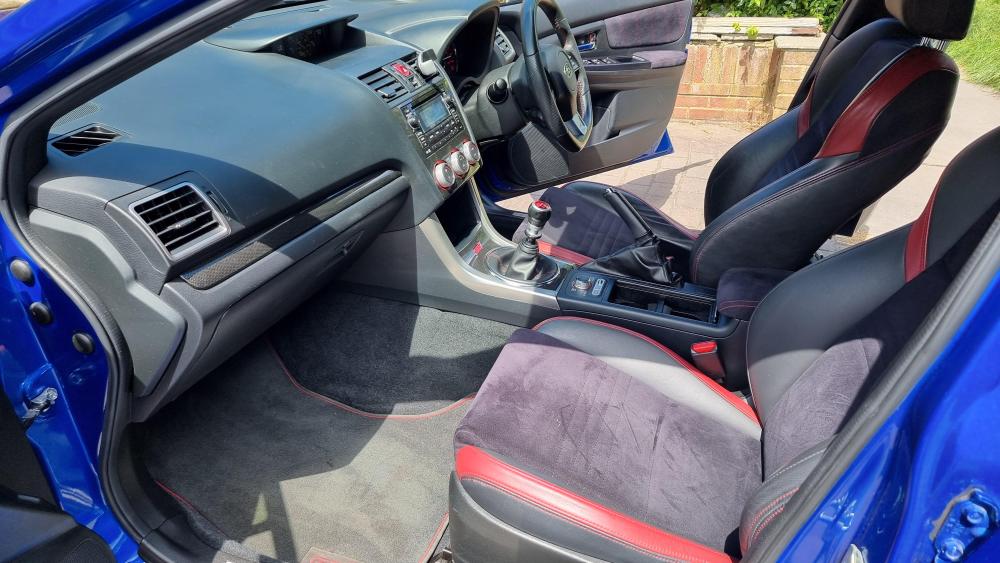
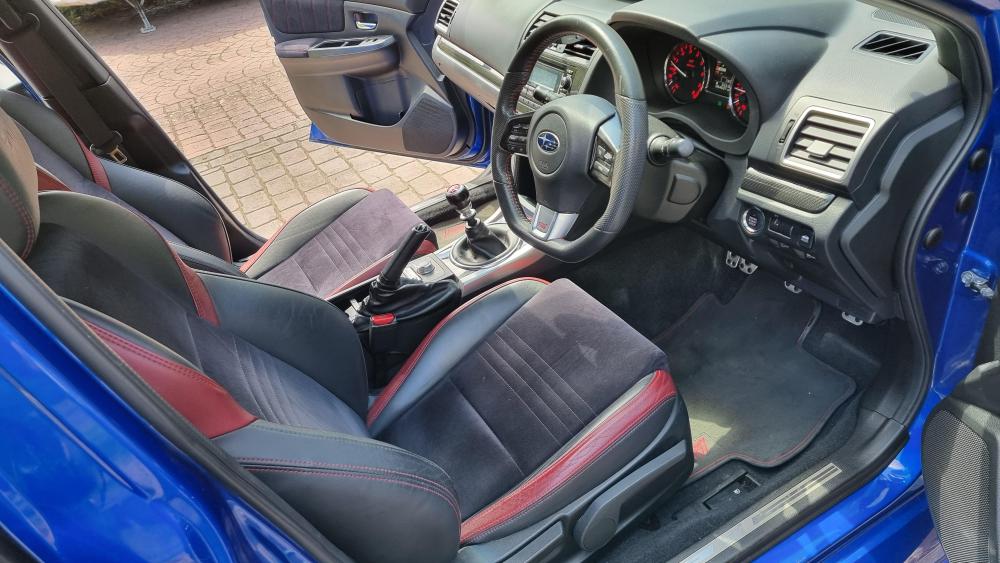
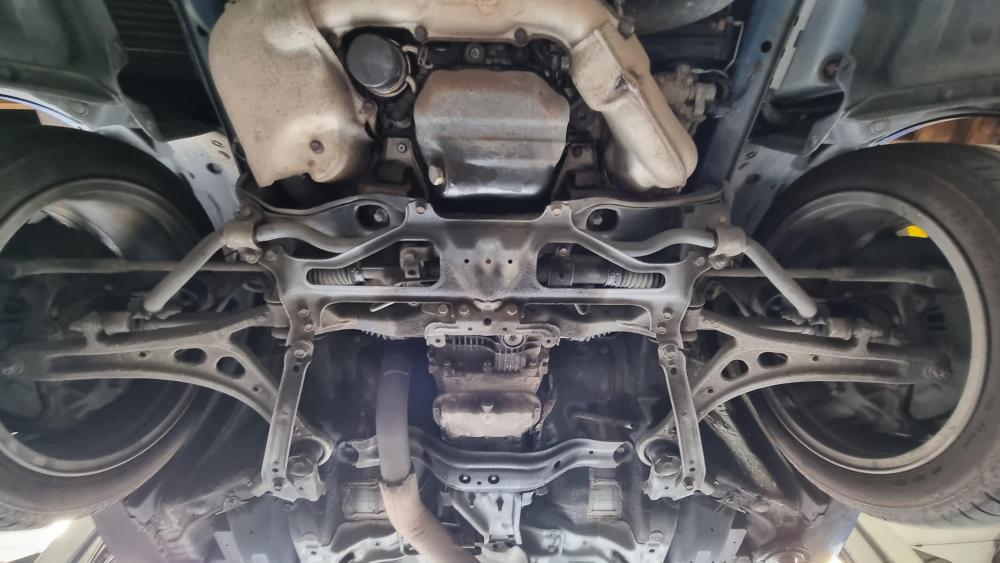
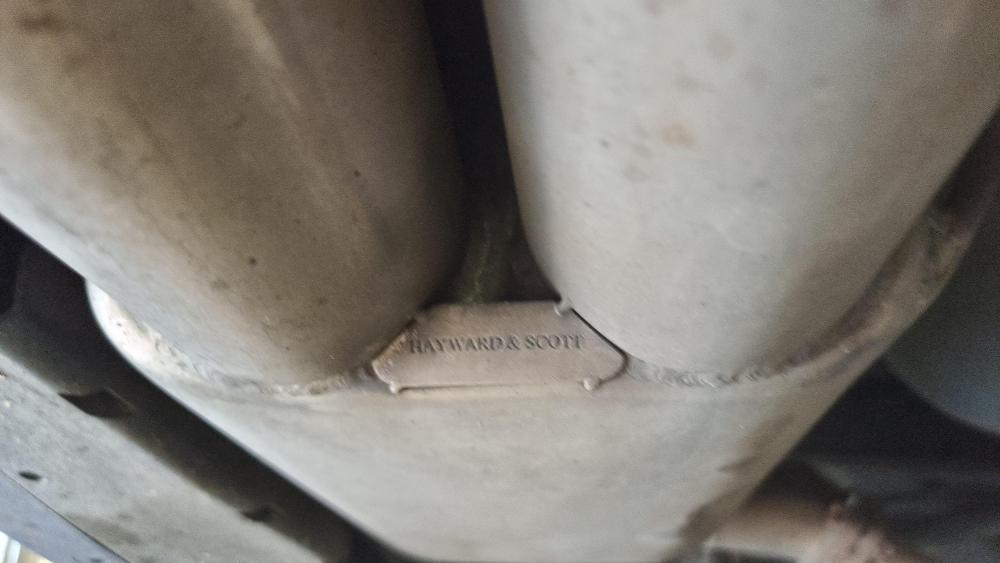
Grab a bargain of a car before it becomes a modern classic being the last of the sti's as we know them! Clean example with some loving miles on it (85200) this shouldn't be any concern as car is clean underneath with no leaks or issues to show; pics to show. Having been forged this isn't really a concern as the engine and gearbox are both still running strong being serviced when it should, car still has a ton of life left in it and pulls hard with the few mods it has. Currently running 1050x injectors, fuel pressure regulator, omni power map sensor, Hayward and scott turbo back exhaust and mapped by Neil at slowboy racing I'm brands hatch! Car is located in New Addington, Surrey area presently and would like it to go to enthusiastic owner who's going to use and appreciate it for what it is. Only reason for the price is i got a great deal and I firmly believe in passing that along to be honest, I'll sadly be travelling a lot more for the foreseeable future due to a recent job change and even with expenses it sadly just doesn't warrant this kind of vehicle anymore so will be rocking my partners beast of a suzuki swift instead! So grab yourself a good deal with a fully Forged Sti at a good price!