sjb
Members
-
Joined
-
Last visited
-
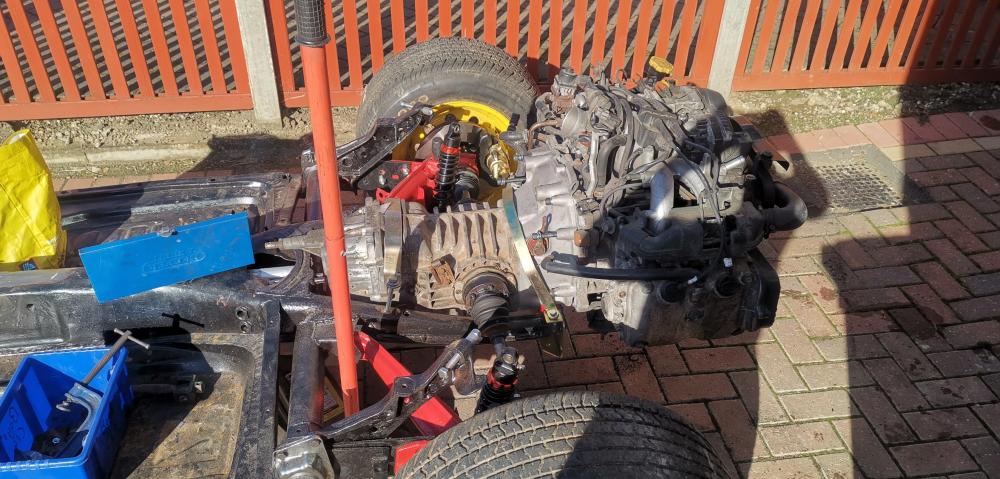
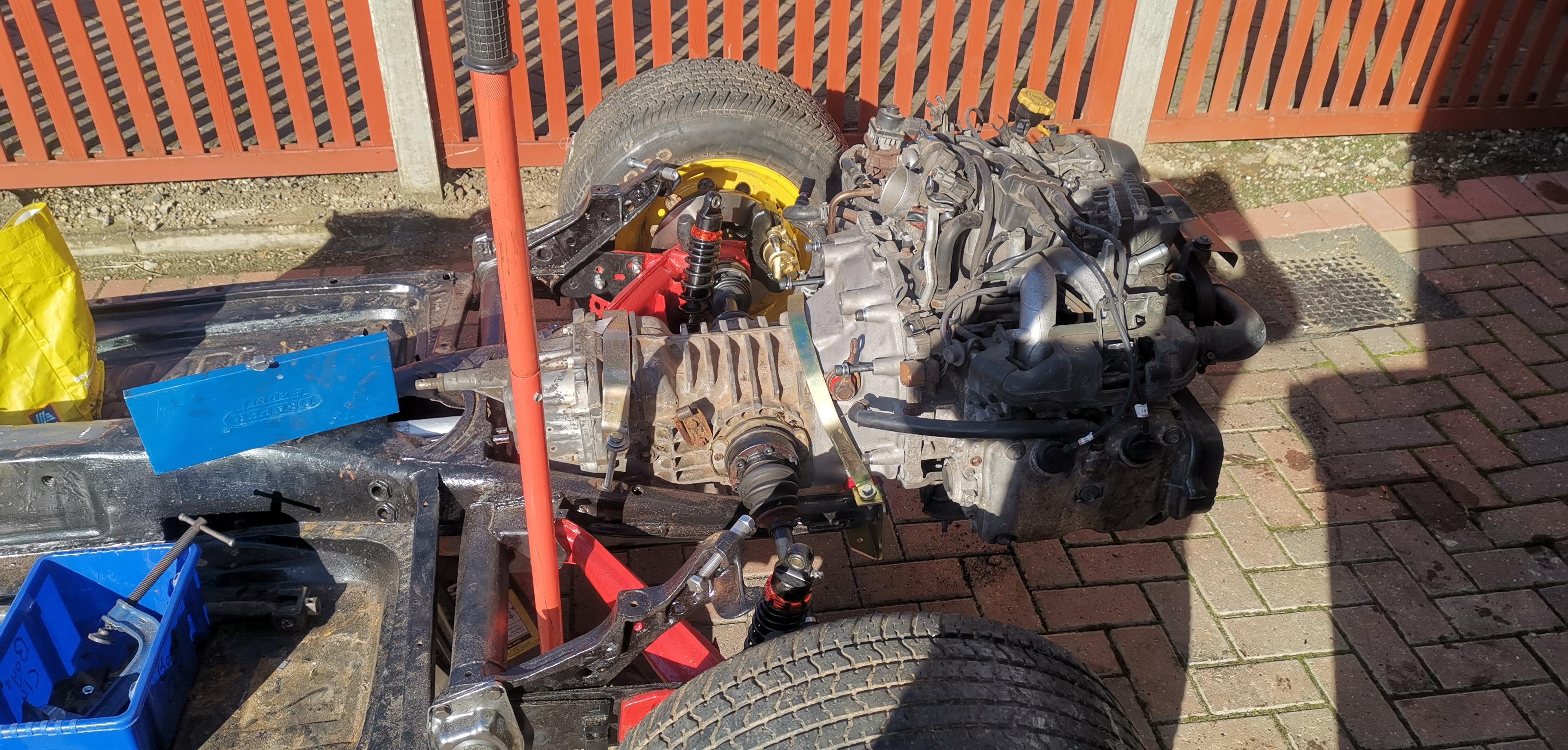
Hi, Nice to meet you all. Im hoping this group is still relatively alive as I havent seen many posts come up. Although its not strictly a subaru, it is! Im currently building an old 70s kit car - but subaru style. It is full 2005 wiring / engine etc and ive got it cranking (no fuel line connected to build a little oil pressure). Anyway, Im at the point of getting hold of the charcoal canister and connecting the rats nest of rubber lines. Ive worked on MANY bmws but this is my first Subaru and it just seems like someone had a rubber hose budget. Does anyone fancy giving me a mornings assistance in Scunthorpe - there will be beers or a take away or something in it for you and the chance to see what I'd definately class as an impossible project formally described as a puzzle, in the dark with no box!.. My colleague calls it Frank! (enstein) Its just one of those things i want to accomplish for me and my little boy and bar one very helpful seller of parts, EVERYTHING is self taught on the drive! If i had stripped the engine etc out, this would be easy as is have a reference point but right now i dont. If youre interested in having a bru, a giggle and laughing at me, chuck me a message and we can organise something. The plan is eventually to get to some car shows and meet up with various groups 🙂 Cheers Steve