Do Not Sell My Personal Information Jump to content
View in the app

A better way to browse. Learn more.

Subaru Owners Club UK | Subaru Forums

A full-screen app on your home screen with push notifications, badges and more.

To install this app on iOS and iPadOS
  1. Tap the Share icon in Safari
  2. Scroll the menu and tap Add to Home Screen.
  3. Tap Add in the top-right corner.
To install this app on Android
  1. Tap the 3-dot menu (⋮) in the top-right corner of the browser.
  2. Tap Add to Home screen or Install app.
  3. Confirm by tapping Install.

Aled

Members
  • Joined

  • Last visited

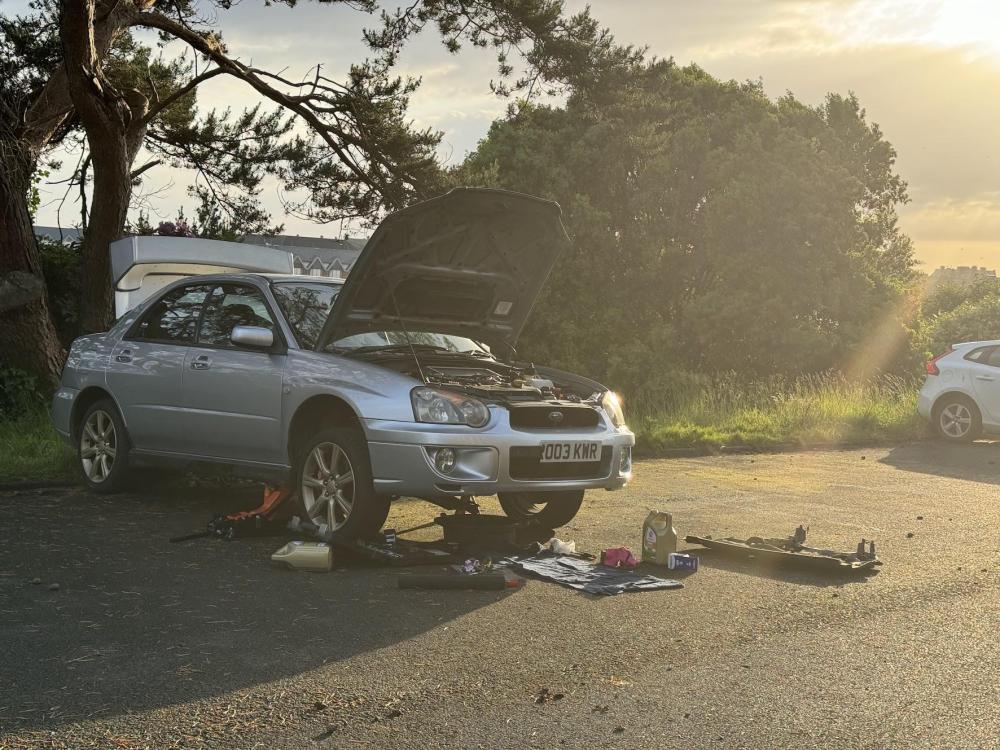
  1. I'm trying to order in a clutch kit for my 2003 Subaru Impreza WRX and I am finding it difficult in finding the exact one for my car. I'm not sure if my clutch is a Pull type or a push type, so I'm worried I will end up ordering the wrong type. Please help. Engine type: EJ205NW5BB Transmission type: TY754VN4AA If you need any more information, I am happy to deliver. Thank you.
  2. Hey there, I'm Aled. I drive a 2003 Subaru Impreza WRX. I am 20 and am based in mid Wales and Aberystwyth. I enjoy working on cars and have some stuff lined up that I have to get done on the Subaru so I am looking forward to that. I've owned the Subaru since February this year. I'm still very new to all this so will most likely ask for tips and tricks, for that I apologise in advance.

Background Picker
Customize Layout

Account

Navigation

Search

Configure browser push notifications

Chrome (Android)
  1. Tap the lock icon next to the address bar.
  2. Tap Permissions → Notifications.
  3. Adjust your preference.
Chrome (Desktop)
  1. Click the padlock icon in the address bar.
  2. Select Site settings.
  3. Find Notifications and adjust your preference.