Do Not Sell My Personal Information Jump to content
View in the app

A better way to browse. Learn more.

Subaru Owners Club UK | Subaru Forums

A full-screen app on your home screen with push notifications, badges and more.

To install this app on iOS and iPadOS
  1. Tap the Share icon in Safari
  2. Scroll the menu and tap Add to Home Screen.
  3. Tap Add in the top-right corner.
To install this app on Android
  1. Tap the 3-dot menu (⋮) in the top-right corner of the browser.
  2. Tap Add to Home screen or Install app.
  3. Confirm by tapping Install.

Bouncy_Bob

Members
  • Joined

  • Last visited

Everything posted by Bouncy_Bob

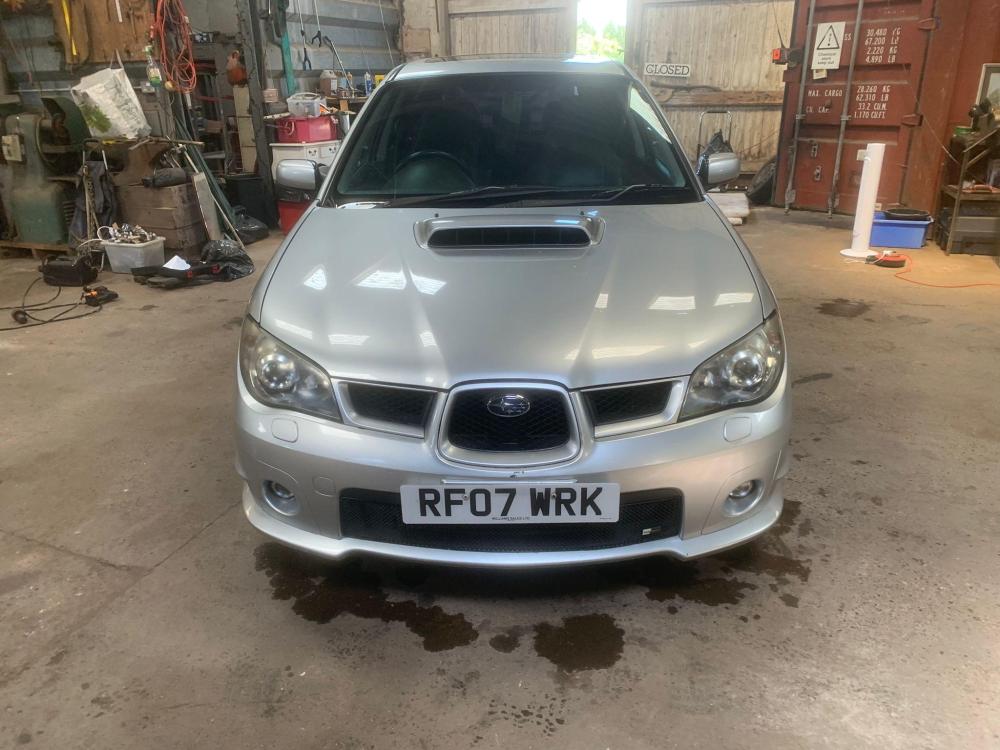
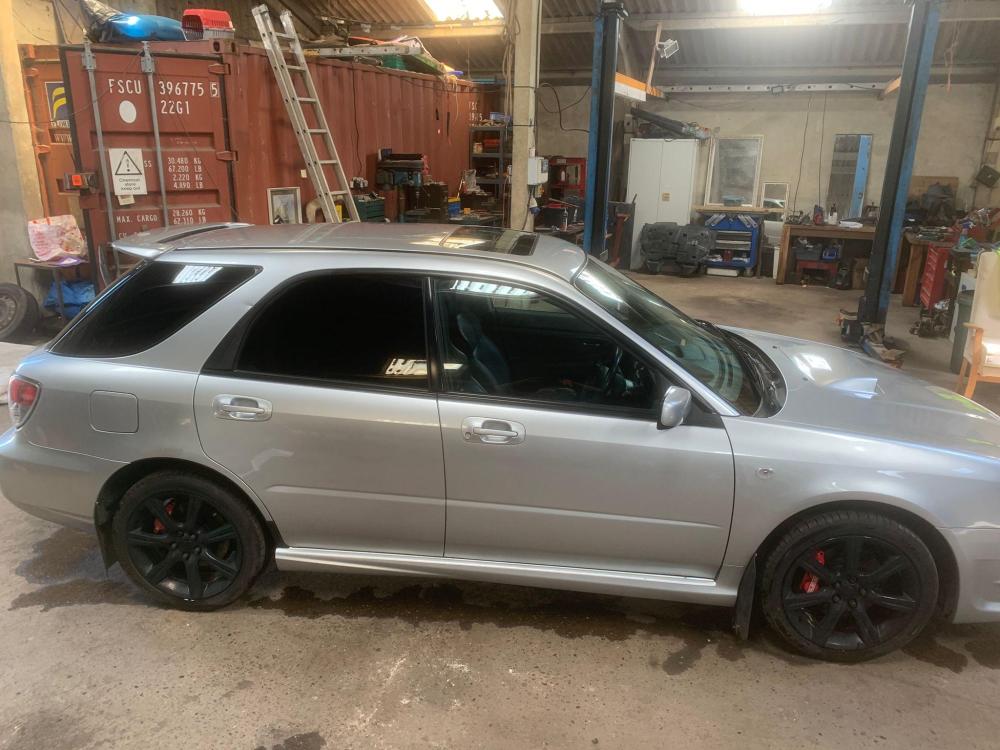
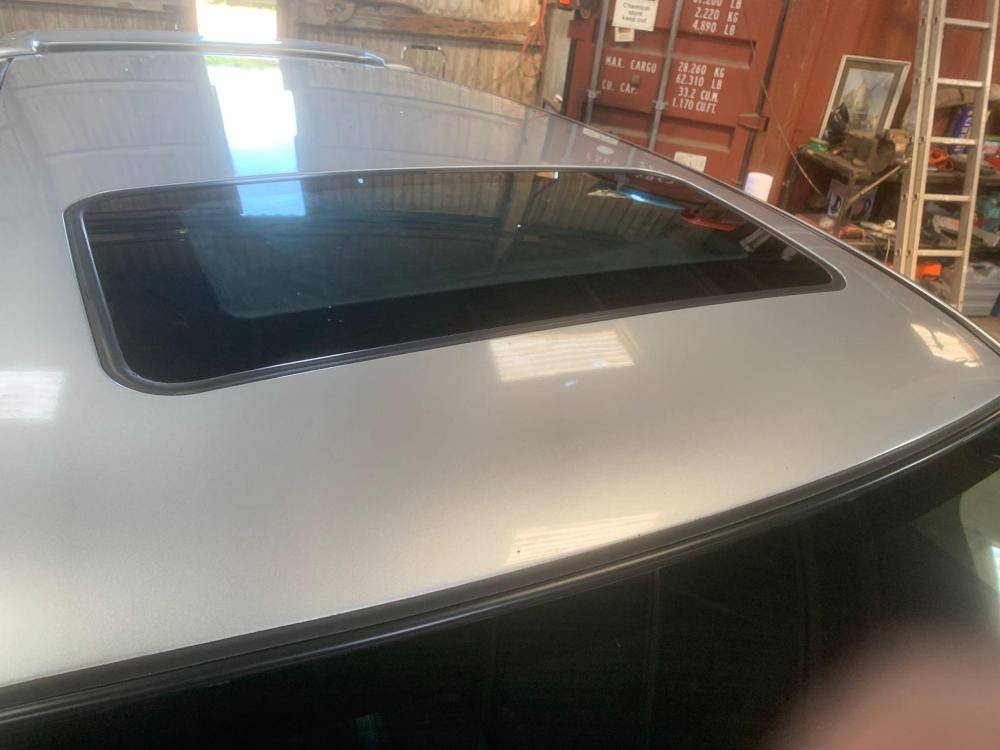
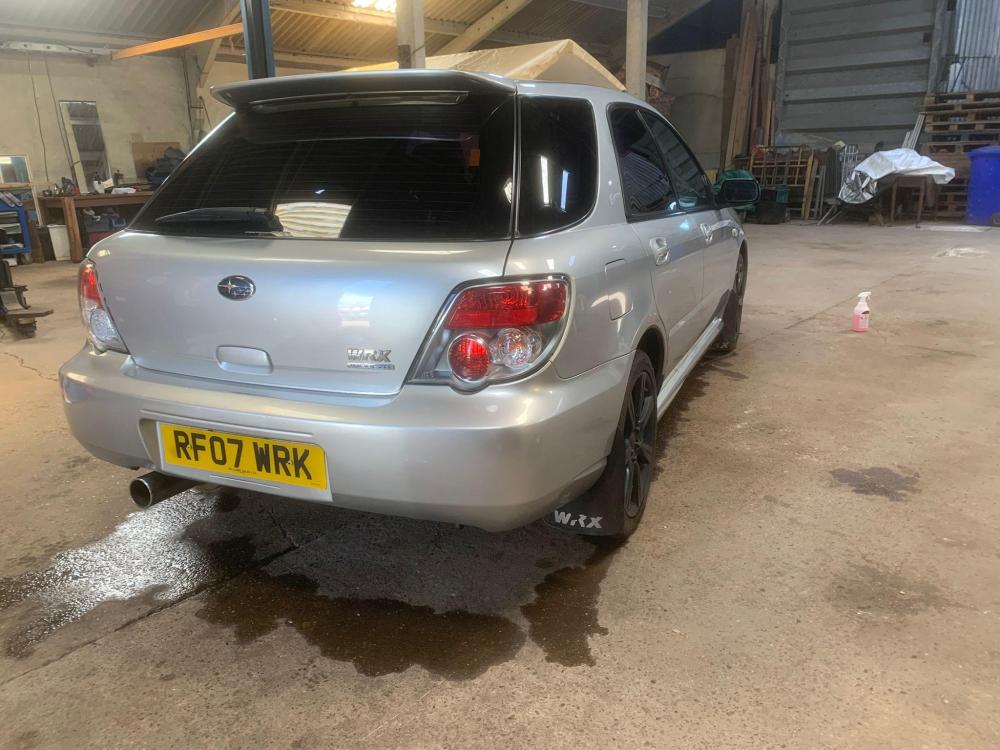
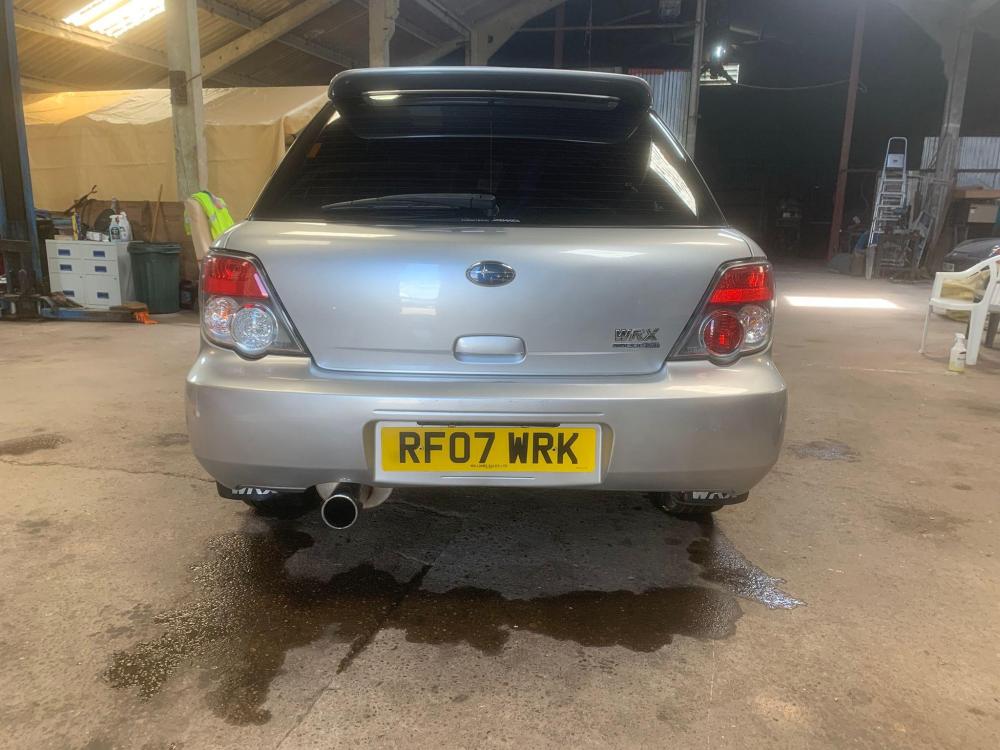
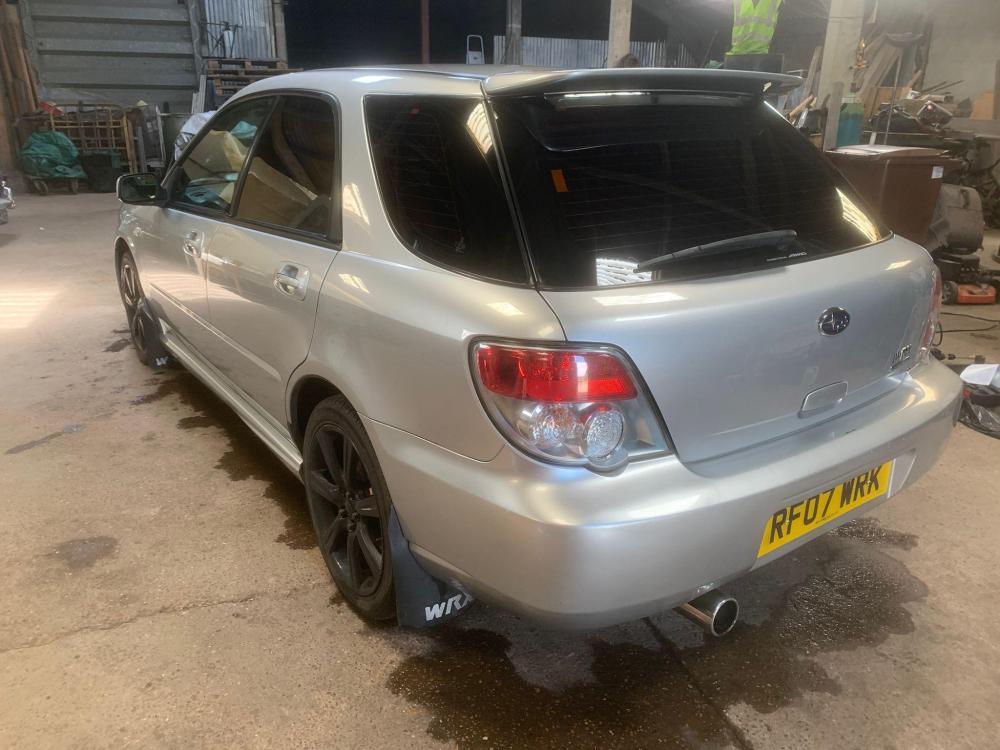
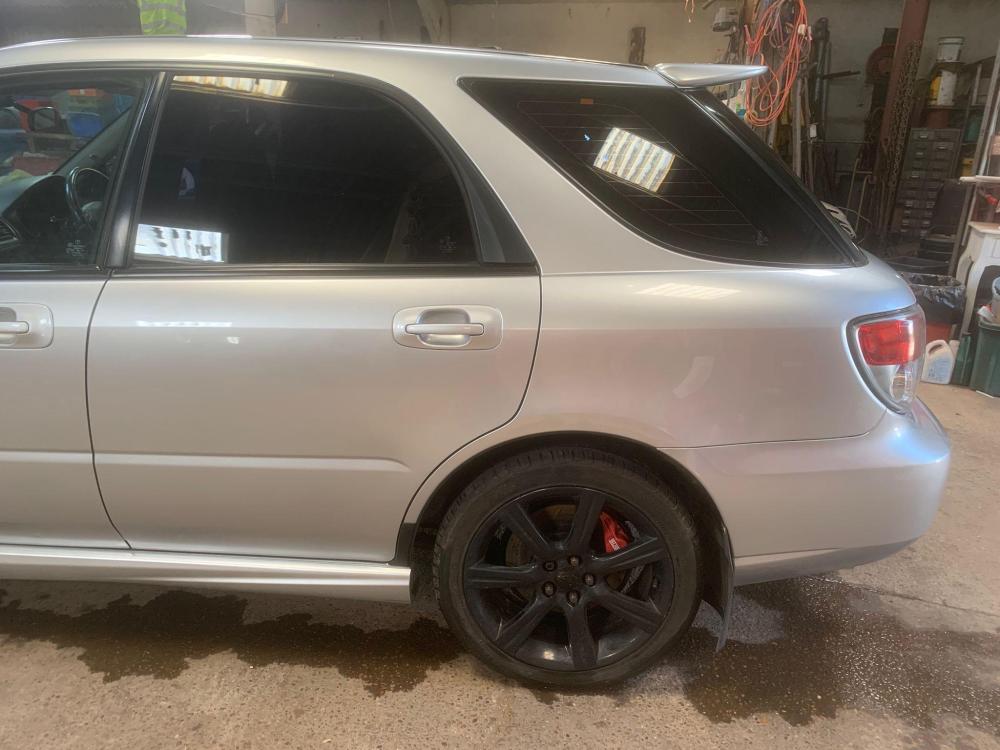
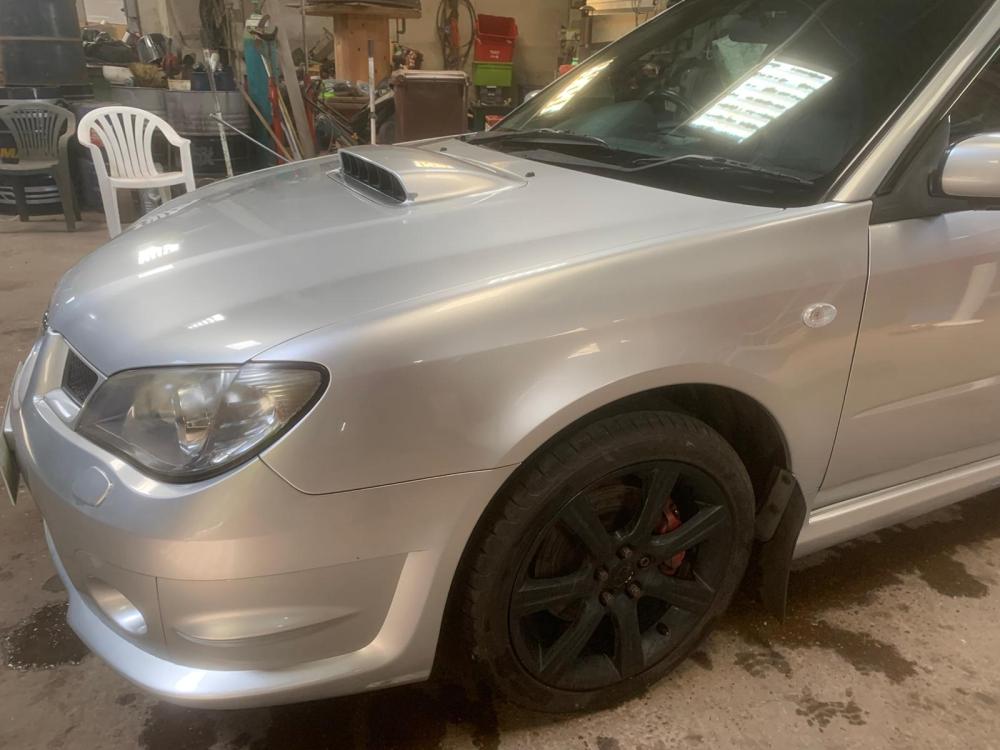
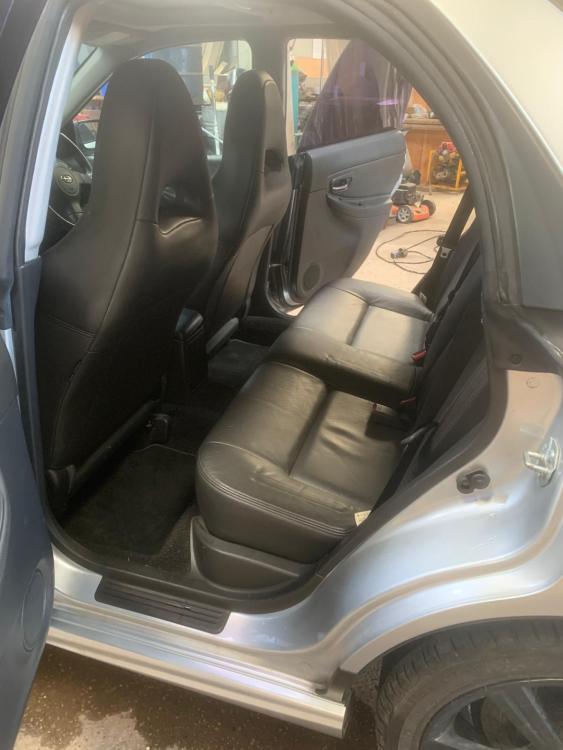
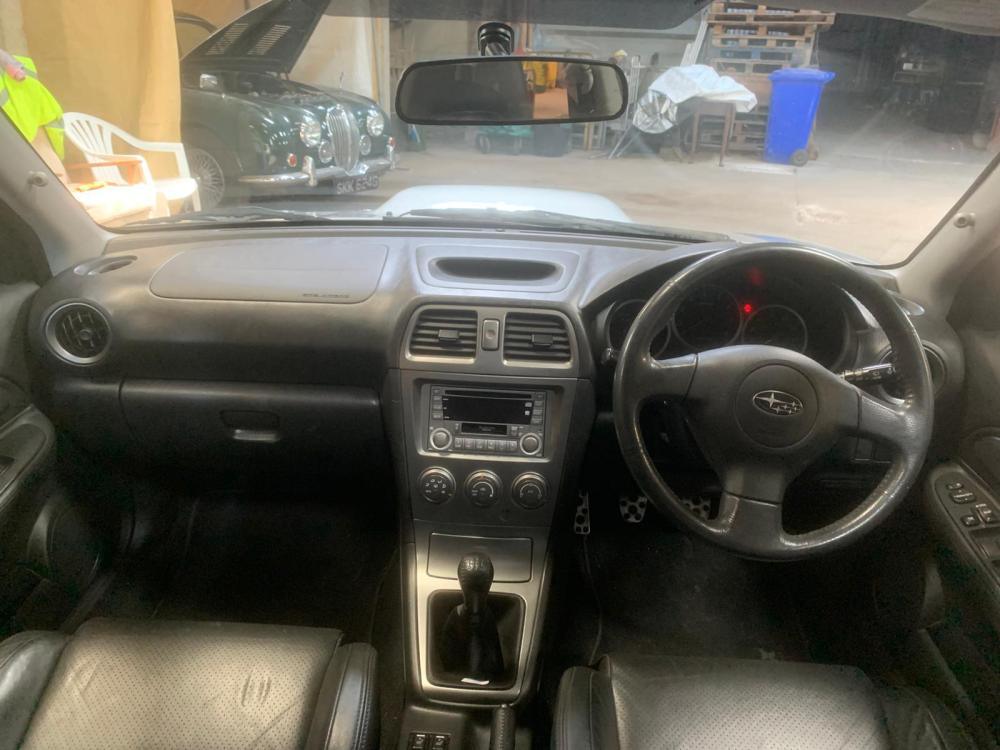
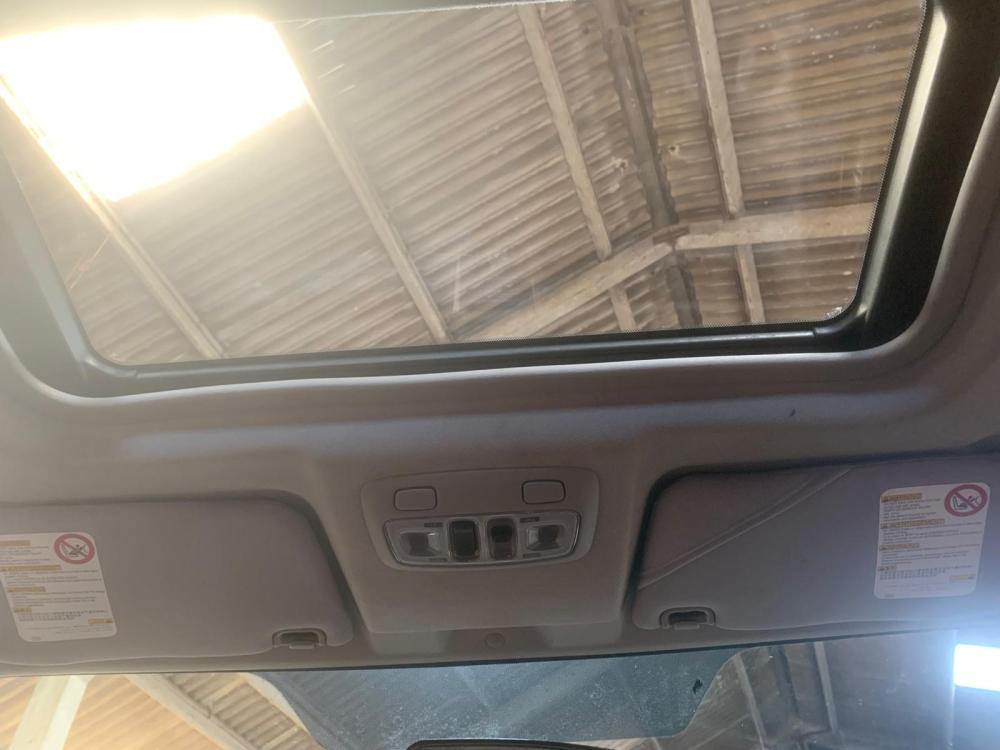
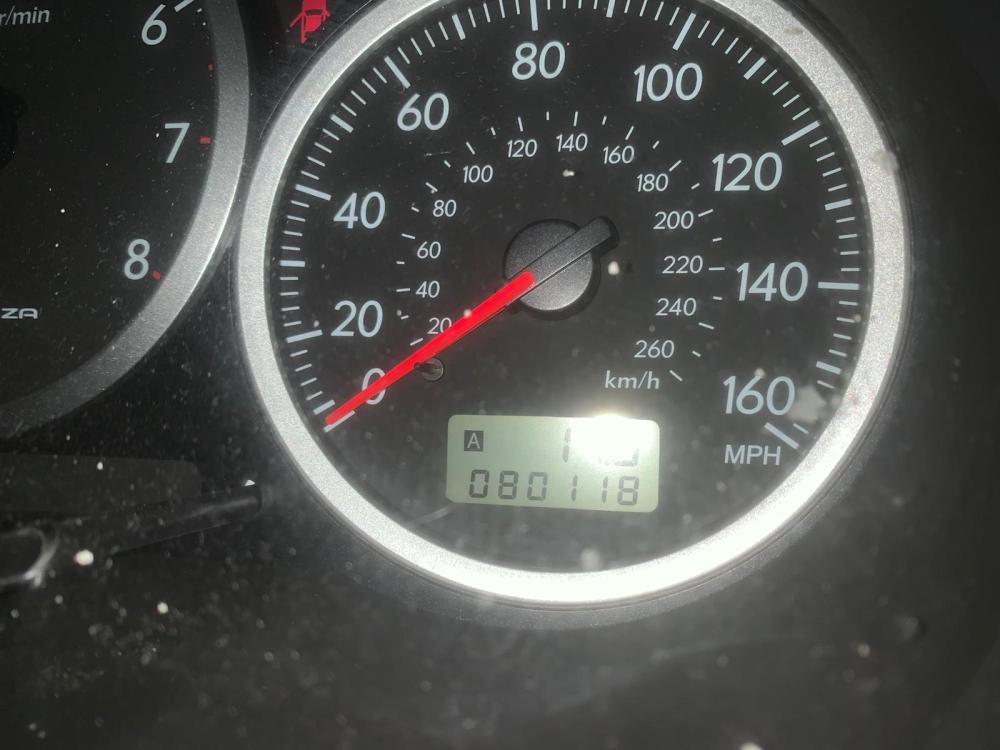
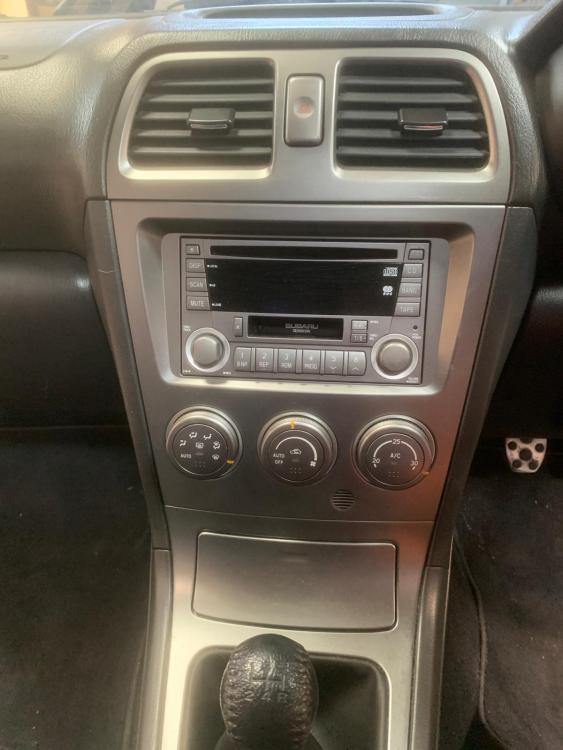
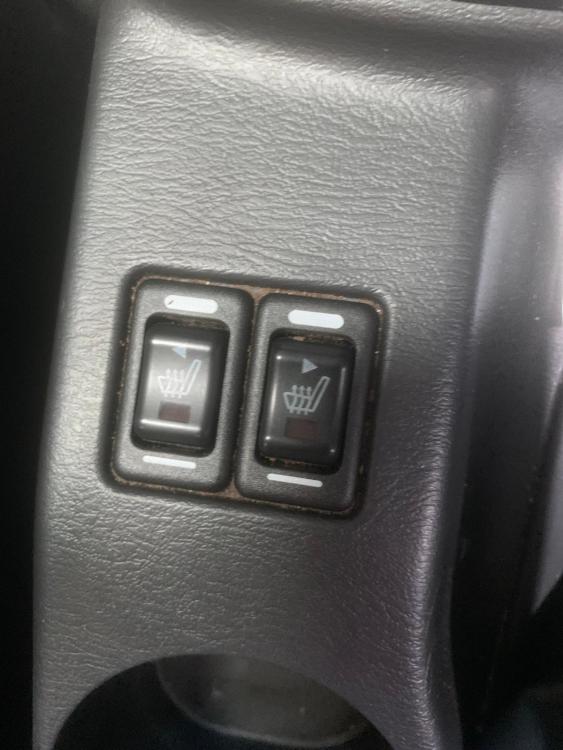
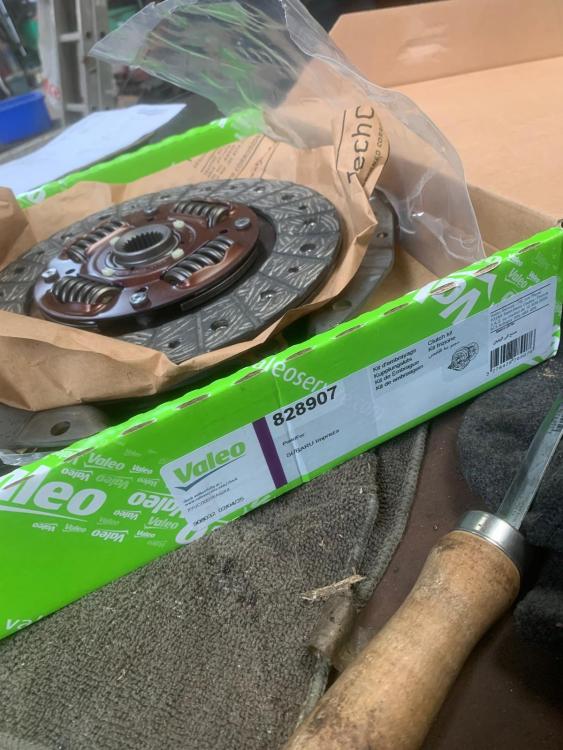
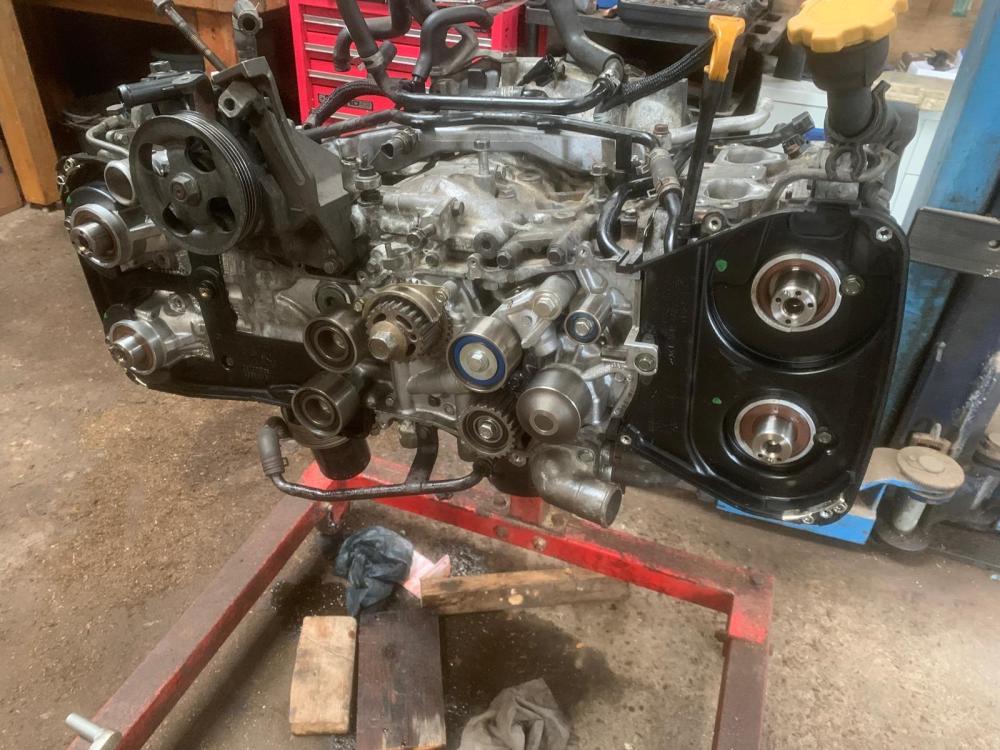
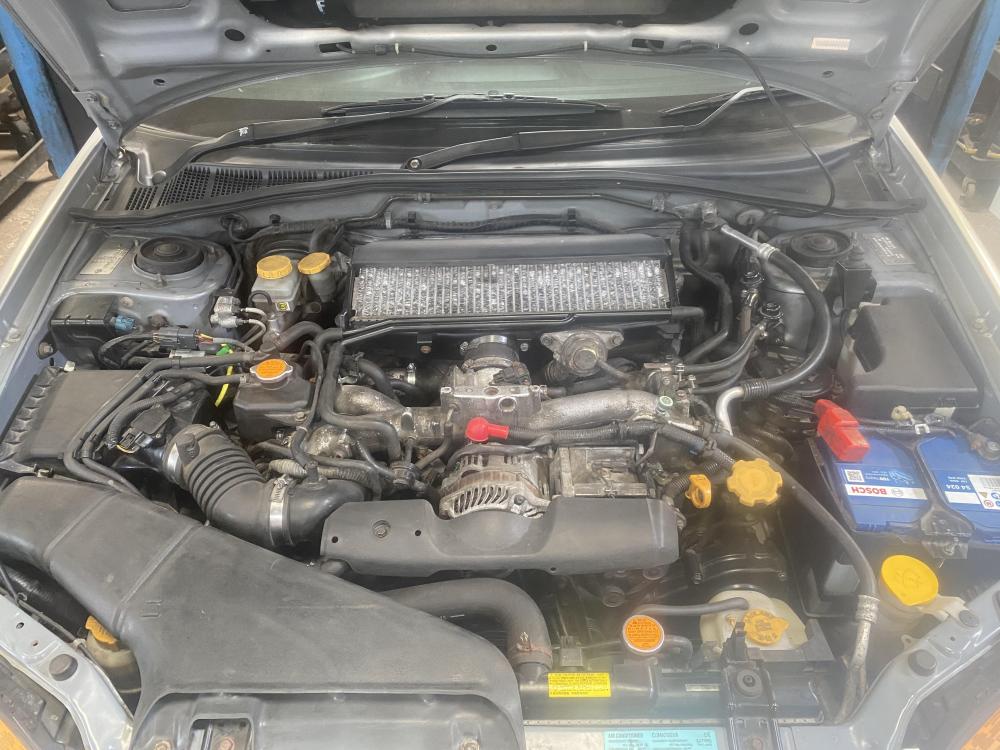
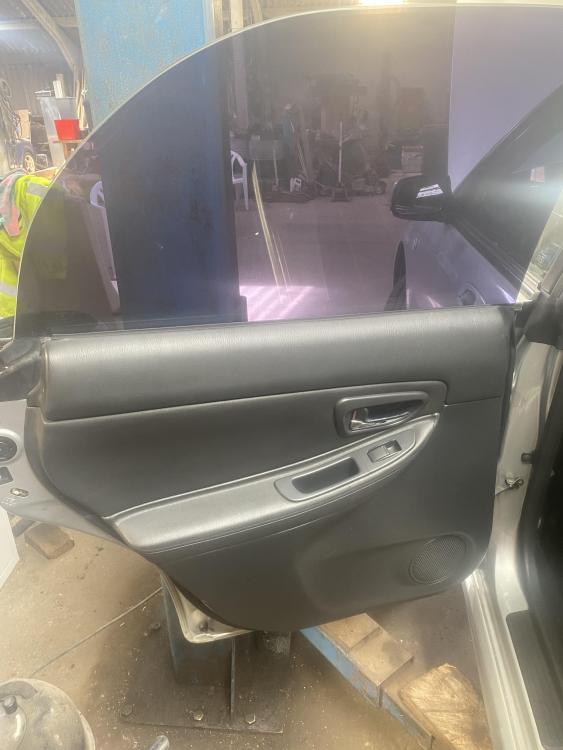
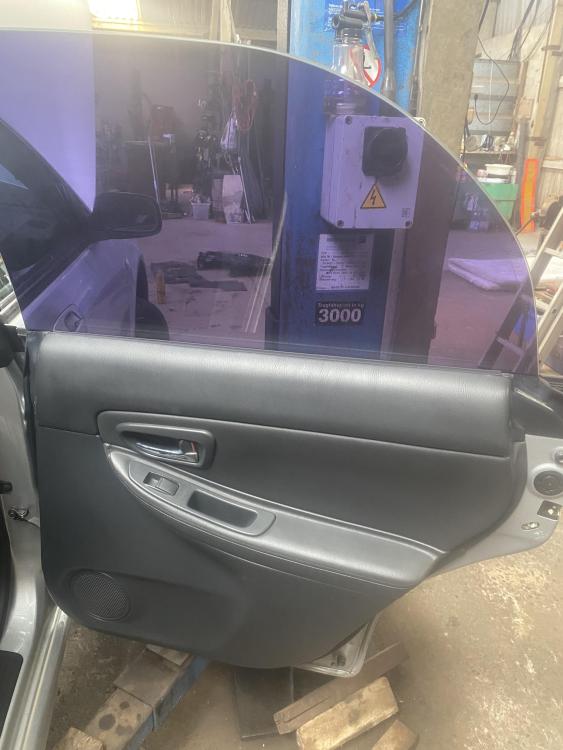
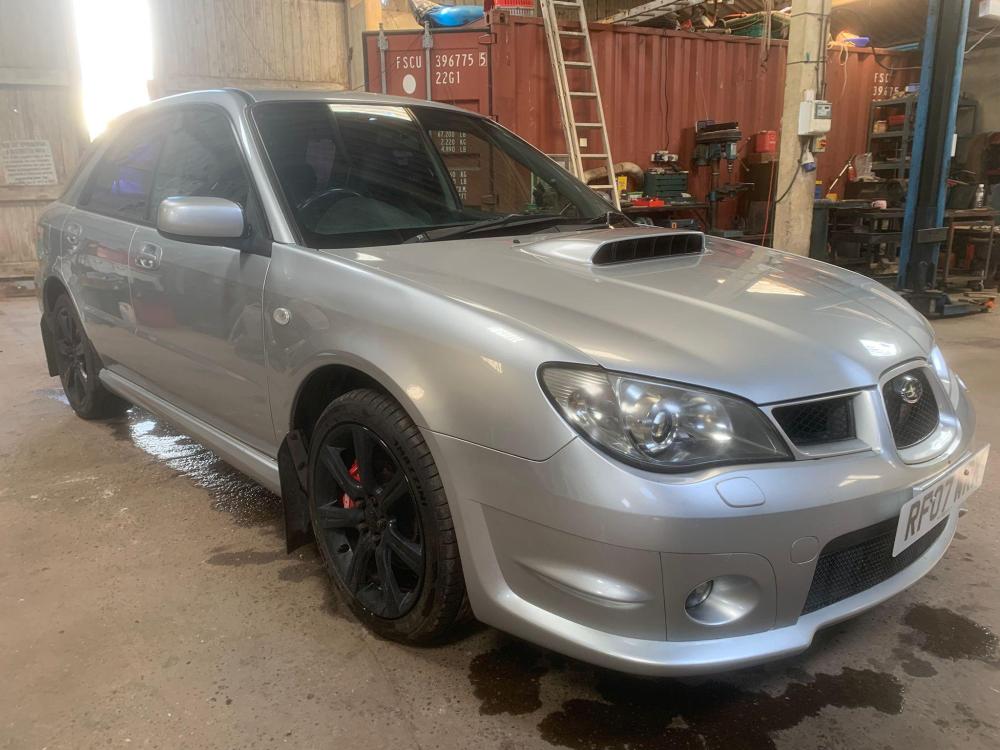
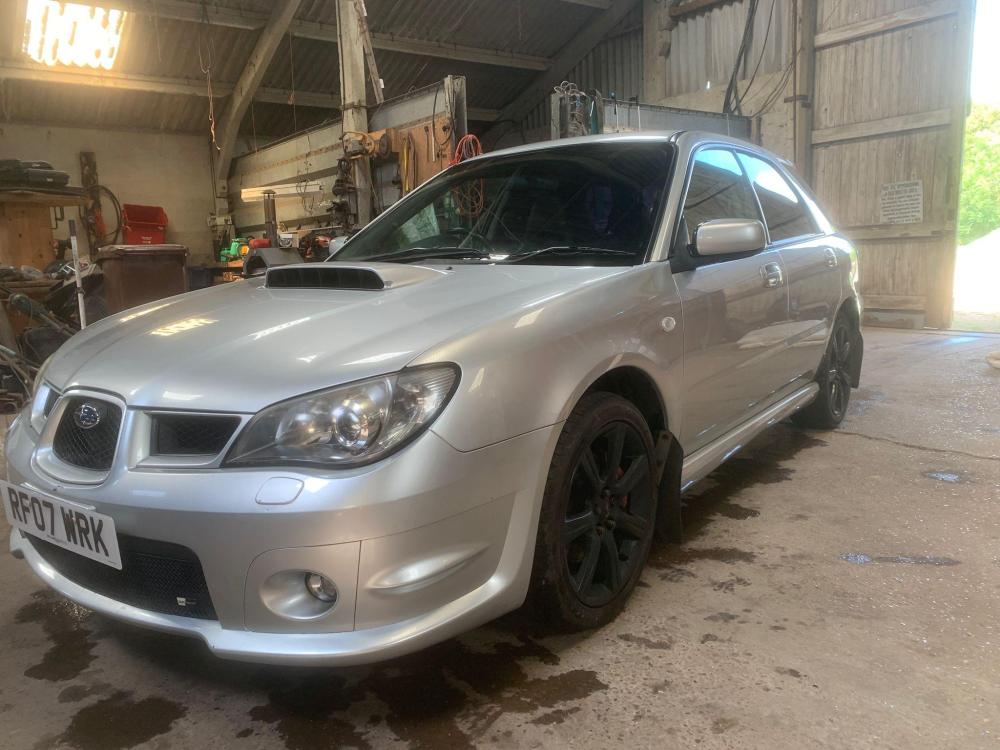
  1. 2007 Subaru Impreza WRX Estate/Wagon 2.5litre turbo AWD £6000 Just had both cylinder heads fully reconditioned, new clutch, new belts, new cambelt water pump, new o2 sensor, new crankshaft position sensor Has all original heated leather interior and rare sunroof (you’d be hard pressed to find another) , original OEM Wheels, original head unit (including CD and Tape player) Comes with 2 keys with standard alarm and immobiliser Lots of service history, mostly main dealer Chance to own an untouched soon to be classic Will come with fresh MOT Viewings welcome Open to swaps contact me on WhatsApp on 07857237015 if you have any questions or want to buy
Background Picker
Customize Layout

Account

Navigation

Search

Configure browser push notifications

Chrome (Android)
  1. Tap the lock icon next to the address bar.
  2. Tap Permissions → Notifications.
  3. Adjust your preference.
Chrome (Desktop)
  1. Click the padlock icon in the address bar.
  2. Select Site settings.
  3. Find Notifications and adjust your preference.