Do Not Sell My Personal Information Jump to content
View in the app

A better way to browse. Learn more.

Subaru Owners Club UK | Subaru Forums

A full-screen app on your home screen with push notifications, badges and more.

To install this app on iOS and iPadOS
  1. Tap the Share icon in Safari
  2. Scroll the menu and tap Add to Home Screen.
  3. Tap Add in the top-right corner.
To install this app on Android
  1. Tap the 3-dot menu (⋮) in the top-right corner of the browser.
  2. Tap Add to Home screen or Install app.
  3. Confirm by tapping Install.

Tony24690

Members
  • Joined

  • Last visited

Everything posted by Tony24690

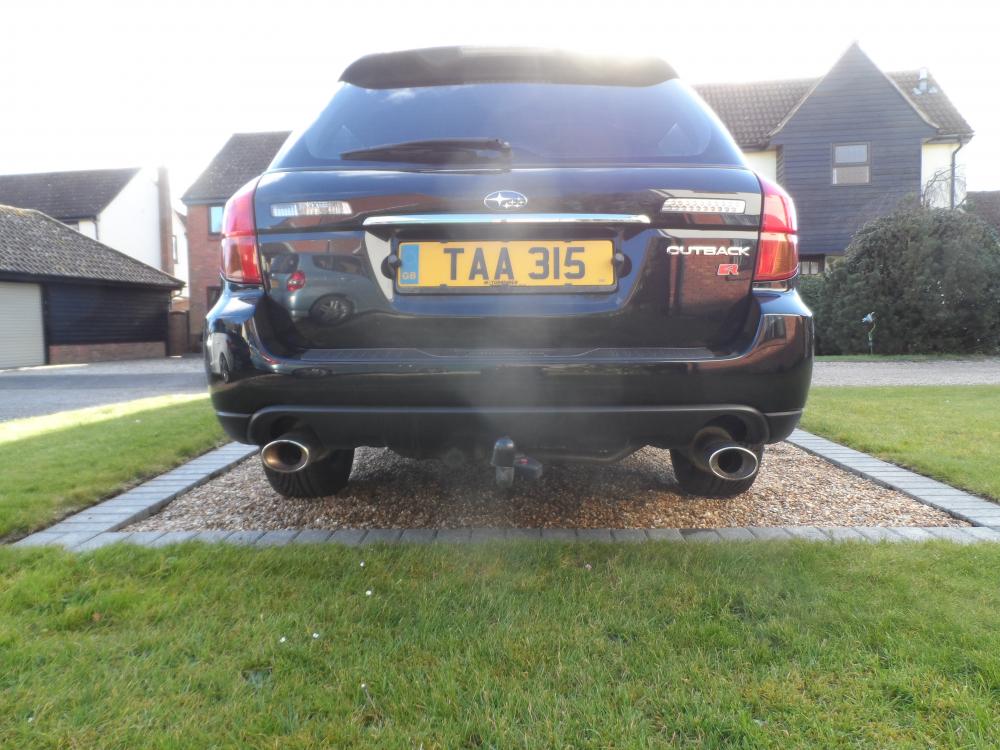
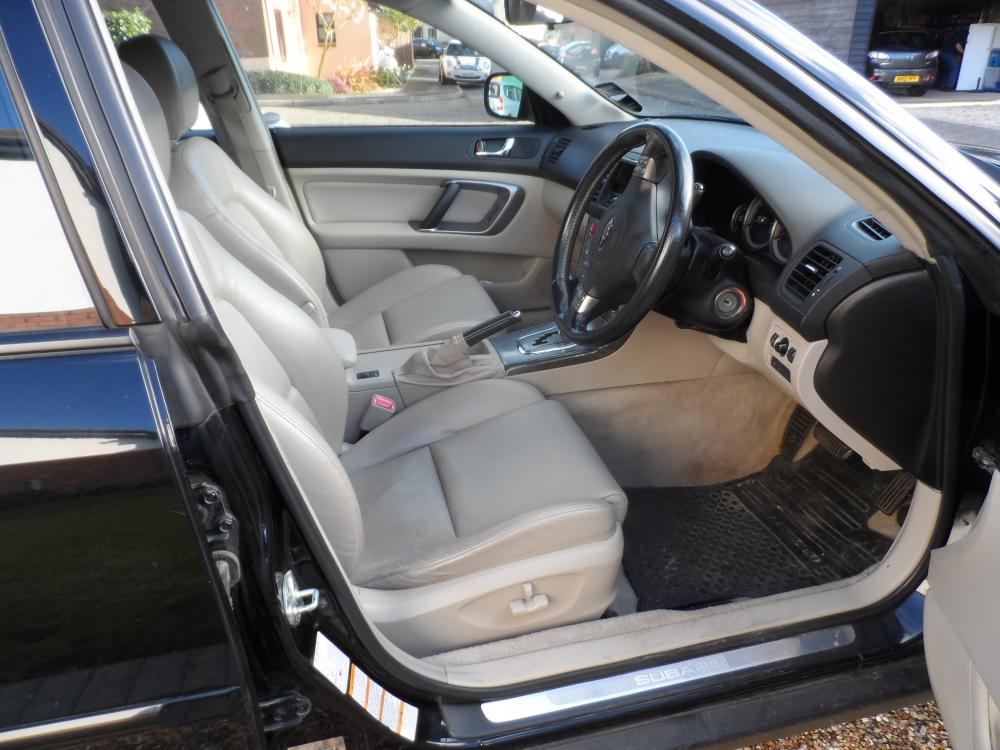
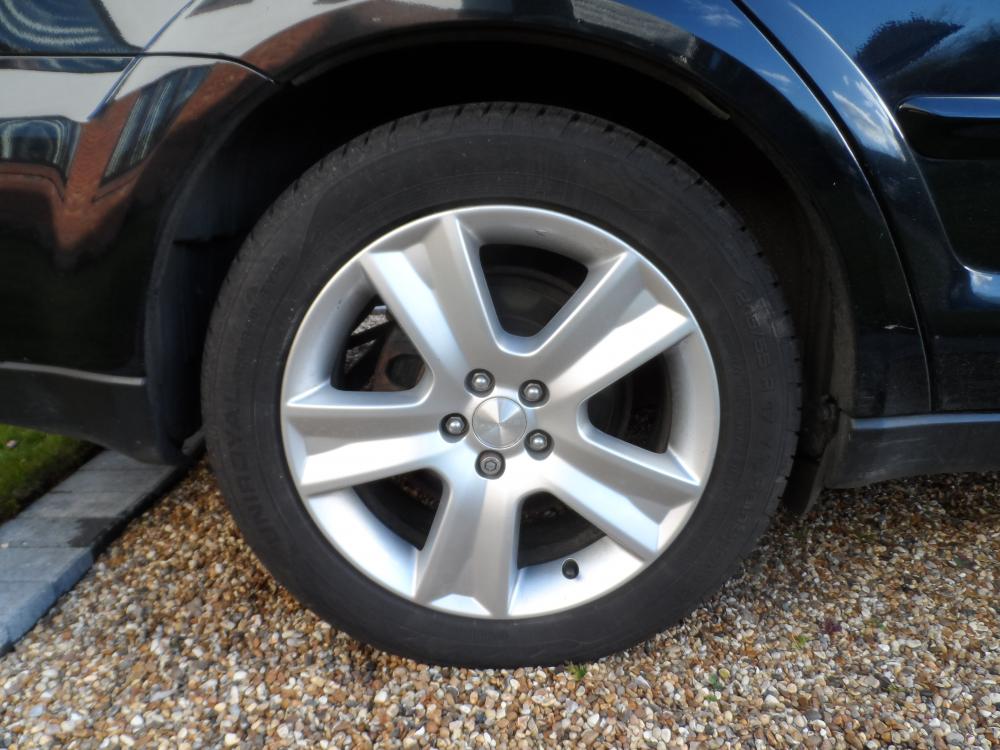
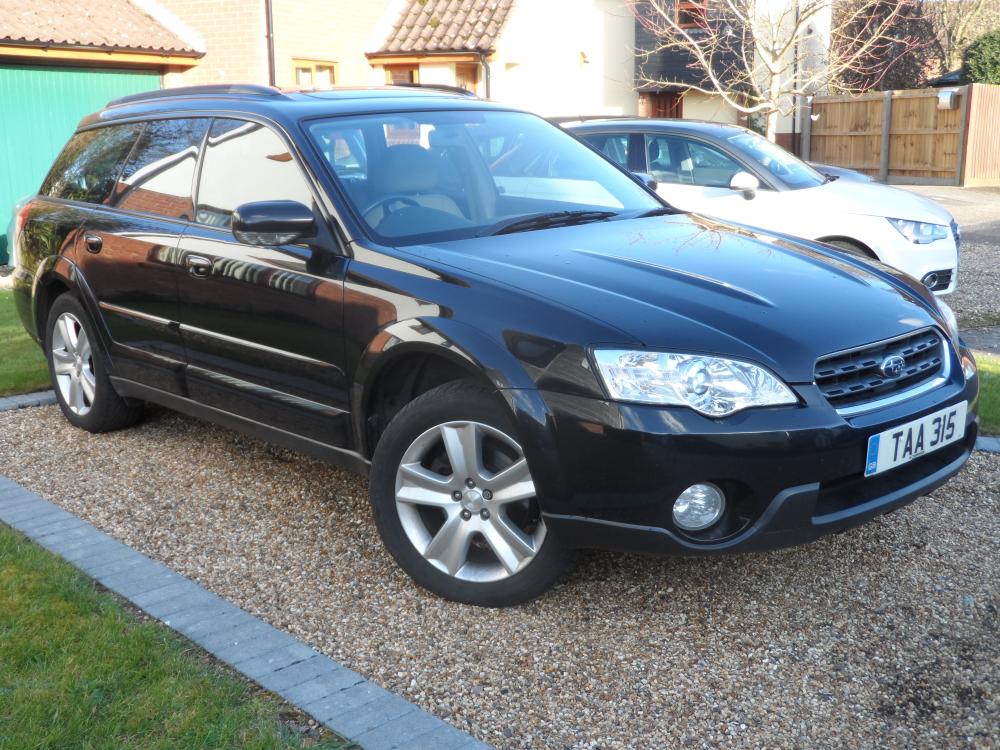
  1. My 2004 Outback is for sale. It's Black with Cream Leather and has done 130,000 miles. It will come with an MOT for 1 year. I've had it for the last 6 years . It's in good condition and has been regularly serviced . It has a detachable tow bar. 2 new rear tyres just fitted. It has a minor dent in the front passenger door and the cruise control has never worked since I've had the car. I can be contacted by email on [email protected] £2400 Number plate not included.
  2. Hi I'm a newby . The cruise control and trip computer don't work on my car. Any ideas what I might check ?

Background Picker
Customize Layout

Account

Navigation

Search

Configure browser push notifications

Chrome (Android)
  1. Tap the lock icon next to the address bar.
  2. Tap Permissions → Notifications.
  3. Adjust your preference.
Chrome (Desktop)
  1. Click the padlock icon in the address bar.
  2. Select Site settings.
  3. Find Notifications and adjust your preference.