Do Not Sell My Personal Information Jump to content
View in the app

A better way to browse. Learn more.

Subaru Owners Club UK | Subaru Forums

A full-screen app on your home screen with push notifications, badges and more.

To install this app on iOS and iPadOS
  1. Tap the Share icon in Safari
  2. Scroll the menu and tap Add to Home Screen.
  3. Tap Add in the top-right corner.
To install this app on Android
  1. Tap the 3-dot menu (⋮) in the top-right corner of the browser.
  2. Tap Add to Home screen or Install app.
  3. Confirm by tapping Install.

geezerbird

Members
  • Joined

  • Last visited

Everything posted by geezerbird

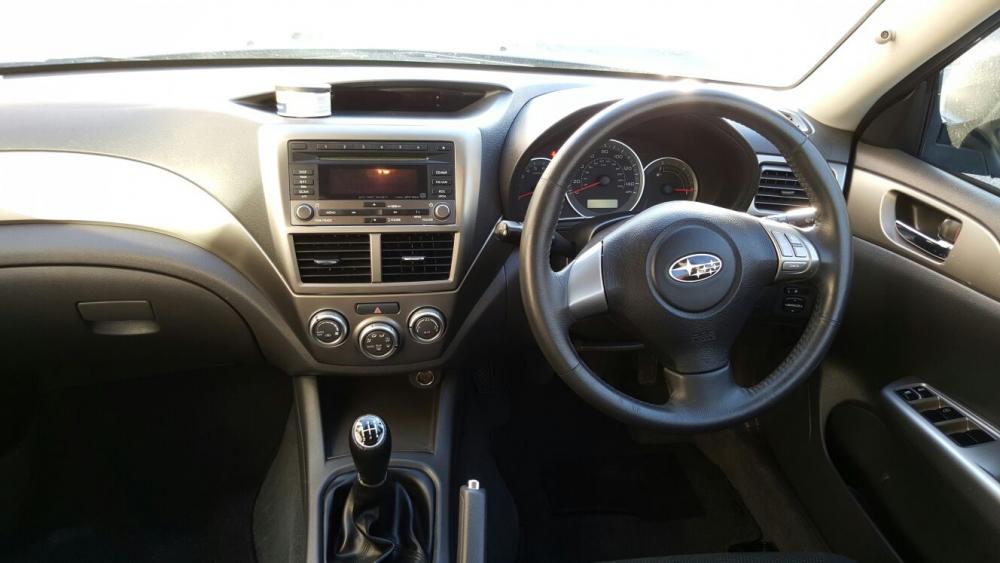
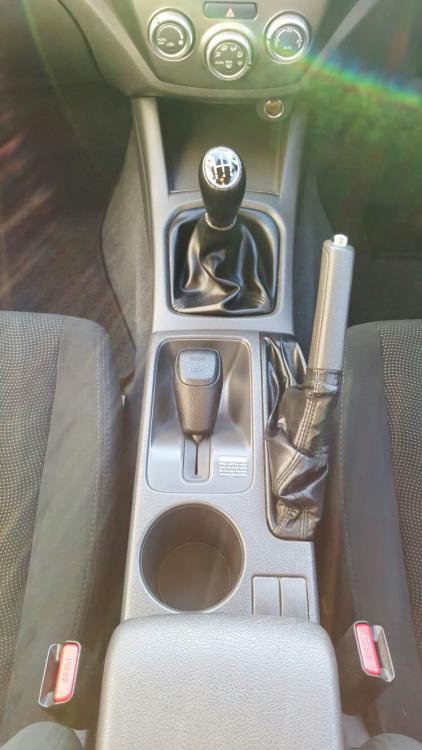
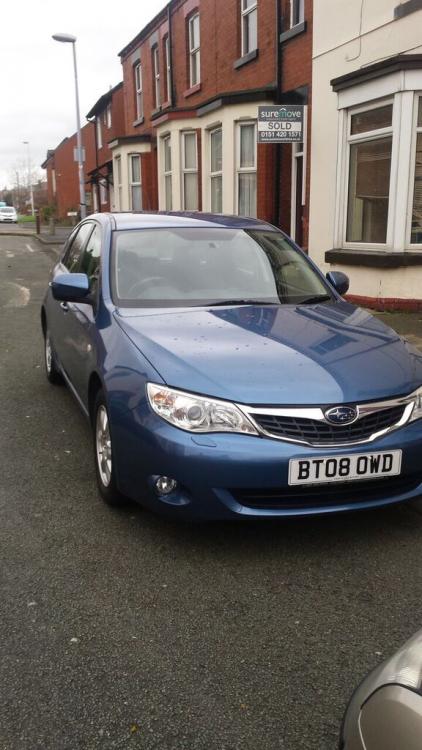
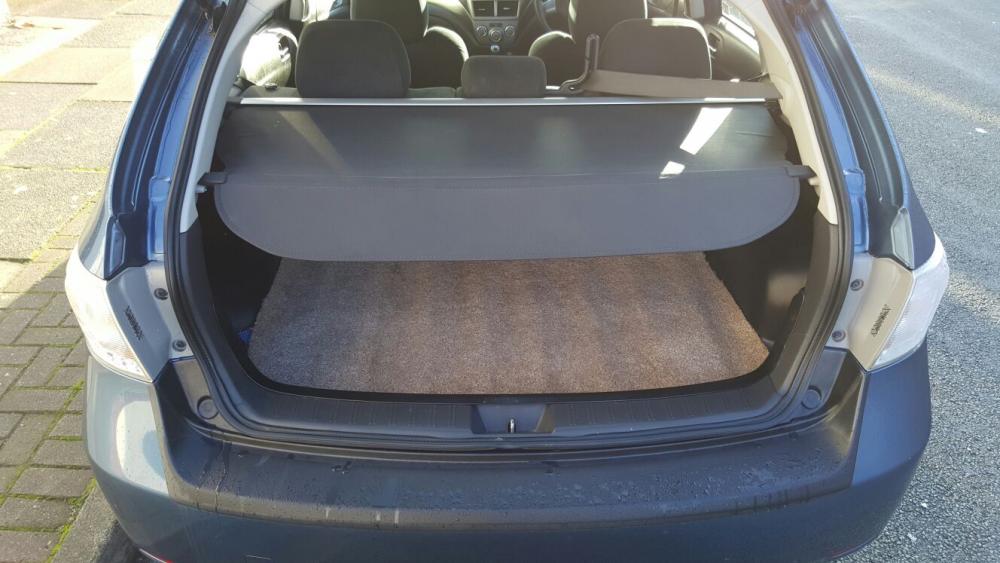
  1. LOVELY EXAMPLE ALL THE USUAL SPEC, I HAVE ADDED A BOOT LINER (SUBARU NOT ALDI) A KENWOOD 6 CD CHANGER. BAD BIT SCRATCH TO DRIVERS DOOR DUE TO SOME BLOKE ON A PUSH BIKE RIDING INTO IT...HAVE BEEN QUOTED ABOUT £120 TO GET IT DONE, THIS IS REFLECTED IN THE PRICE. I NEED THIS GONE ASAP SO I AM OPEN TO OFFERS. YOU ARE WELCOME TO COME AND LOOK....NEED YOUR LICENCE, INSURANCE DOCS AND CASH IF YOU WANT TO TEST DRIVE STARTS FIRST TIME EVERY TIME £2999.00
Background Picker
Customize Layout

Account

Navigation

Search

Configure browser push notifications

Chrome (Android)
  1. Tap the lock icon next to the address bar.
  2. Tap Permissions → Notifications.
  3. Adjust your preference.
Chrome (Desktop)
  1. Click the padlock icon in the address bar.
  2. Select Site settings.
  3. Find Notifications and adjust your preference.