Do Not Sell My Personal Information Jump to content
View in the app

A better way to browse. Learn more.

Subaru Owners Club UK | Subaru Forums

A full-screen app on your home screen with push notifications, badges and more.

To install this app on iOS and iPadOS
  1. Tap the Share icon in Safari
  2. Scroll the menu and tap Add to Home Screen.
  3. Tap Add in the top-right corner.
To install this app on Android
  1. Tap the 3-dot menu (⋮) in the top-right corner of the browser.
  2. Tap Add to Home screen or Install app.
  3. Confirm by tapping Install.

Edmondo

Members
  • Joined

  • Last visited

  1. Next one Bank holiday Monday 4th May.....details on S/Net
  2. http://www.scoobynet.com/997778-swindon-meets-4.html#post11660419
  3. Edmondo replied to Edmondo's topic in General Subaru Chat
    Tried to download adblocker and bloomin Norton wouldn't let it through
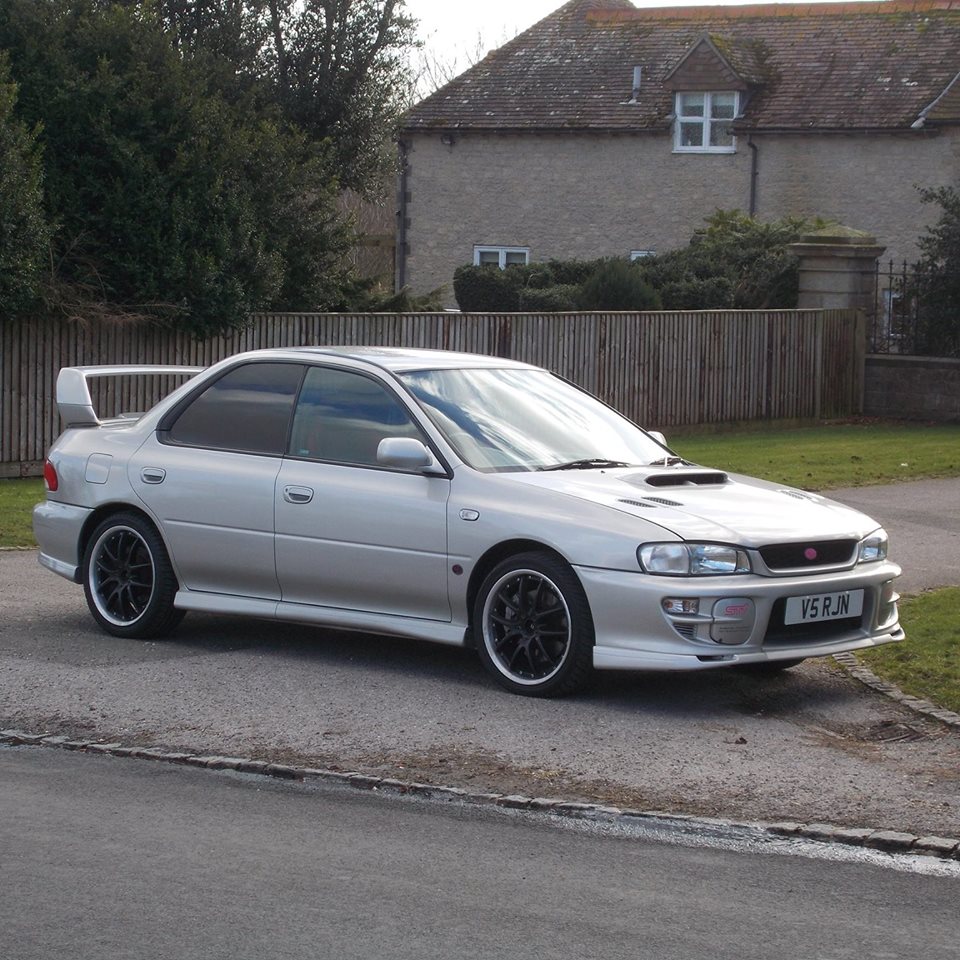
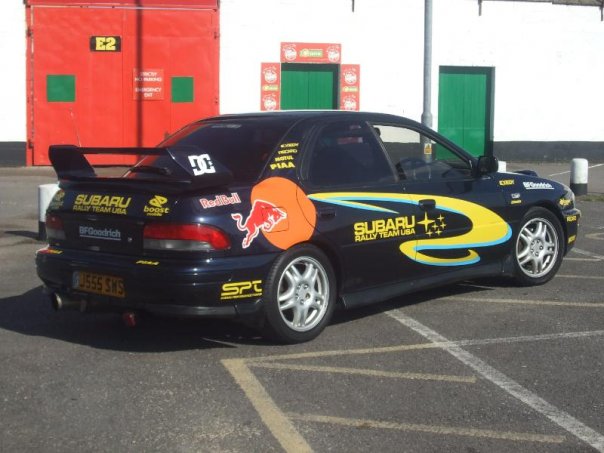
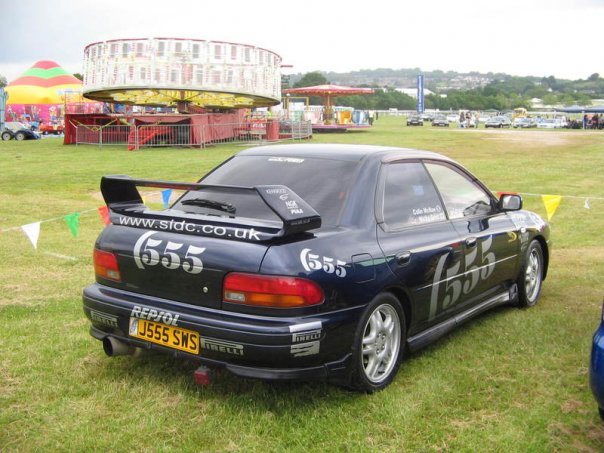
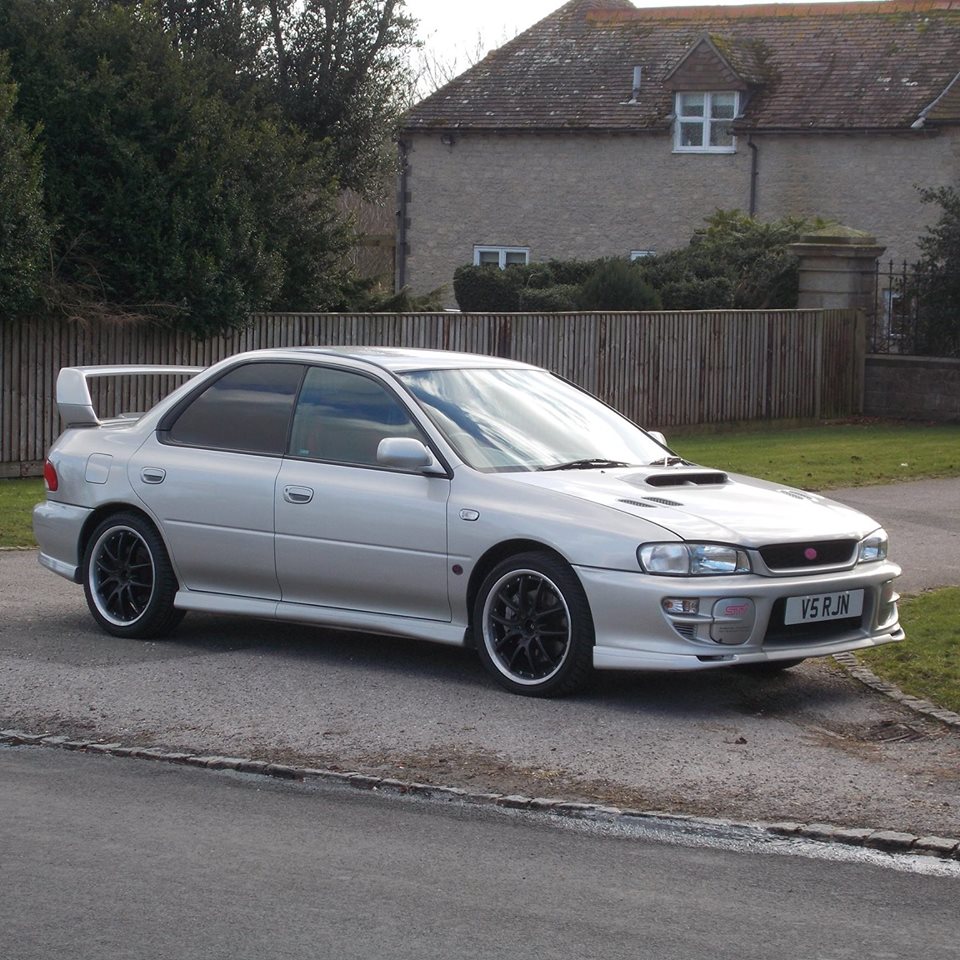
  4. Yep 3rd one............had a 1999 Turbo 2000 between Oct 2003 and June 2006, then a 1995 Jap WRX between June 2006 and Jan 2014 and now a 1999 Version 5 STI since Feb 2014..............The 2 piccies with Graphics was my Jap WRX.
  5. Bank Holiday Monday 3pm at the White Hart on the Oxford Road...........Bit of tyre kicking, have a chat and drink and then out for a drive - stop for some piccies etc and then see. Details are in the Southern Section of Scoobynet.
  6. Edmondo posted a topic in General Subaru Chat
    There are loads of non Subaru related adverts popping up all over the place on this Forum - how do you get rid of them - kinda annoying
  7. Been around the block a few times - on my 3rd Scooby now
Background Picker
Customize Layout

Configure browser push notifications

Chrome (Android)
  1. Tap the lock icon next to the address bar.
  2. Tap Permissions → Notifications.
  3. Adjust your preference.
Chrome (Desktop)
  1. Click the padlock icon in the address bar.
  2. Select Site settings.
  3. Find Notifications and adjust your preference.