
Do Not Sell My Personal Information Jump to content
View in the app

A better way to browse. Learn more.

Subaru Owners Club UK | Subaru Forums

A full-screen app on your home screen with push notifications, badges and more.

To install this app on iOS and iPadOS
  1. Tap the Share icon in Safari
  2. Scroll the menu and tap Add to Home Screen.
  3. Tap Add in the top-right corner.
To install this app on Android
  1. Tap the 3-dot menu (⋮) in the top-right corner of the browser.
  2. Tap Add to Home screen or Install app.
  3. Confirm by tapping Install.

marksrs

Members
  • Joined

  • Last visited

Everything posted by marksrs

  1. Hi, Can anyone recommend a reputable garage in Essex area (around Benfleet/Southend) that I can entrust my 2.0 Legacy with for a full service? (mileage:77,000) Thanks.
  2. Cheers. Will give them a try!
  3. Need enough for minor respray. Will check under bonnet. Thanks for both replies
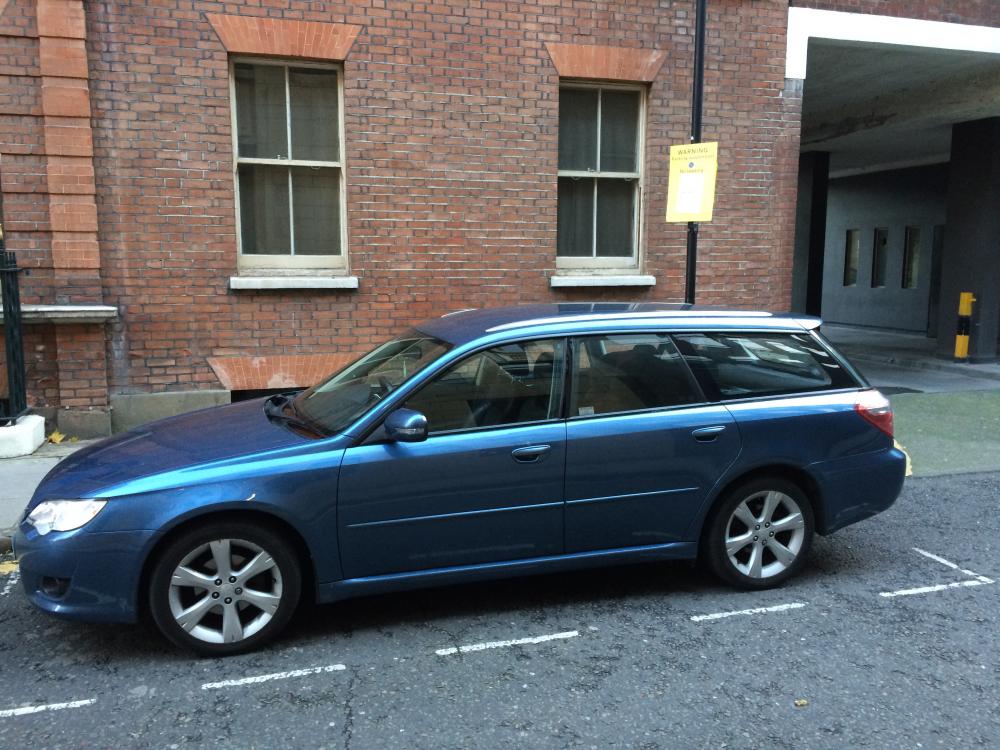
  4. Can anyone help with the paint code for my blue legacy? Also, where's the best place to get the paint for decent price? picture enclosed for reference
  5. Thanks. I saw them too and am currently 'watching'
  6. Thank you :)
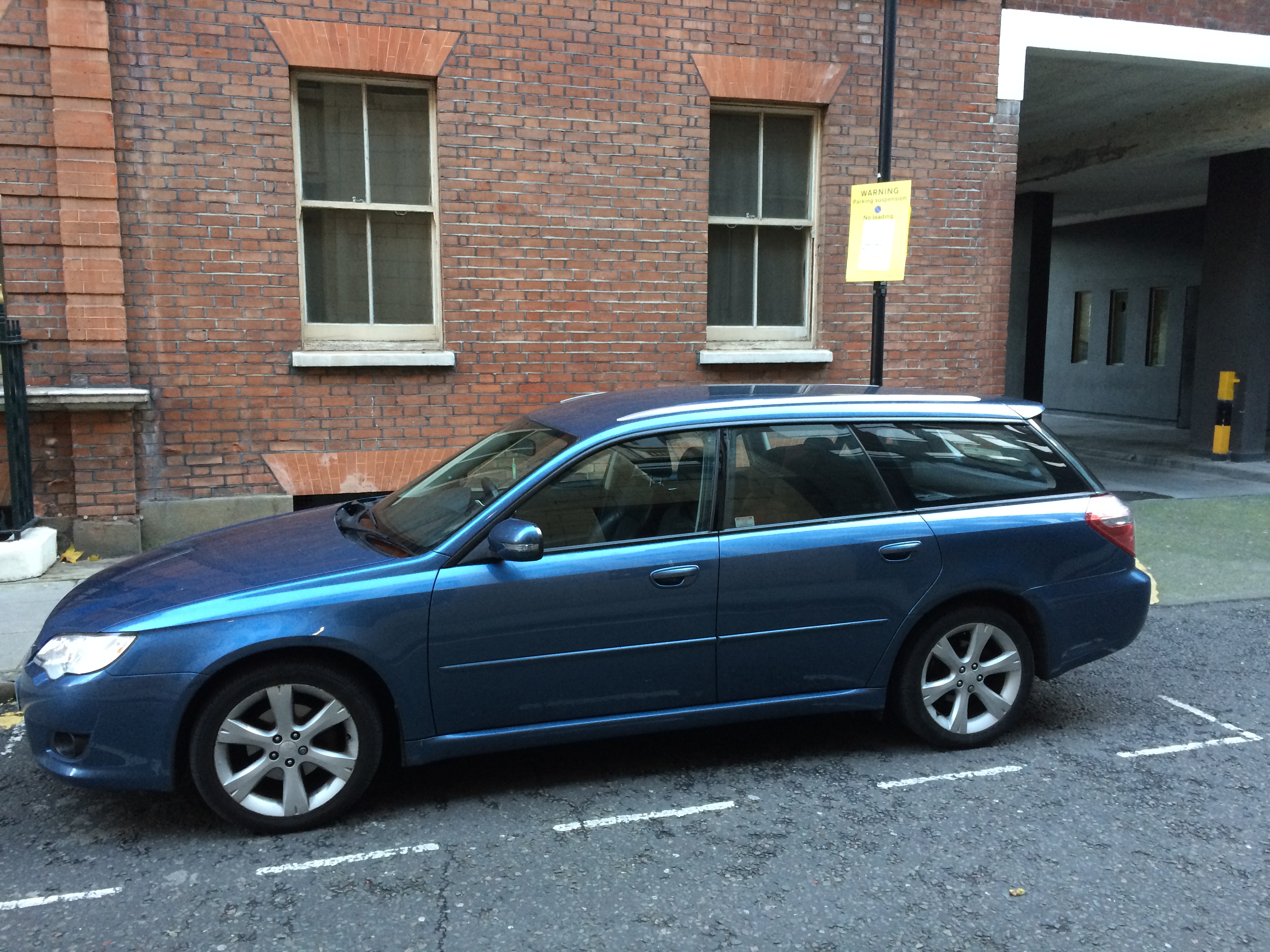
  7. Would you be able to advise the correct offset, size, etc?
  8. Ideally the same style as the current standard ones (I.e. Silver multi-spoke)
  9. I'm looking for a set of alloys for my 2007 Legacy 2.0 estate. 17 inches and any decent condition considered Thanks
Background Picker
Customize Layout

Configure browser push notifications

Chrome (Android)
  1. Tap the lock icon next to the address bar.
  2. Tap Permissions → Notifications.
  3. Adjust your preference.
Chrome (Desktop)
  1. Click the padlock icon in the address bar.
  2. Select Site settings.
  3. Find Notifications and adjust your preference.