Swanny84
Members
-
Joined
-
Last visited
-
Brilliant thankyou
-
Perfect cheers
-
Hi mate thankyou 😀
-
Hahaha the cars are always more important cheers mate
-
Aucky I like the hatch but soon as I saw this my mind was made up, cheers sandals, keep you updated on what I do
-
Sandals I would be interested engine dress up and tuning already have full system exhaust want more info on manifolds, air filters and finally remaps not lookin for massive gains don't wanna change the internals
-
That's brilliant thankyou really was bugging me as read so much different stuff
-
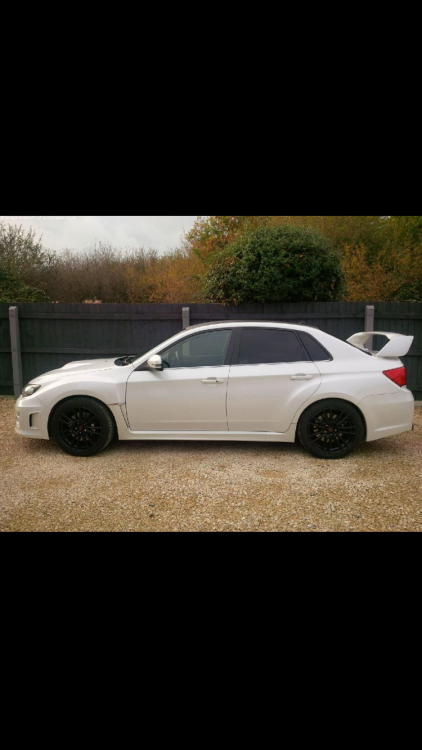
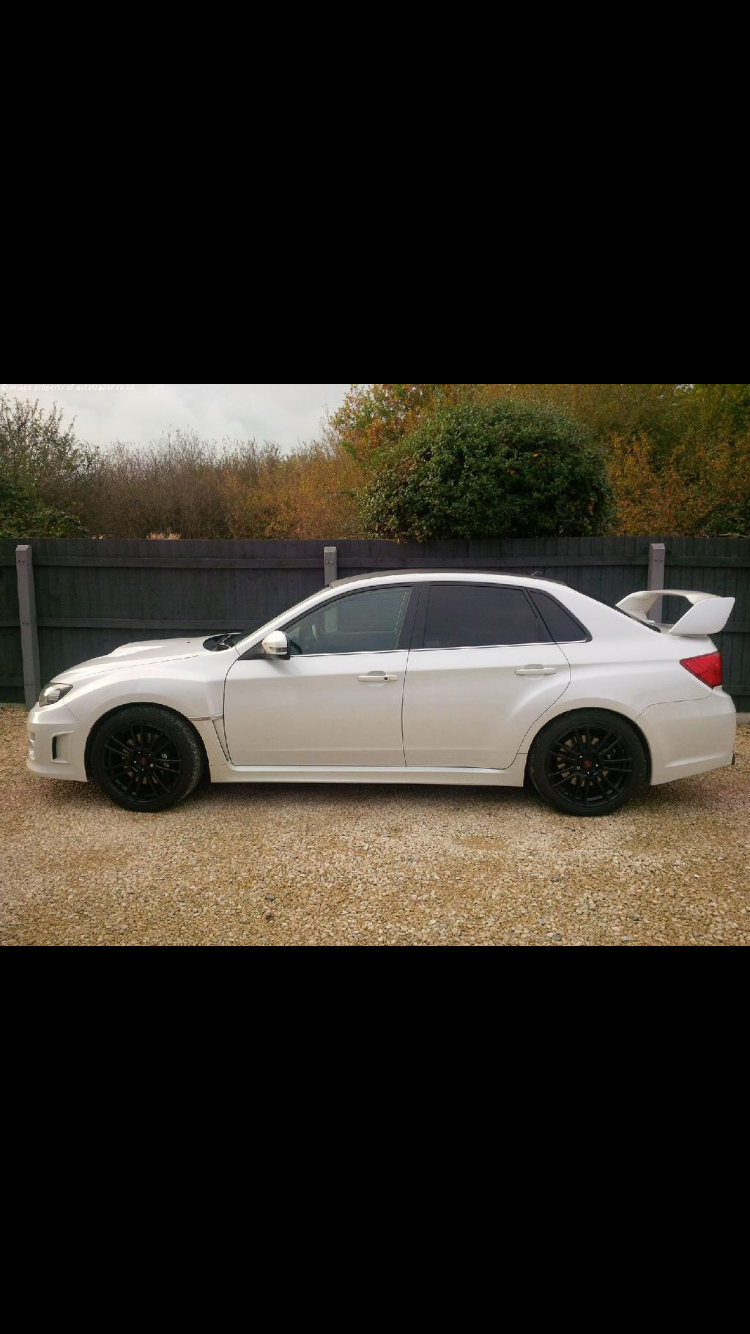
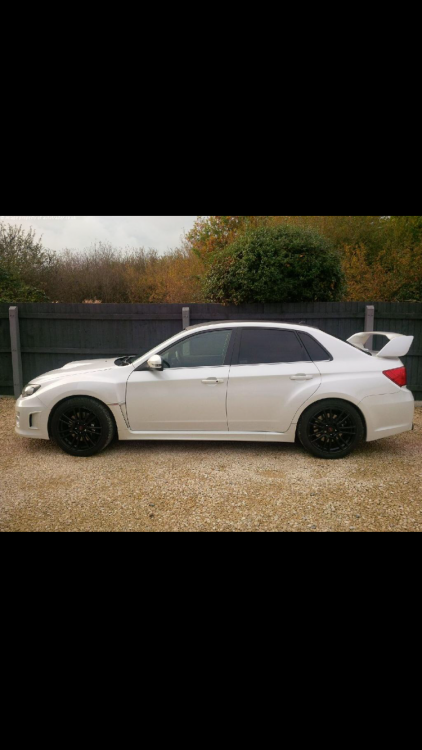
Hey everyone still a little confused as to which one is mine sorry I'm new to the Subaru world 2011 sti sedan
-
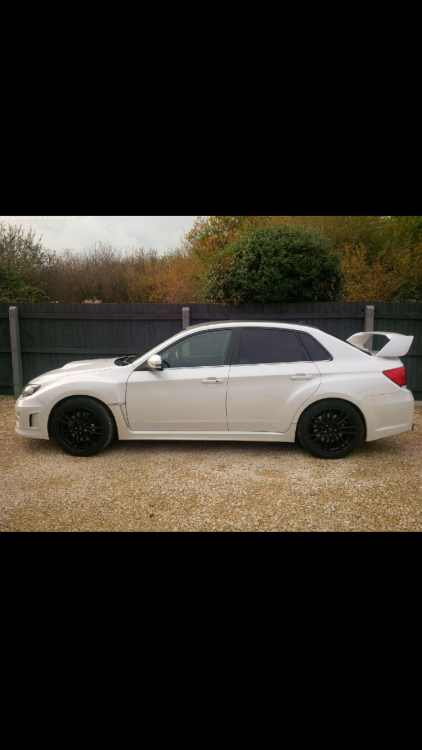
Anybody help with the exact model number for my car is please as people who iv spoke to aren't sure there not sure if it's same as hatchback 2011 Subaru Impreza sedan sti type uk 300bhp
-
Thankyou everyone it's lovely and really enjoying it, struggling with parts as i don't no what the exact model for this car is and people I have spoke to aren't sure wether parts are same for the hatchback and sedan
-
Hey everyone brought my first Subaru wrx sti sedan 2011 loving it is a understatement very impressed, any hints for tuning more than welcome looking to get a re-map in the near future, I live in Cambridgeshire