Do Not Sell My Personal Information Jump to content
View in the app

A better way to browse. Learn more.

Subaru Owners Club UK | Subaru Forums

A full-screen app on your home screen with push notifications, badges and more.

To install this app on iOS and iPadOS
  1. Tap the Share icon in Safari
  2. Scroll the menu and tap Add to Home Screen.
  3. Tap Add in the top-right corner.
To install this app on Android
  1. Tap the 3-dot menu (⋮) in the top-right corner of the browser.
  2. Tap Add to Home screen or Install app.
  3. Confirm by tapping Install.

Narg2244

Members
  • Joined

  • Last visited

  1. I seem to find some for normal bumpers, or the outbacks ... But not for the spec B bumper. That's my all problem.
  2. Hi there, I am looking to find the front lip from the picture down below, which is quite difficult for my front bumper (see second pic below). I have found the reference : ST9602021030. Except from Nengun who delivers it for more or less 500 pounds (which is too expensive), is there any other place I could find it? or even if its not a subaru/sti product its ok for me. Thanks
  3. Thanks everyone
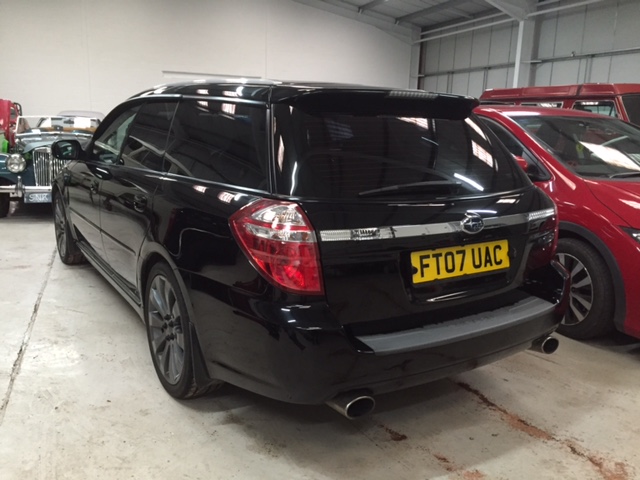
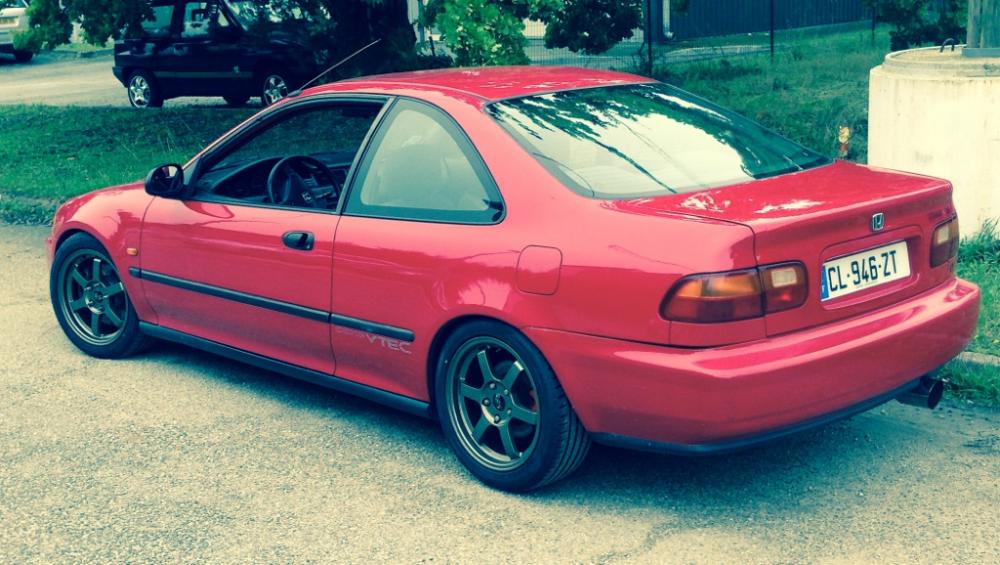
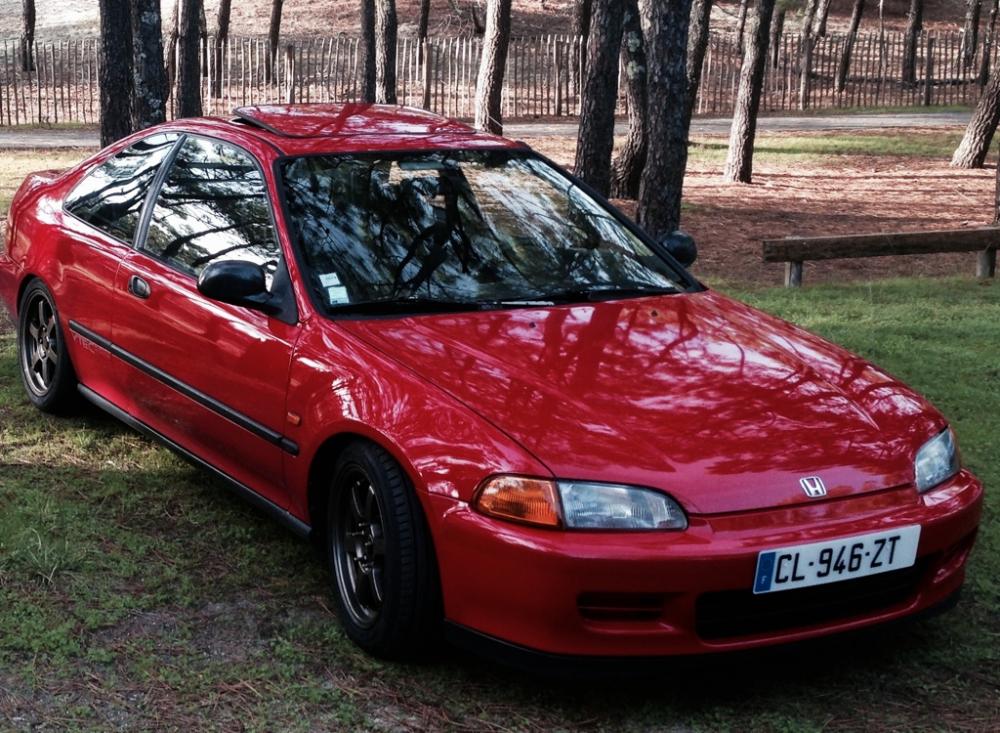
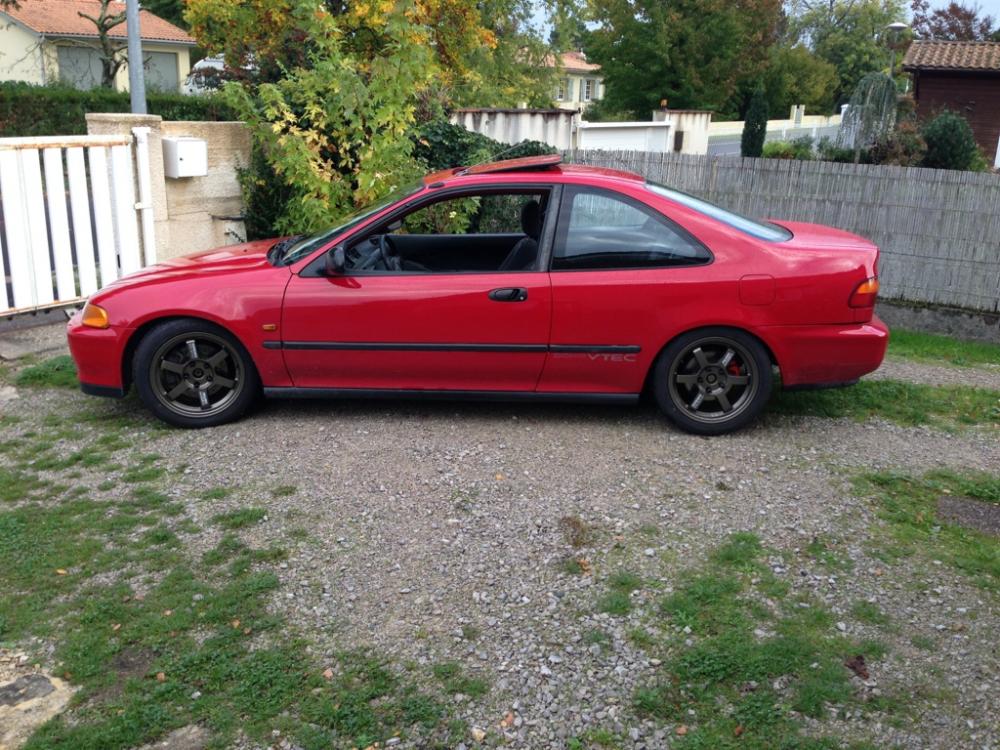
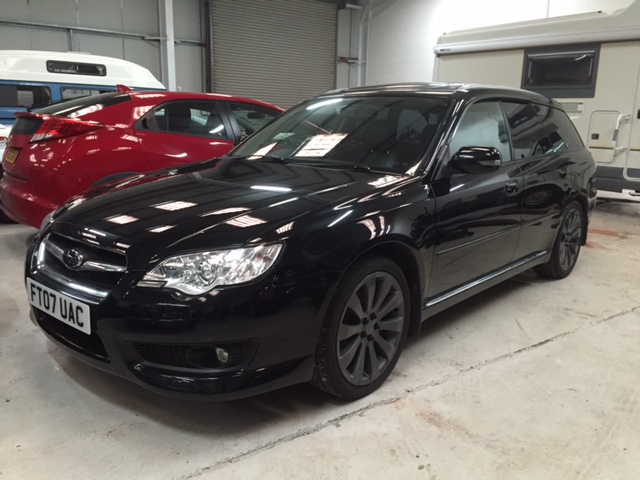
  4. Hi, So I'm a new member on this forum. My name is Ivan, I'm 23, and passionate about JDM cars because of my brother who is a professional car importer from japan in other countries. I have a 1994 civic, swapped with a b18c, making up to 225 hp and I've also just bought a 2007, legacy 3.0R. Thank you all
Background Picker
Customize Layout

Account

Navigation

Search

Configure browser push notifications

Chrome (Android)
  1. Tap the lock icon next to the address bar.
  2. Tap Permissions → Notifications.
  3. Adjust your preference.
Chrome (Desktop)
  1. Click the padlock icon in the address bar.
  2. Select Site settings.
  3. Find Notifications and adjust your preference.