krazy lil lady
Members
-
Joined
-
Last visited
Everything posted by krazy lil lady
-
Ok thanks we will have a look and see if we can do it
-
It's a 1997 model would that be a dealer diagnostic tool or could we check it ourselfs
-
I have a subaru impreza 2.0 gl sport auto and was wondering if anyone could please tell me where the diagnostic plug is on it can't find it any help would be very much appreciated
-
Ok thanks I think it's gear and cable ill have to get it sorted it's hard work with it not being the same amount out
-
I've already checked that they have the right wheels and tyres on it for the age of the car it's a p reg 1997
-
I've had my subaru impreza 2.0 gl sport auto for over a month now and noticed the speedo is out about 7 on low speed and 10 on higher speed does anyone have any idea on wot the problem is please
-
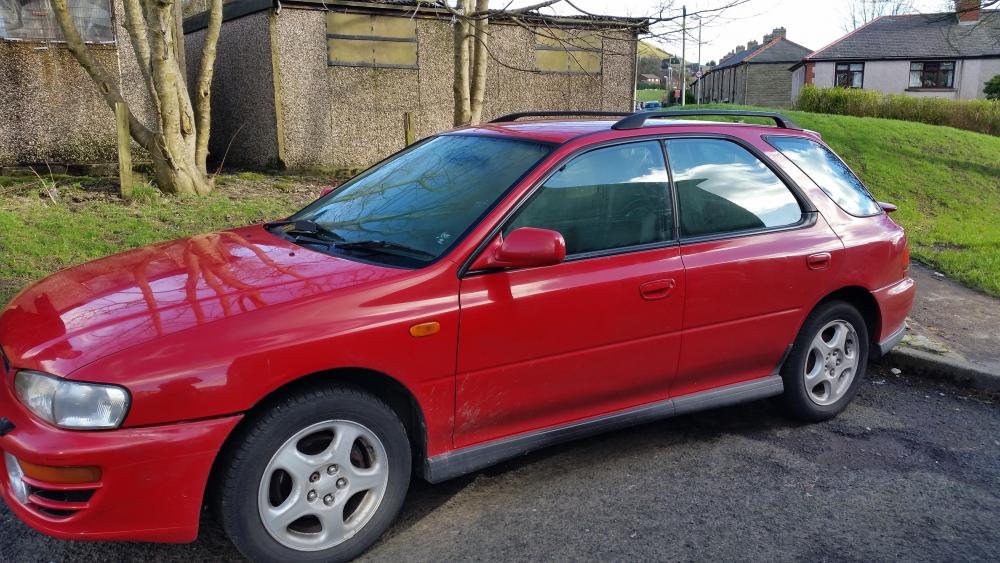
She does need a bit of tlc but not sure on what to do with her yet but not in bad condition for a p reg
-
Hi all not long bought myself my first ever subaru impreza and absolutely love it .