Do Not Sell My Personal Information Jump to content
View in the app

A better way to browse. Learn more.

Subaru Owners Club UK | Subaru Forums

A full-screen app on your home screen with push notifications, badges and more.

To install this app on iOS and iPadOS
  1. Tap the Share icon in Safari
  2. Scroll the menu and tap Add to Home Screen.
  3. Tap Add in the top-right corner.
To install this app on Android
  1. Tap the 3-dot menu (⋮) in the top-right corner of the browser.
  2. Tap Add to Home screen or Install app.
  3. Confirm by tapping Install.

Rico68

Members
  • Joined

  • Last visited

Everything posted by Rico68

  1. Very nice looking subaru 😊
  2. Thank you gaulson
  3. Thank you stants 😀
  4. Far too busy with work and horse riding to take up driving
  5. Can someone tell me how many type uk are left in the world ?
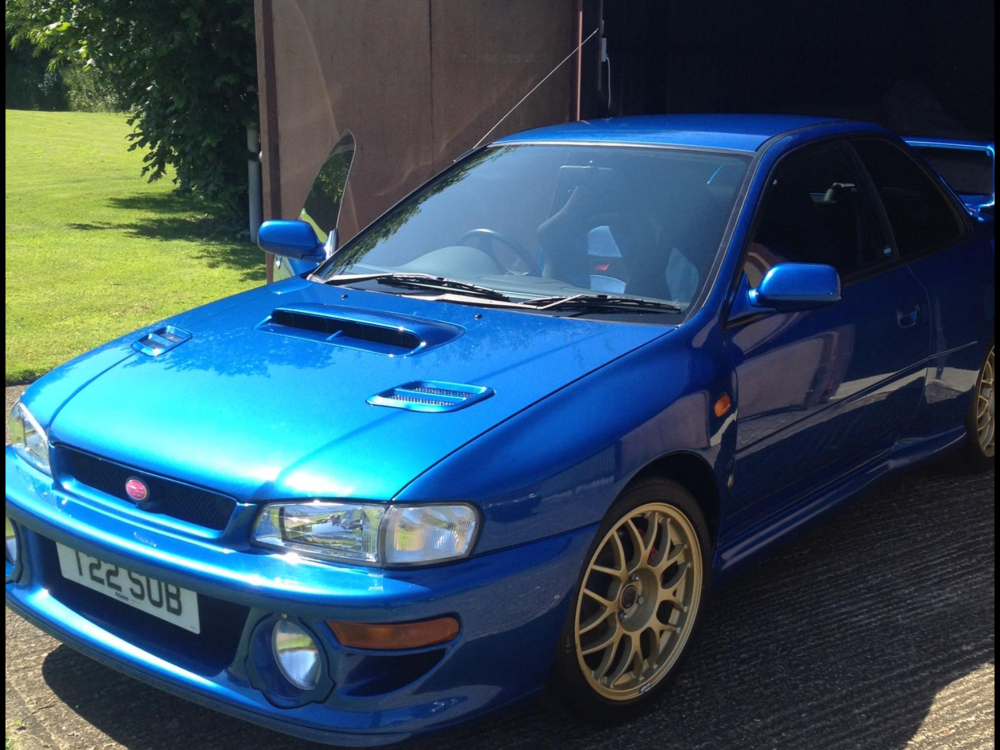
  6. Salsa king sorry to say this but I don't know how to drive no license
  7. O no mods for me all original
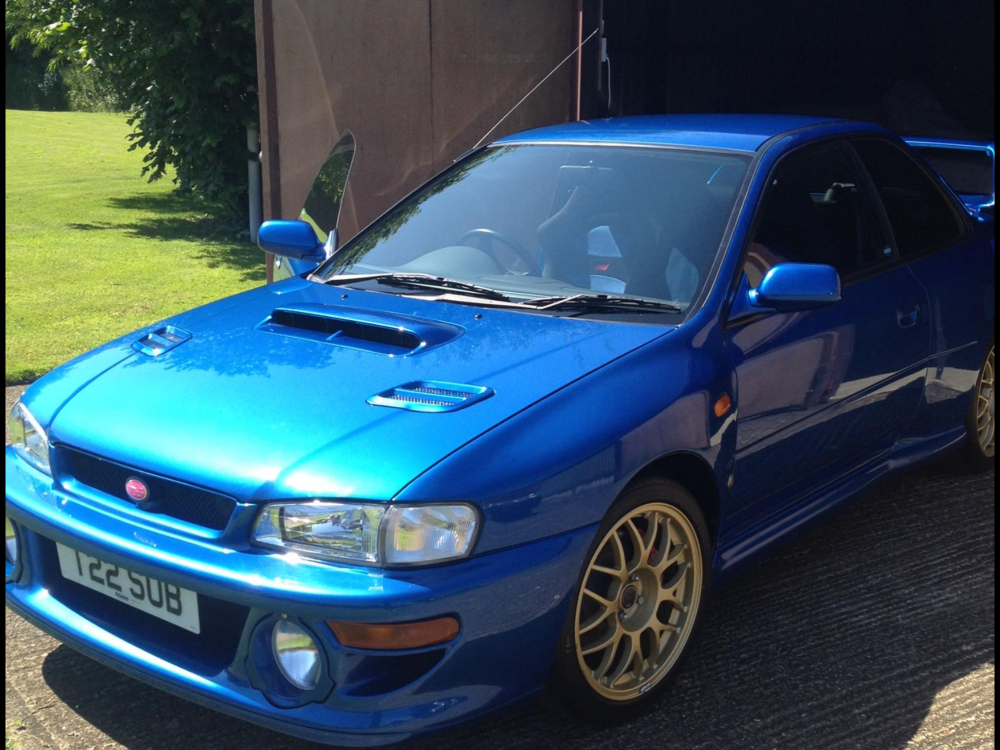
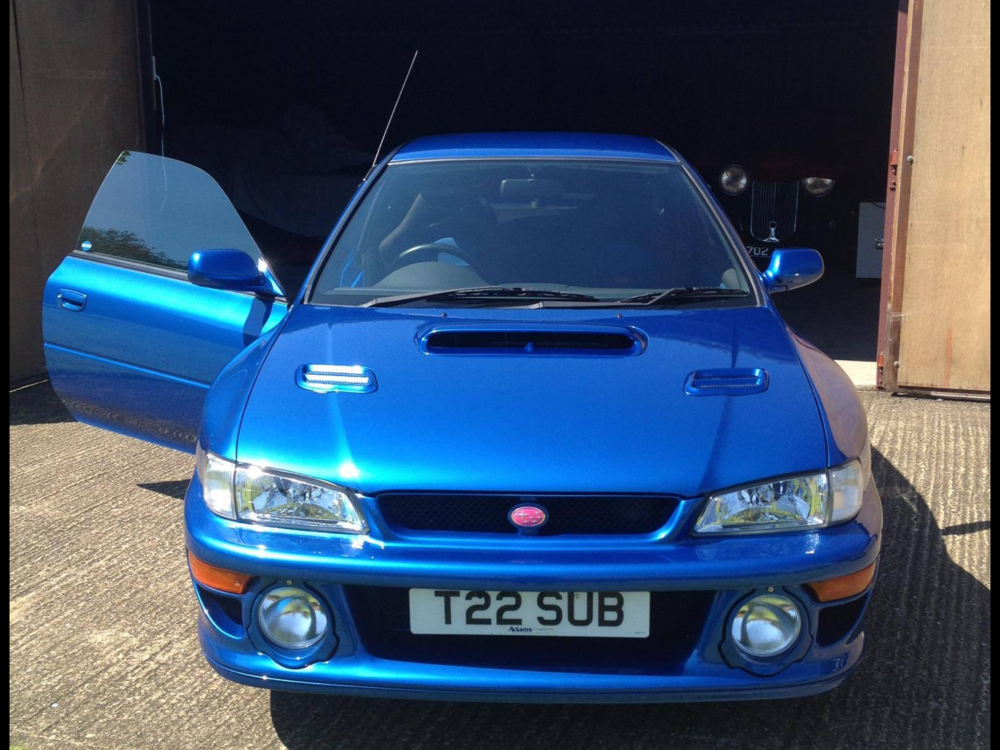
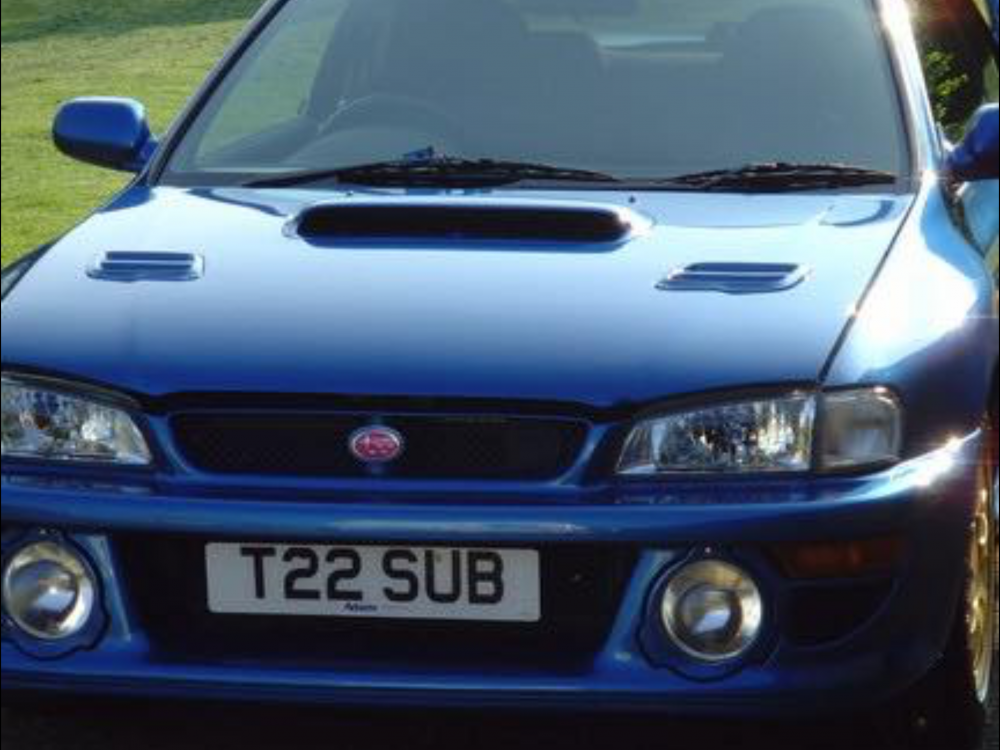
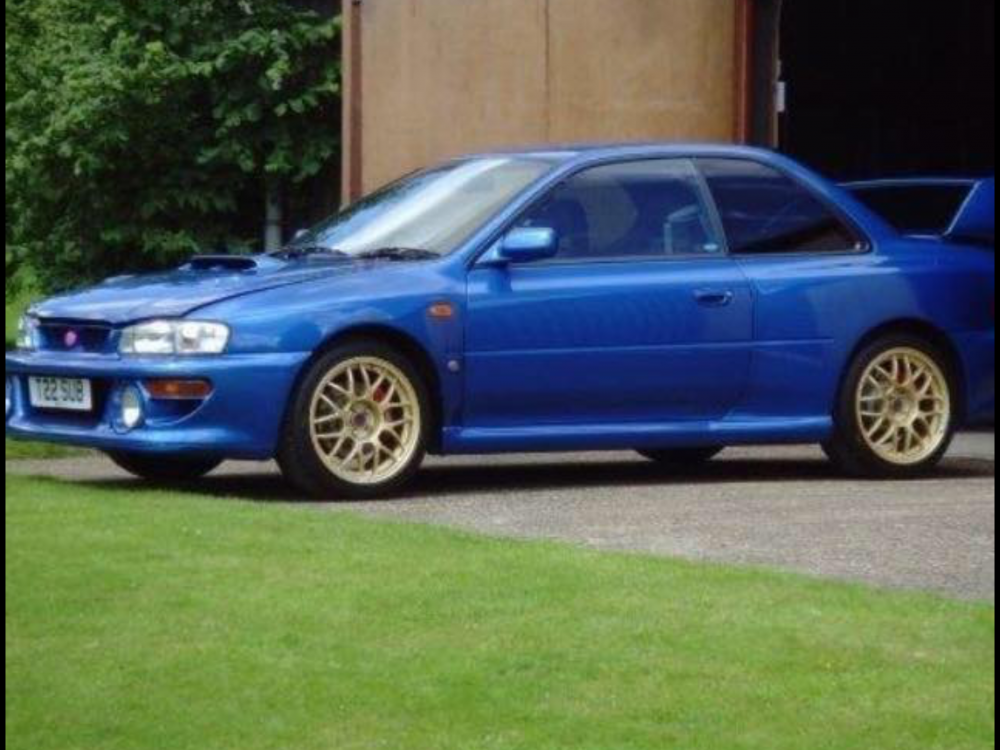
  8. Well hello all !! Here is my 22b type uk with only 2.563 miles on the clock and I don't drive at all so it's like new some would say that I am crazy but I love subaru cars thank you all for your time 😃
Background Picker
Customize Layout

Account

Navigation

Search

Configure browser push notifications

Chrome (Android)
  1. Tap the lock icon next to the address bar.
  2. Tap Permissions → Notifications.
  3. Adjust your preference.
Chrome (Desktop)
  1. Click the padlock icon in the address bar.
  2. Select Site settings.
  3. Find Notifications and adjust your preference.