Mini_baggs
Members
-
Joined
-
Last visited
-
I've been convinced on buying a cobb unit for my 2007 hawkeye, had an amazing deal on one. Just wondering if anyone's used one before and can recommend any tuners? Much appreciated guys 👊
-
This evening my brakes on my hawkeye got a tad hot, and there's a bit of a lip on the disc's, so it's time for an upgrade to some drilled and slotted. Does anyone have any recommendations for discs and pads?
-
It's already had a blitz nurr spec r put on, so probably not really touch it till the warranty is up to be honest. Tires are bridgestone pontenza re070!
-
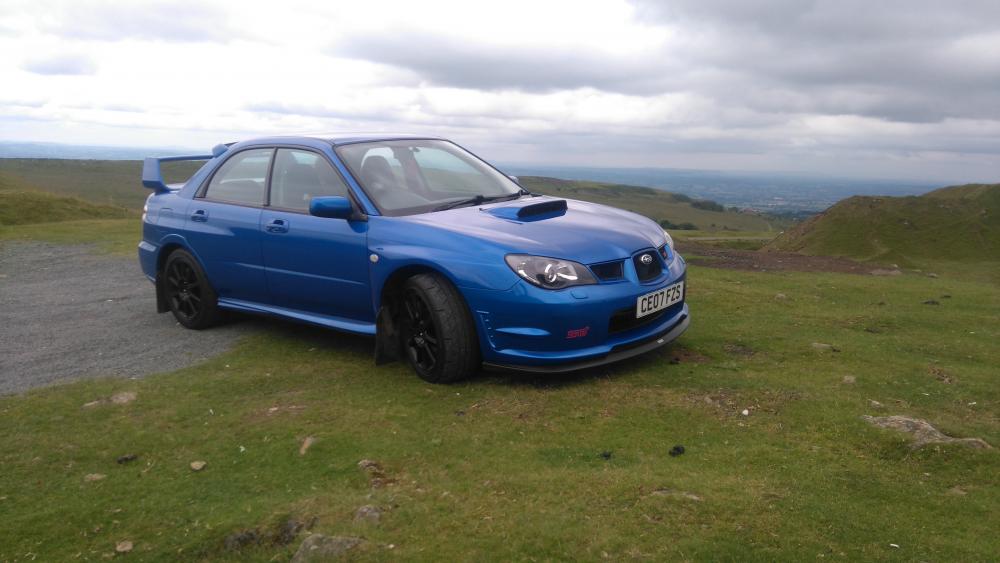
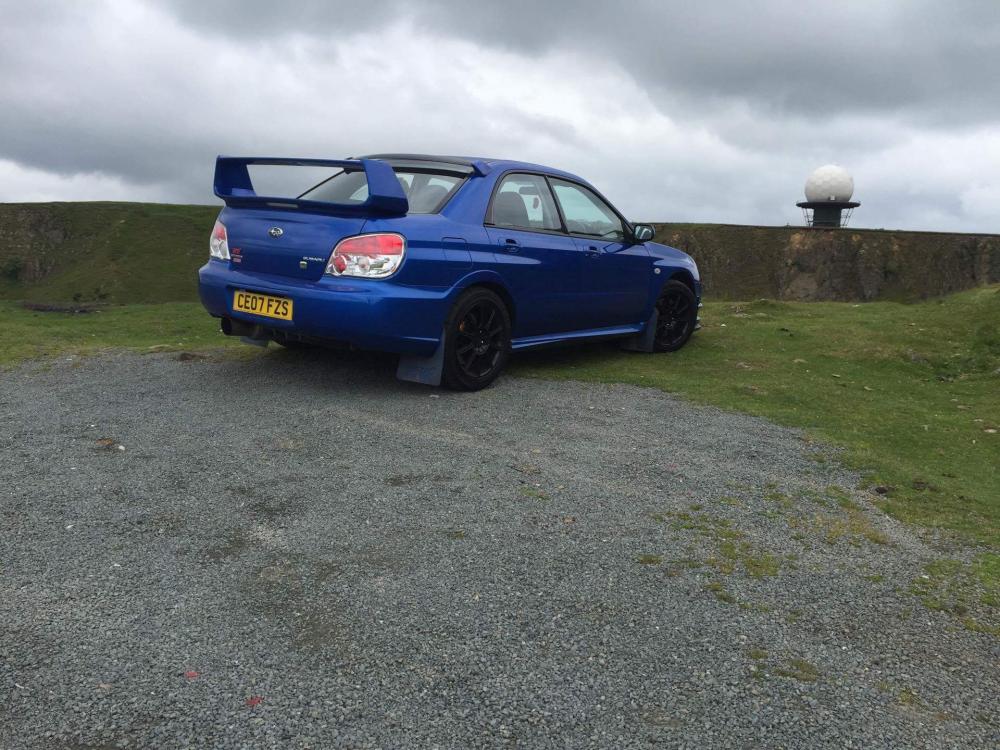
Hi guy's, I'm Ryan fromKidderminster. Purchased my first subaru this weekend, after dreaming of owning one all my life, I finally made that Dream a reality! And it's safe to say I've fallen in love already, it already scares the crap out of me, but hasn't failed to keep a smile on my face! Still got a lot of learning to go yet, so hopefully my love for her will grow and grow!