NJH
Members
-
Joined
-
Last visited
-
-
Help please - probably from Admin of this forum. I think I advertised and sold my Subaru Legacy Outback through this site 16 months ago. I duly notified DVLA of the sale (which they have acknowledged). However, the current owner has been a naughty boy/girl and the local constabulary initially thought it was me. They have asked me for details of how I advertised etc. and any other information. Please can someone tell me how to look back at my ad. I shall be very wary of doing a private sale in the future.
-
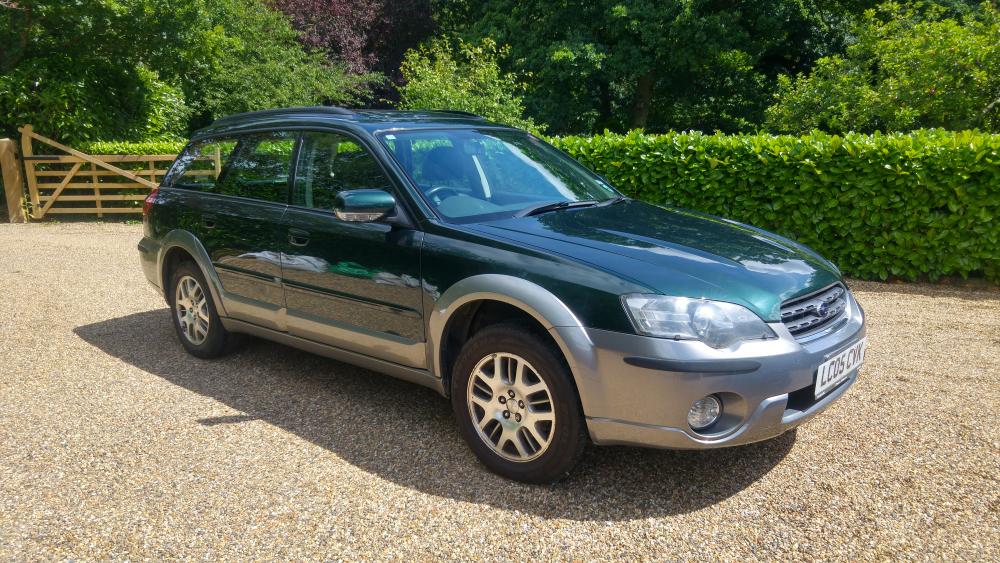
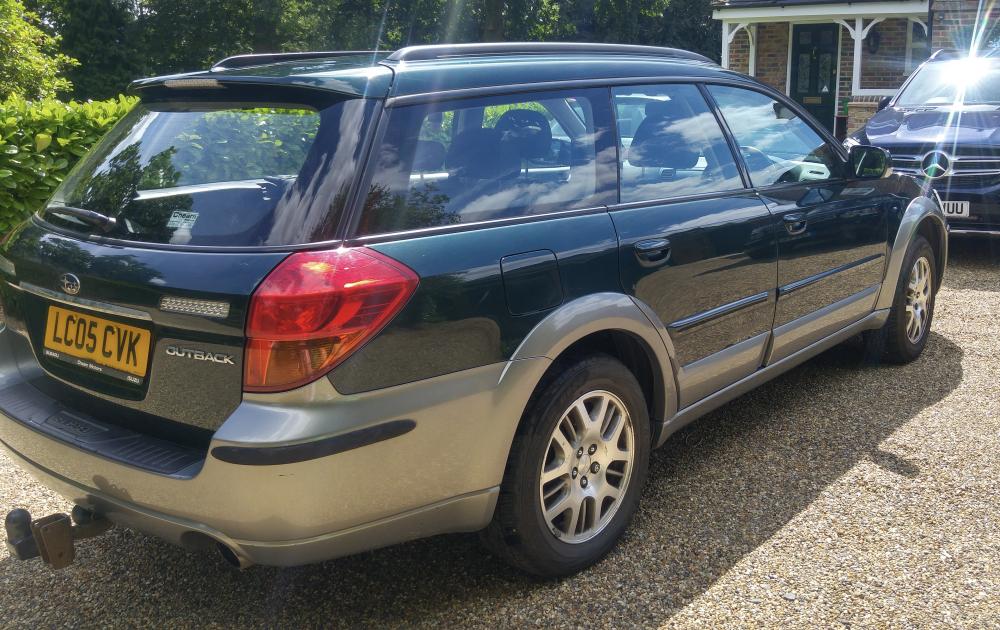
SOLD !! :)
-
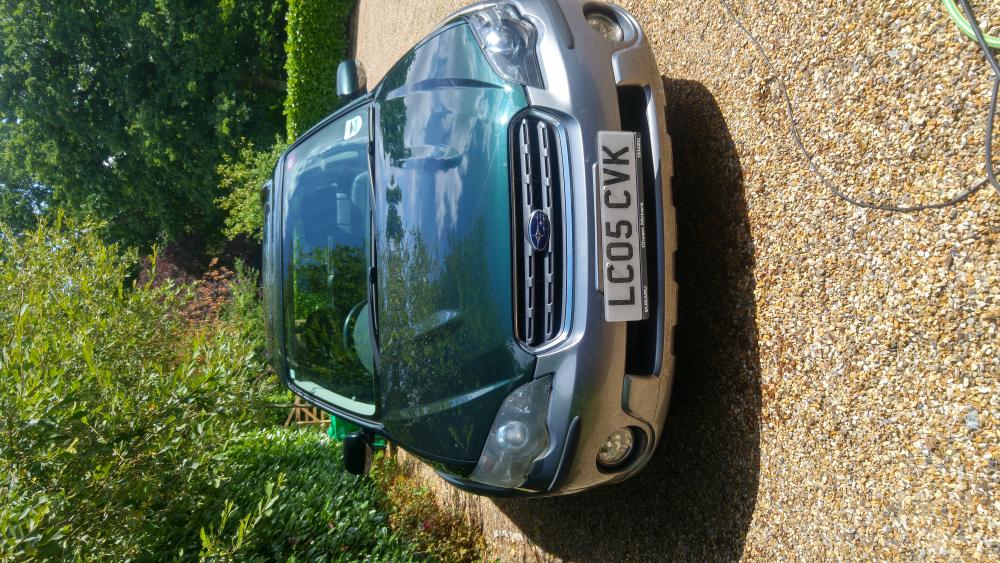
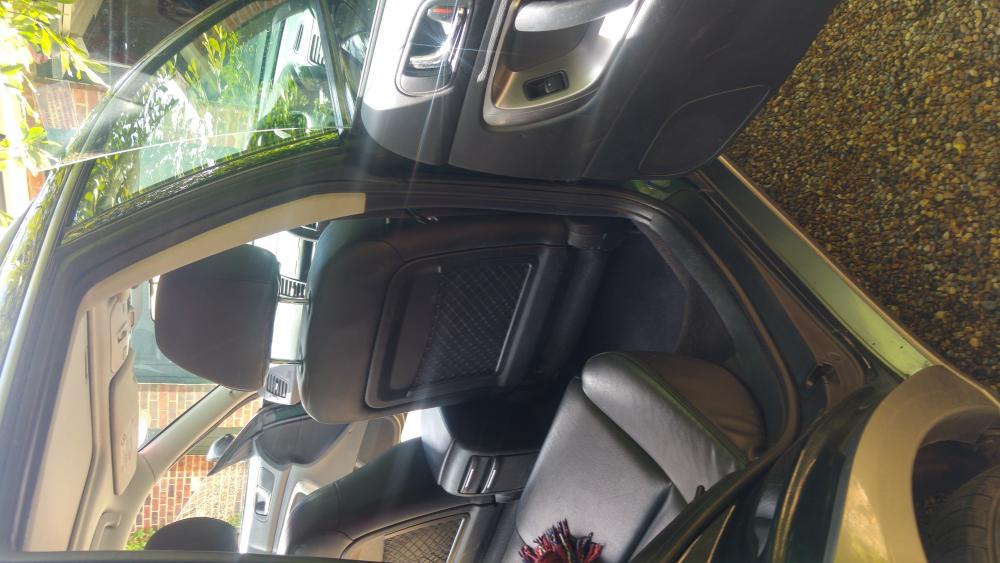
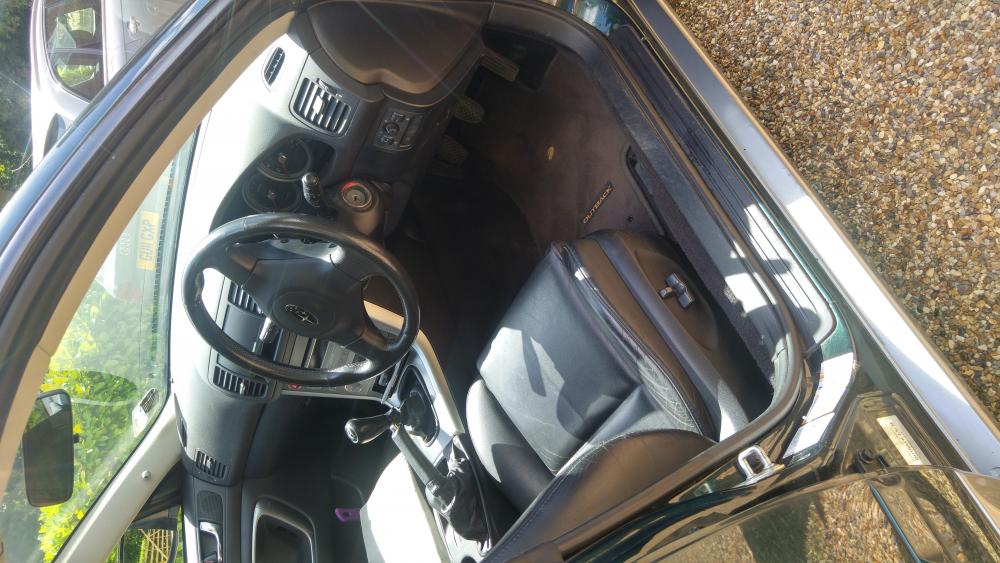
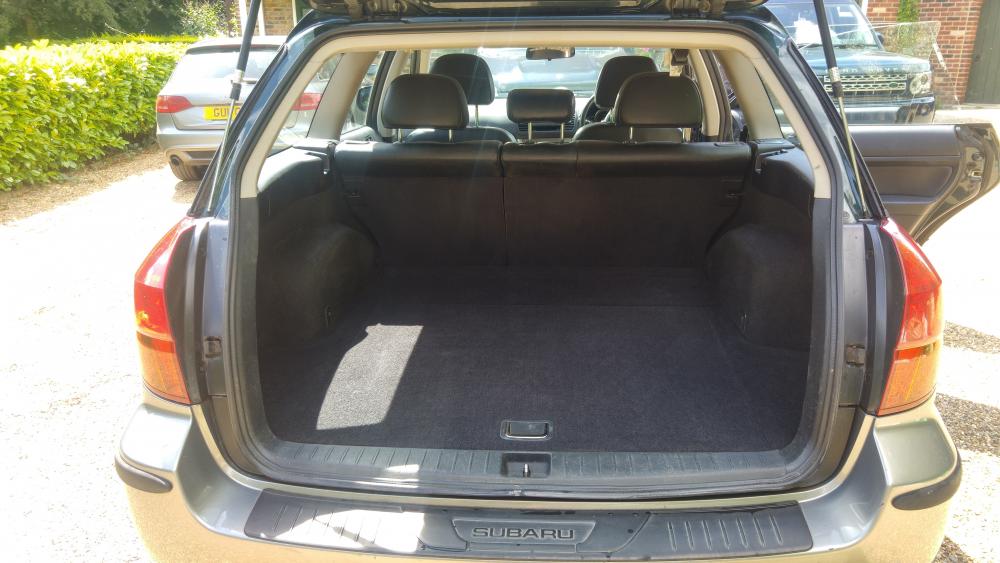
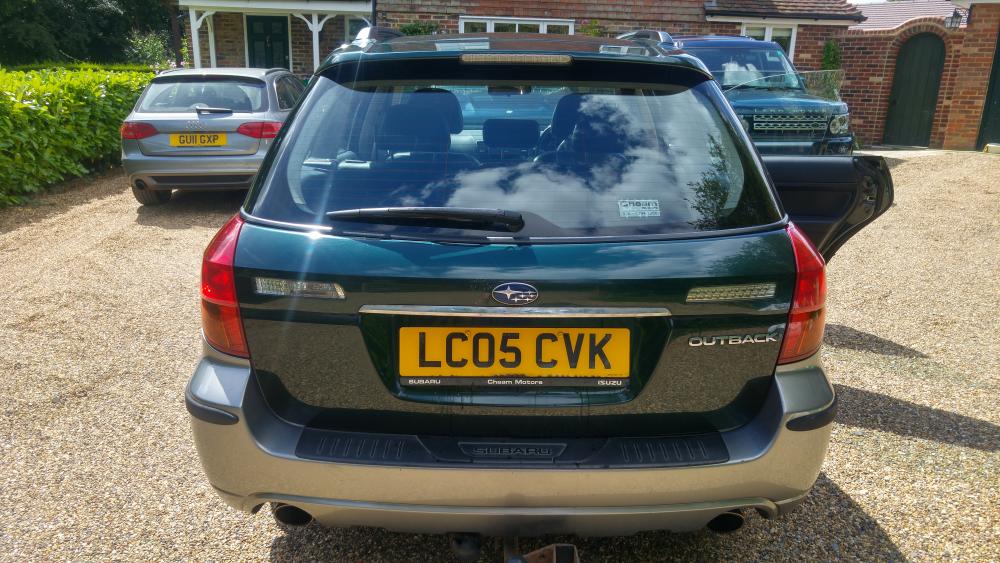
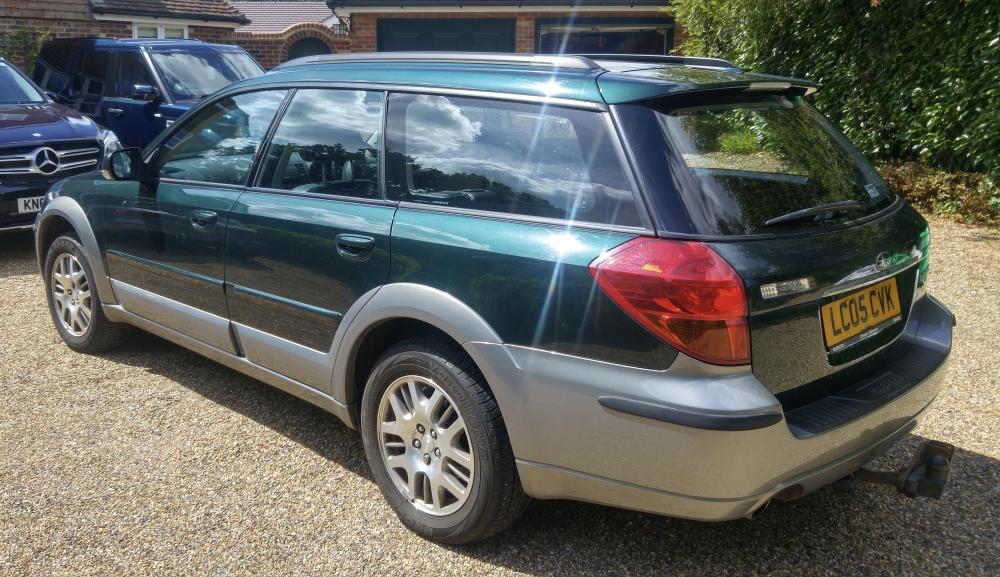
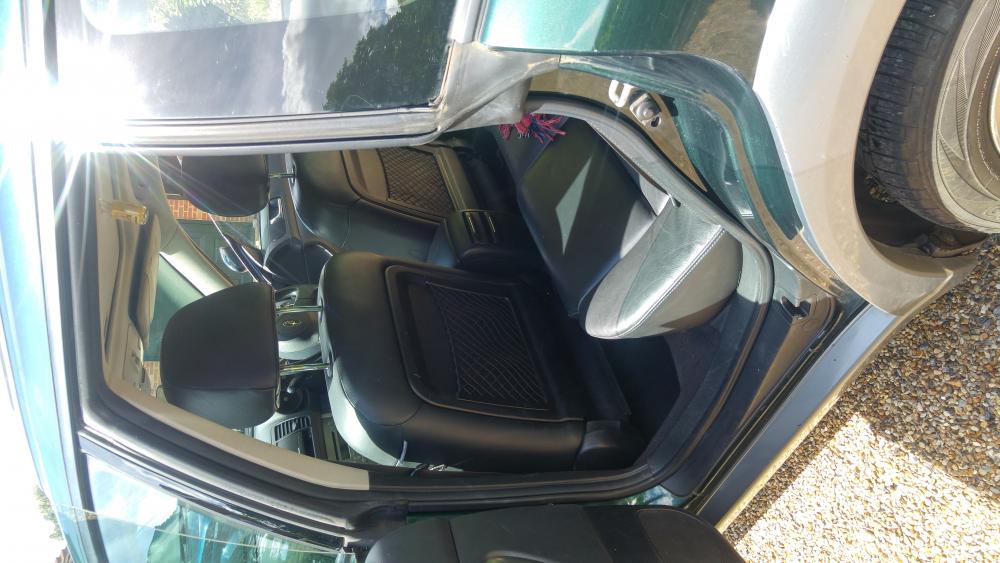
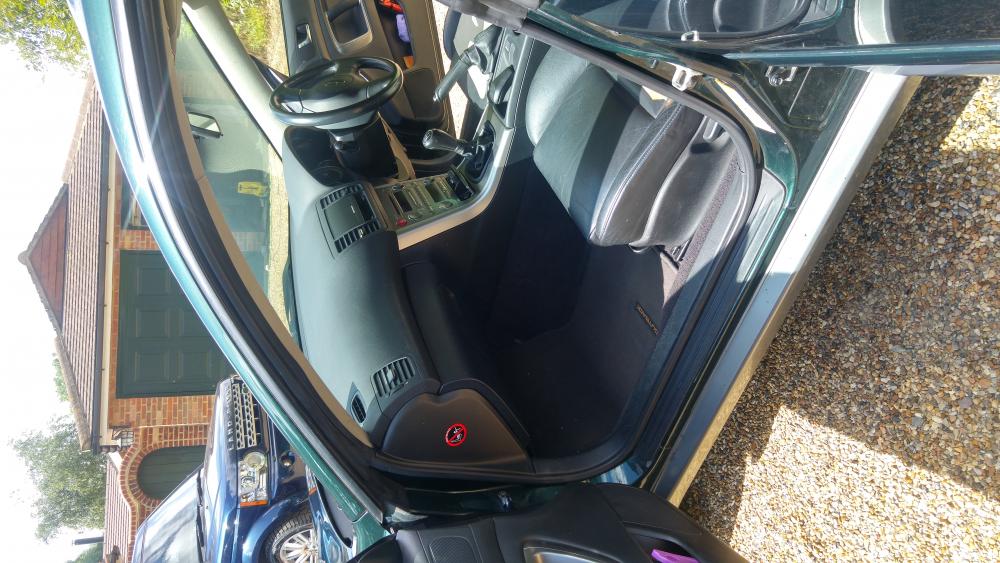
£1750 ** Reg. April 2005 ’05 plate ** One owner ** 129,000 mileage ** Manual ** Petrol ** Mot 14/03/16 ** Full service history available **** Since Jan 2014 **** > Low mileage – only 16,000 miles put on clock > New rear brake pads (Jan 2014) > 1 New Geolander tyre (Aug 2014) > 2 New Geolander tyres (Mar 2015 <8K miles) > New front brake pads & NS Brake caliper (Aug. 2015) > New Subaru exhaust assembly (central section) (Oct. 2015) > New battery (Feb. 2016) > Advisory on latest MOT (NSF steering rack gaiter worn) > Recent garage check - minor oil leak from rear differentials, minor oil leak from rocker cover gasket, steering rack gaiter leaking and possible internal wear. Yours for £1750 - spares or repairs Sold as seen – cash or bank transfer only