Steve36
Members
-
Joined
-
Last visited
Everything posted by Steve36
-
 Done 300 miles and it's killing me !!! Reallly wanna open her up !! Not experienced full power yet only up to 4K rpm I guess beyond that it gets interesting?
 -
Thanks guys ! Its funny how it makes me feel, im 36 and feel 18 again lol is that just me !!!!
-
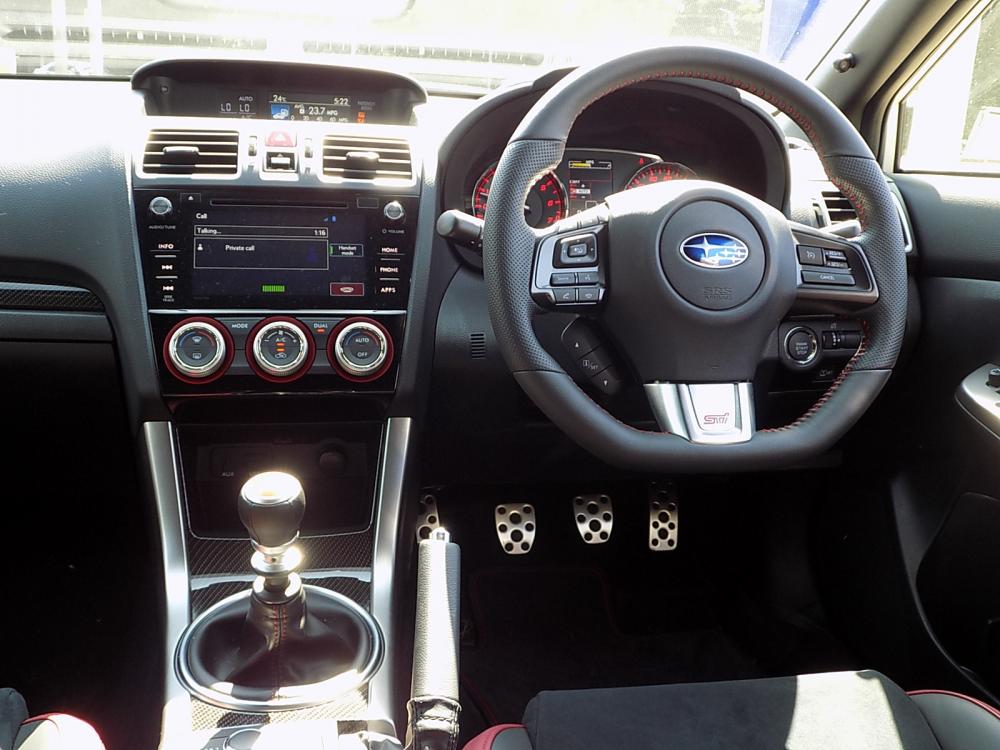
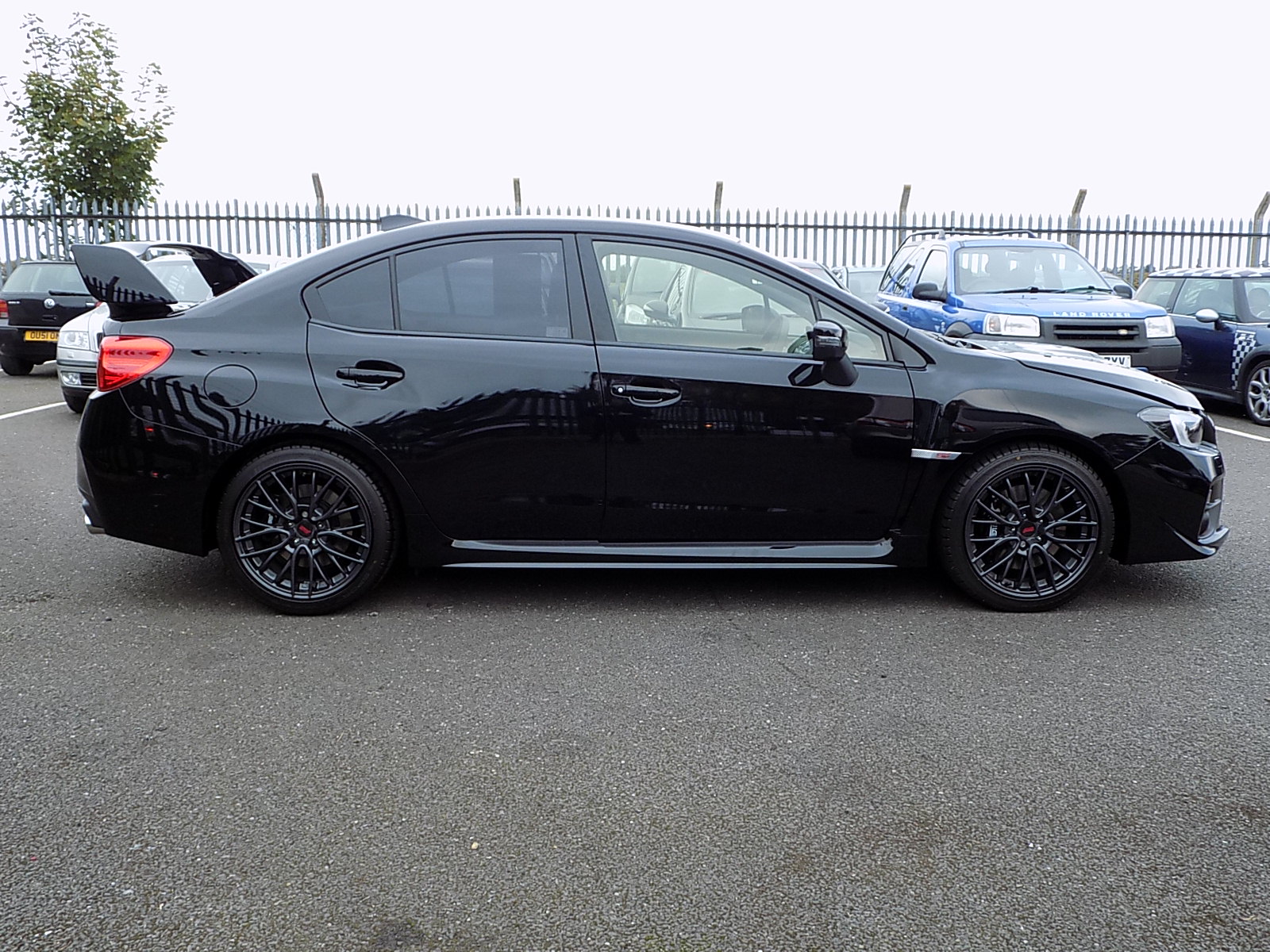
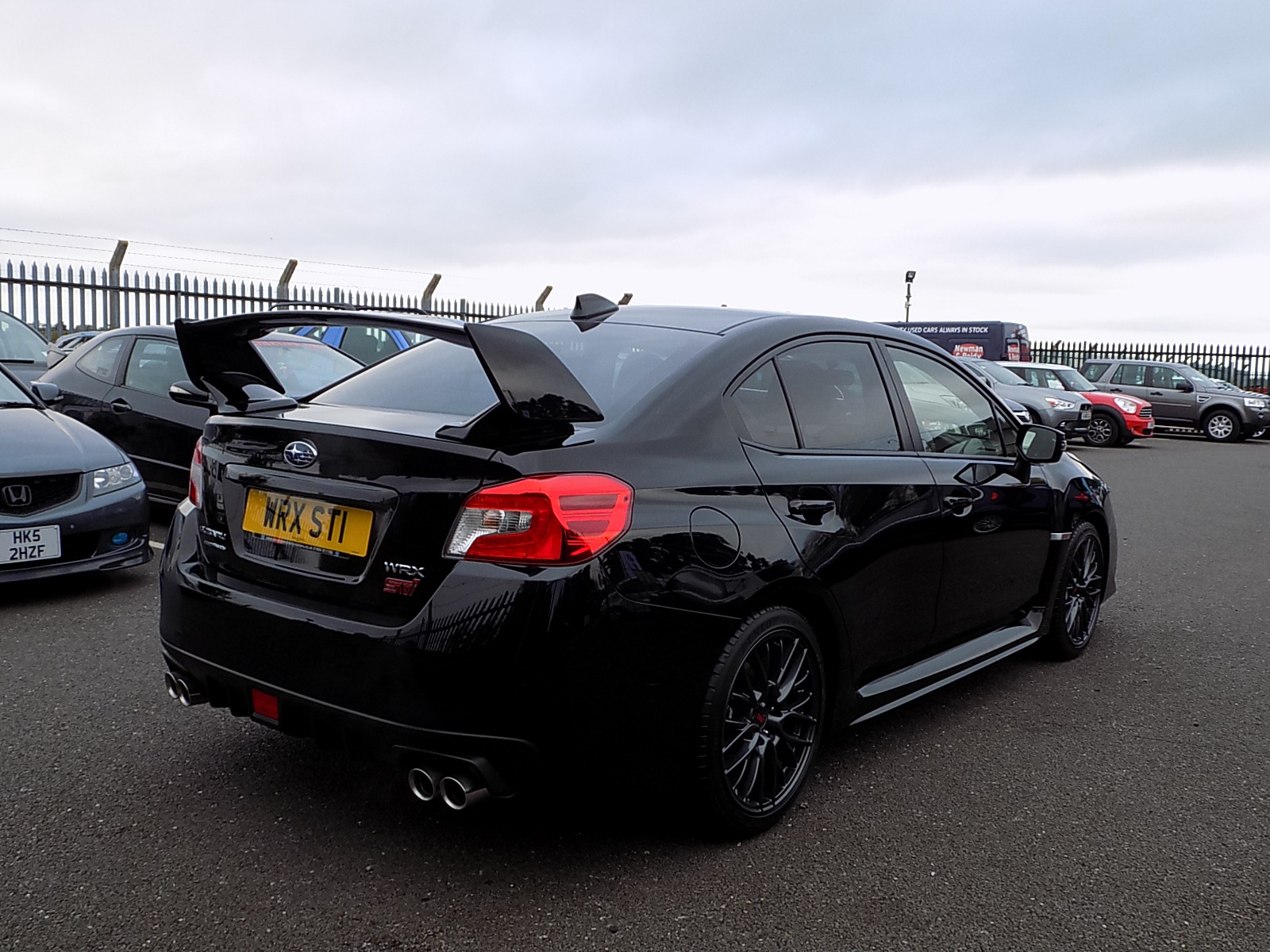
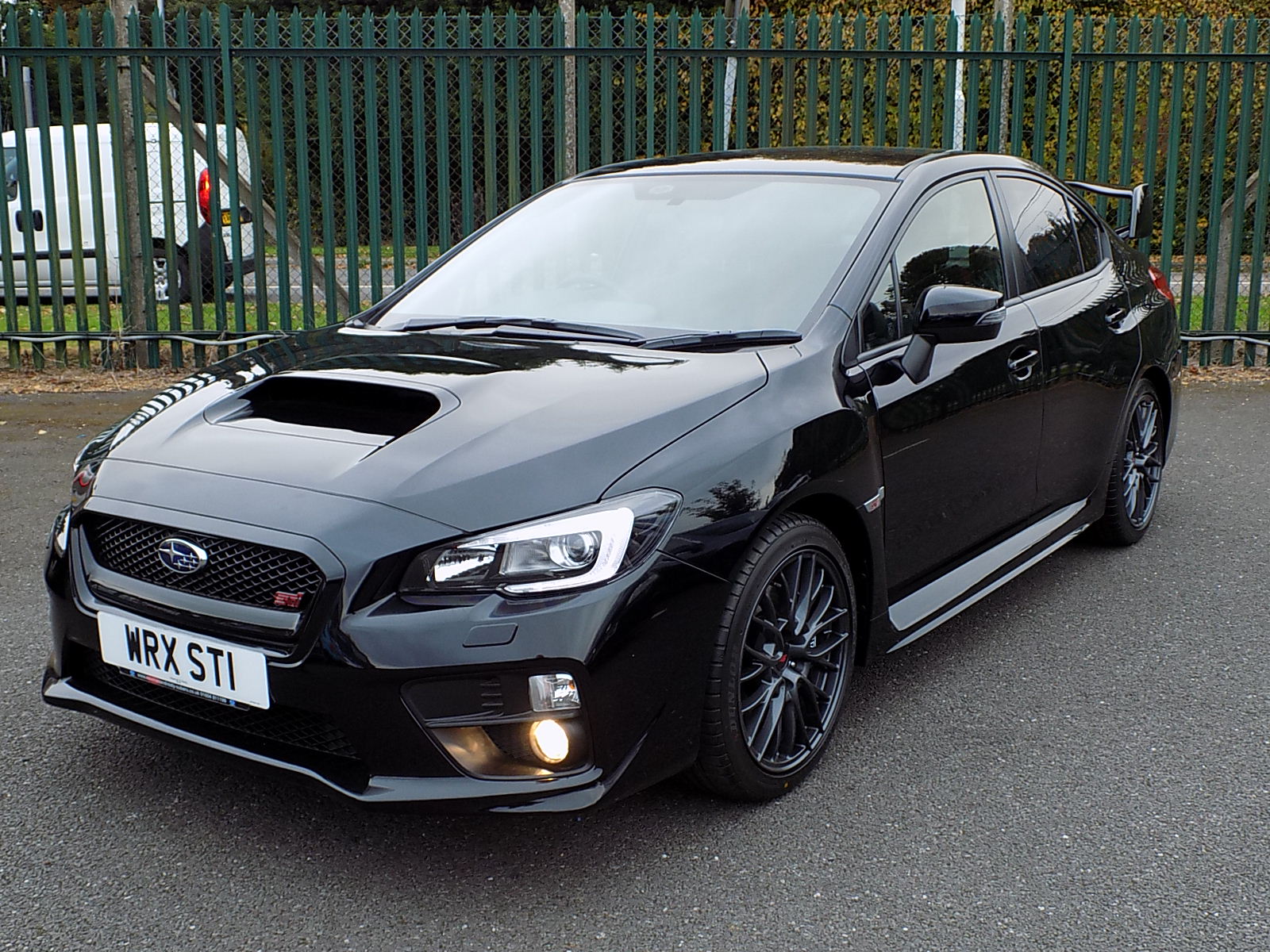
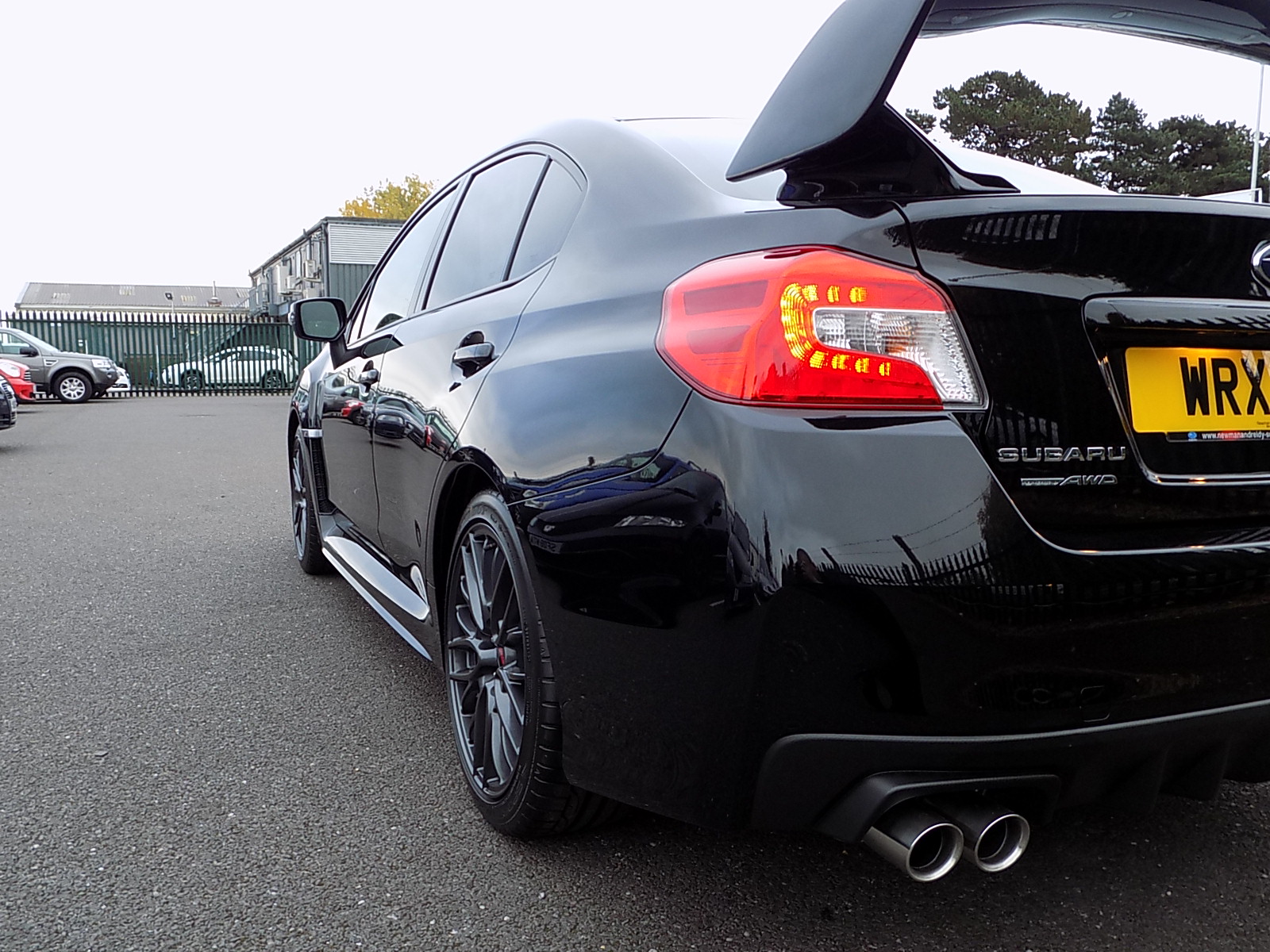
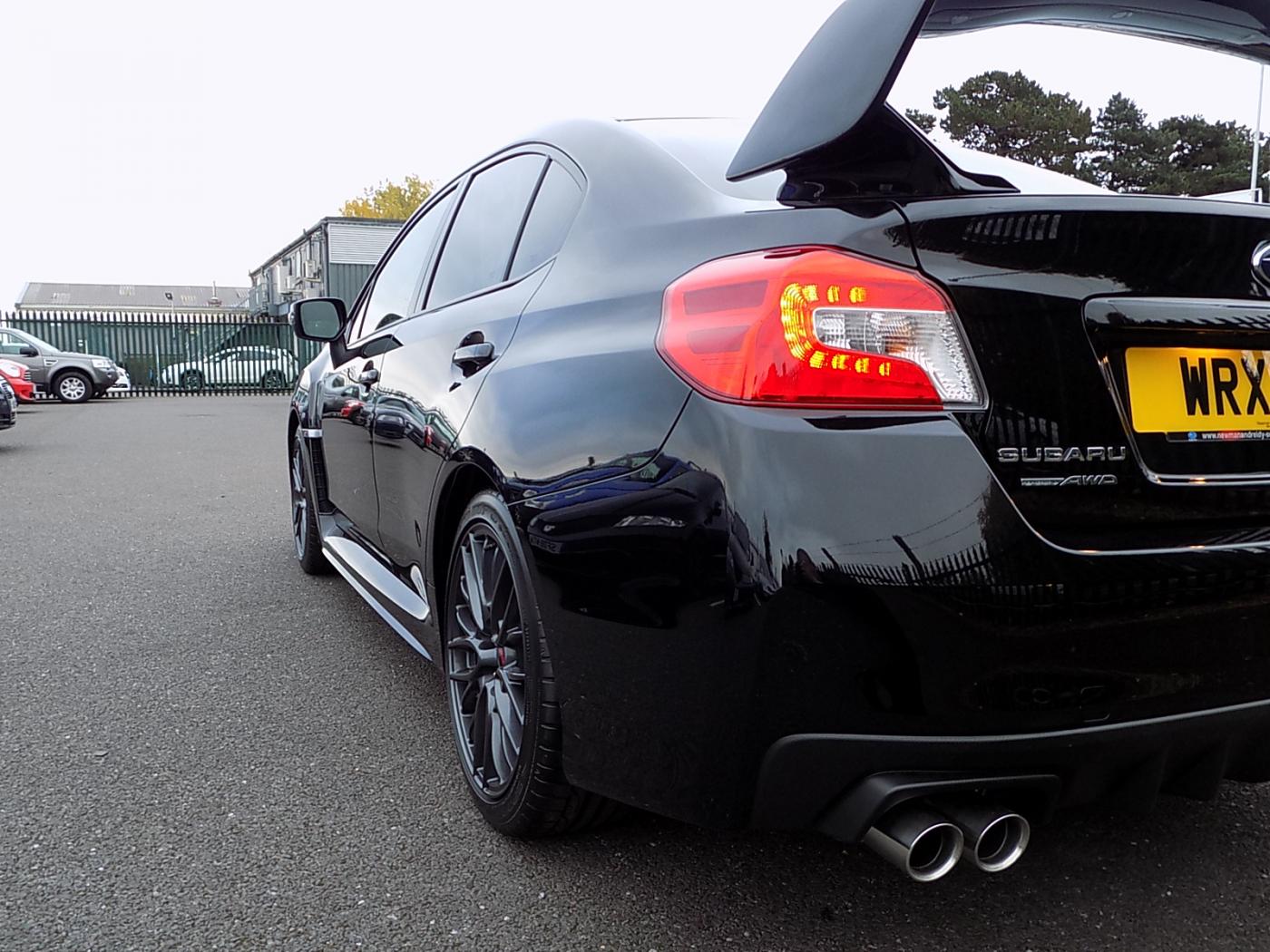
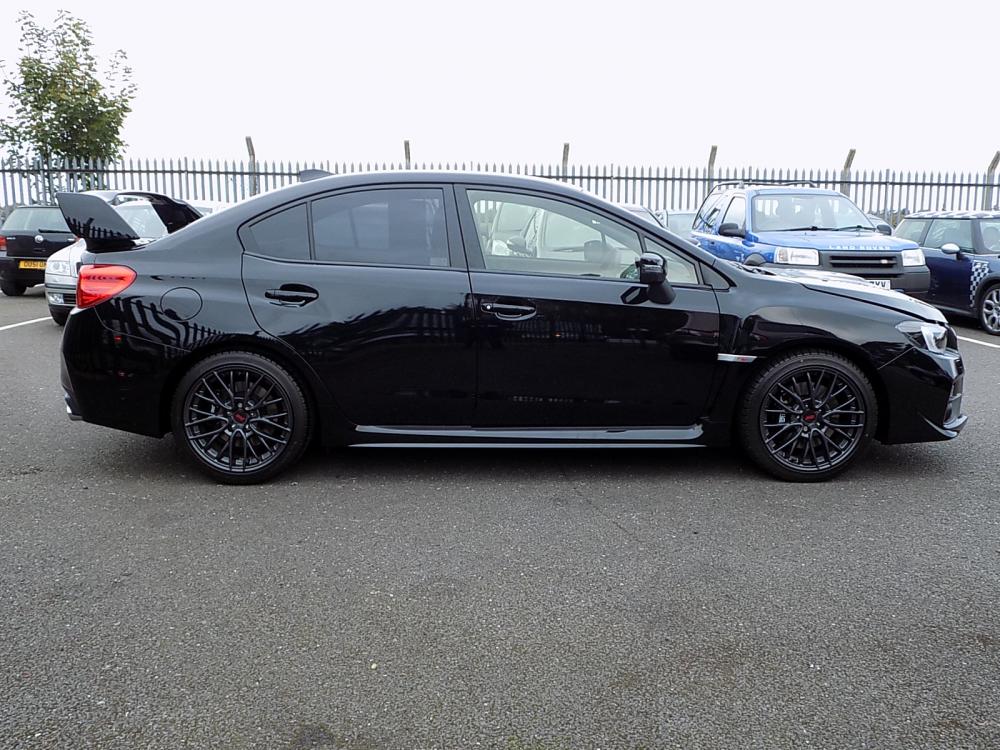
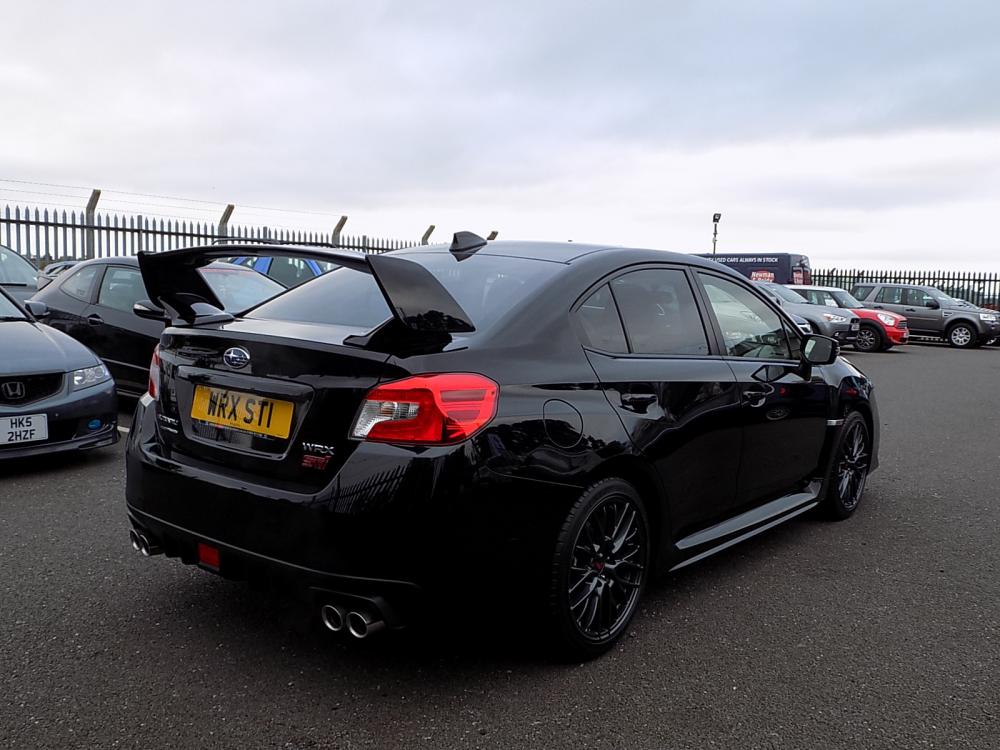
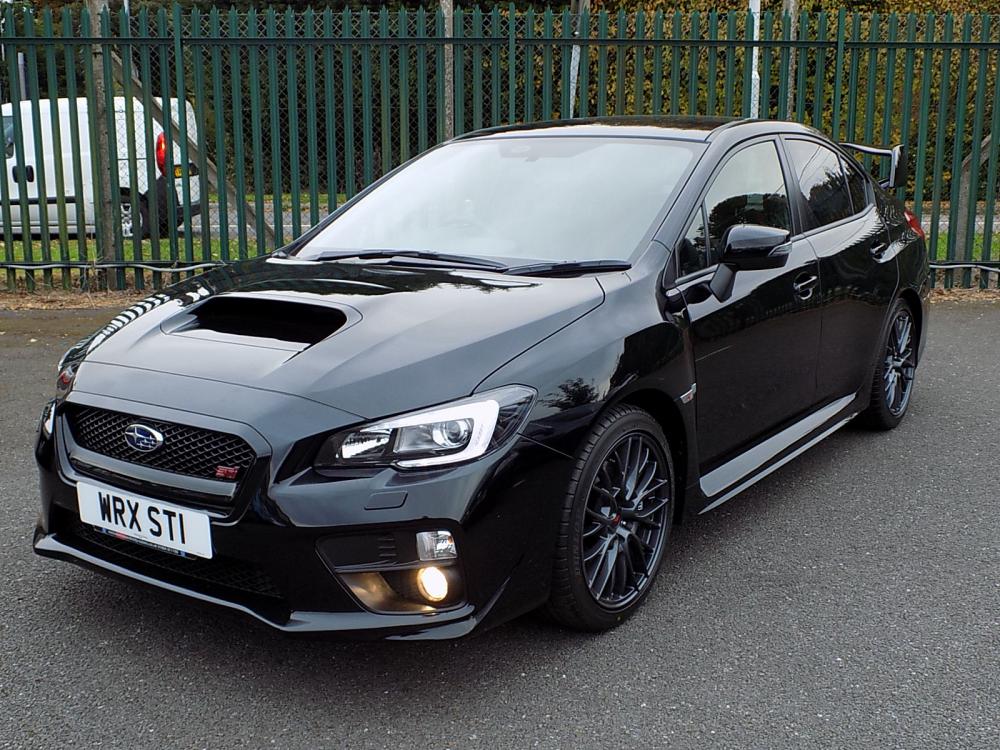
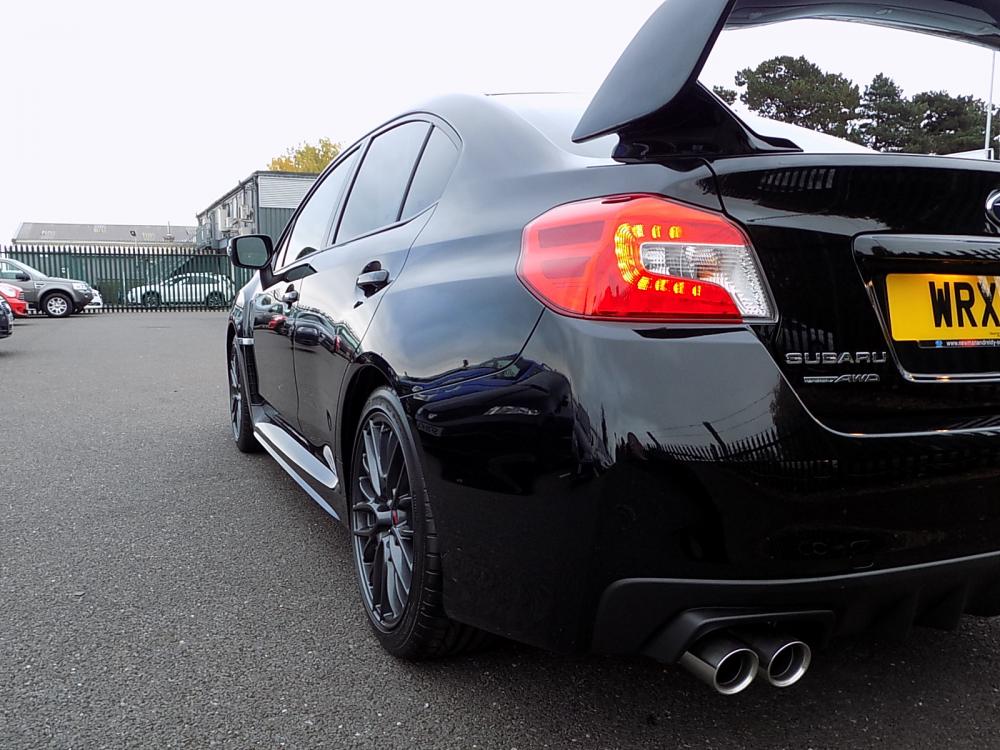
Just picked up new car !! Very pleased
-
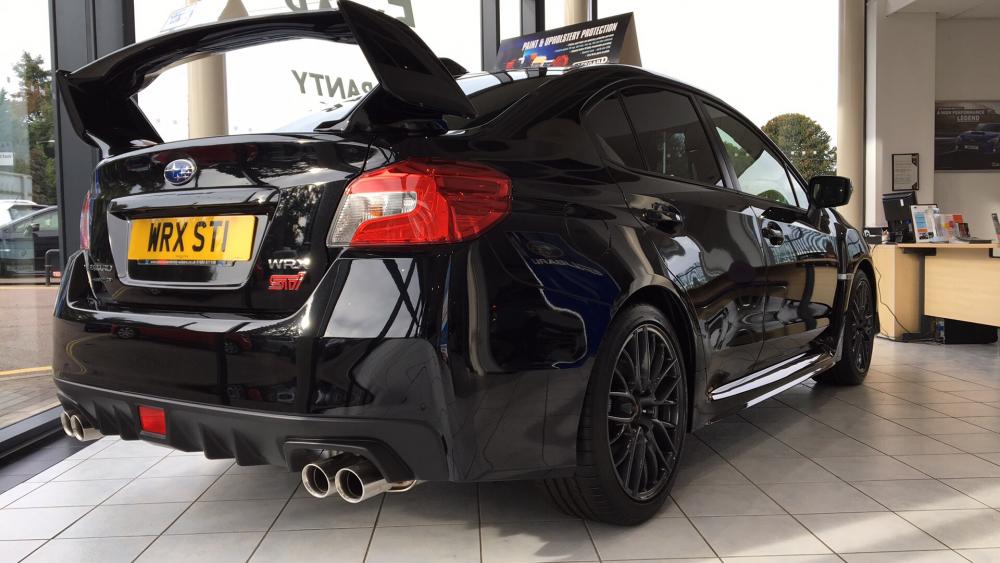
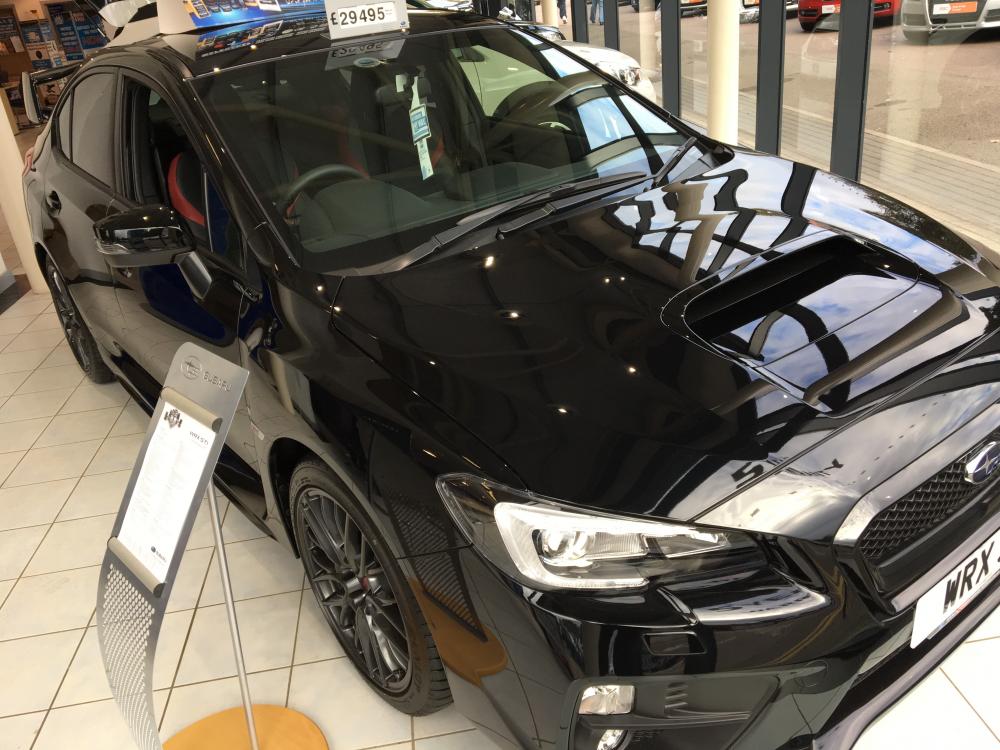
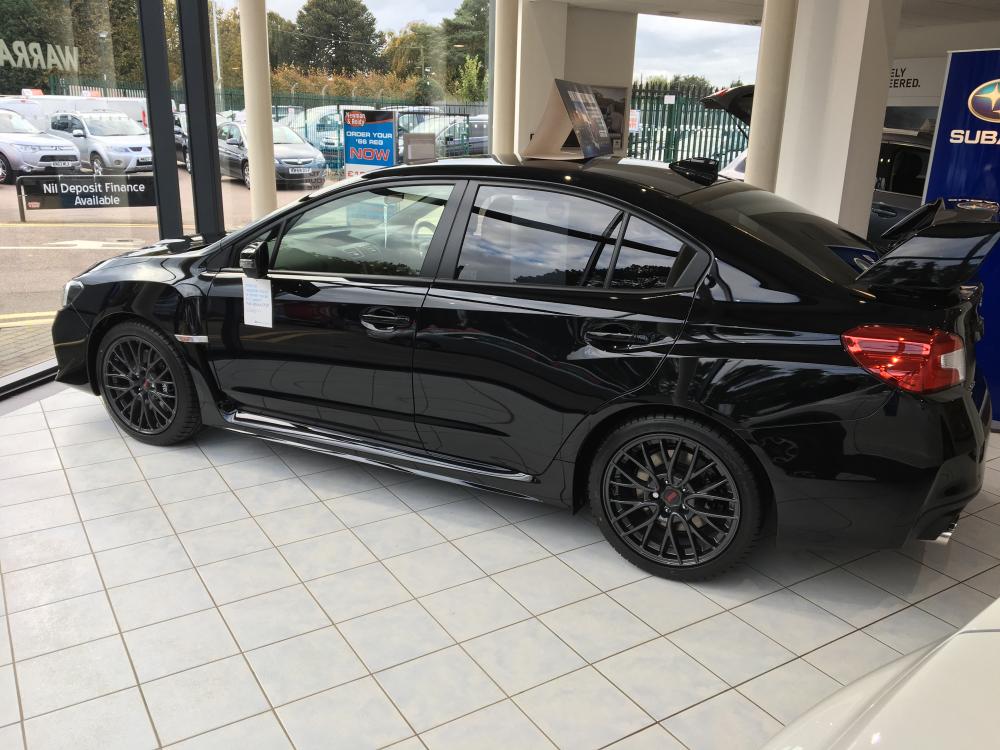
Thanks fellas, last minute mind change, opted for the black one instead !!! Saw it in the show room and I melted
-
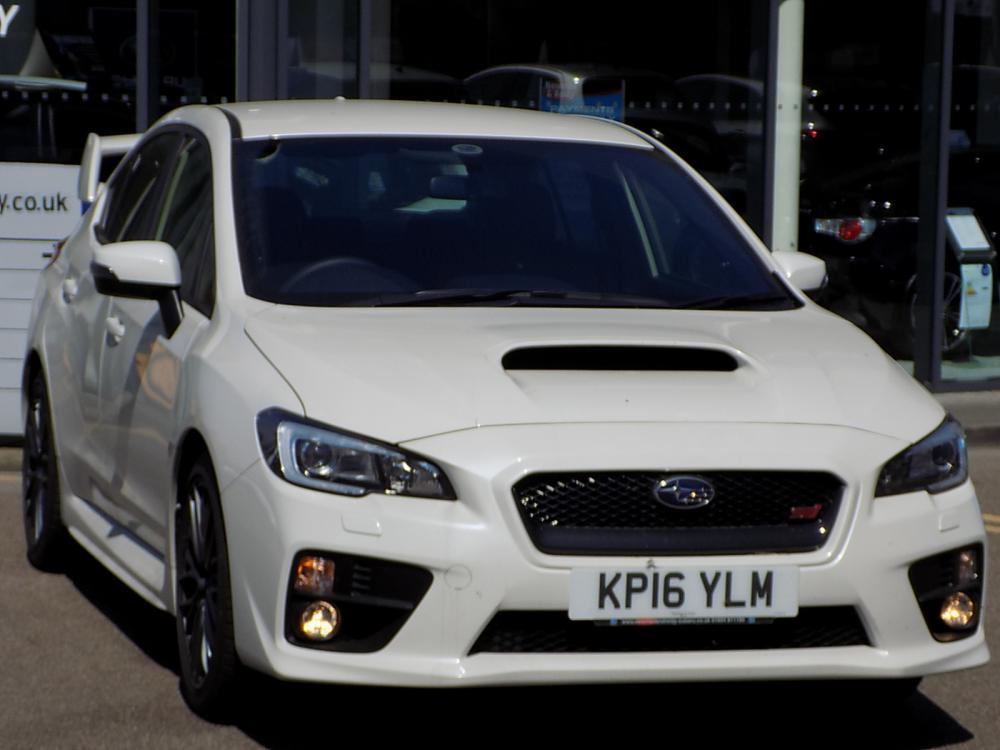
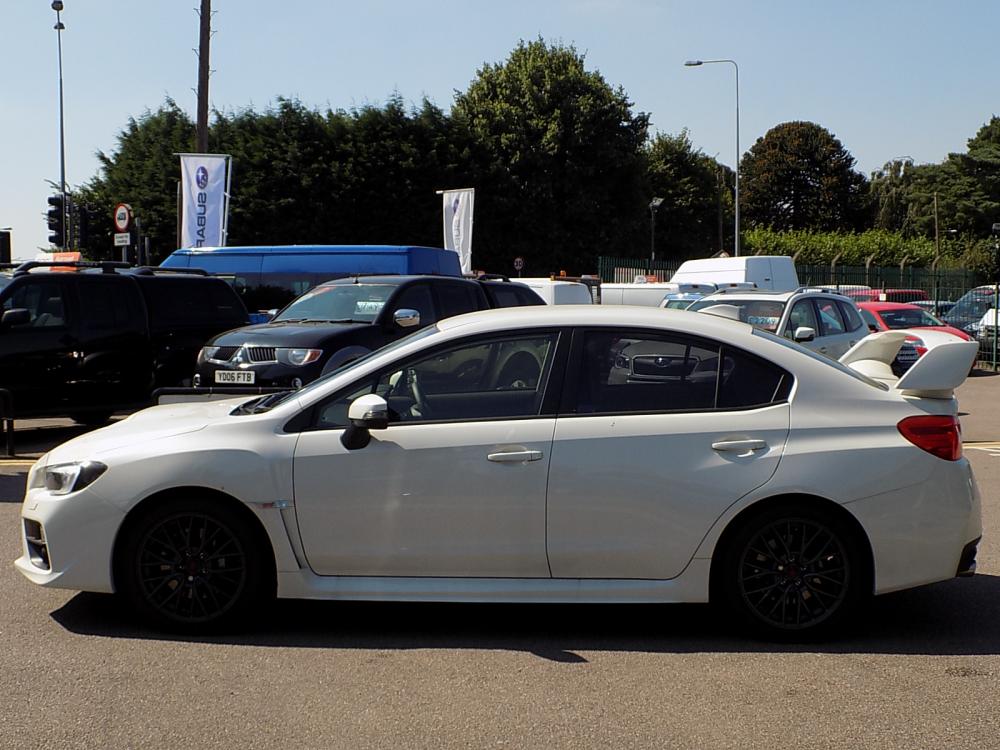
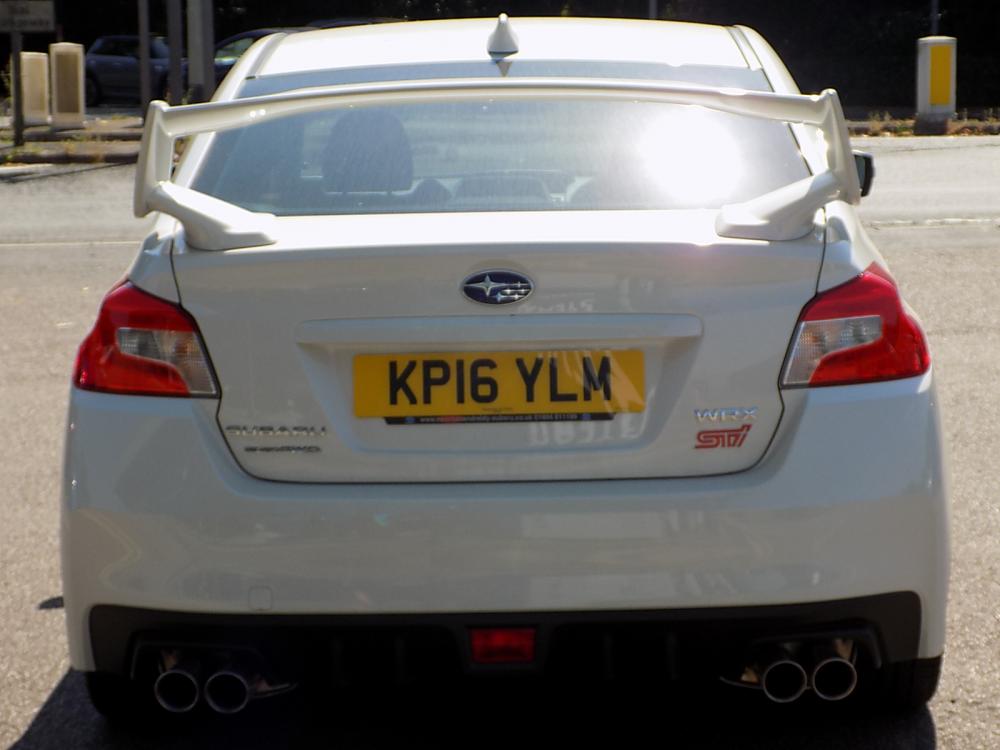
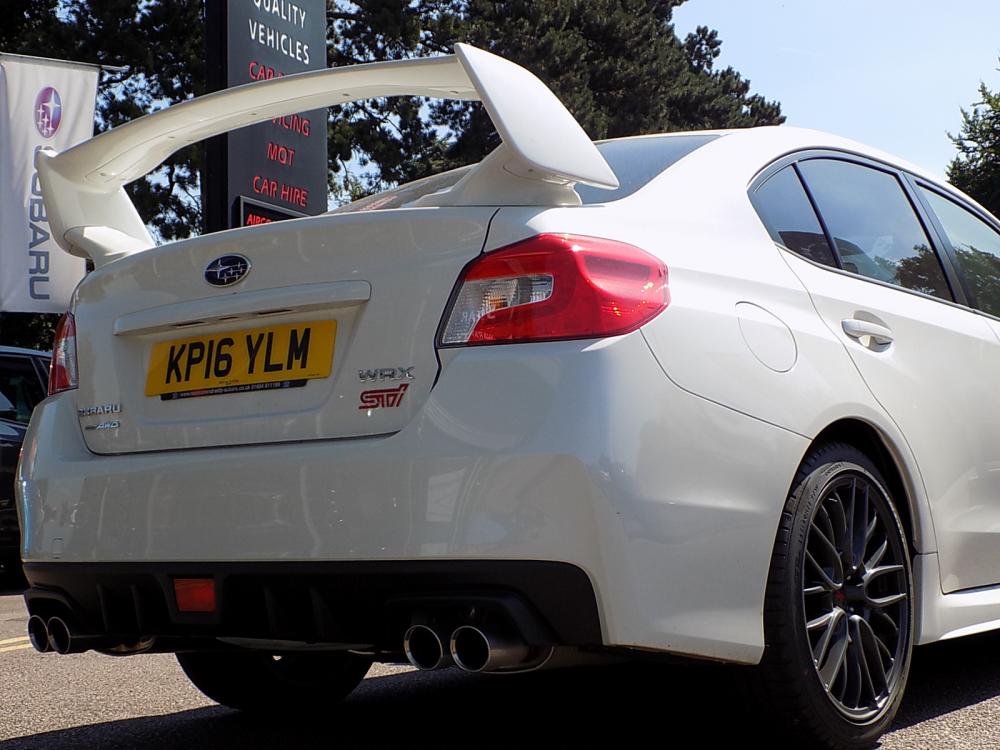
Hiya guys I'm new to this forum and to Subaru, I've just ordered my first 2016 WRX STi in white. Really excited! Heres a couple of pics