Do Not Sell My Personal Information Jump to content
View in the app

A better way to browse. Learn more.

Subaru Owners Club UK | Subaru Forums

A full-screen app on your home screen with push notifications, badges and more.

To install this app on iOS and iPadOS
  1. Tap the Share icon in Safari
  2. Scroll the menu and tap Add to Home Screen.
  3. Tap Add in the top-right corner.
To install this app on Android
  1. Tap the 3-dot menu (⋮) in the top-right corner of the browser.
  2. Tap Add to Home screen or Install app.
  3. Confirm by tapping Install.

shnurok89

Members
  • Joined

  • Last visited

  1. shnurok89 changed their profile photo
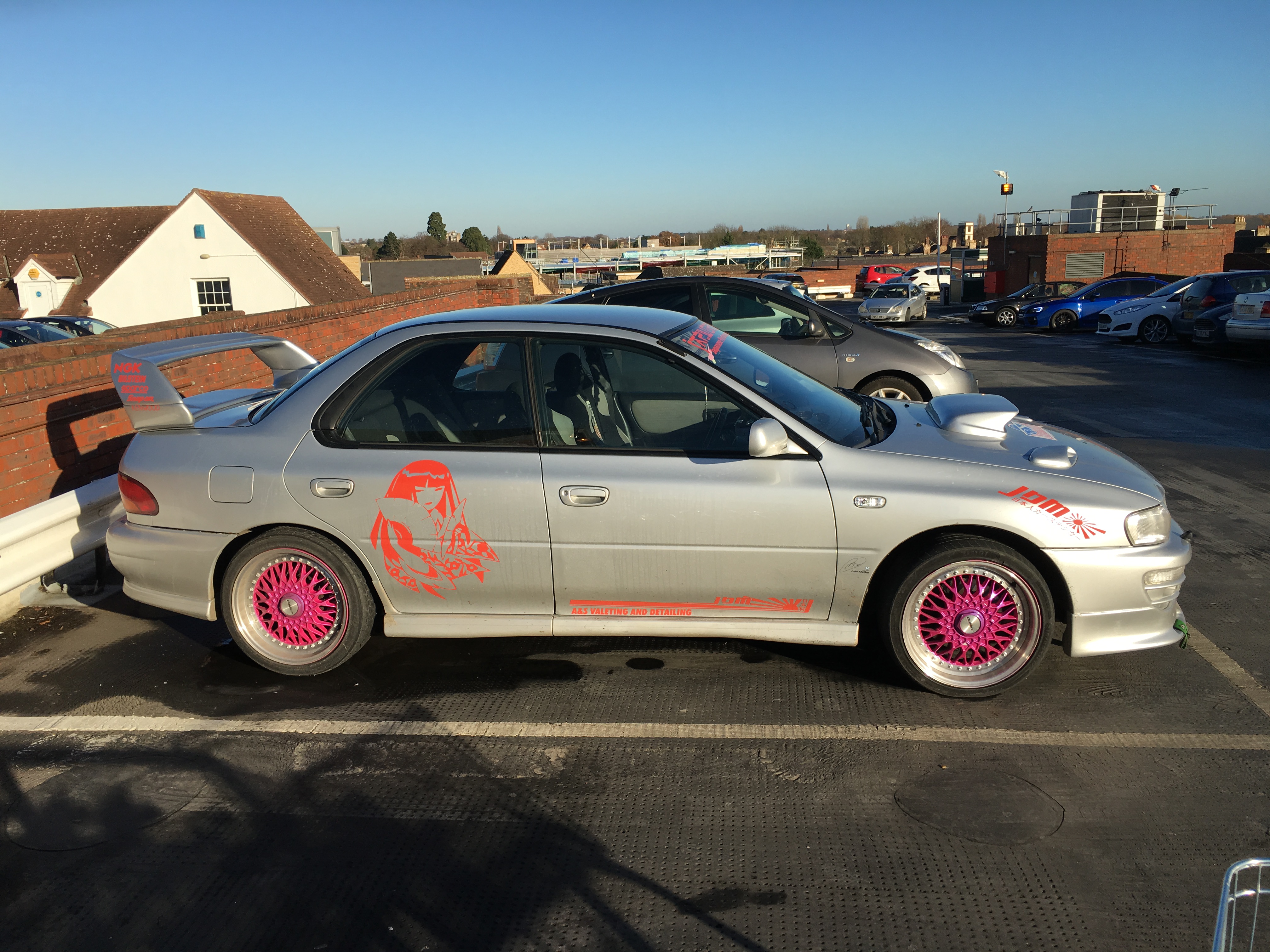
  2. Went to the mall for new coils and saw this little number.
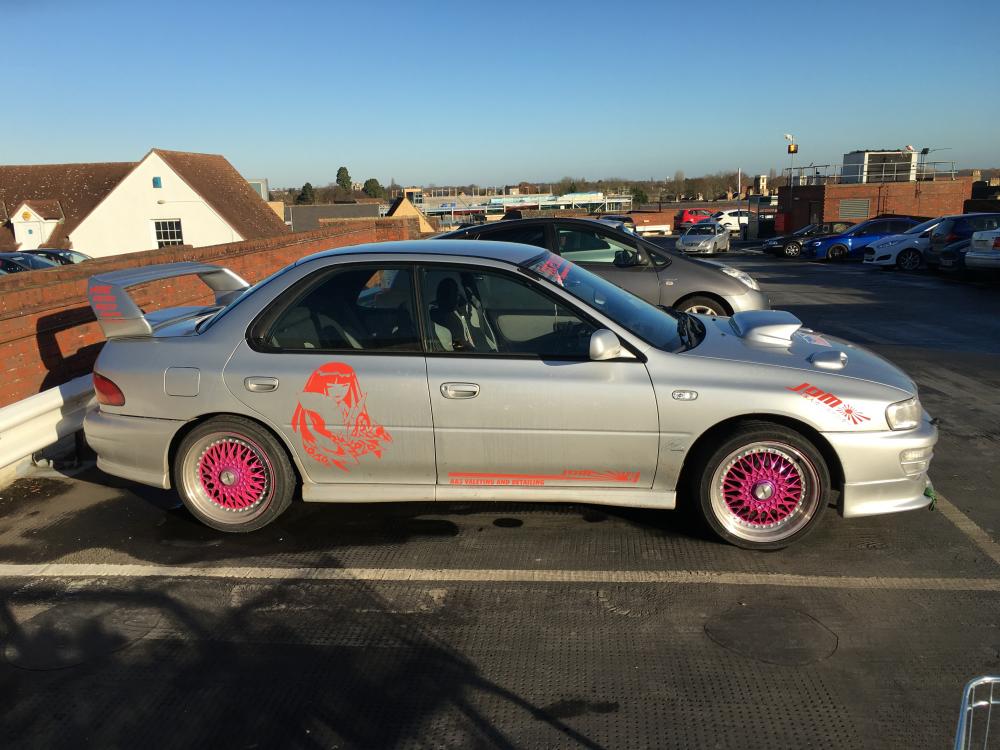
  3. @Sandals, until then, I would be happy to let you take mine for a spin :D
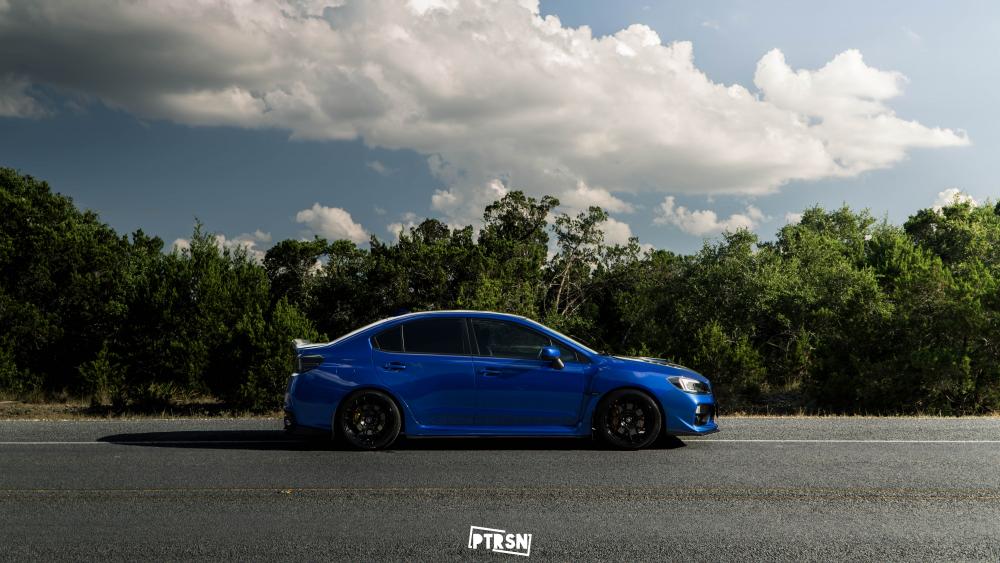
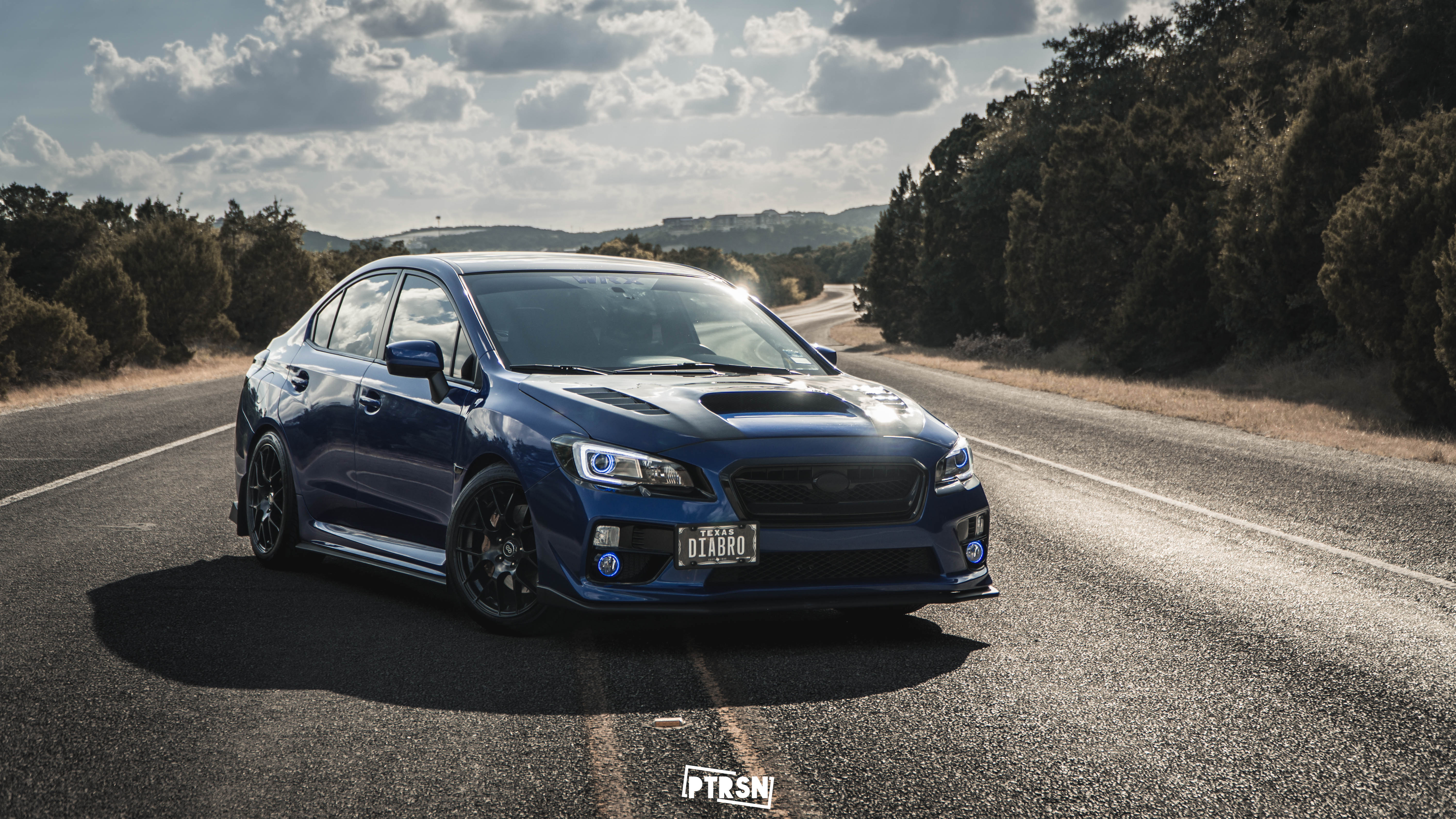
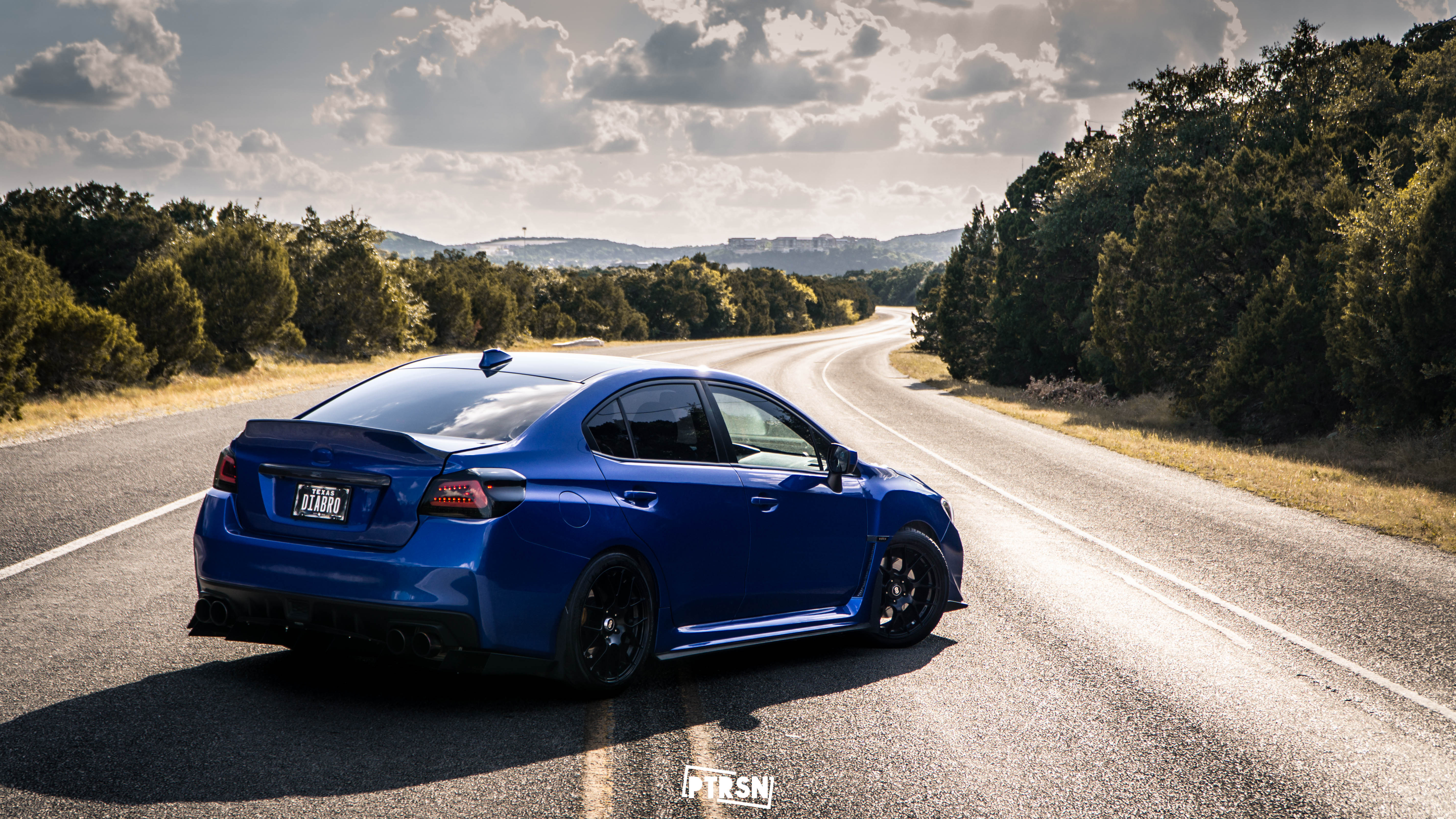
  4. @Sandals Thank you! Yeah, it's the FA20F. I decided to give the FA a shot after having an EJ255 in our 2010 WRX hatch in Alaska. So far, no regrets. I absolutely love this car and can honestly say it's the nicest one I've ever owned/driven.
  5. Thanks to all for the warm welcome! Getting our household goods sometime next week, so the car will be race and show ready for the next year. Can't wait to meet you guys out and about!
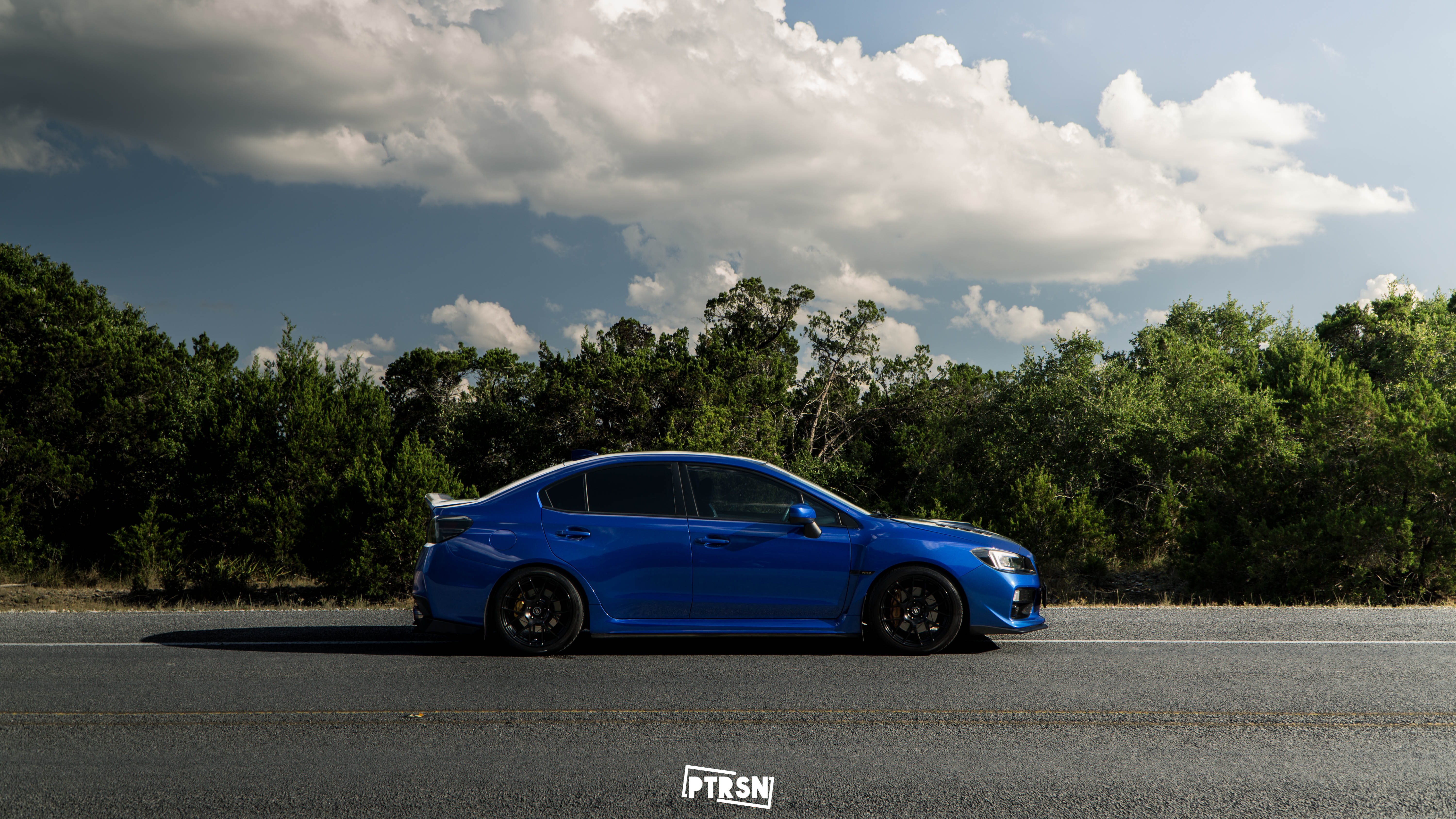
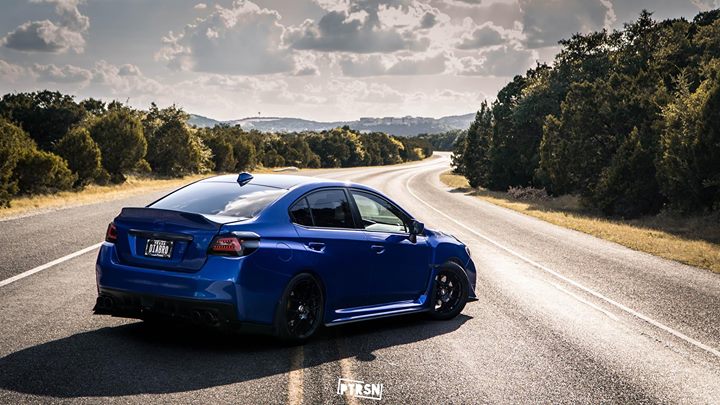
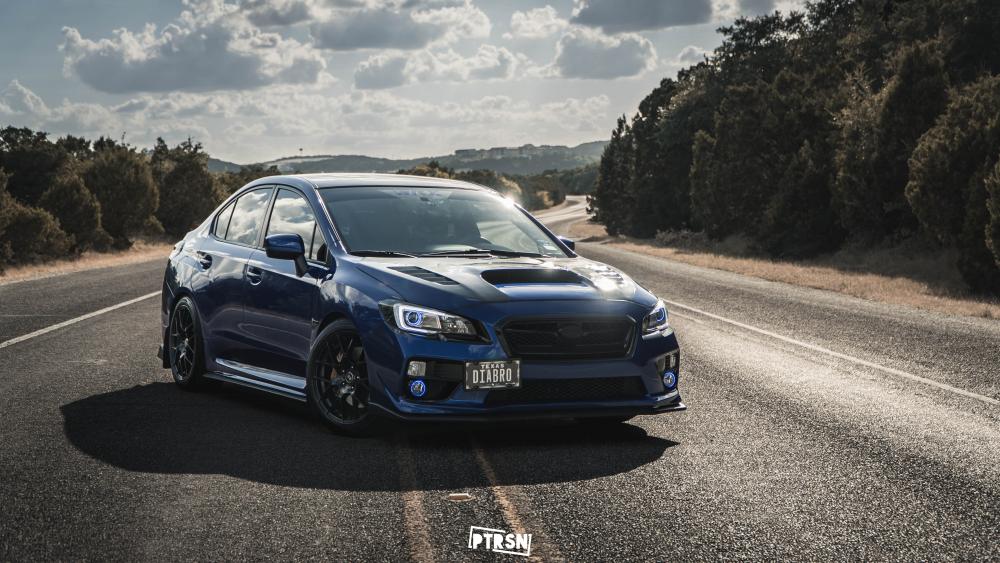
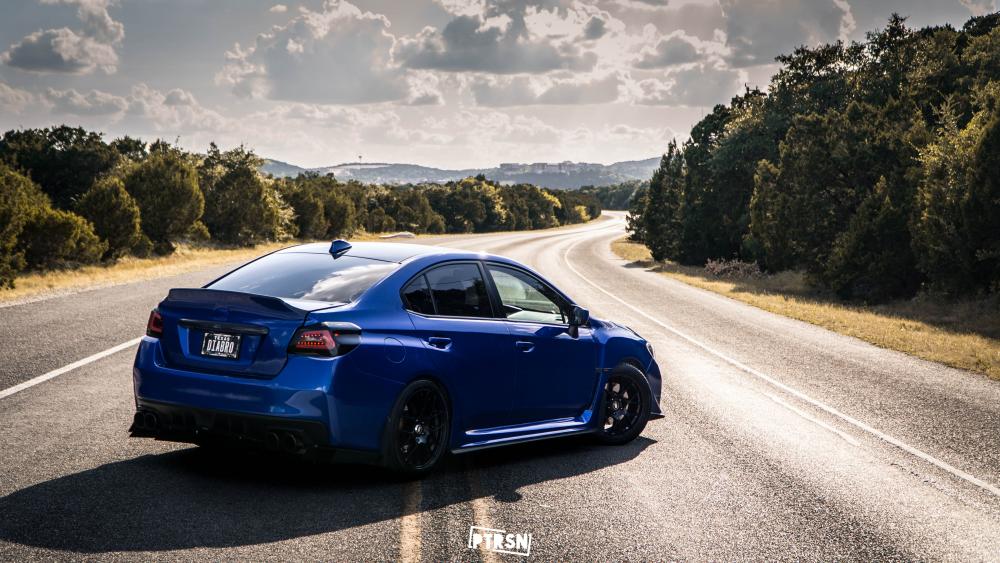
  6. Hey! Just moved here from The States with my 2015 WRX and my wifes 2016 XV. Hoping to make some new friends and be an active part of the car scene here in the UK.
Background Picker
Customize Layout

Account

Navigation

Search

Configure browser push notifications

Chrome (Android)
  1. Tap the lock icon next to the address bar.
  2. Tap Permissions → Notifications.
  3. Adjust your preference.
Chrome (Desktop)
  1. Click the padlock icon in the address bar.
  2. Select Site settings.
  3. Find Notifications and adjust your preference.