scoobyjayp
Supporting Members
-
Joined
-
Last visited
-
Great idea, thank you for sharing, like you said shame there are no scoobies.
-
I've got my impreza on facebook and all i get is messages asking "is it still available?"
-
scoobyjayp changed their profile photo
-
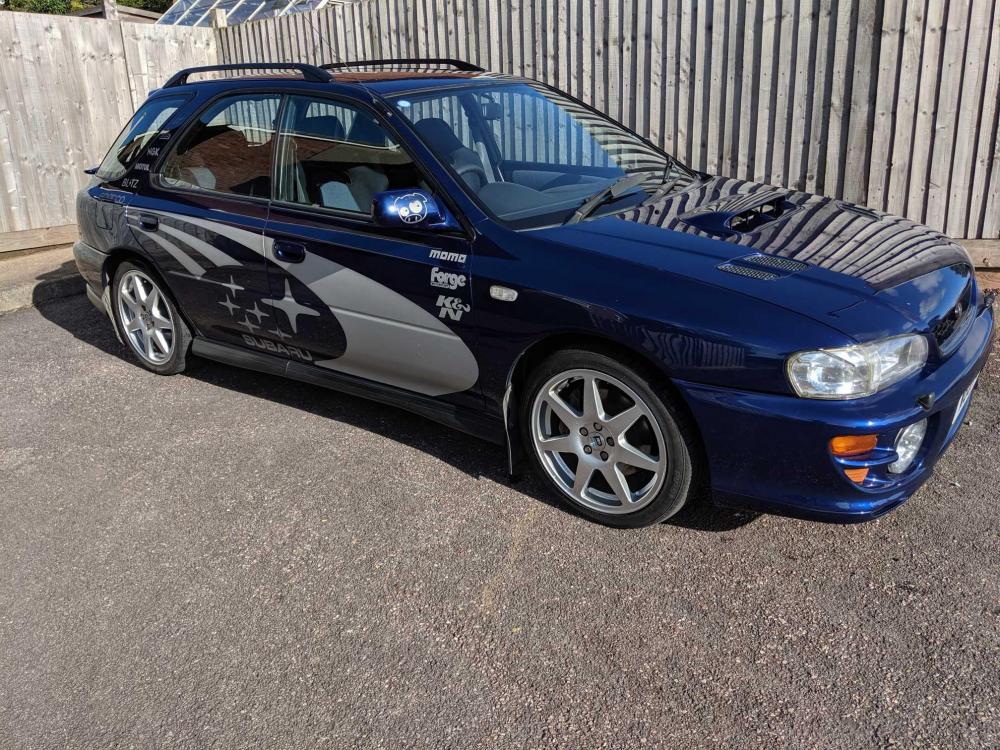
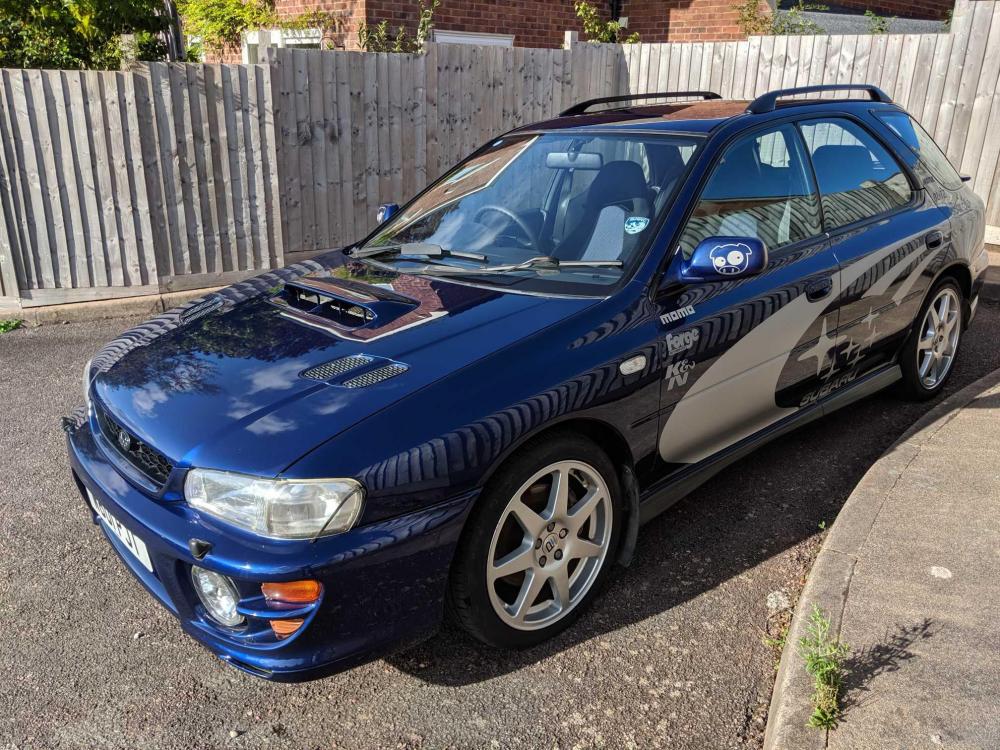
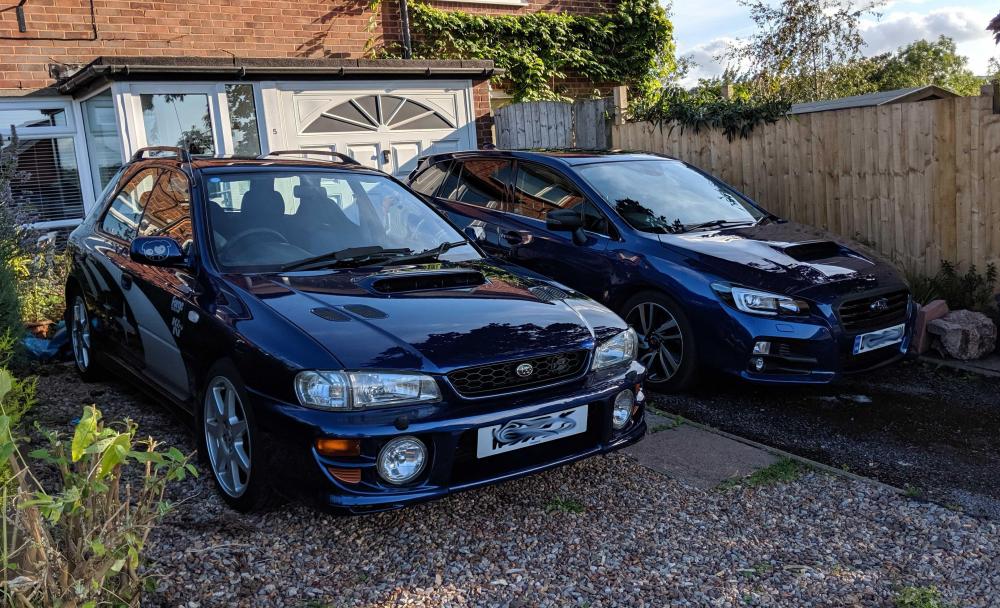
Here are my Classic Wagon and Levorg GT, Both amazing cars to drive for totally different reasons! The classic wagon is like a go-kart, point it in the direction you want to go, hold on, floor the throttle and off you go! The Levorg is bit slower of the mark but get up to 20-30mph and put it in sport mode and there is an inner Impreza waiting to play!
-
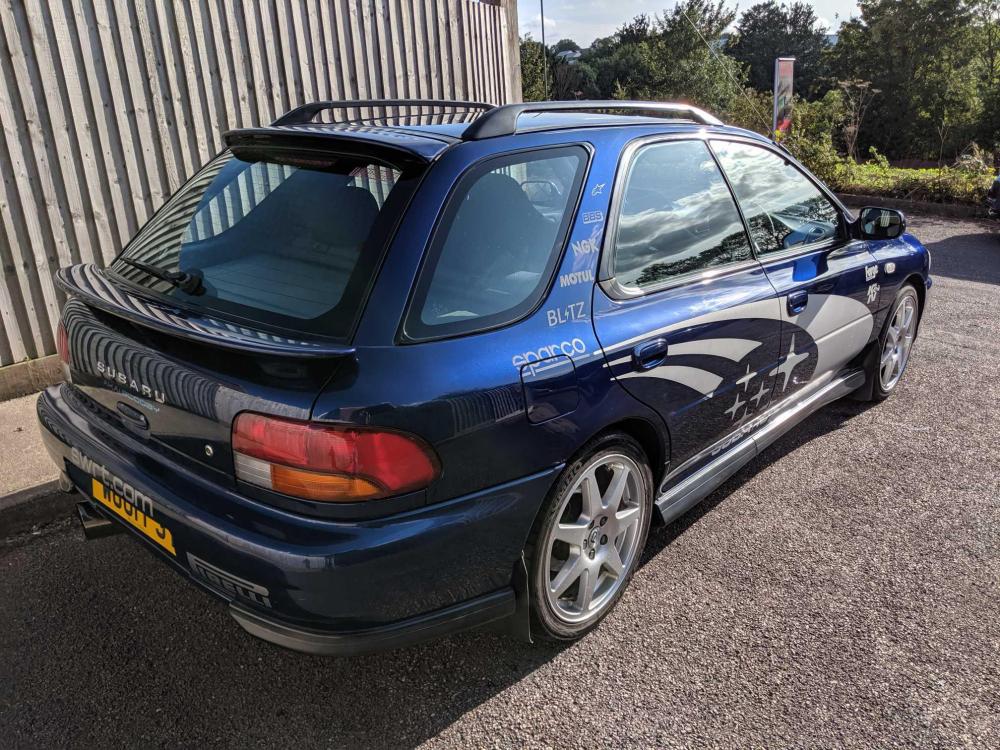
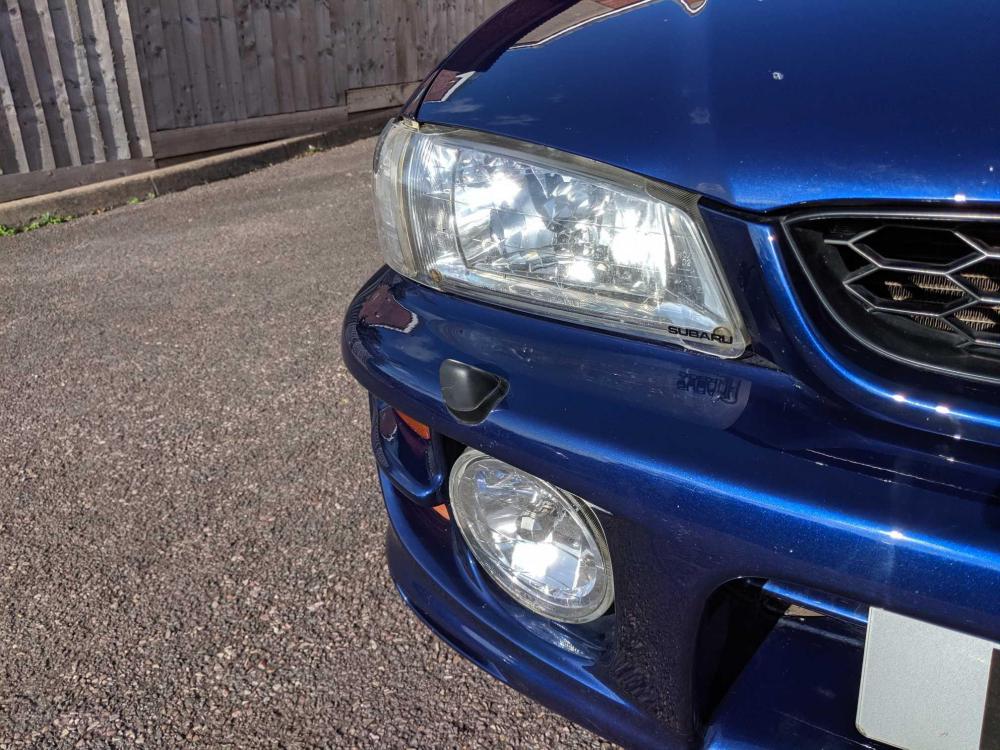
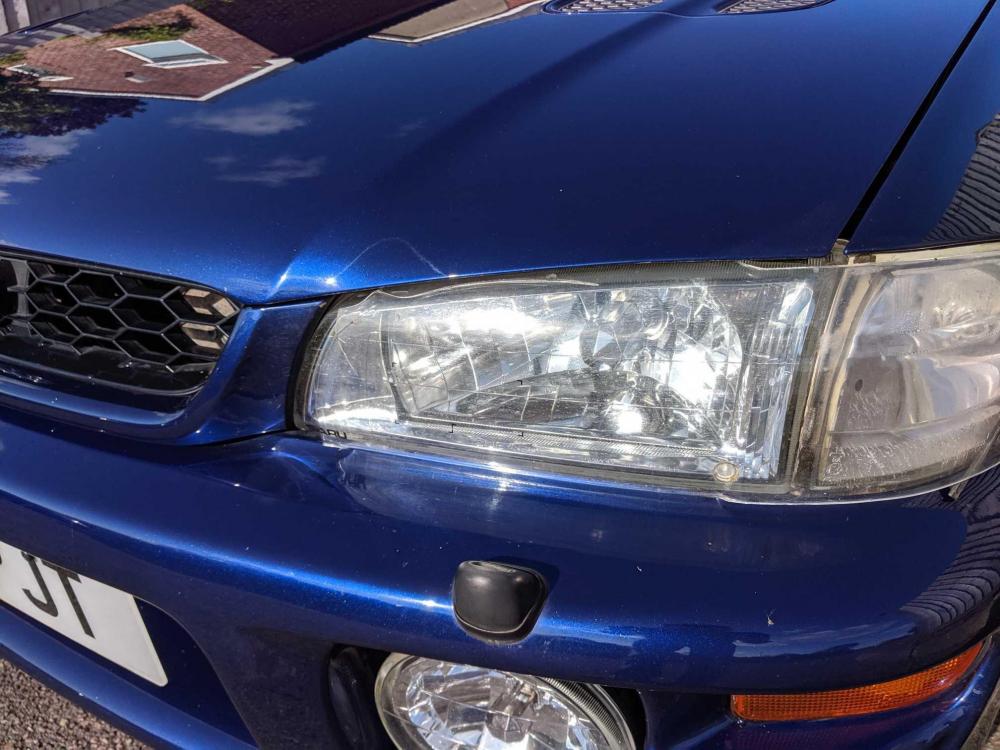
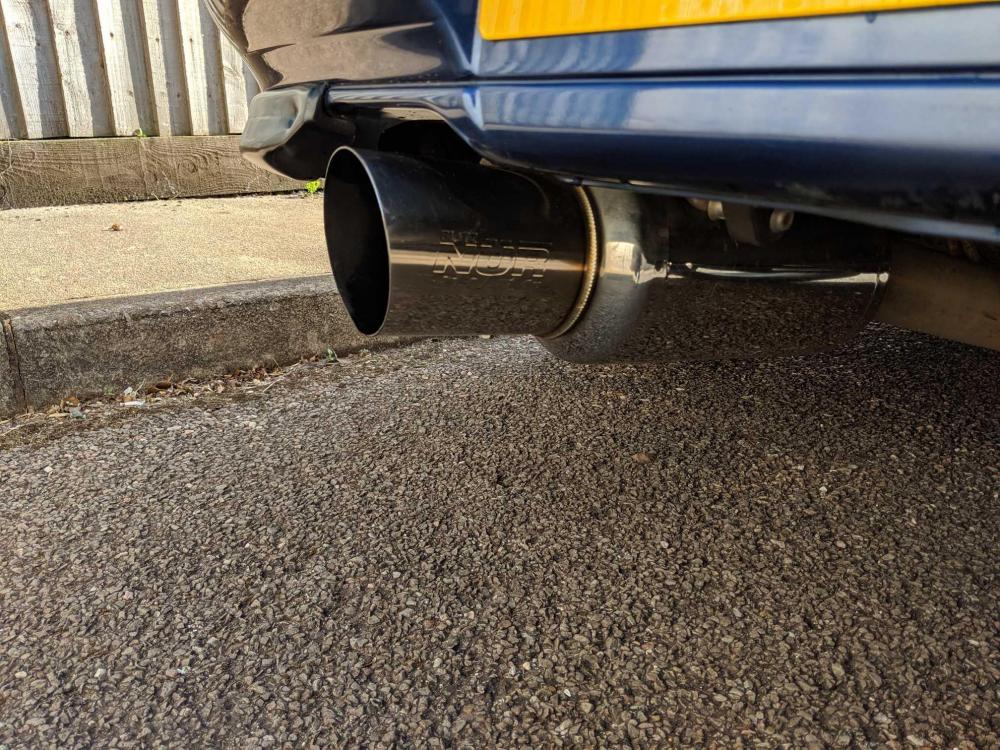
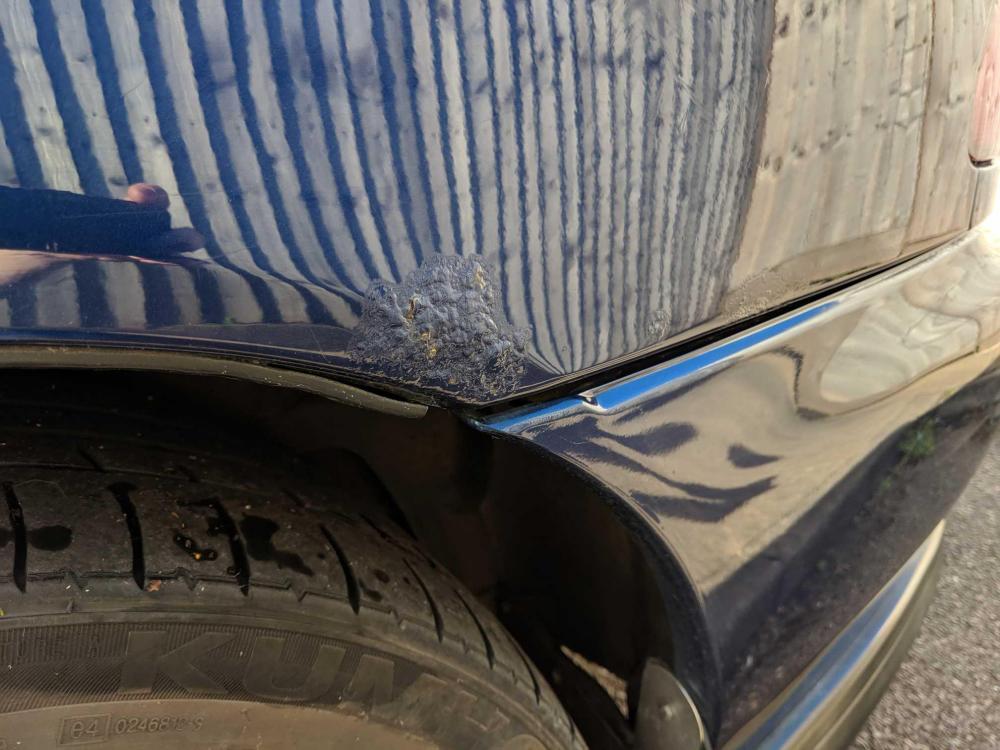
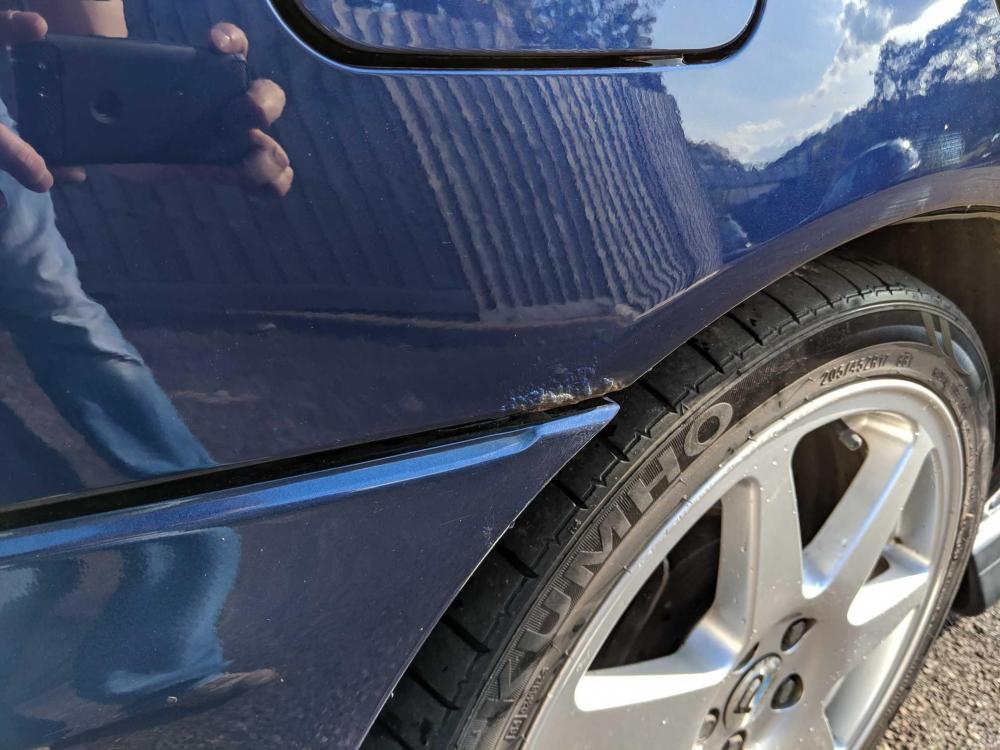
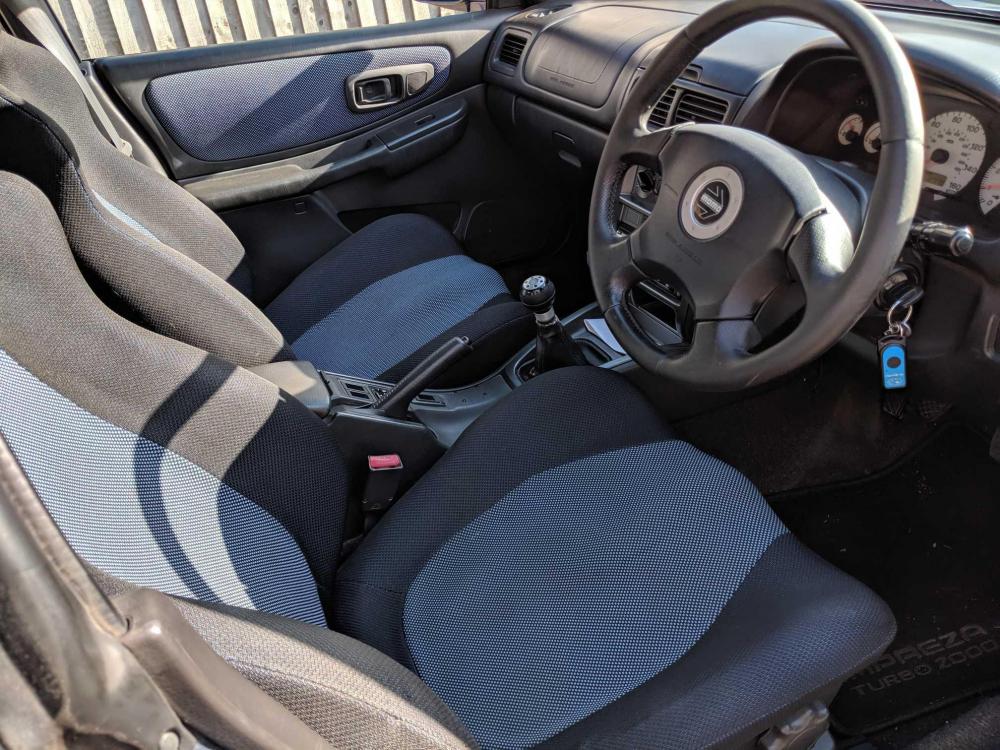
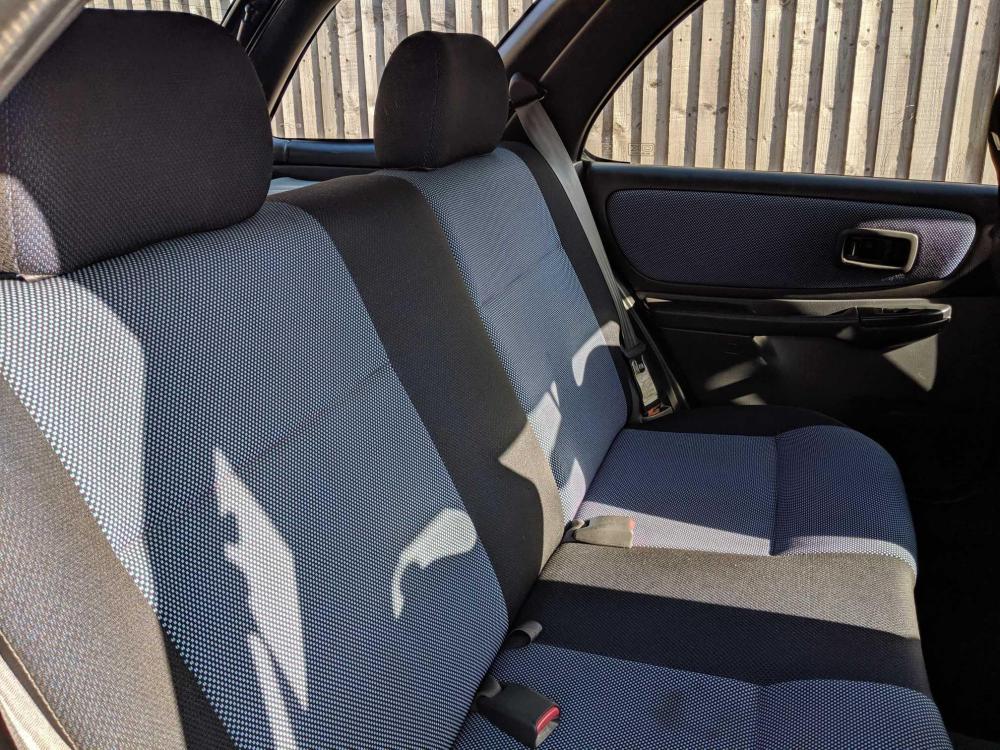
NOW SOLD NOT FOR PX OR SWAP. LOCATION - Paignton, South Devon Also on facebook marketplace £1900 OVNO • W reg (2000) • 199,500 miles • 2,0 Litre turbo petrol engine • MOT’d until Jan 2021 • Upgraded gearbox (from 2001 WRX) • Blitz Nur Spec stainless steel exhaust (with muffler) • Prodrive 17” Alloy wheels Subaru front strut brace • K&N Air filter • Recaro style bucket seats • JVC Bluetooth remote control stereo • Sony Amplifier and a Subwoofer • Original Factory Alloy Wheels Still a fun and really great car to drive! I just don't have the time to give this future collectable classic. There are a few minor age-related scratches as you expect to find on a 20yr old car. The rear wheel arches are going to need attention soon (see pics) This has been a brilliant car to me for the last 13 years! Will be sad to see it go!