PT82
Members
-
Joined
-
Last visited
-
Cheers guys. Hopefully land in plenty of time for Japfest at Donnington, bring on the tracktime!! :)
-
Totally standard buddy. The colour is unique to the Spec C, which is a Japanese market car only, so no U.K Impreza will be this colour. Main difference is a 2.0l engine, not the 2.5l. So stronger engine. Better suspension. Twin scroll turbo. http://www.evo.co.uk/subaru/impreza/6770/subaru-impreza-wrx-sti-spec-c
-
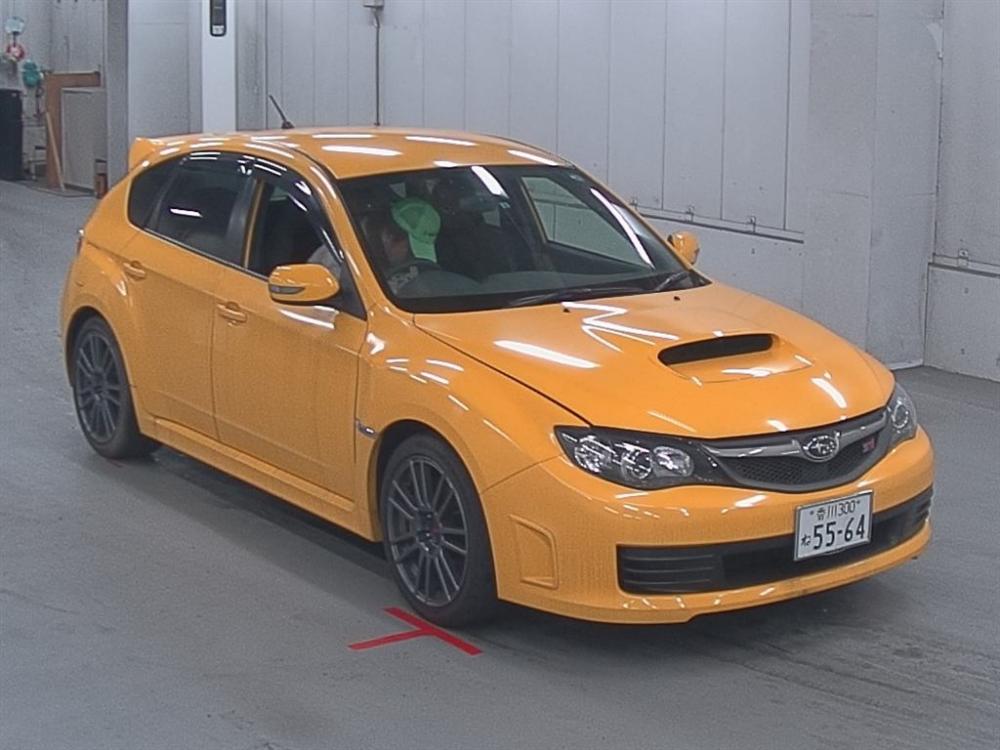
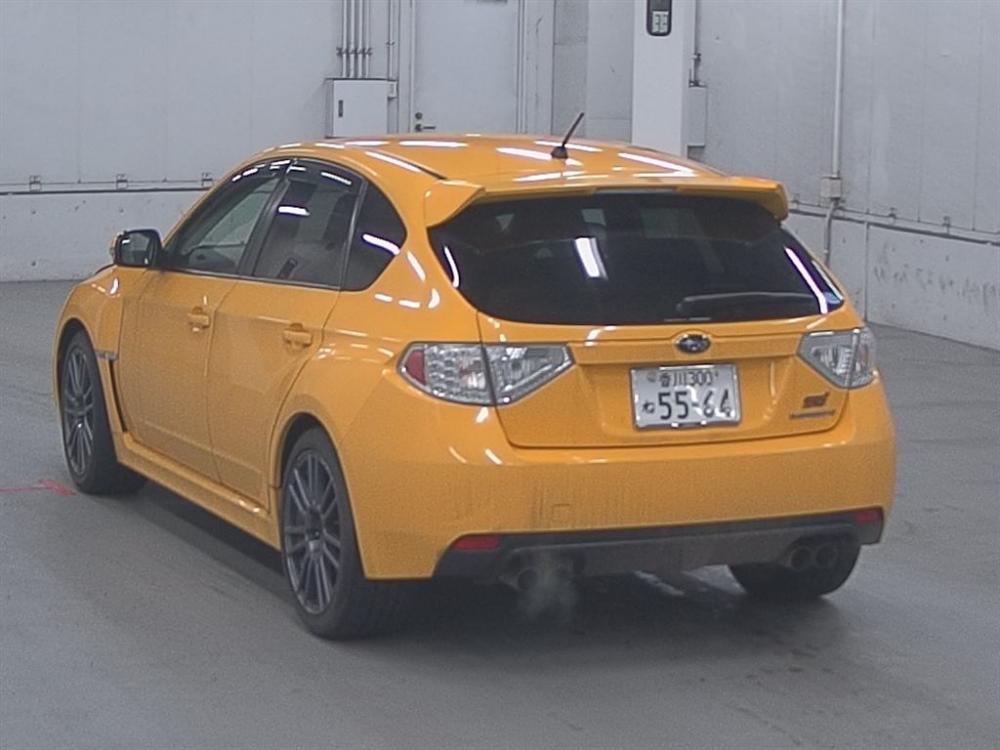
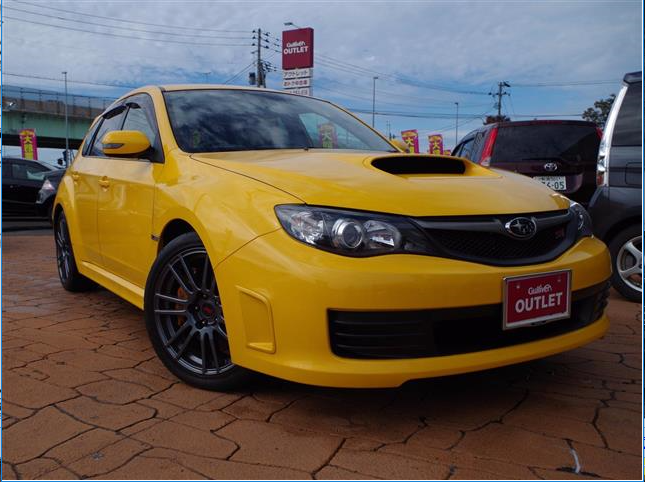
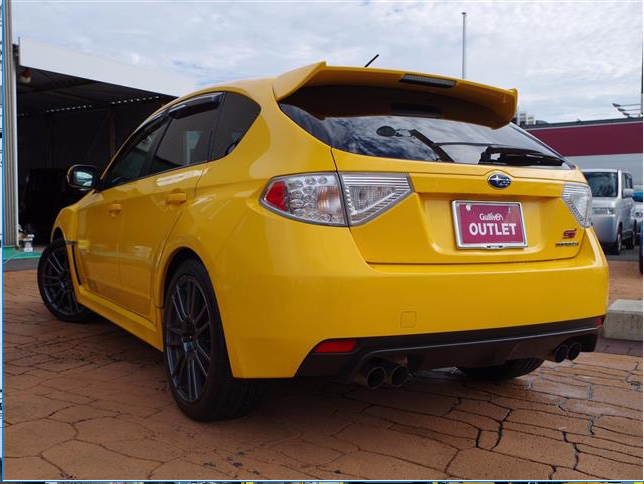
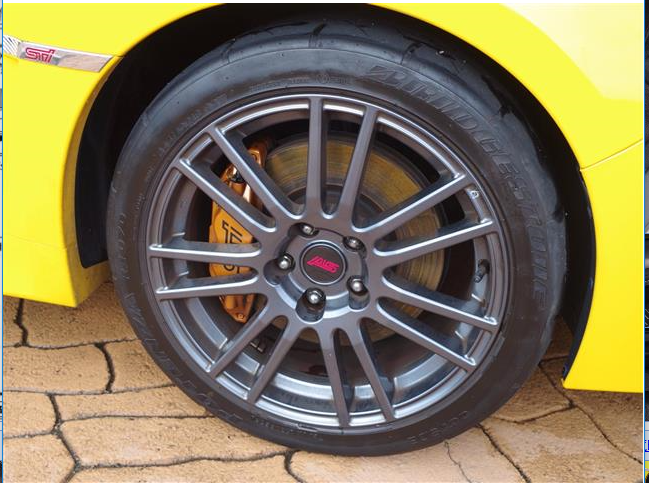
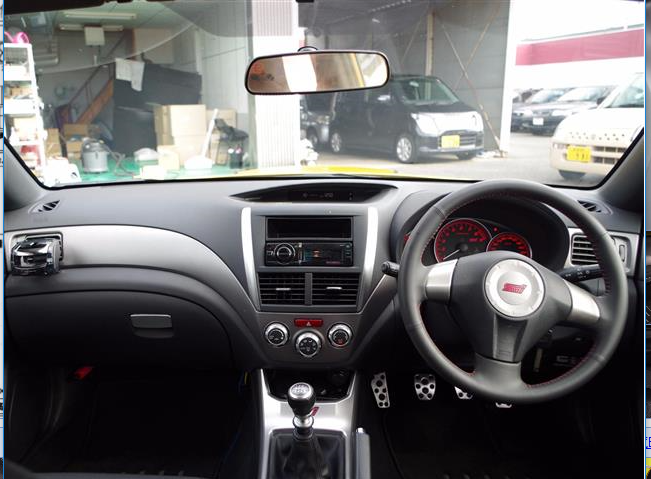
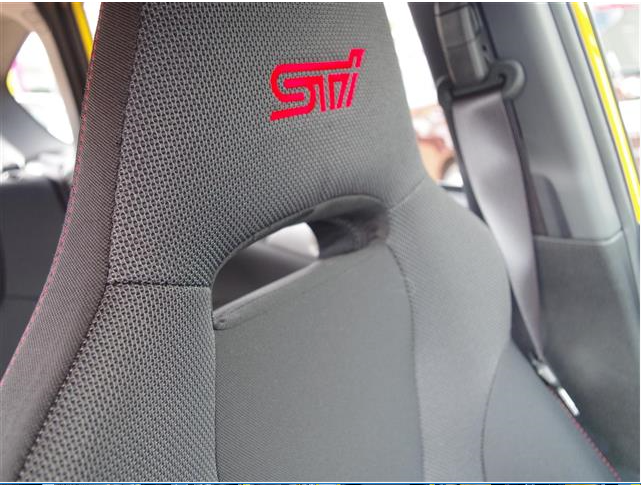
Hi all, newbie here. My name is Paul and I live in Mid Wales. Today I just purchased my first Subaru. Unfortunately it's currently 6000 miles away lol So 2016 was pretty ****, I figured lets make 2017 fun. This begins with a new toy. I wanted something for for track days, euro road trips and The Nurburgring. It had to be fast, reliable, able to take a bag or two and not depreciate like a stone. The finalists were an E46 M3, Evo 9 GT, Impreza Spec C Type RA Blobeye or Impreza Spec C hatch. Well yesterday thanks to the help from Torque GT we bid and won this little beauty. 2009 Subaru Impreza Spec C 19,000 miles from new One owner Hopefully hitting the water in a week or two before it's 10 week journey to the U.K. To say I'm excited is an understatement. Plans are exhaust, filter, and remap which should see 360-370 bhp. Also change the rear lenses for something more subtle. Oh and I'm well aware of the colour thanks lol