Do Not Sell My Personal Information Jump to content
View in the app

A better way to browse. Learn more.

Subaru Owners Club UK | Subaru Forums

A full-screen app on your home screen with push notifications, badges and more.

To install this app on iOS and iPadOS
  1. Tap the Share icon in Safari
  2. Scroll the menu and tap Add to Home Screen.
  3. Tap Add in the top-right corner.
To install this app on Android
  1. Tap the 3-dot menu (⋮) in the top-right corner of the browser.
  2. Tap Add to Home screen or Install app.
  3. Confirm by tapping Install.

encabunen

Members
  • Joined

  • Last visited

  1. Hello guys did you enjoy with the snow this winter? I upload some videos playing with my sti, enjoy! here more donuts etc from outside camera not all year have sun in spain XD and here from bumper go pro enjoy the boxer sound!!!
  2. many thanks guys! I like to enjoy as a track car but the subaru is for all, I own cossies and evos and I don't know why I'm in love with the subaru, I don't know if here I can post some videos of my car. Here playing as I was changing oils, brake fluis,diff gearbox oil and we do a little video enjoying www.youtube.com/watch?v=gOTTSCVSl9s I will upload more videos and photos if you like or want .
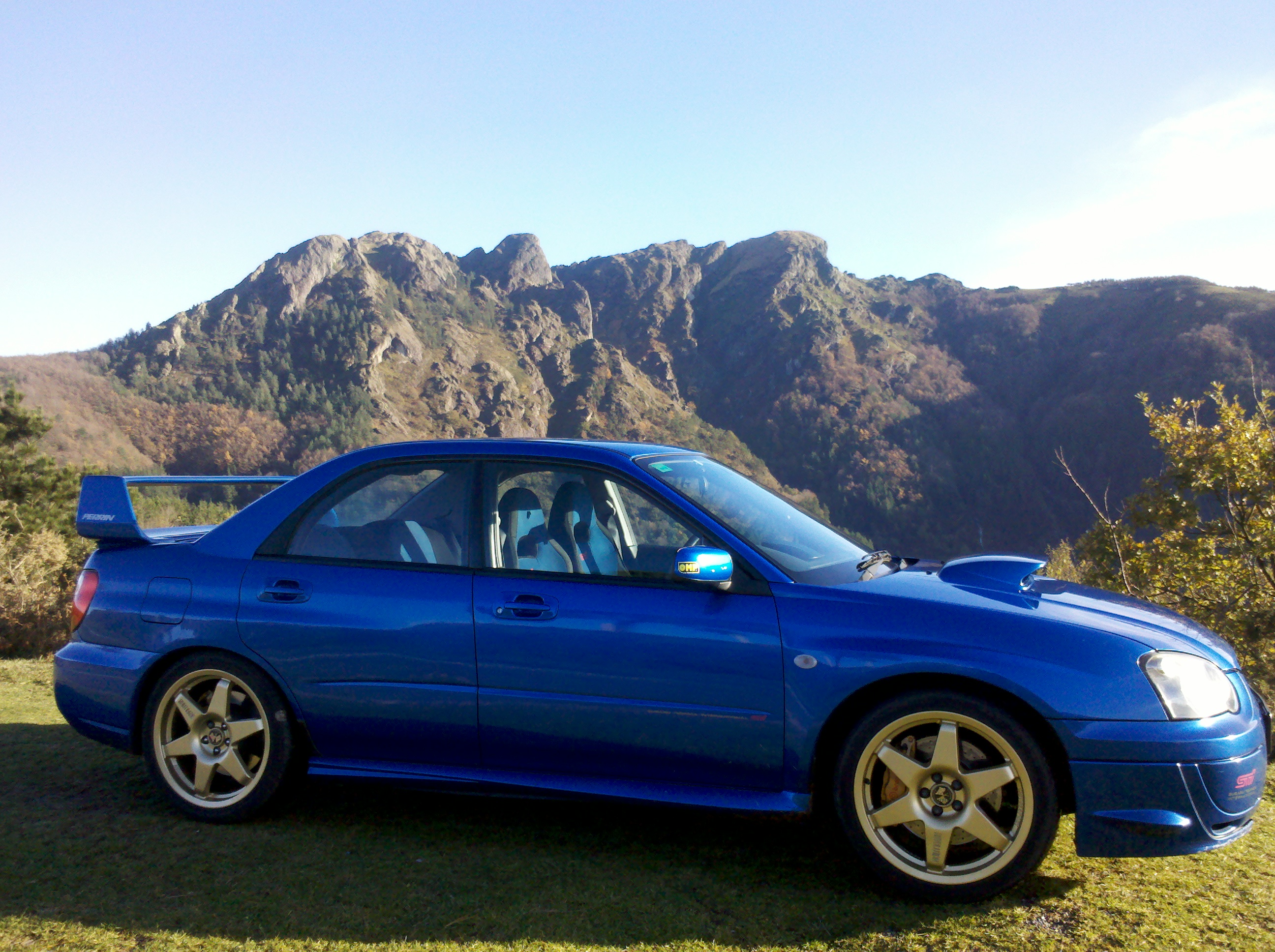
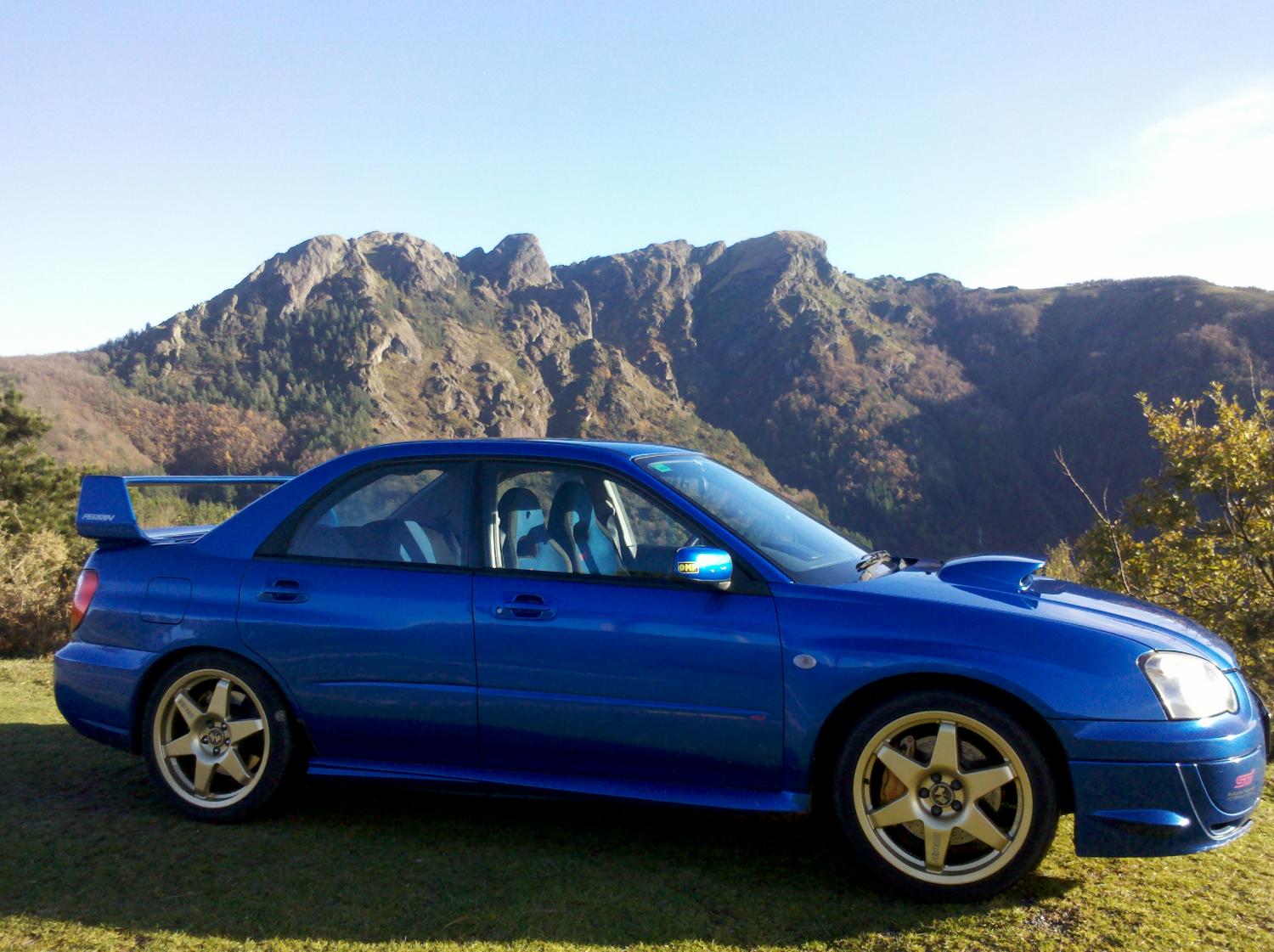
  3. Hello guys I´m new in the forum I have some turbo cars as one of my best is the subaru impreza sti v8 from 2003 I upload a photo of the car

Background Picker
Customize Layout

Account

Navigation

Search

Configure browser push notifications

Chrome (Android)
  1. Tap the lock icon next to the address bar.
  2. Tap Permissions → Notifications.
  3. Adjust your preference.
Chrome (Desktop)
  1. Click the padlock icon in the address bar.
  2. Select Site settings.
  3. Find Notifications and adjust your preference.