
Do Not Sell My Personal Information Jump to content
View in the app

A better way to browse. Learn more.

Subaru Owners Club UK | Subaru Forums

A full-screen app on your home screen with push notifications, badges and more.

To install this app on iOS and iPadOS
  1. Tap the Share icon in Safari
  2. Scroll the menu and tap Add to Home Screen.
  3. Tap Add in the top-right corner.
To install this app on Android
  1. Tap the 3-dot menu (⋮) in the top-right corner of the browser.
  2. Tap Add to Home screen or Install app.
  3. Confirm by tapping Install.

Malaised

Members
  • Joined

  • Last visited

Everything posted by Malaised

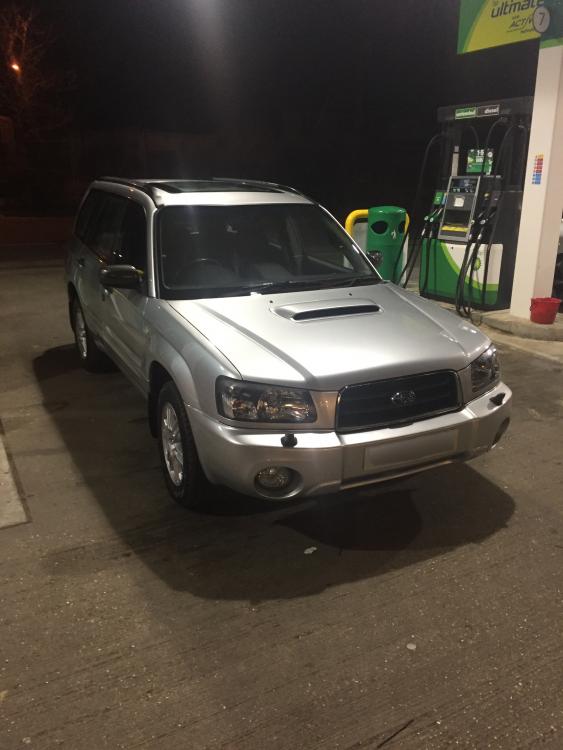
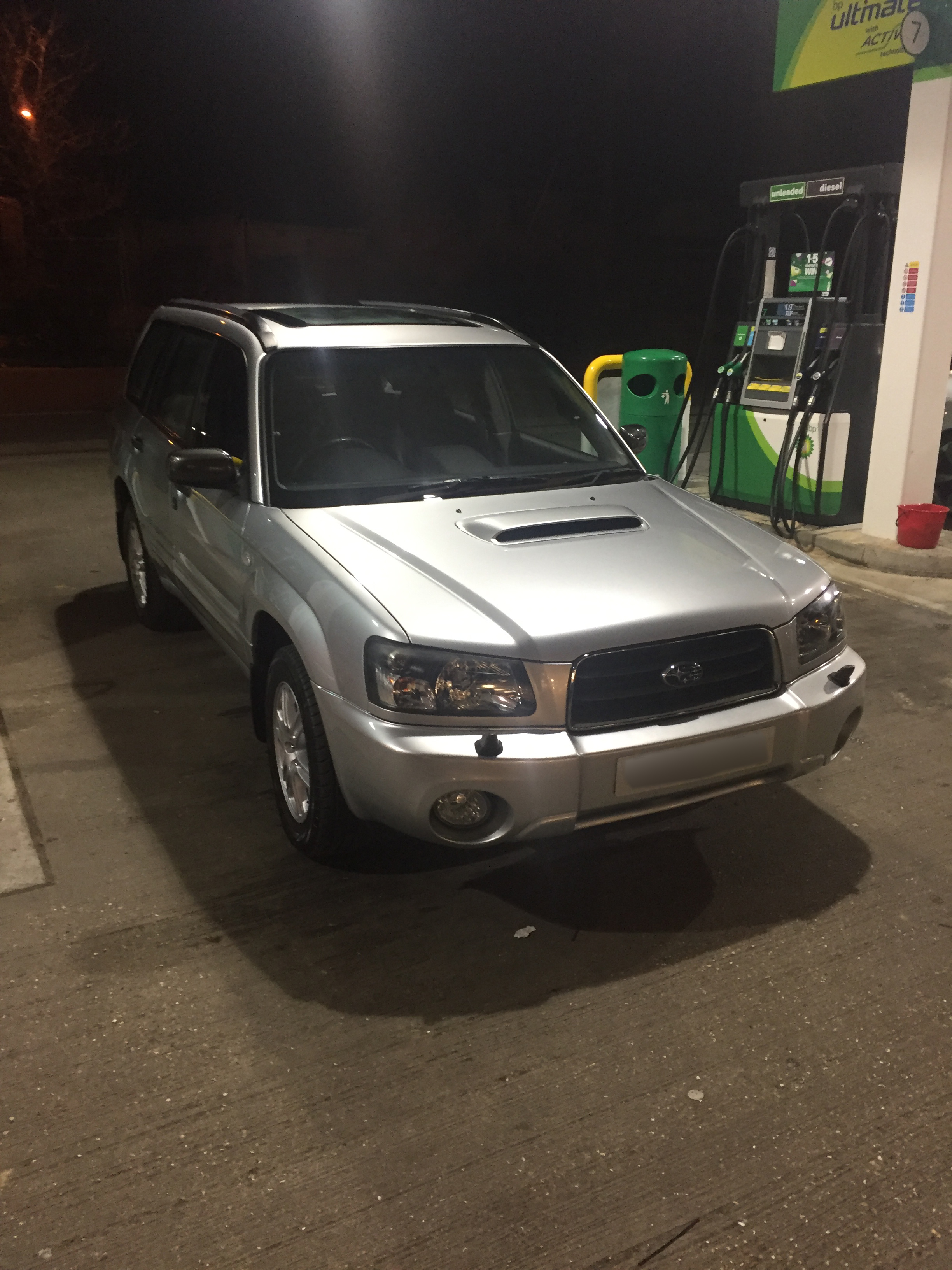
  1. Hello, new owner of 06 2.5 XTEn manual - 60k on clock. Got some great advice from Mr B pre-purchase, thanks again. Paid a little over, just in higher road tax band etc. but delighted as seems immaculate. One owner from new and very comprehensive history with a huge file of receipts for every part bought and fitted. A dream so far, could not be happier. General forewarning that know nothing about cars so please bare with! Cheers
Background Picker
Customize Layout

Account

Navigation

Search

Configure browser push notifications

Chrome (Android)
  1. Tap the lock icon next to the address bar.
  2. Tap Permissions → Notifications.
  3. Adjust your preference.
Chrome (Desktop)
  1. Click the padlock icon in the address bar.
  2. Select Site settings.
  3. Find Notifications and adjust your preference.