Do Not Sell My Personal Information Jump to content
View in the app

A better way to browse. Learn more.

Subaru Owners Club UK | Subaru Forums

A full-screen app on your home screen with push notifications, badges and more.

To install this app on iOS and iPadOS
  1. Tap the Share icon in Safari
  2. Scroll the menu and tap Add to Home Screen.
  3. Tap Add in the top-right corner.
To install this app on Android
  1. Tap the 3-dot menu (⋮) in the top-right corner of the browser.
  2. Tap Add to Home screen or Install app.
  3. Confirm by tapping Install.

Steve59cdo

Members
  • Joined

  • Last visited

  1. Now listed on ebay no reserve thanks http://cgi.ebay.co.uk/ws/eBayISAPI.dll?ViewItem&item=332132214467#ht_1010wt_923
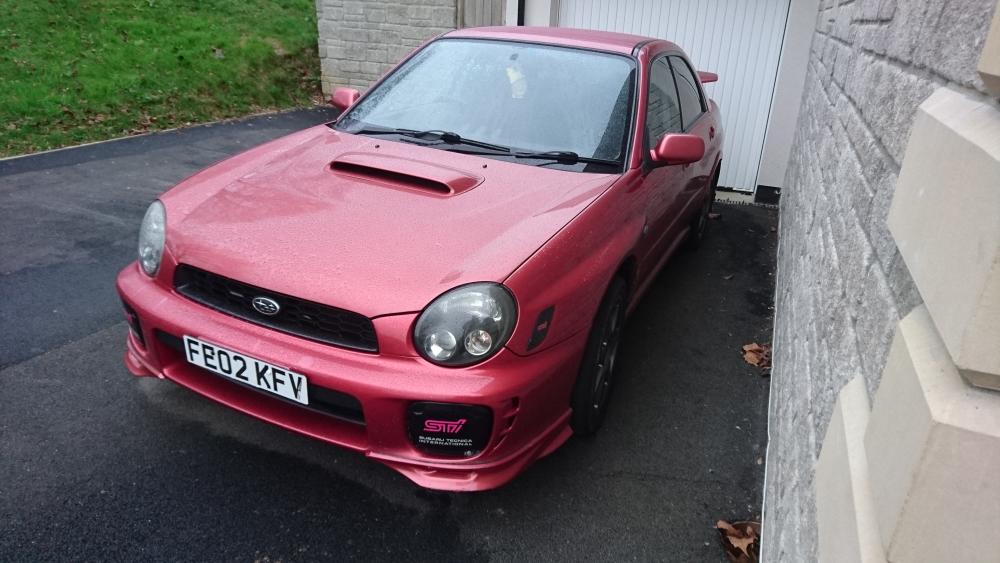
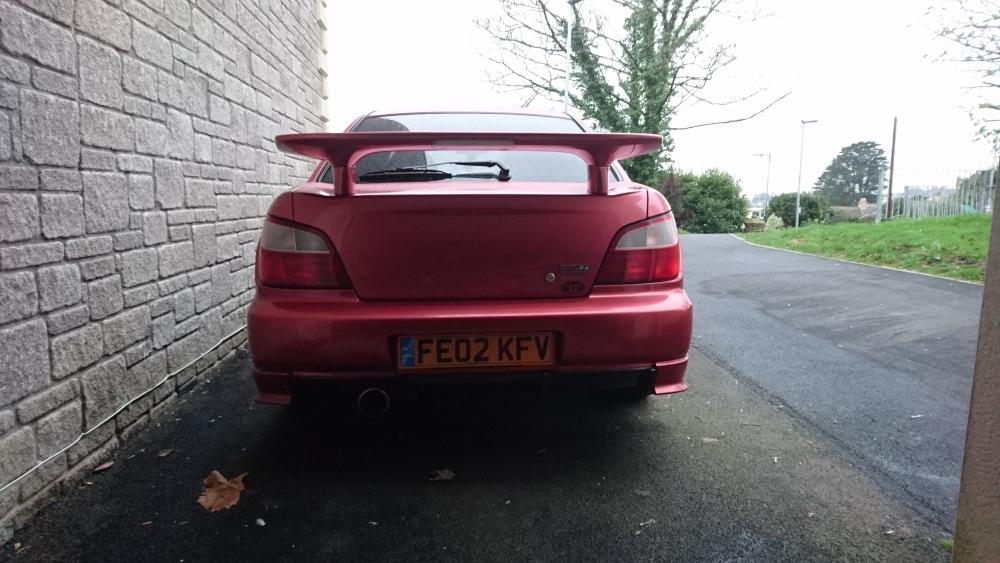
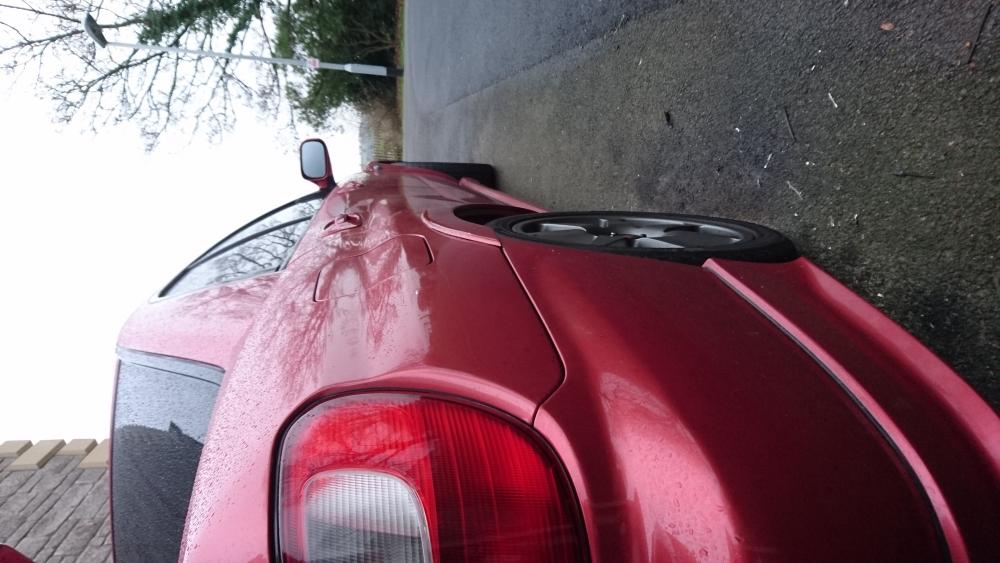
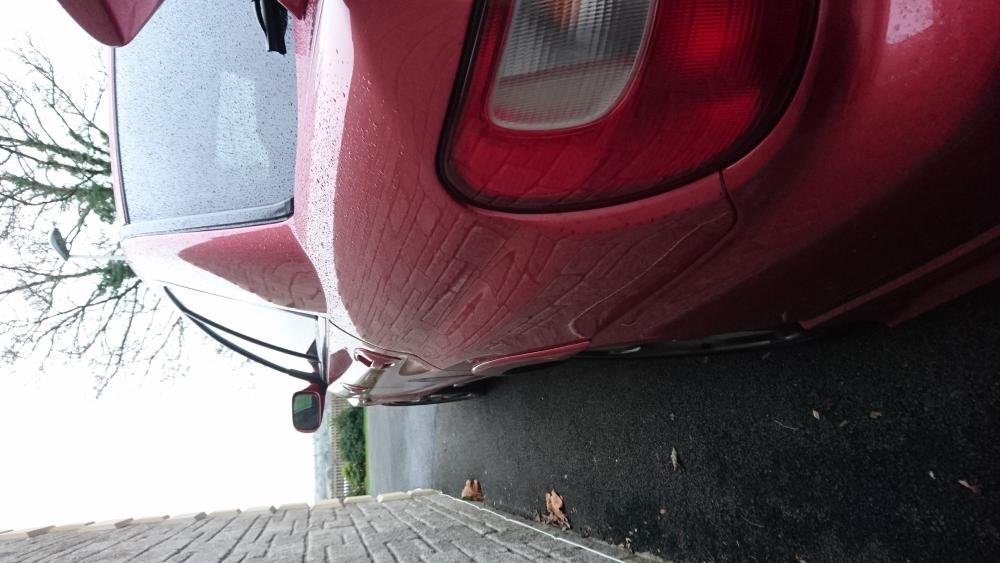
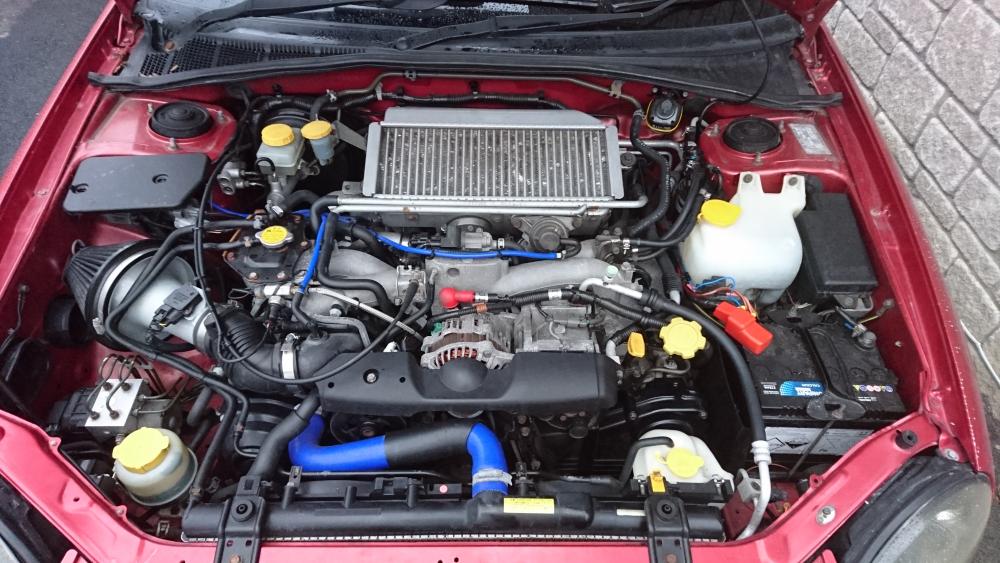
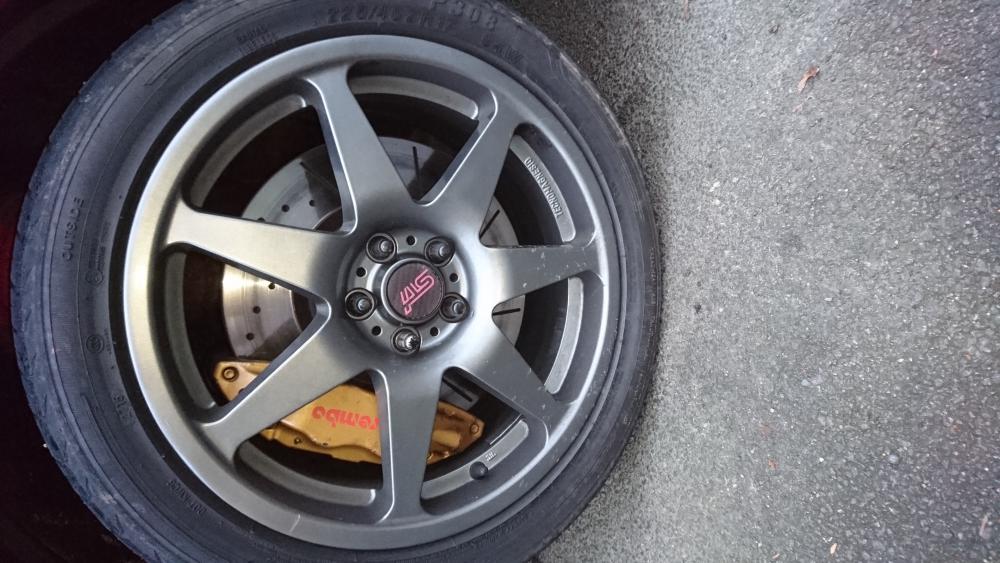
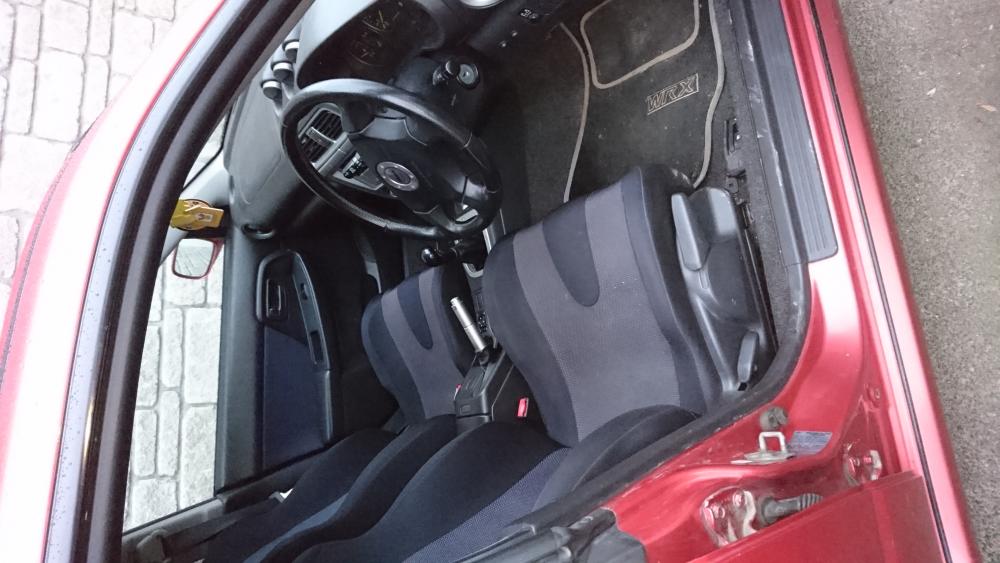
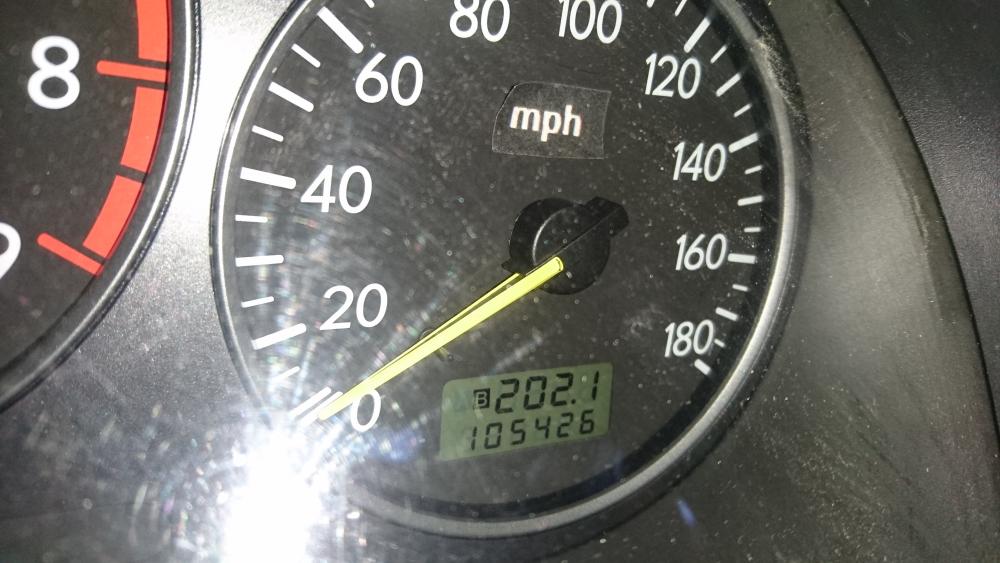
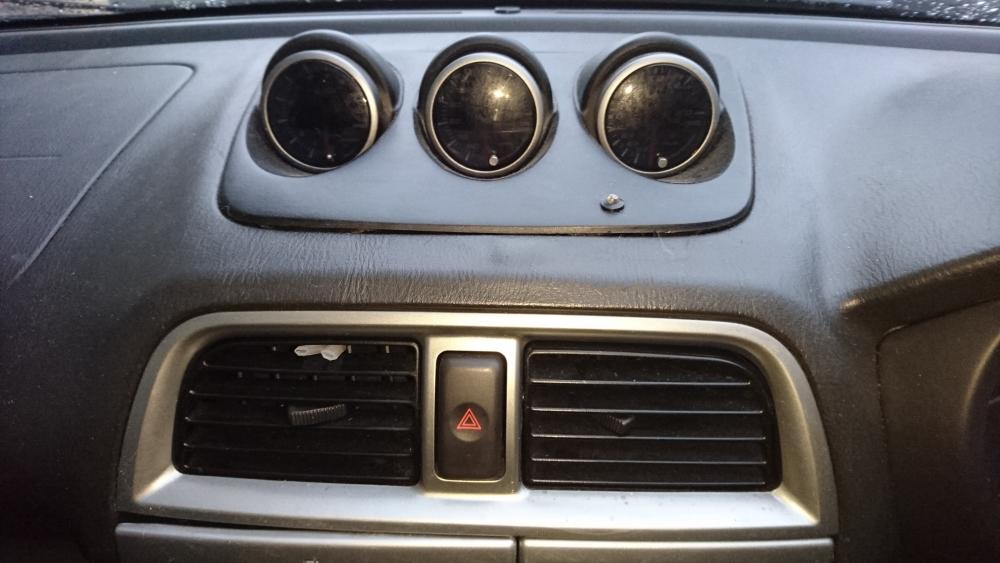
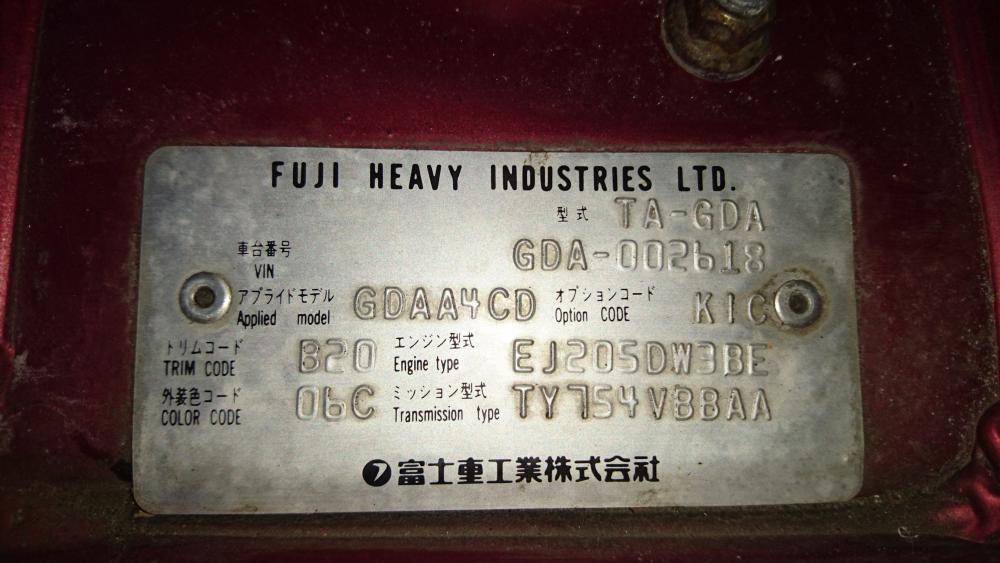
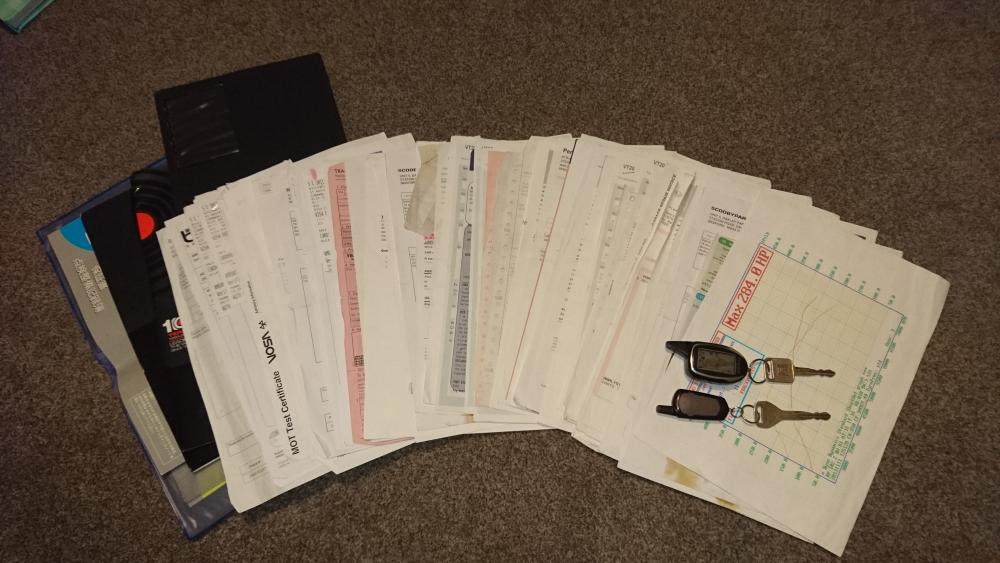
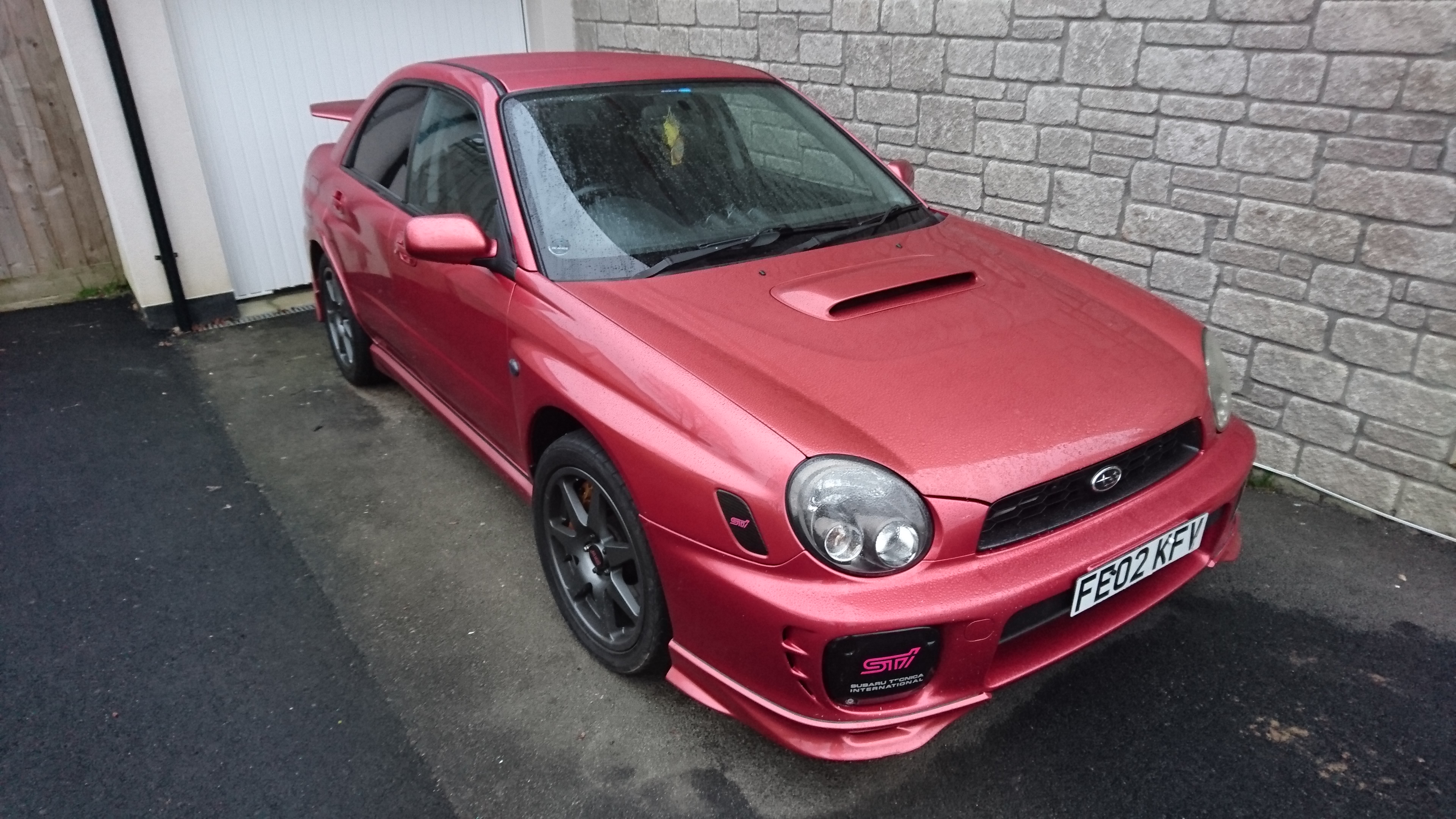
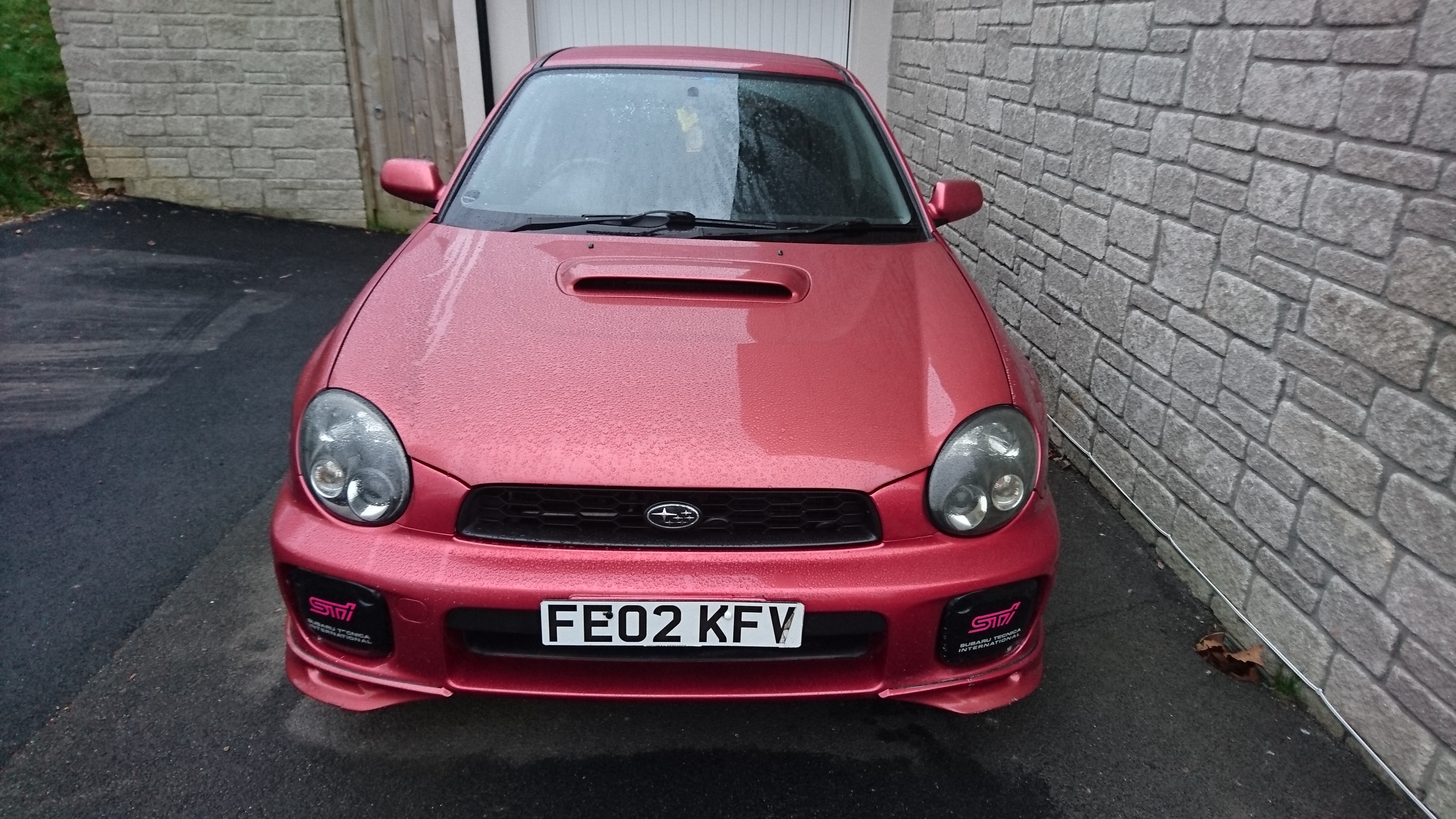
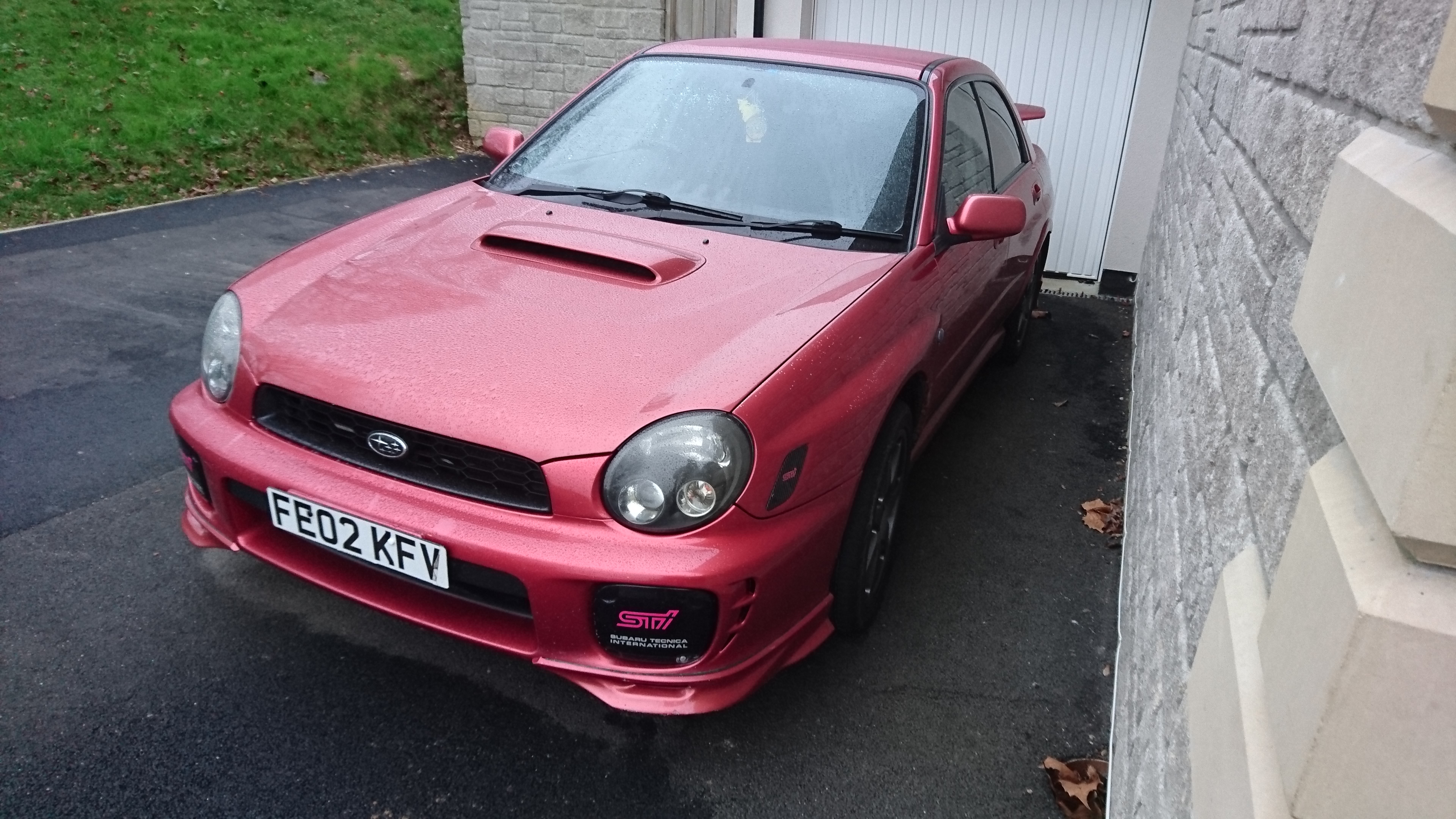
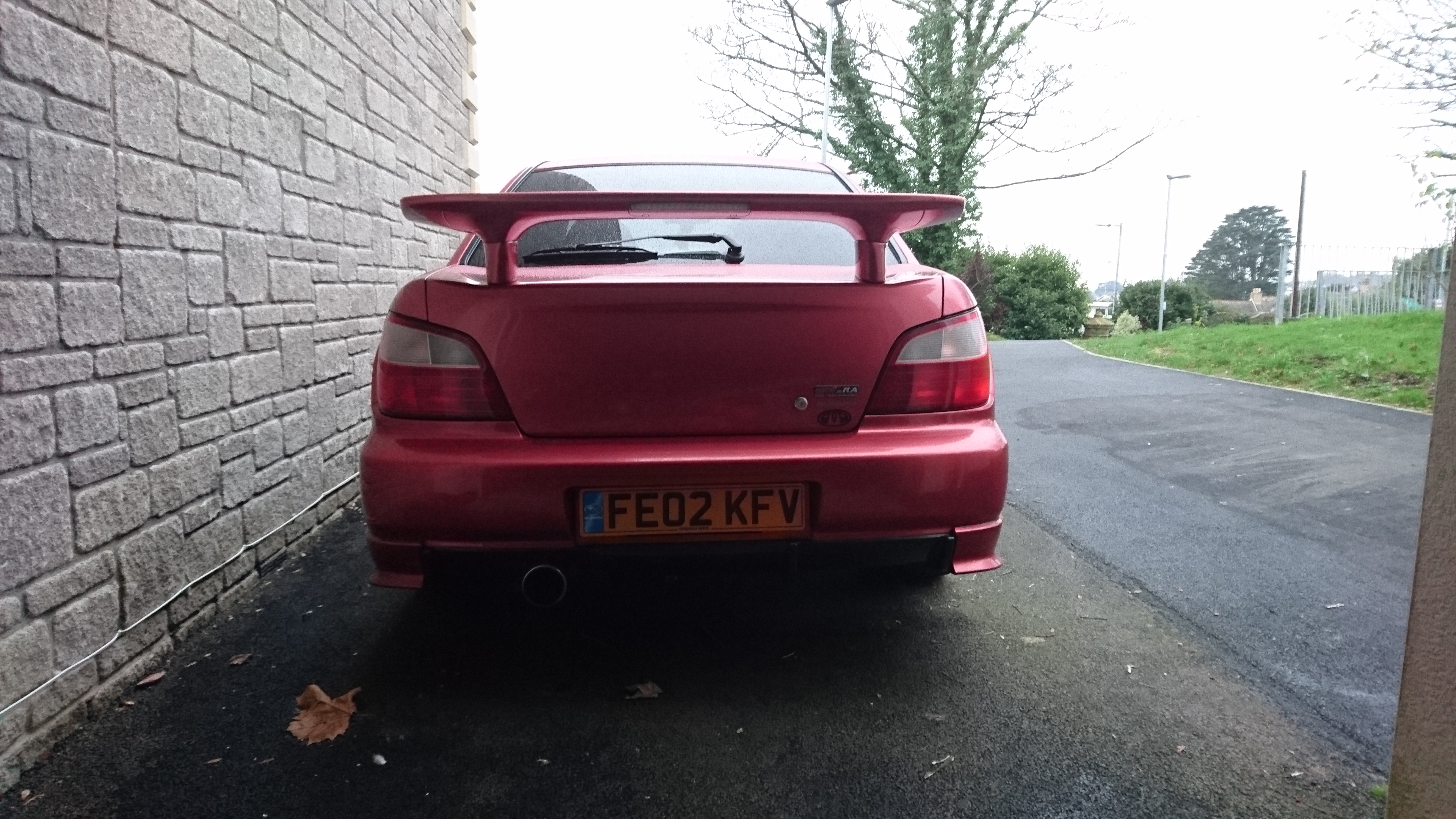
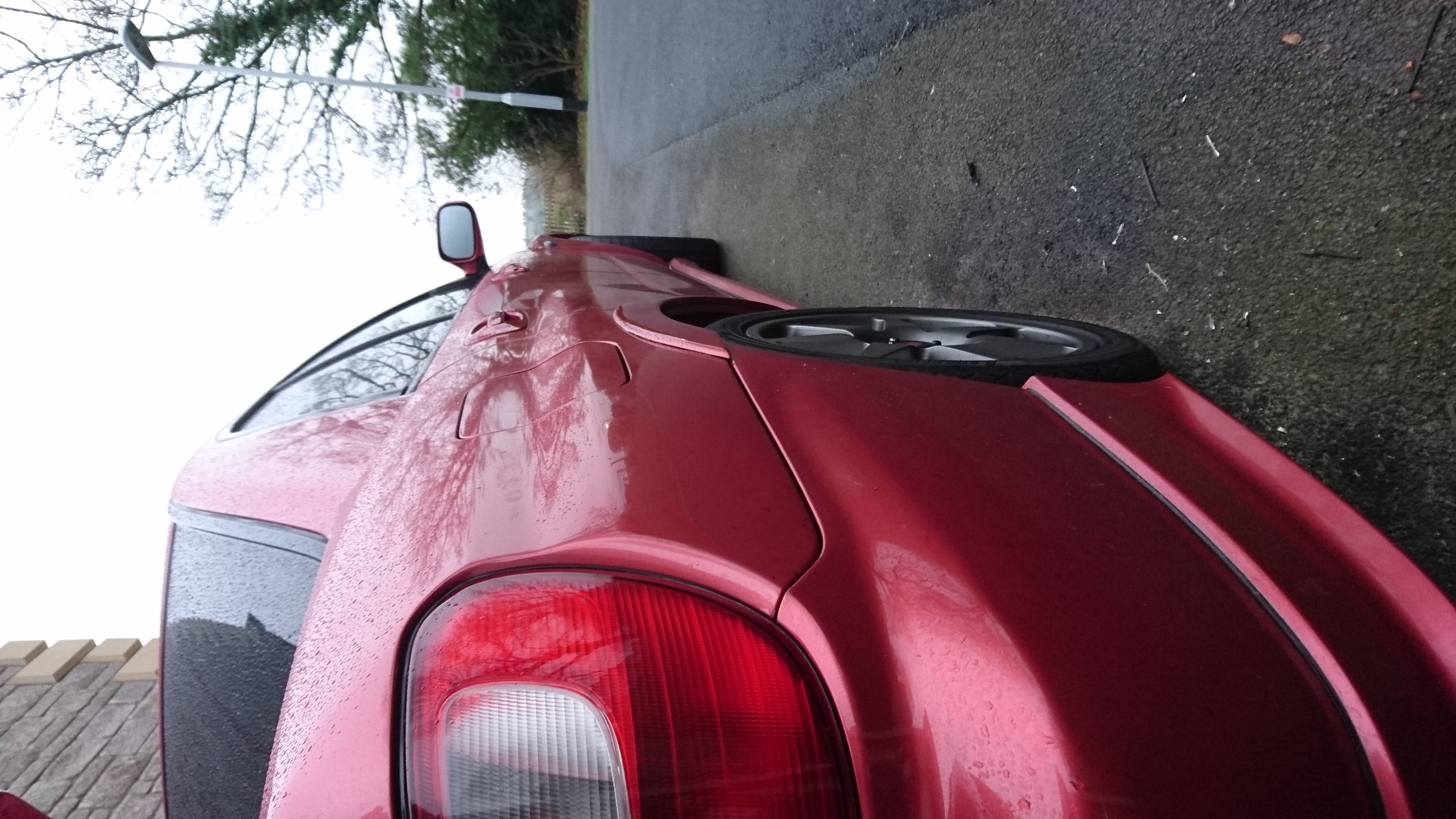
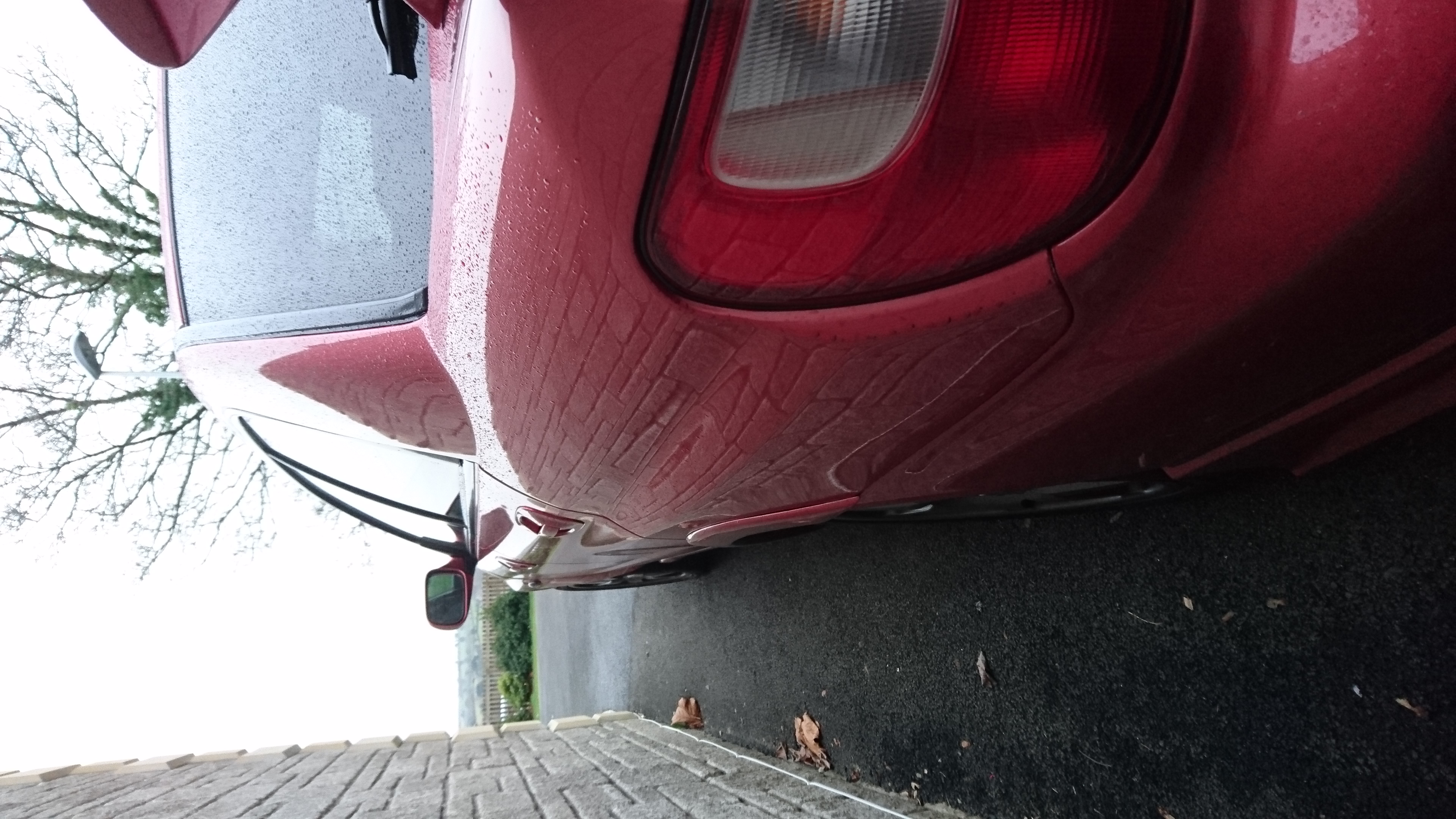
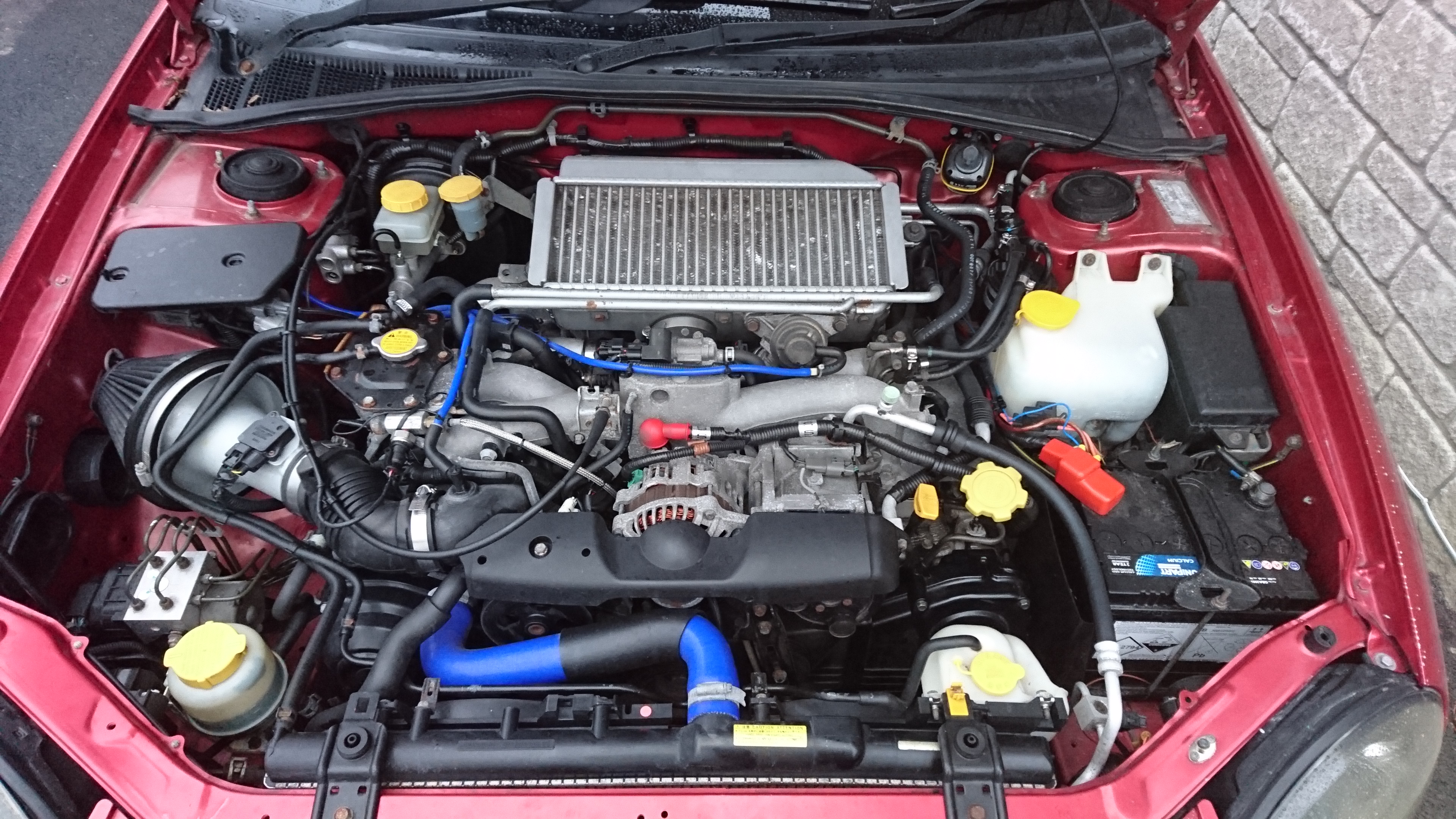
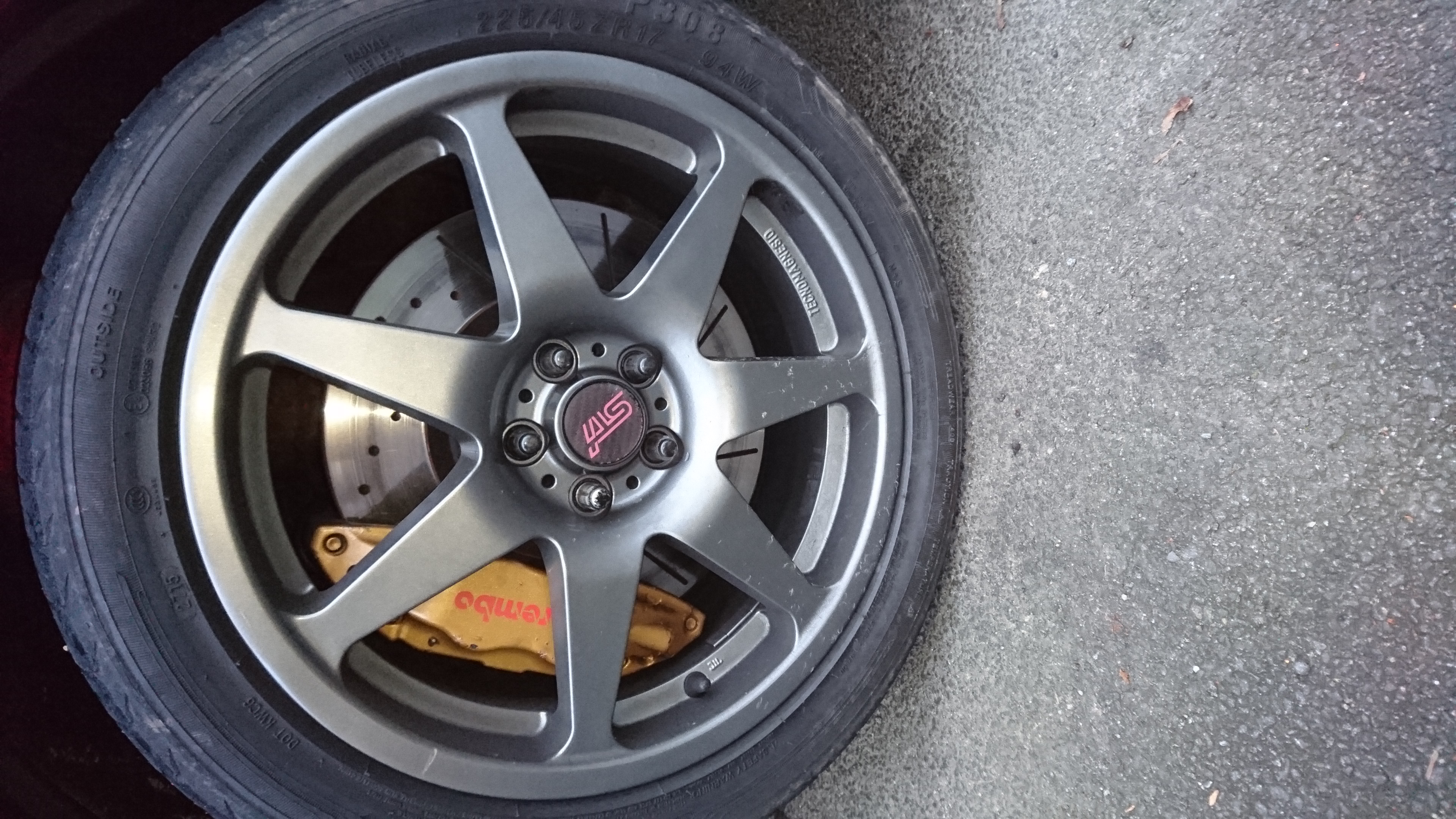
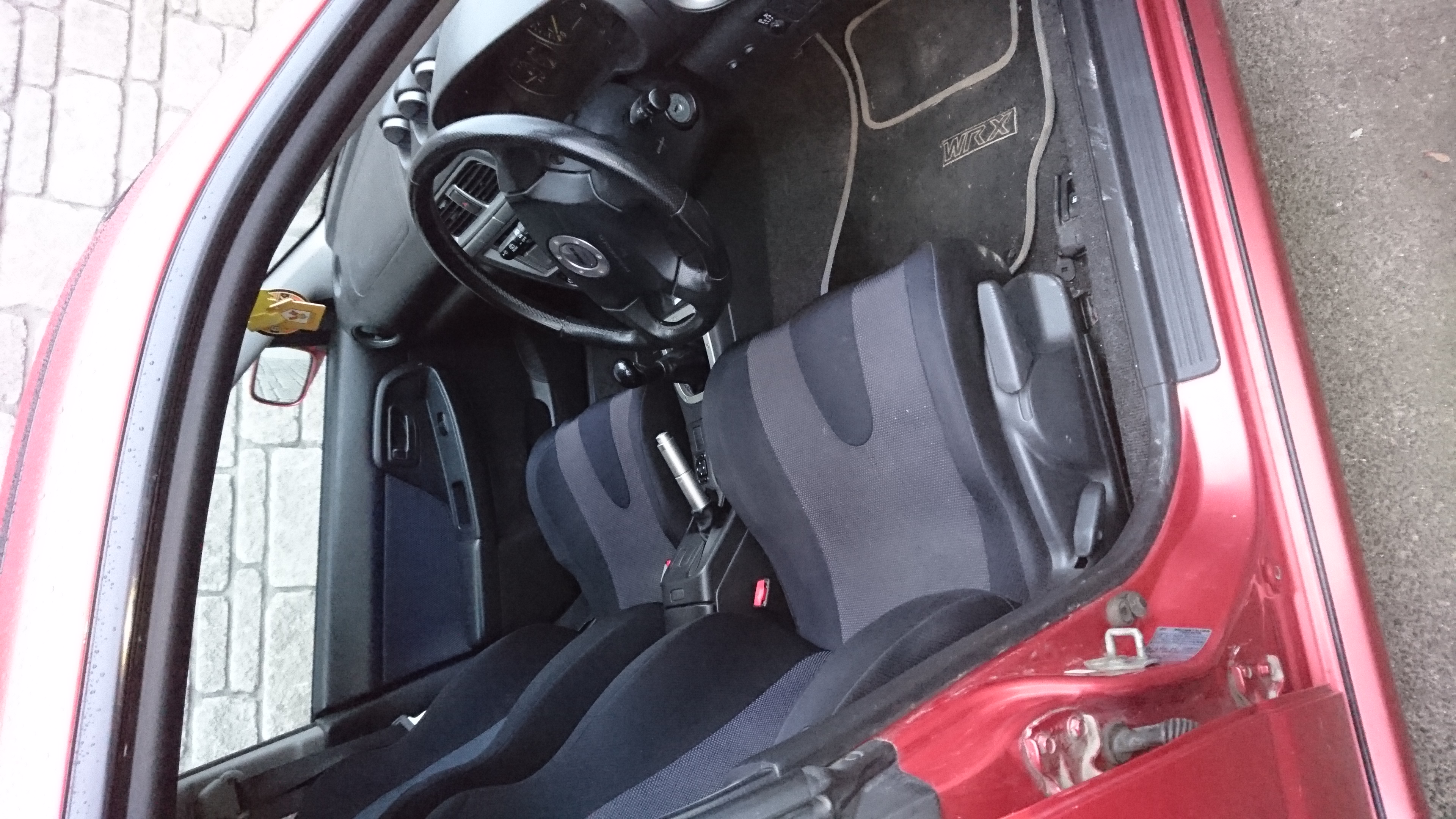
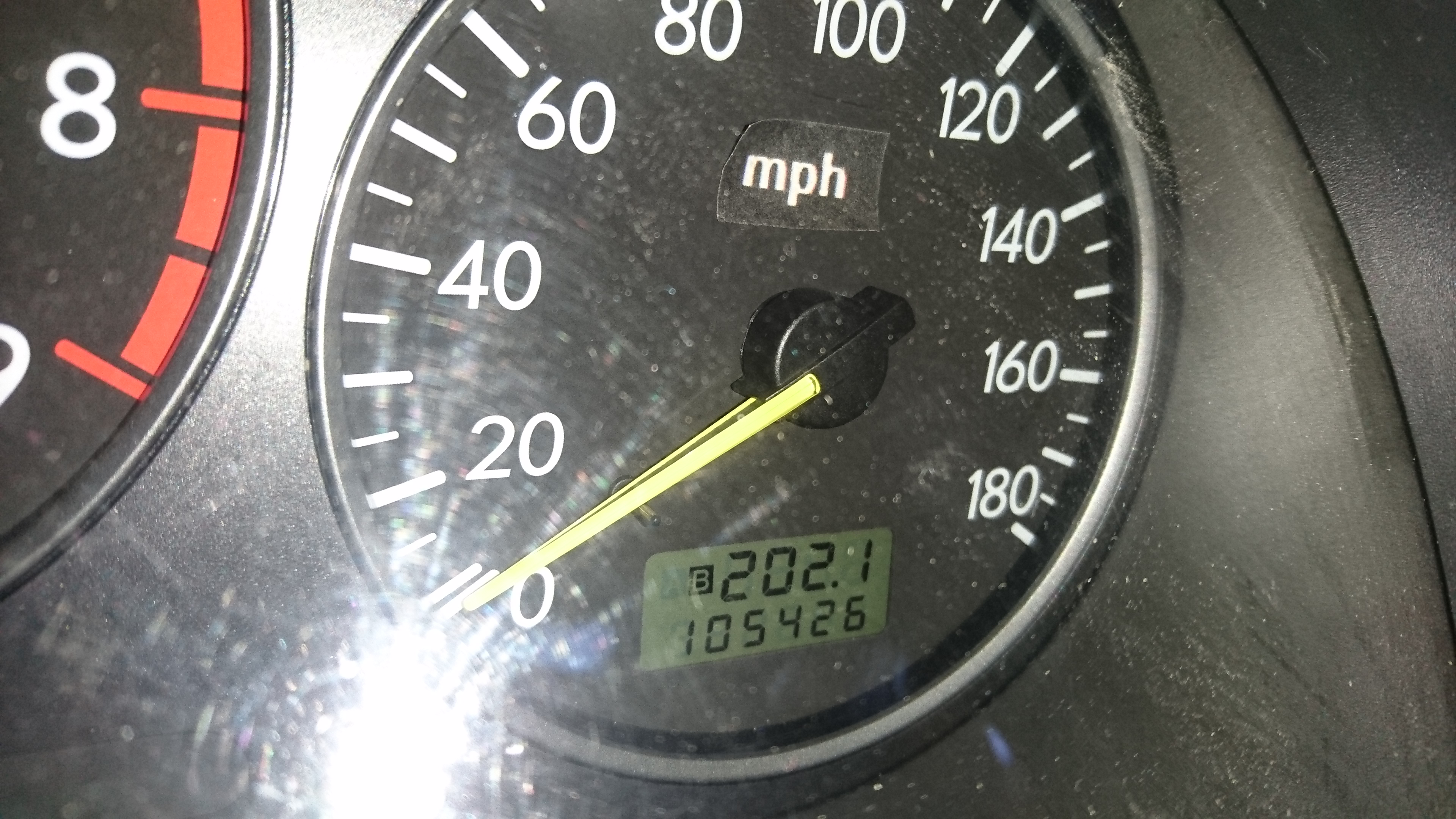
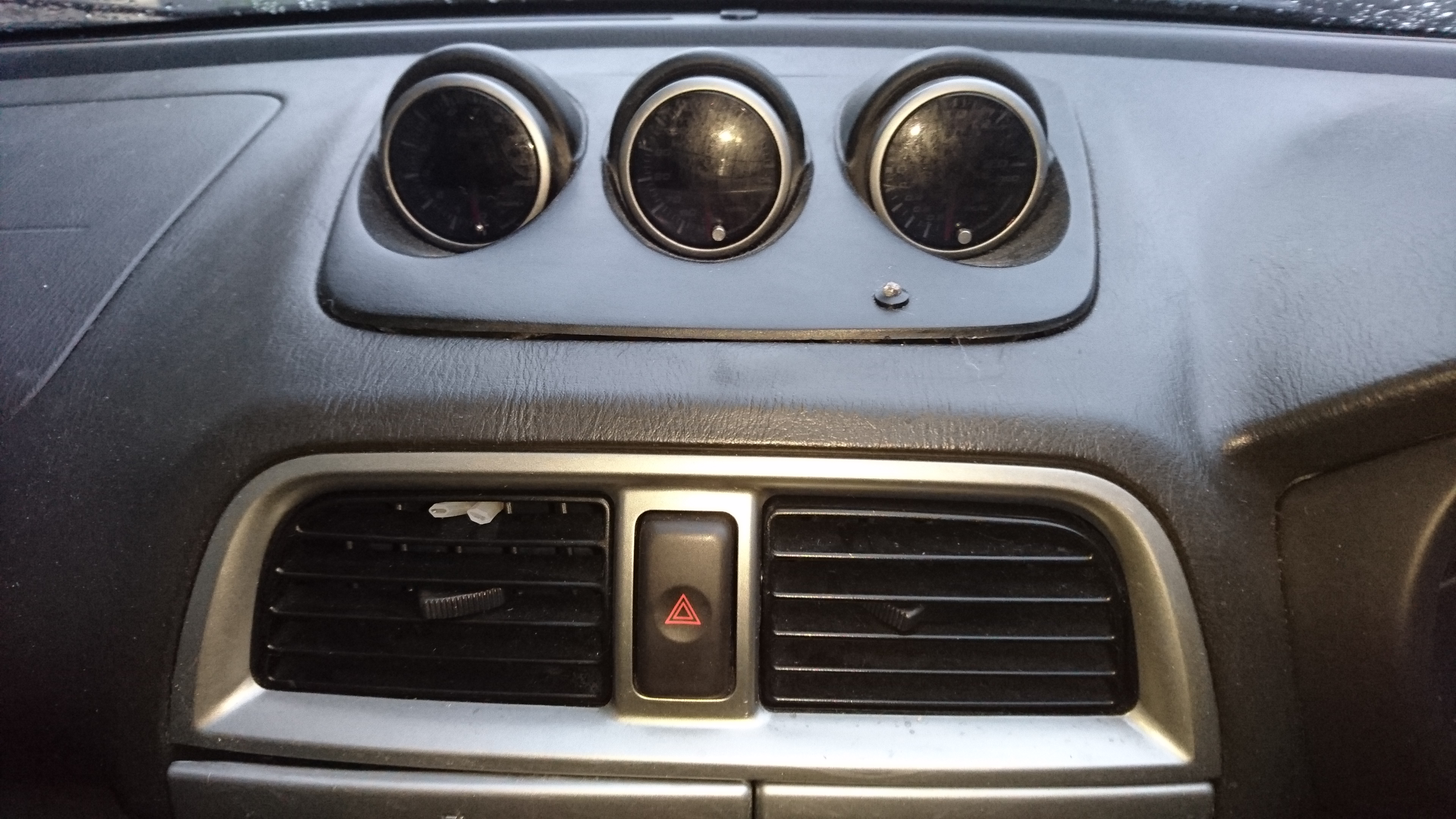
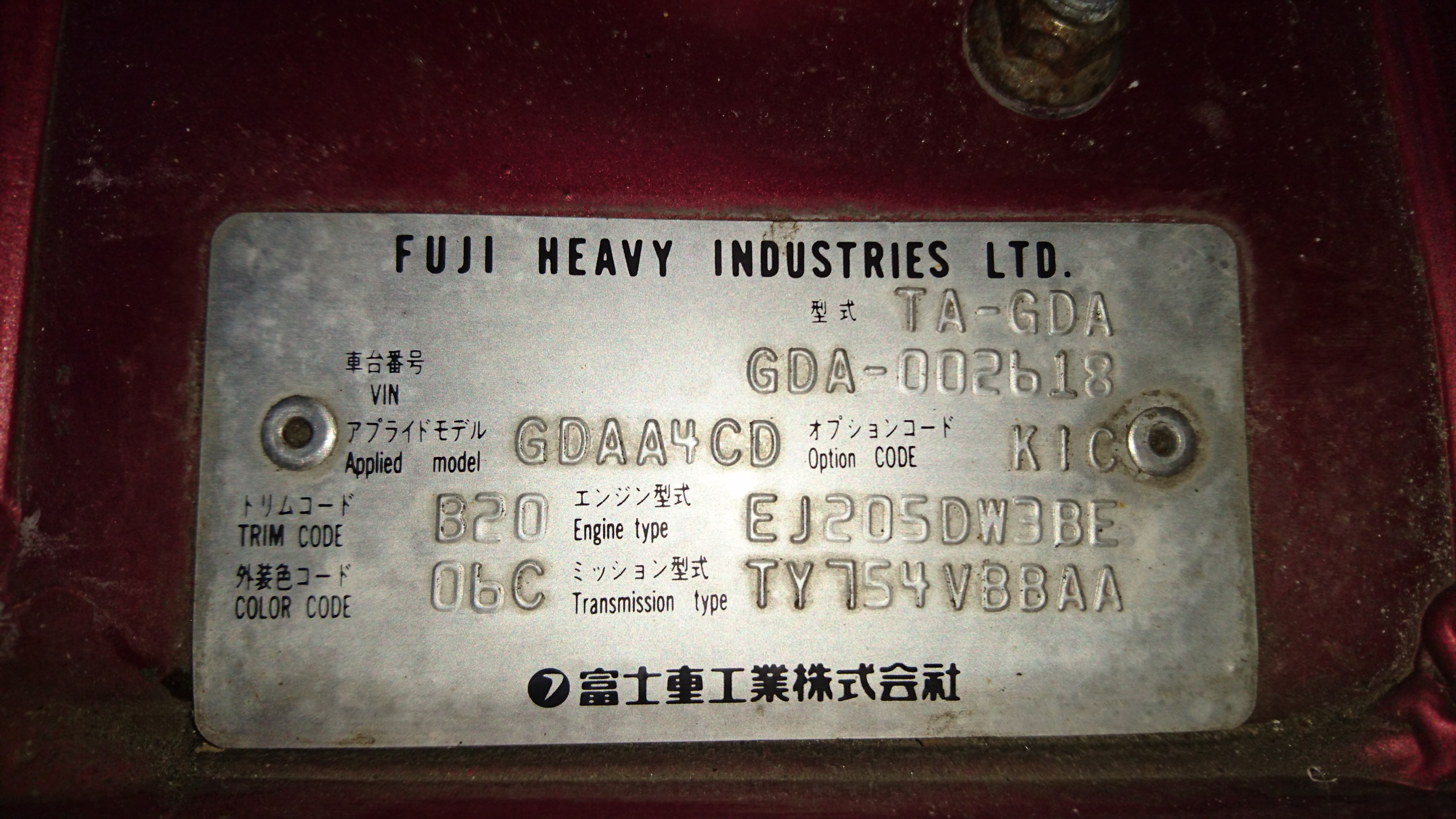
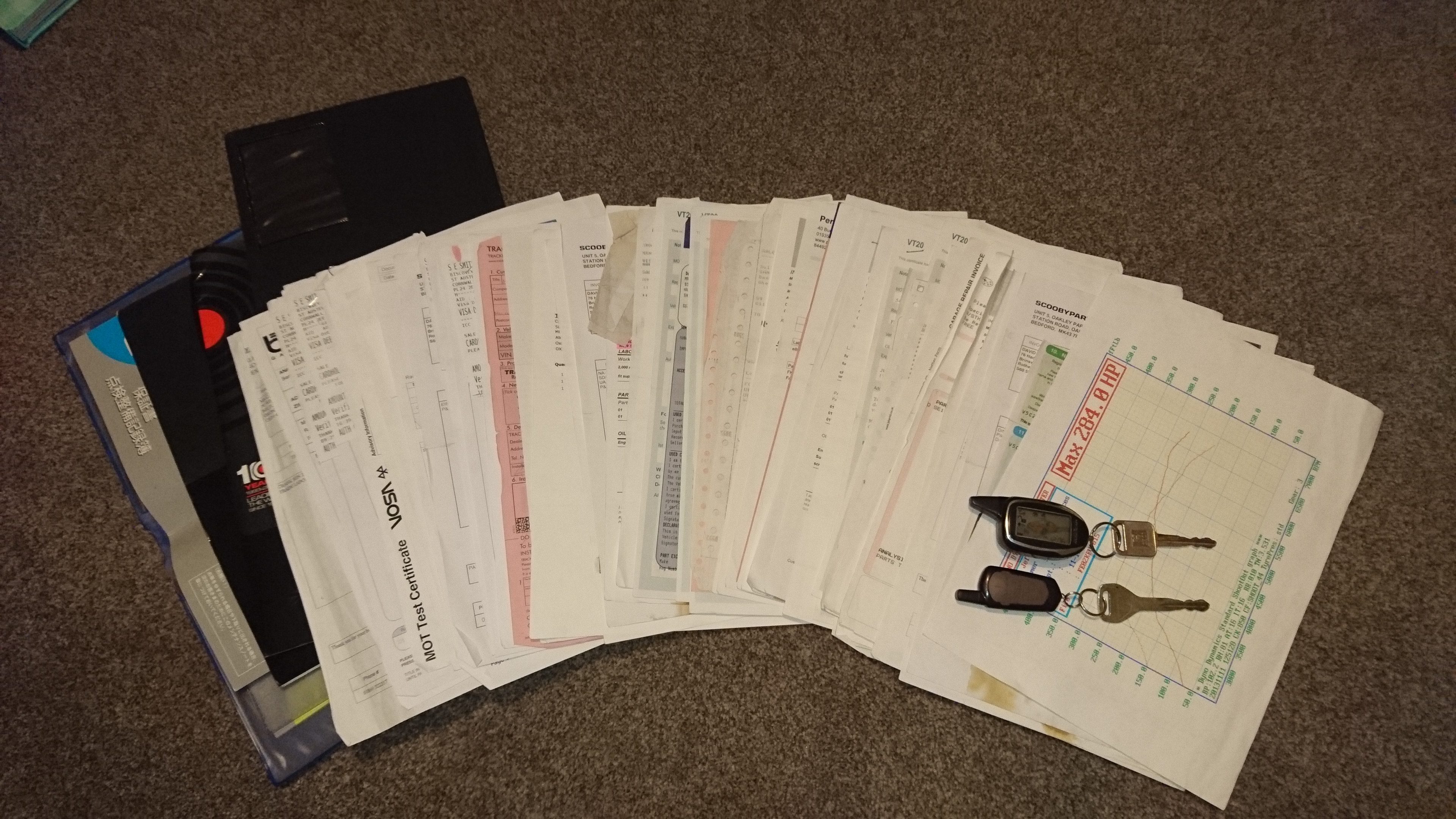
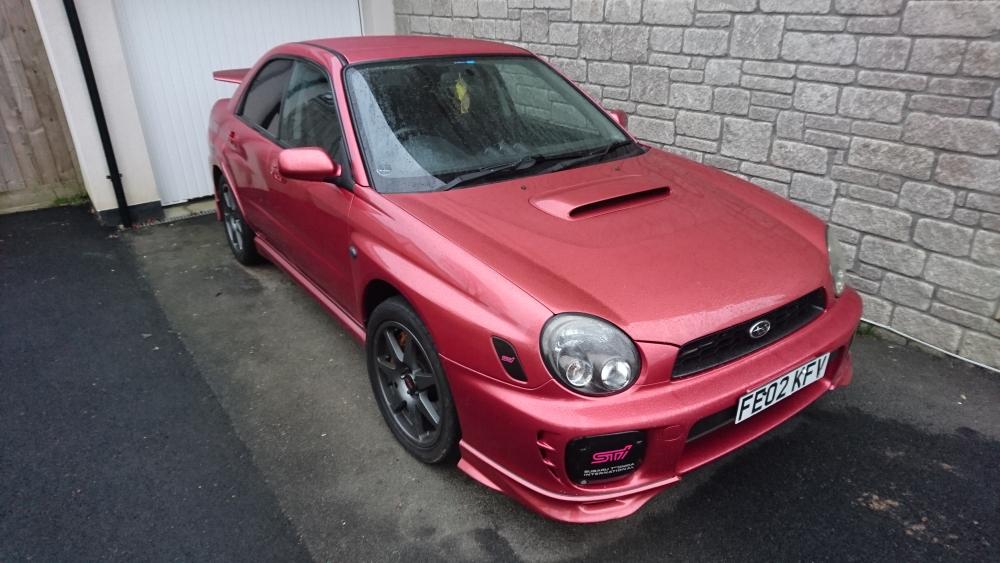
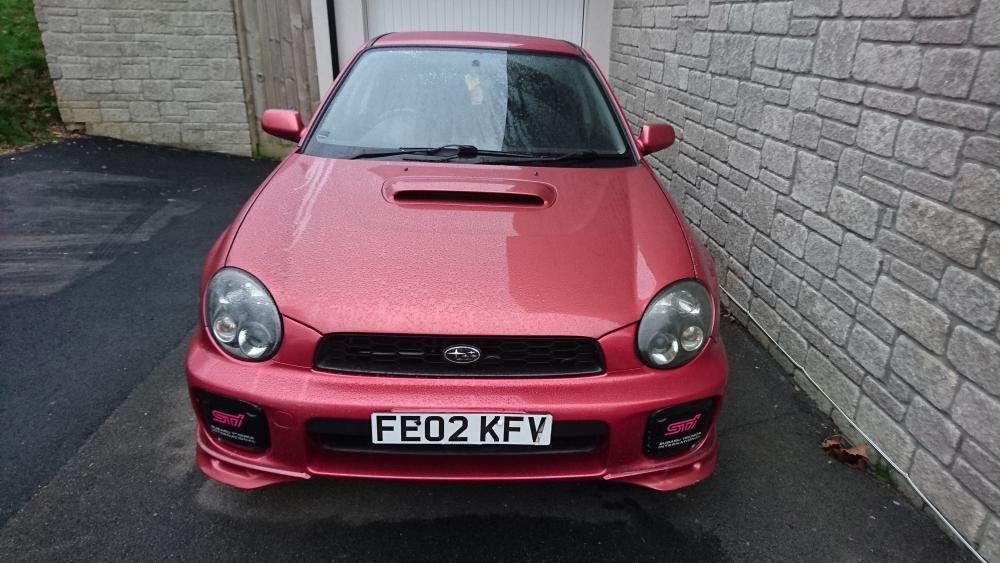
  2. For sale my Subaru Impreza WRX bug eye jdm import in metallic rose red. Its has done 65000 miles (speedo in km see pics). MOT till end of October 2017. Full service history, thousands in receipts. All the import paperwork and even has the original Japanese service book. It is unmolested and original apart from decat back exhaust (catalytic convertor included) Superchip remap 284bhp Big STI brembo brakes upgrade Has been serviced every 2000-3000 miles. Only 130 miles since last service Immaculate engine bay and interior Recently refurbished tecnomagnesio alloys. magicar alarm system and turbo timer, remote start etc. Tracker £4000 St austell steve 07961731734
Background Picker
Customize Layout

Account

Navigation

Search

Configure browser push notifications

Chrome (Android)
  1. Tap the lock icon next to the address bar.
  2. Tap Permissions → Notifications.
  3. Adjust your preference.
Chrome (Desktop)
  1. Click the padlock icon in the address bar.
  2. Select Site settings.
  3. Find Notifications and adjust your preference.