Keithp
Members
-
Joined
-
Last visited
-
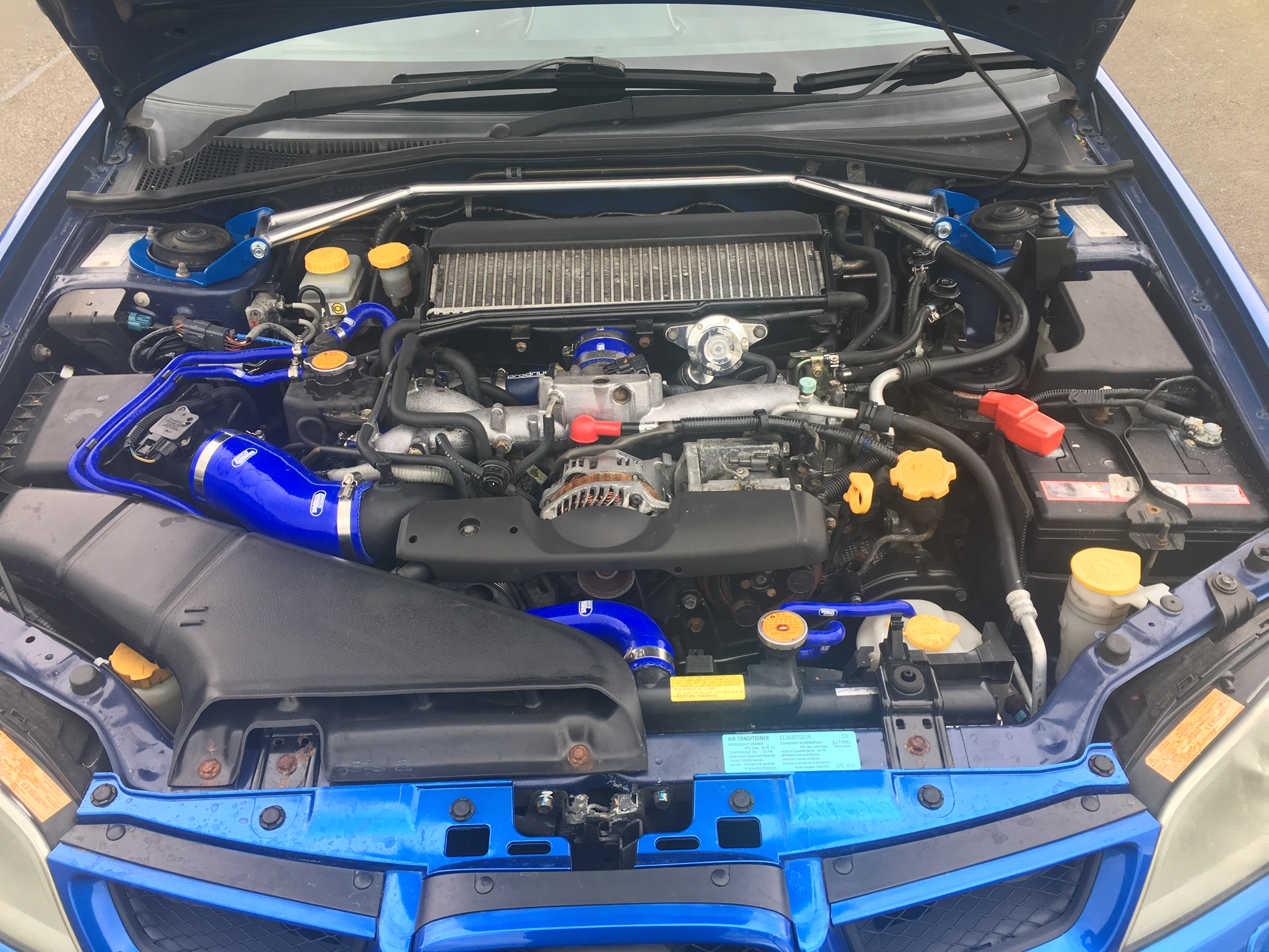
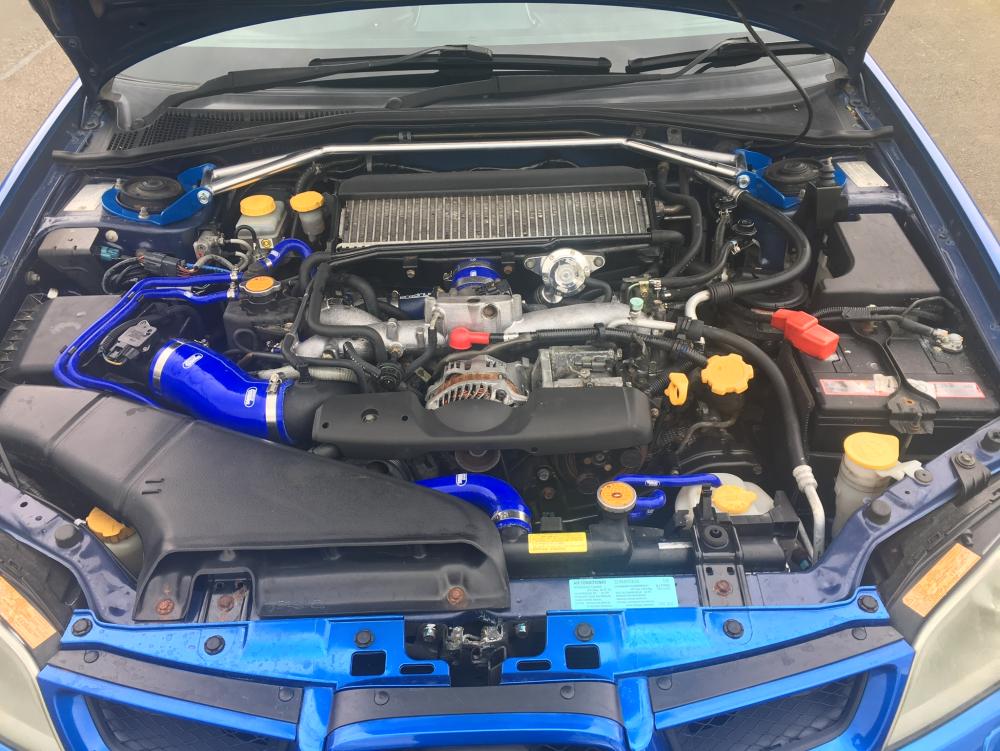
This is what my engine looks like now
-
Many thanks for the advice, I will bear all in mind
-
Just uploaded a picture of my bay in 'show us your bays' let me know if you need any other pics, the engine needs a good steam clean which it is line to get, all i was thinking of doing was to replace some of the visible hoses with blue ones and a few other bits.like the hydro dipped air intakes and fuse box lid Seen your engine bays and they look brilliant, I'm not looking at going that far
-
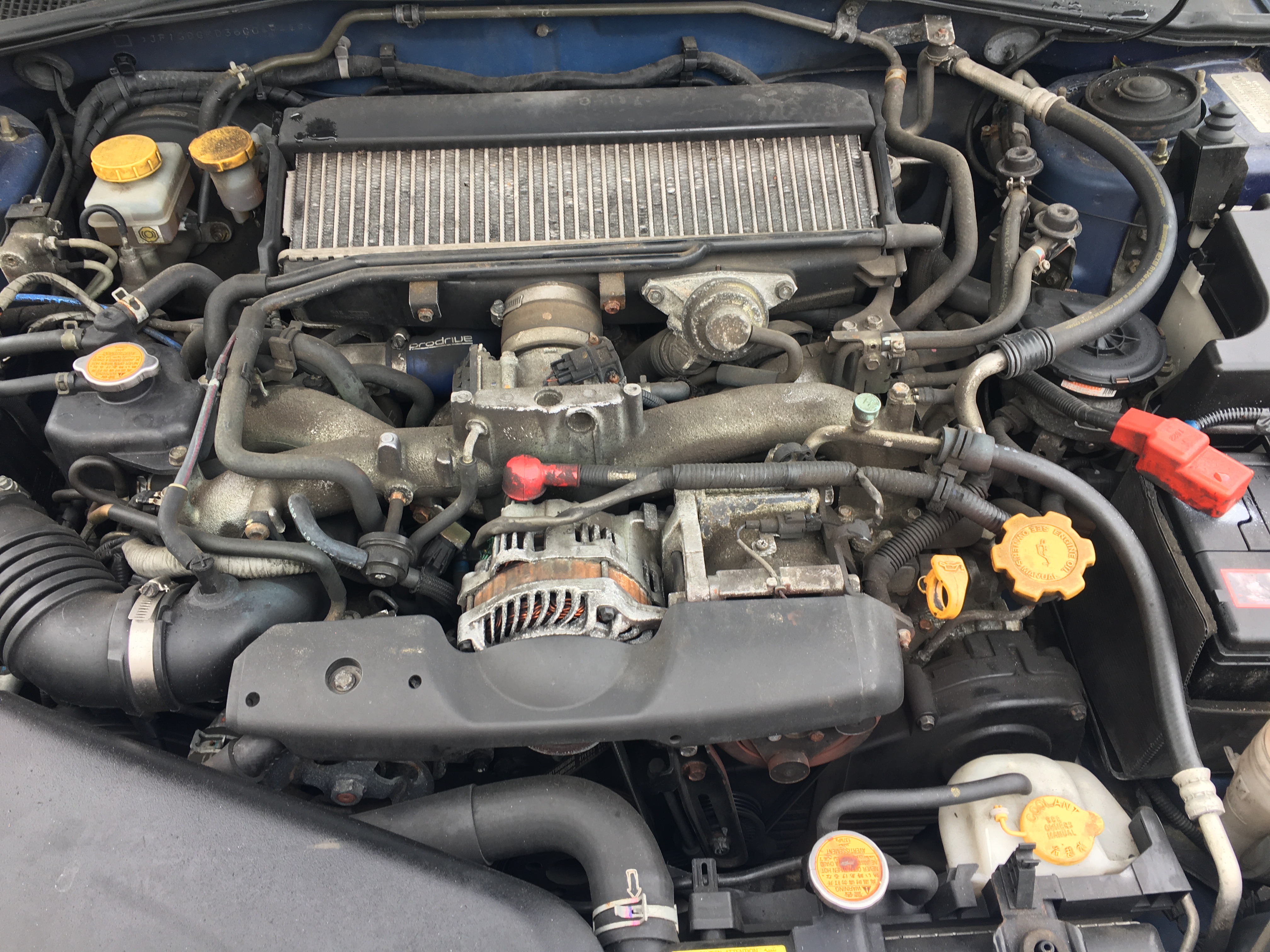
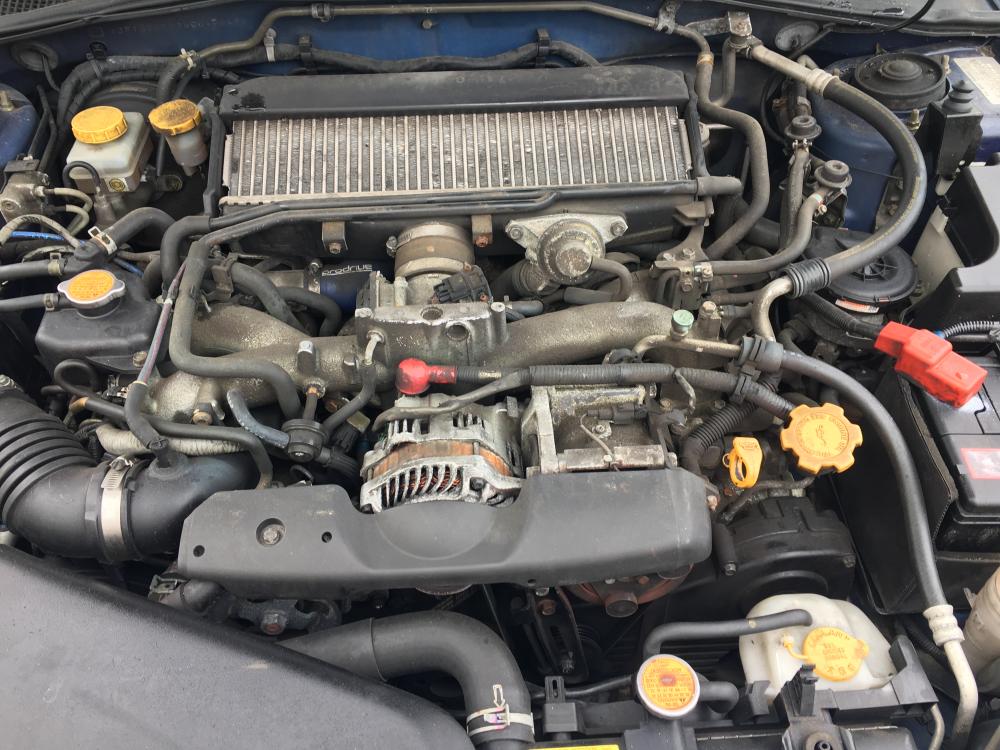
Hi This is the bay to my 2006 WRX, I am not looking at doing any Major work to it, appreciate that it needs a good clean but I'm just looking at replacing the visible hoses with Blue ones and odd other bits, be grateful of any ideas
-
its 2006, the hawkeye version, just shiny stuff, i find its quick and noisy enough lol, I'm about an hour away, when are you free, my mobile is 07788173663
-
it would be just like for like dress up, Ill have a look at the workshop, order whats needed and have a go, thanks
-
Thanks for the info, Id like to do the work myself but it looks a bit daunting under the bonnet
-
Hi Im interested in doing up my engine bay to make look really good, can you tell me a reputable mechanic in the chelmsford area of essex that would be interested in doing this work? Thanks Keith