Do Not Sell My Personal Information Jump to content
View in the app

A better way to browse. Learn more.

Subaru Owners Club UK | Subaru Forums

A full-screen app on your home screen with push notifications, badges and more.

To install this app on iOS and iPadOS
  1. Tap the Share icon in Safari
  2. Scroll the menu and tap Add to Home Screen.
  3. Tap Add in the top-right corner.
To install this app on Android
  1. Tap the 3-dot menu (⋮) in the top-right corner of the browser.
  2. Tap Add to Home screen or Install app.
  3. Confirm by tapping Install.

Mr&MrsB

Members
  • Joined

  • Last visited

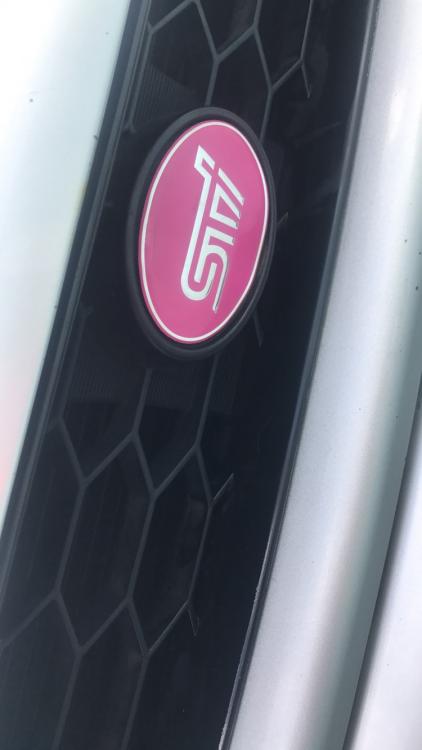
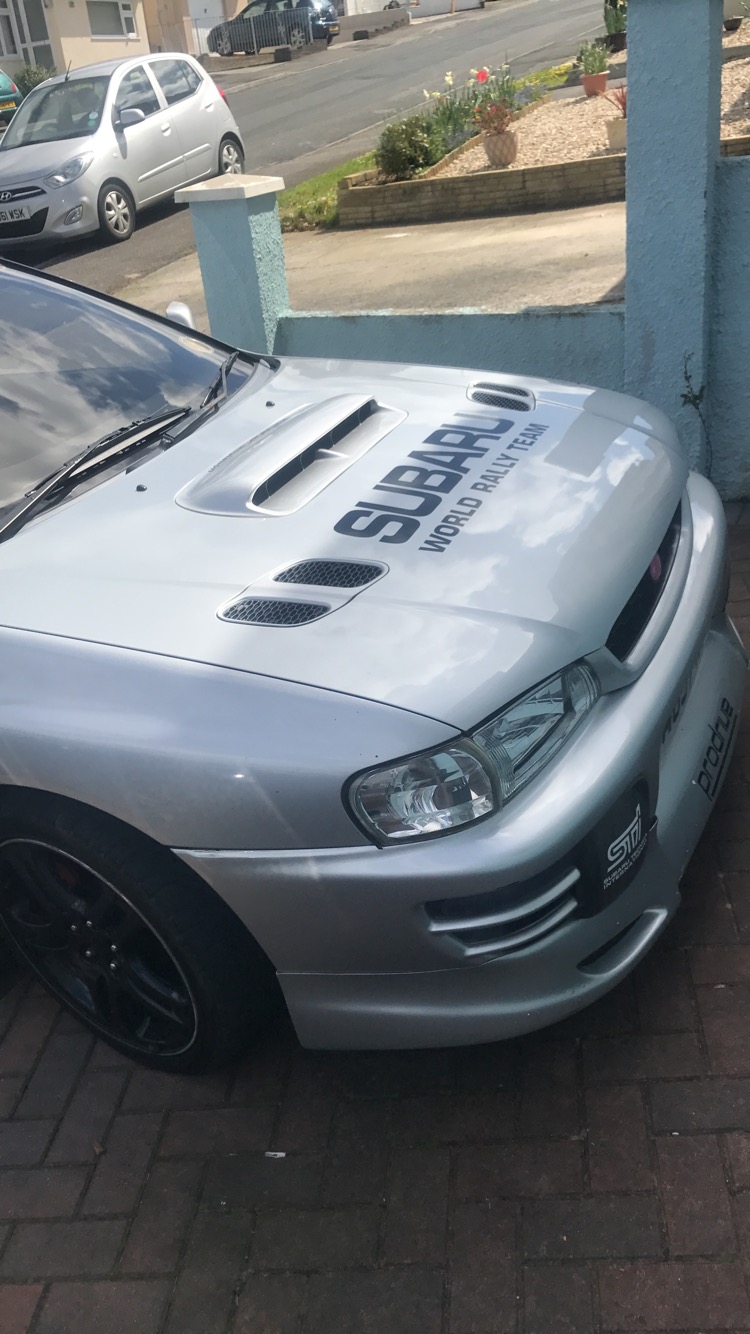
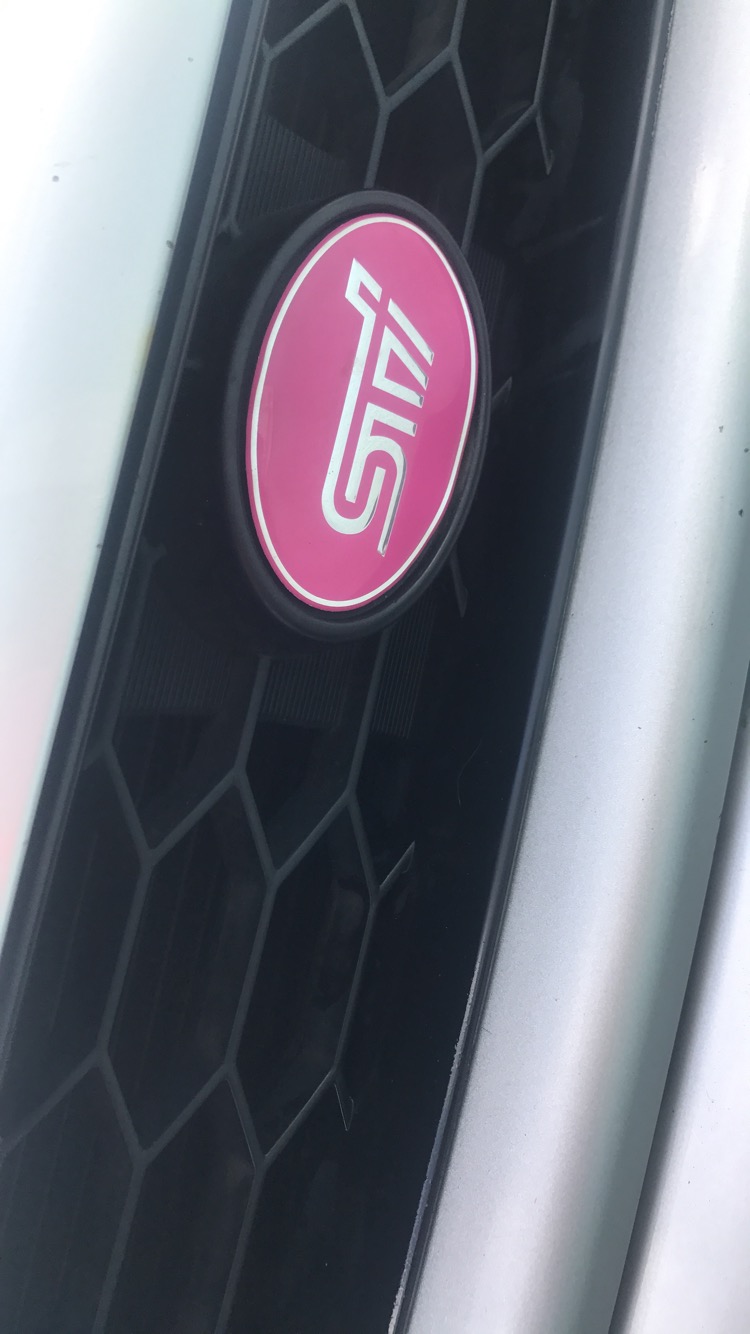
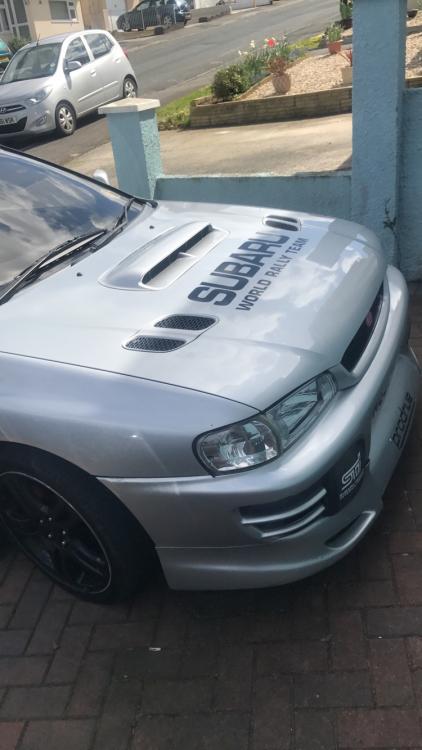
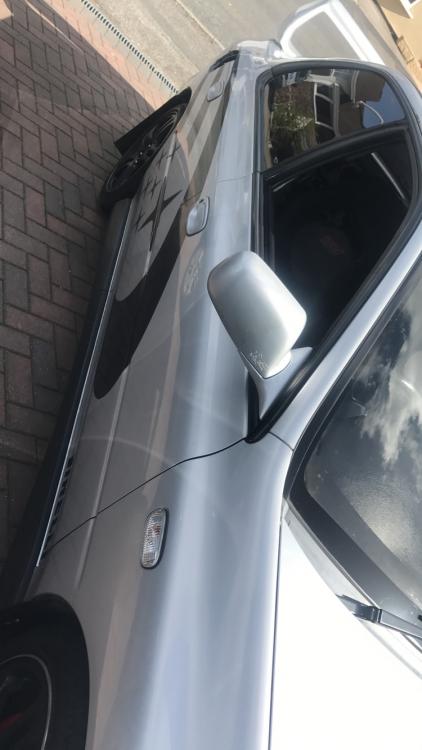
  1. It's tough because I love silver but hubby wants it to be different to all the others around. I have said it's got the pink import badge so they will know. One of our best friends does it so we will get mates rates.
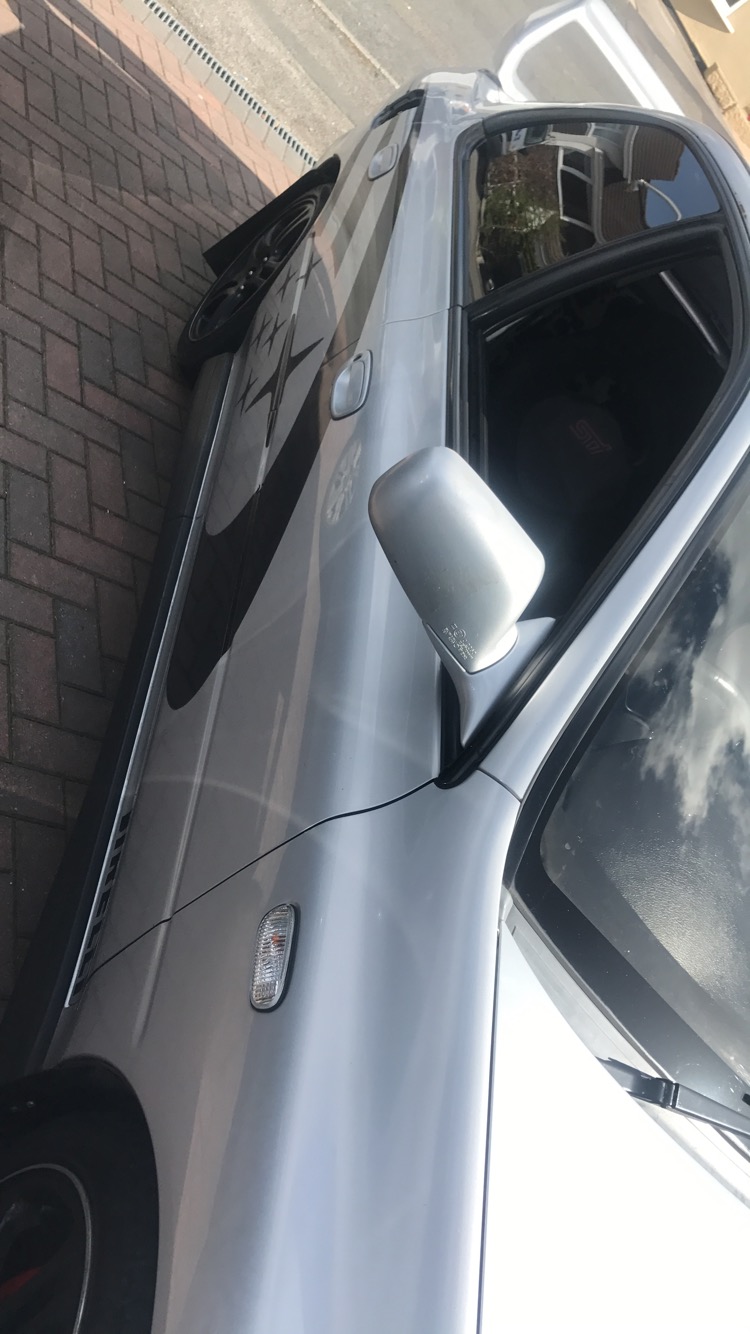
  2. Hey guys. I've just picked up my Subaru. It is a import. I'm thinking of changing the colour but unsure what colour any ideas?. I see so many Subaru's around in Plymouth is anyone on here from Plymouth?
Background Picker
Customize Layout

Account

Navigation

Search

Configure browser push notifications

Chrome (Android)
  1. Tap the lock icon next to the address bar.
  2. Tap Permissions → Notifications.
  3. Adjust your preference.
Chrome (Desktop)
  1. Click the padlock icon in the address bar.
  2. Select Site settings.
  3. Find Notifications and adjust your preference.