Do Not Sell My Personal Information Jump to content
View in the app

A better way to browse. Learn more.

Subaru Owners Club UK | Subaru Forums

A full-screen app on your home screen with push notifications, badges and more.

To install this app on iOS and iPadOS
  1. Tap the Share icon in Safari
  2. Scroll the menu and tap Add to Home Screen.
  3. Tap Add in the top-right corner.
To install this app on Android
  1. Tap the 3-dot menu (⋮) in the top-right corner of the browser.
  2. Tap Add to Home screen or Install app.
  3. Confirm by tapping Install.

neilldrever

Members
  • Joined

  • Last visited

Everything posted by neilldrever

  1. That's a name that's been suggested before, think I'll try and get hold if him and see what he can offer. Thanks
  2. Hi, I'm in Aberdeenshire. Quite happy to travel to get the right person to do it
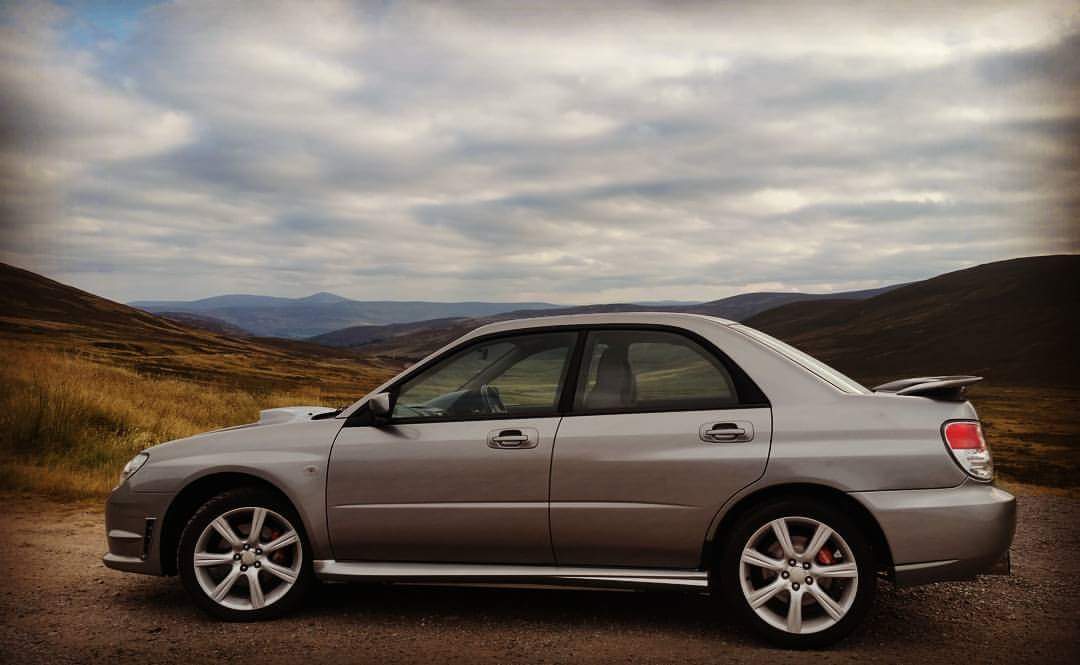
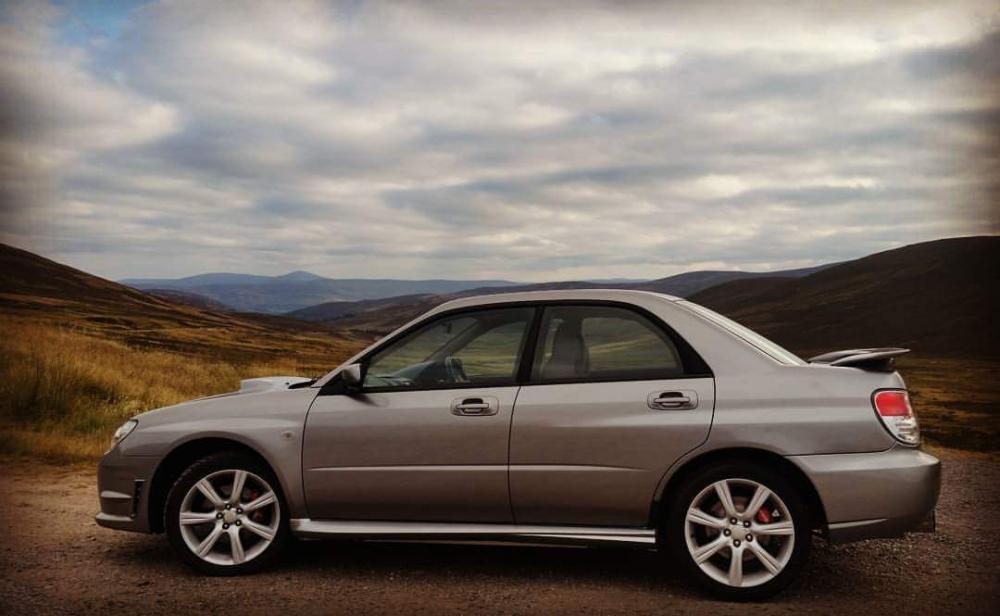
  3. Hi all, I have a Hawkeye WRX 2.5 that I've owned for about 18mths. Pretty much standard apart from a 3" S/S decat exhaust from turbo back, Pipercross panel filter, Forge DV and intake resonator delete. Interior toys include a Clarion double DIN touchscreen headunit + reversing camera, Juice door speakers, Juice 12" sub, single pillar pod with boost gauge and some detailing. I'm currently in the process of refurbishing some 2004 OEM WRX alloys to replace the knckered OEM ones I have. On the lookout for someone nearby that can do a remap to sort out a few niggles with overboosting due to the decat.
Background Picker
Customize Layout

Account

Navigation

Search

Configure browser push notifications

Chrome (Android)
  1. Tap the lock icon next to the address bar.
  2. Tap Permissions → Notifications.
  3. Adjust your preference.
Chrome (Desktop)
  1. Click the padlock icon in the address bar.
  2. Select Site settings.
  3. Find Notifications and adjust your preference.