
Do Not Sell My Personal Information Jump to content
View in the app

A better way to browse. Learn more.

Subaru Owners Club UK | Subaru Forums

A full-screen app on your home screen with push notifications, badges and more.

To install this app on iOS and iPadOS
  1. Tap the Share icon in Safari
  2. Scroll the menu and tap Add to Home Screen.
  3. Tap Add in the top-right corner.
To install this app on Android
  1. Tap the 3-dot menu (⋮) in the top-right corner of the browser.
  2. Tap Add to Home screen or Install app.
  3. Confirm by tapping Install.

robharvey35

Members
  • Joined

  • Last visited

Everything posted by robharvey35

  1. Cheers will do.
  2. robharvey35 commented on aucky's gallery album in Subaru Owners Gallery - Albums
  3. MOT

    robharvey35 posted a topic in General Subaru Chat
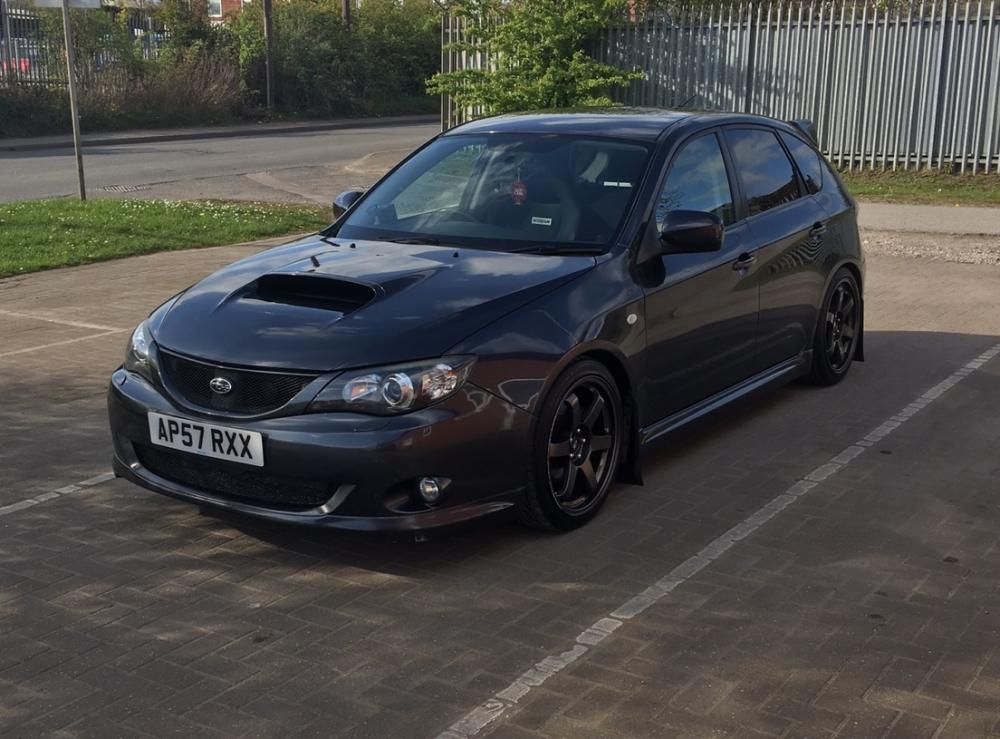
    Evening all, I have a 2008 WRX PPP hatchback and it has a complete system with no Cats. Its MOT time, unfortunately. Does anyone know of any MOT stations that are Lenient when it comes to not having a cat if you know what I mean.
  4. Hi all new to the club scene. Been to many shows but never joined a club. Glad to be part of the scooby family. Have owned quite a few scoobies awesome cars awesome sounds.
Background Picker
Customize Layout

Configure browser push notifications

Chrome (Android)
  1. Tap the lock icon next to the address bar.
  2. Tap Permissions → Notifications.
  3. Adjust your preference.
Chrome (Desktop)
  1. Click the padlock icon in the address bar.
  2. Select Site settings.
  3. Find Notifications and adjust your preference.