Do Not Sell My Personal Information Jump to content
View in the app

A better way to browse. Learn more.

Subaru Owners Club UK | Subaru Forums

A full-screen app on your home screen with push notifications, badges and more.

To install this app on iOS and iPadOS
  1. Tap the Share icon in Safari
  2. Scroll the menu and tap Add to Home Screen.
  3. Tap Add in the top-right corner.
To install this app on Android
  1. Tap the 3-dot menu (⋮) in the top-right corner of the browser.
  2. Tap Add to Home screen or Install app.
  3. Confirm by tapping Install.

Mick H

Members
  • Joined

  • Last visited

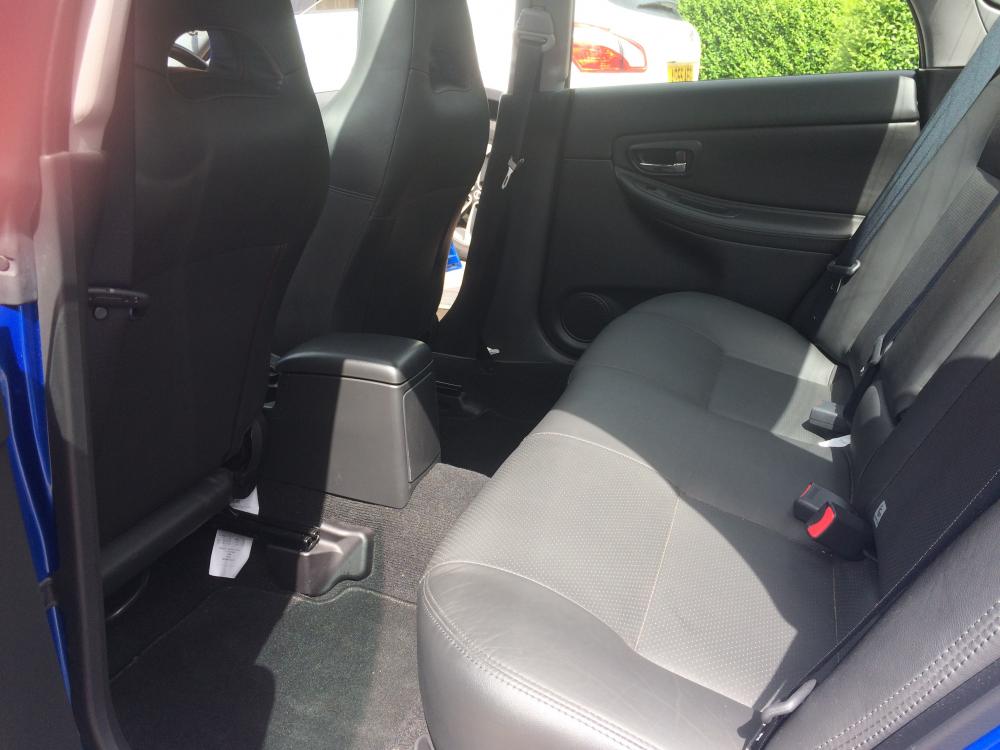
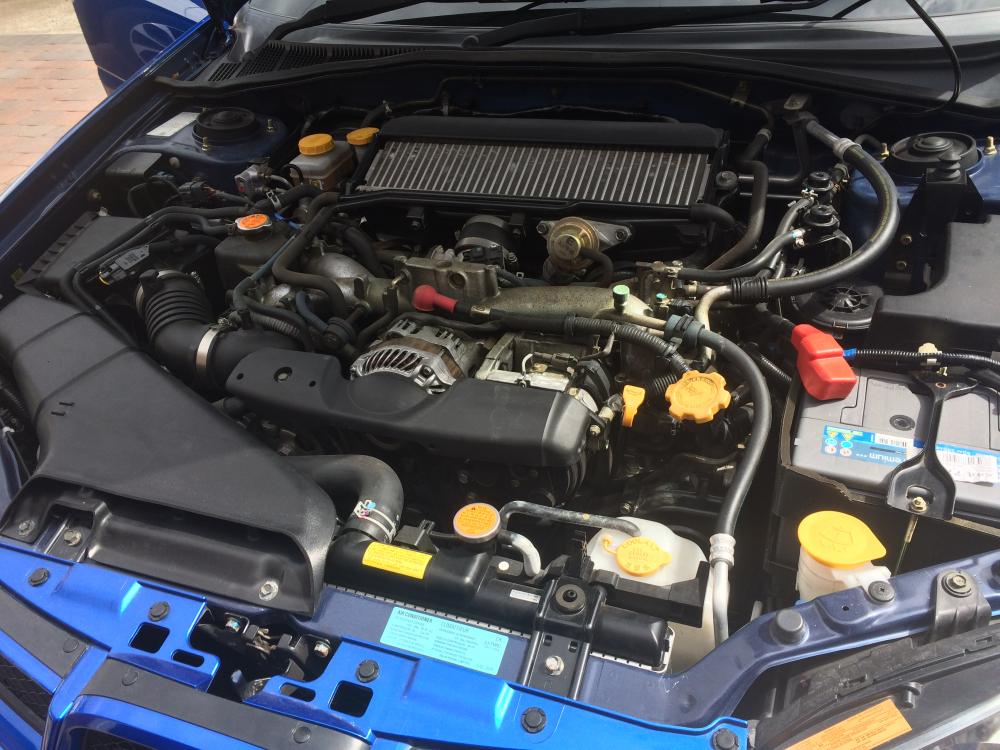
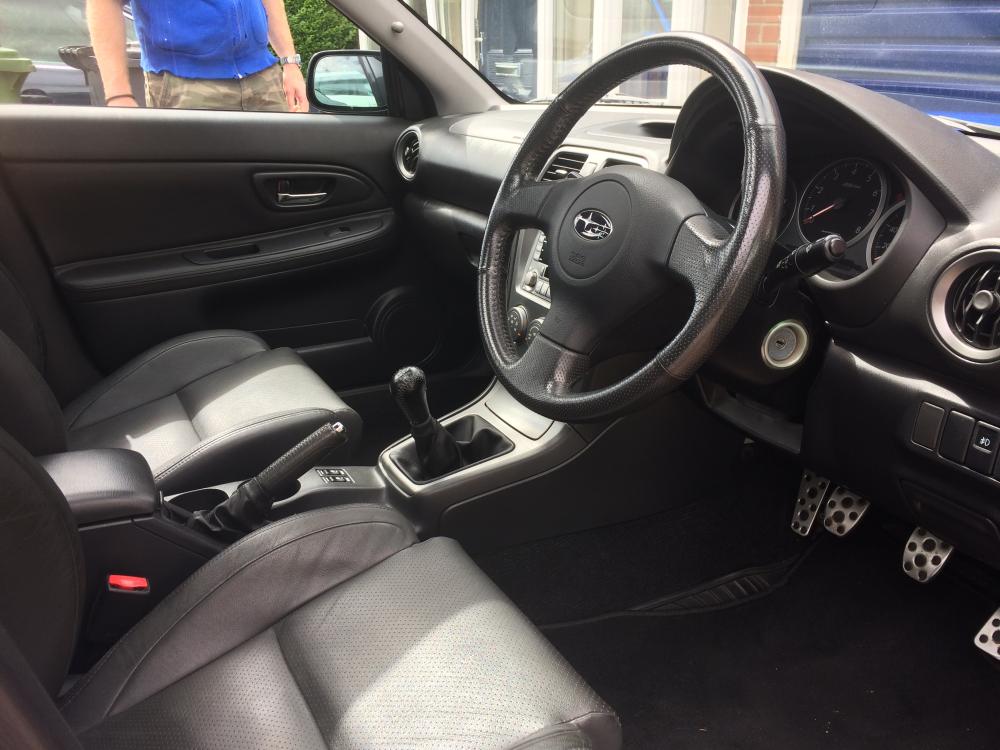
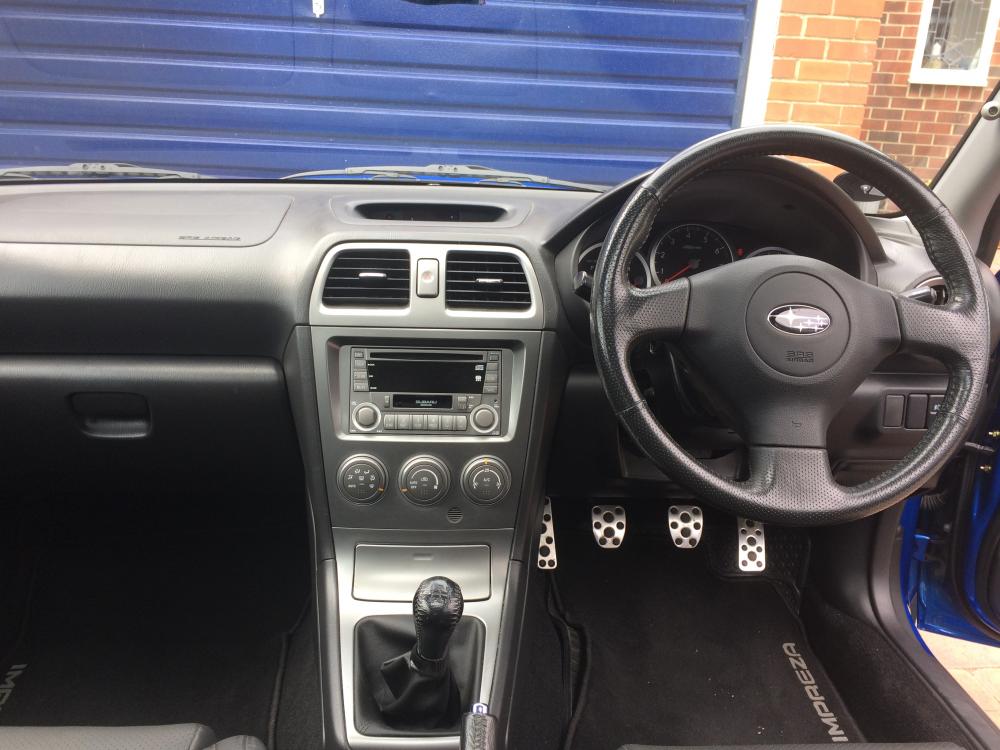
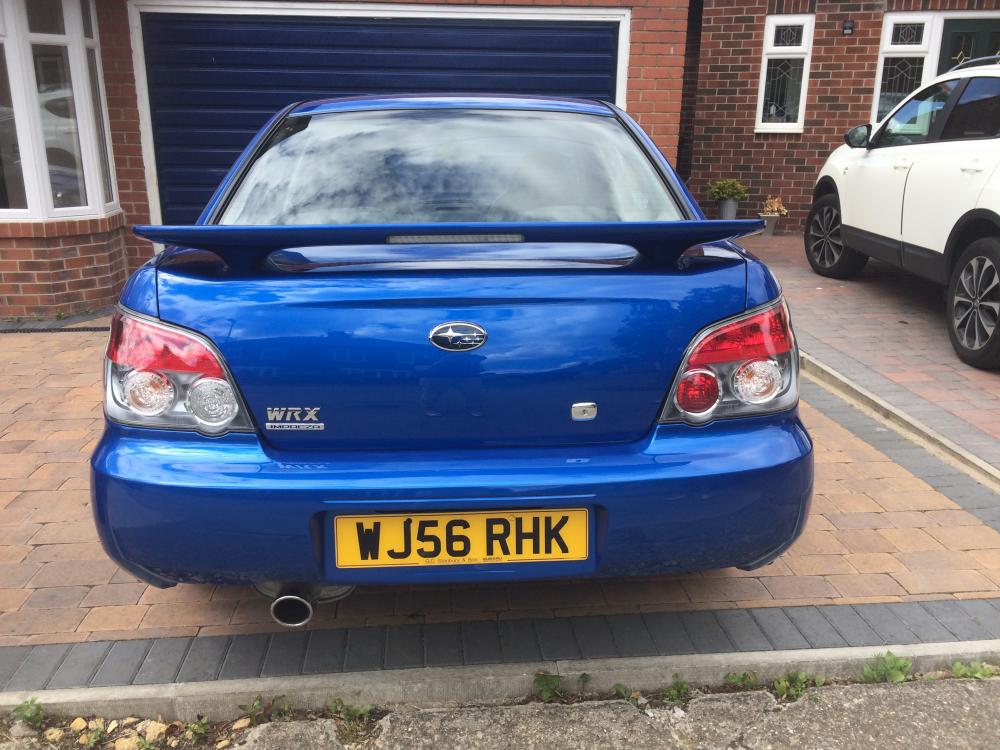
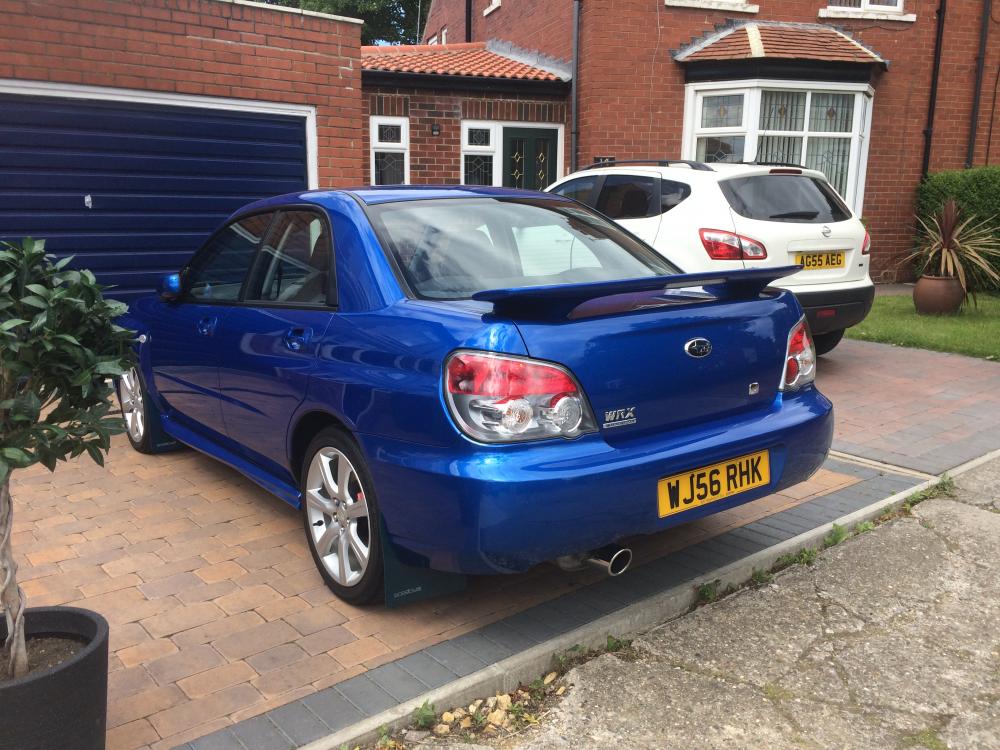
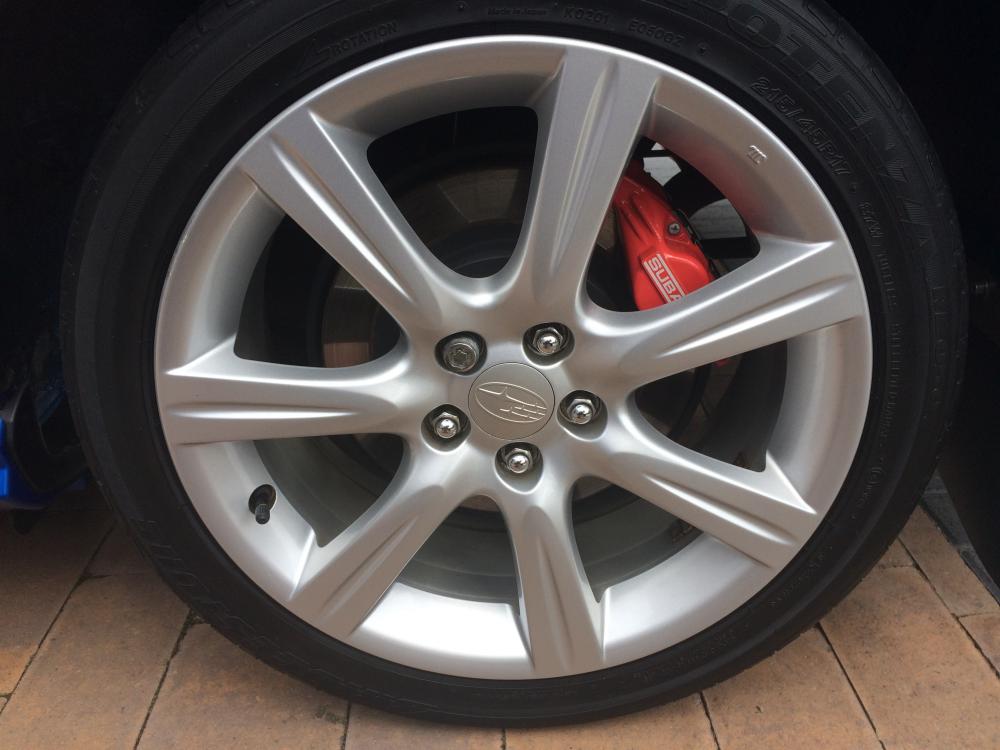
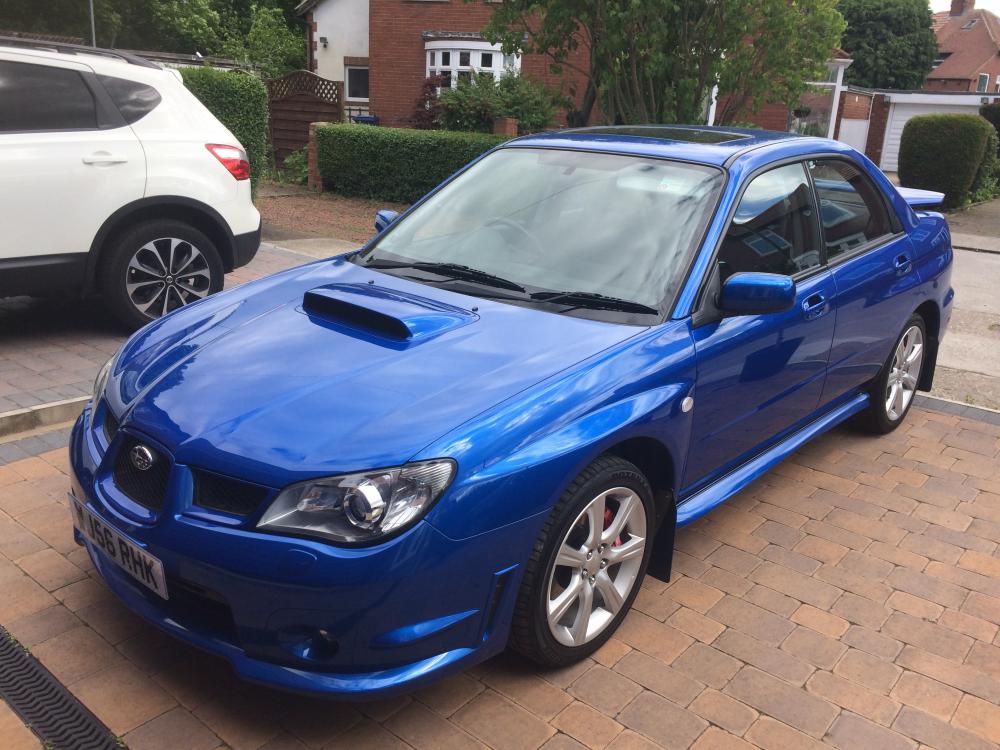
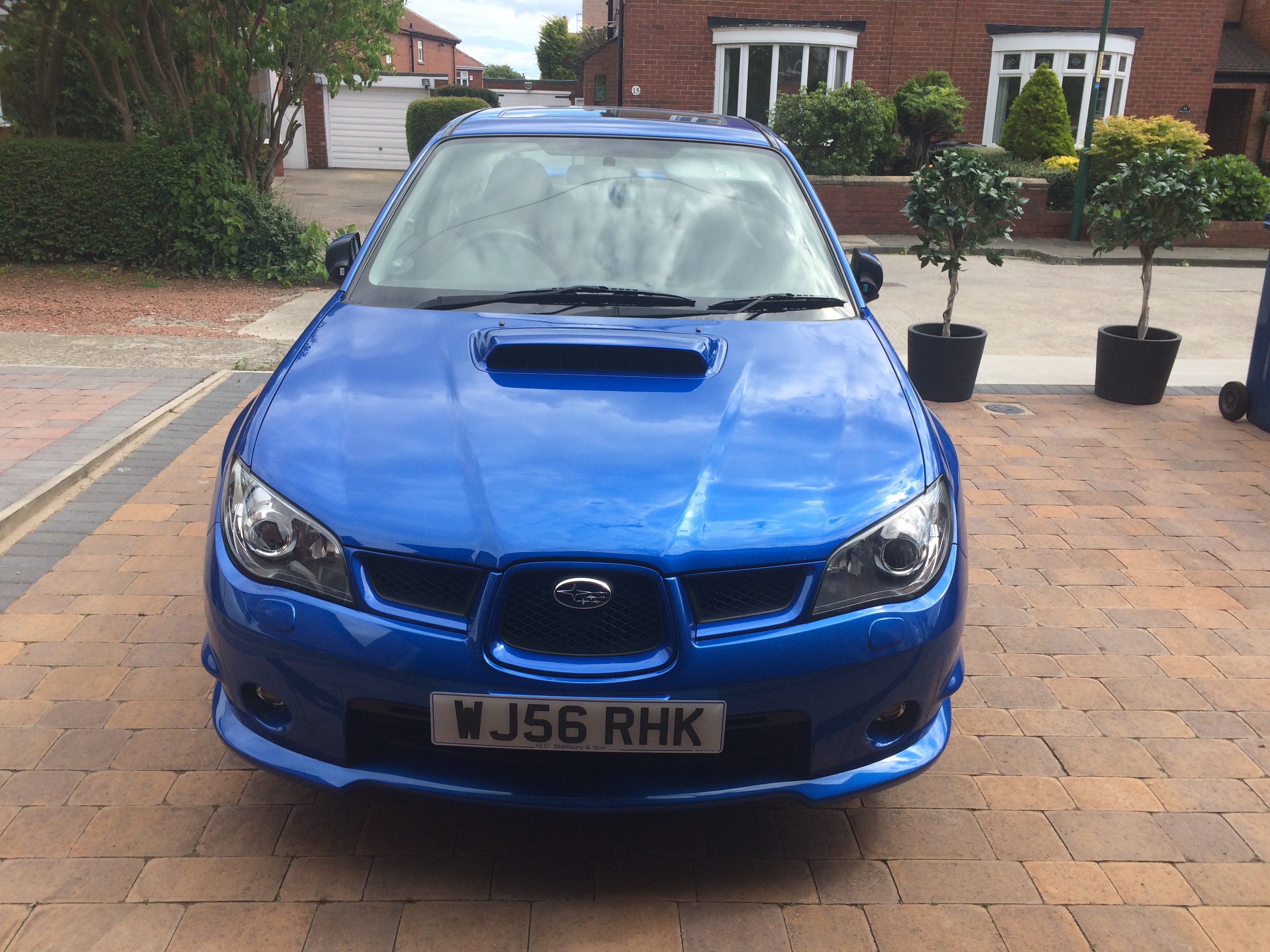
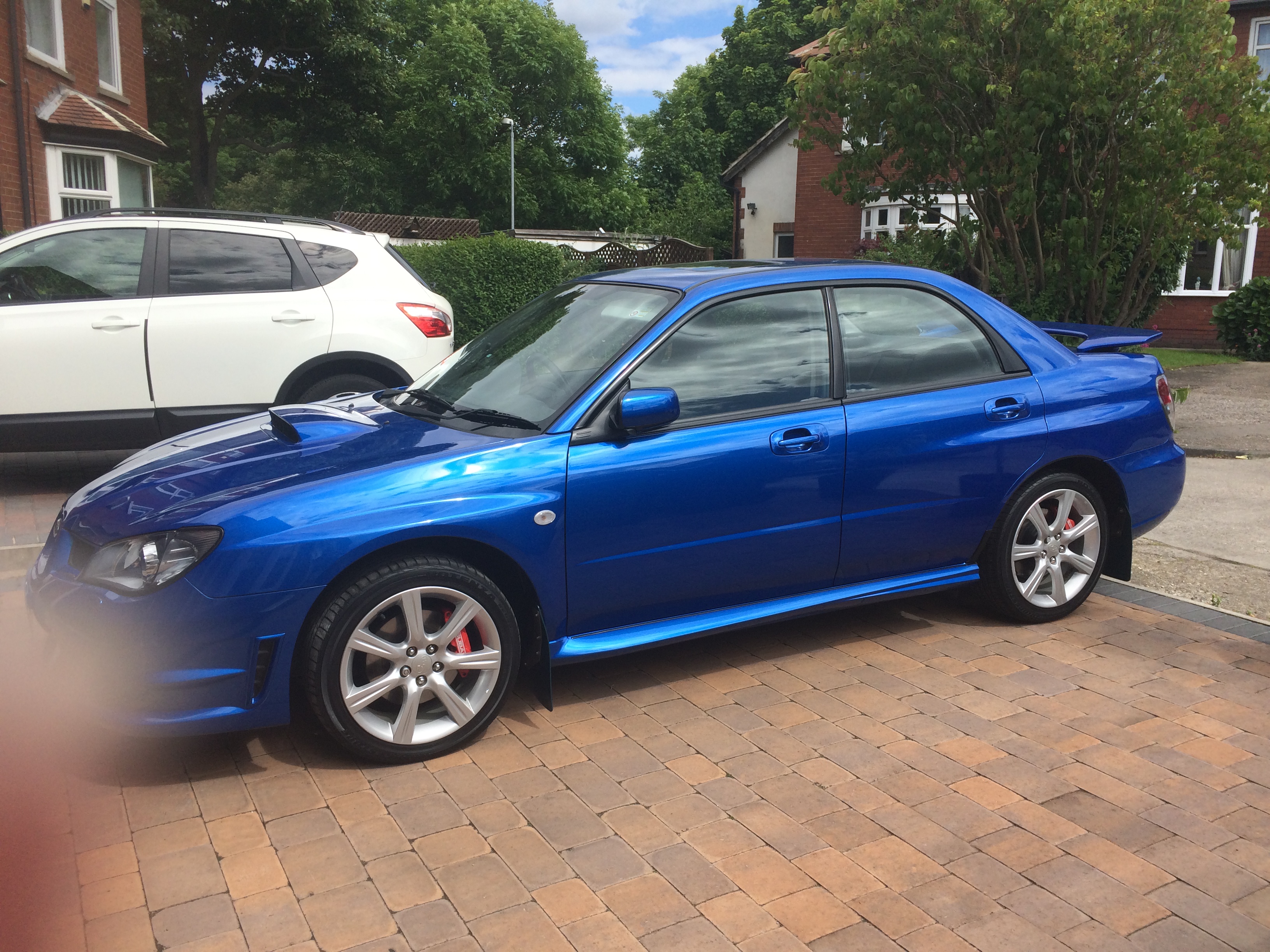
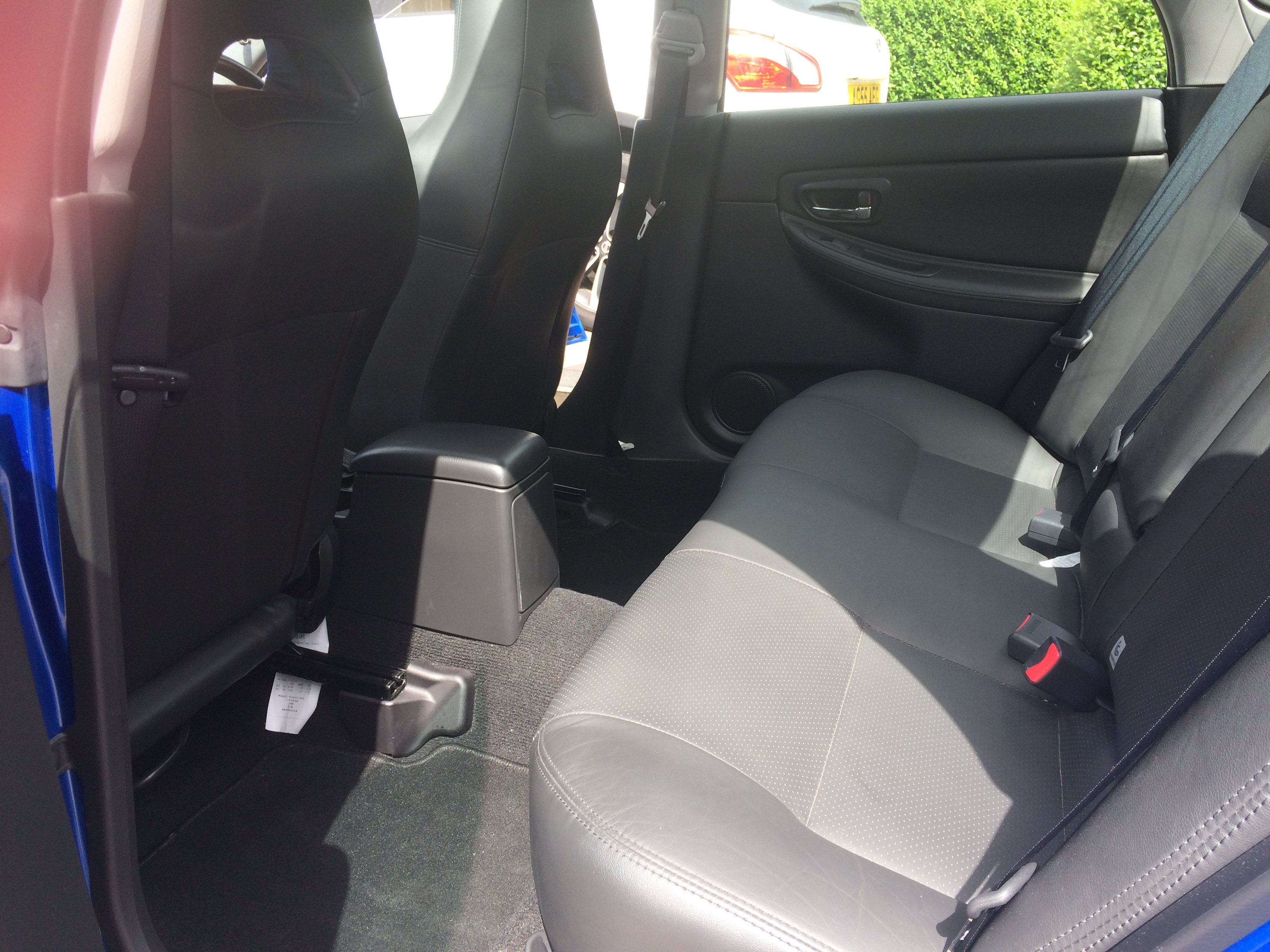
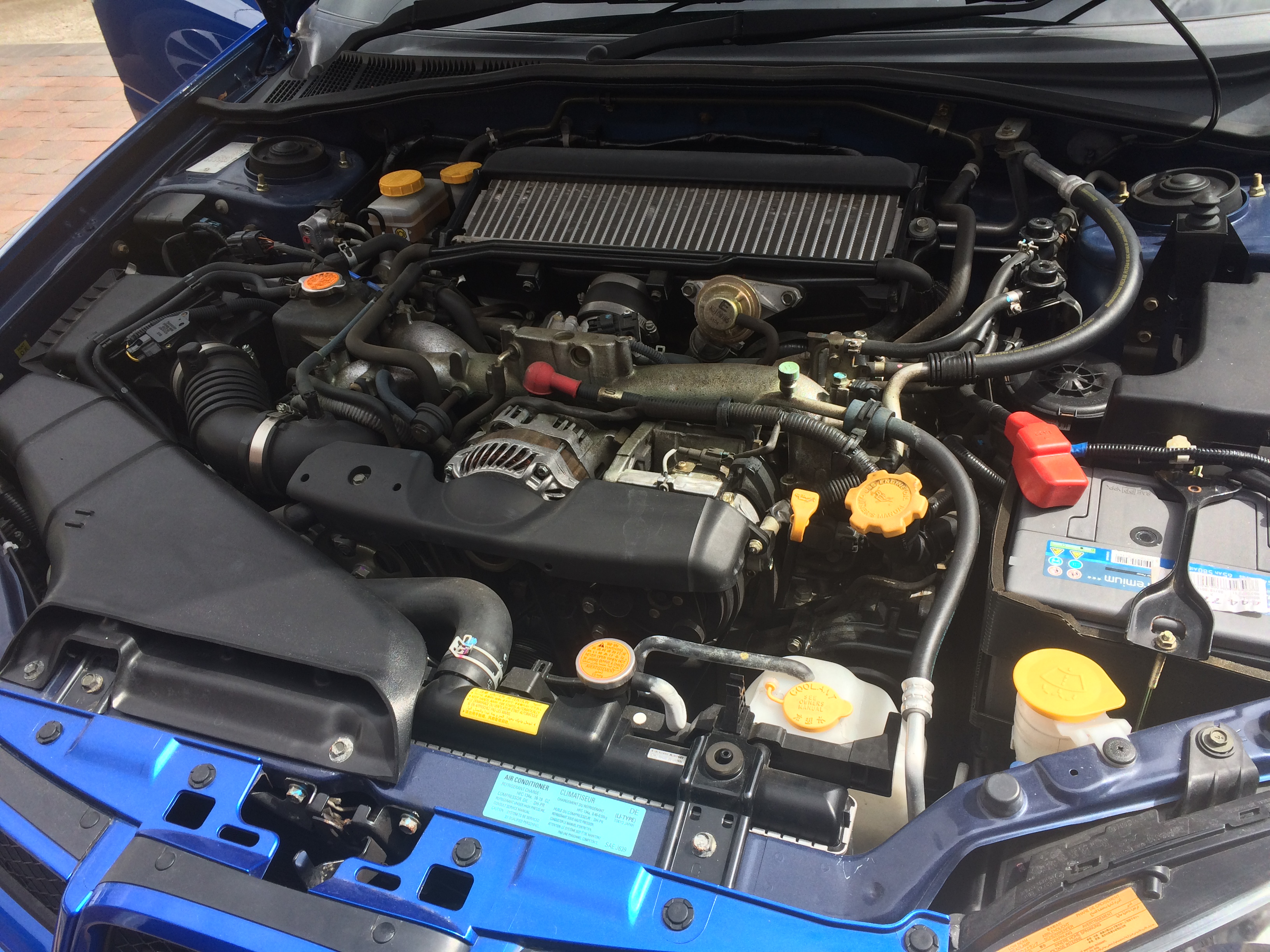
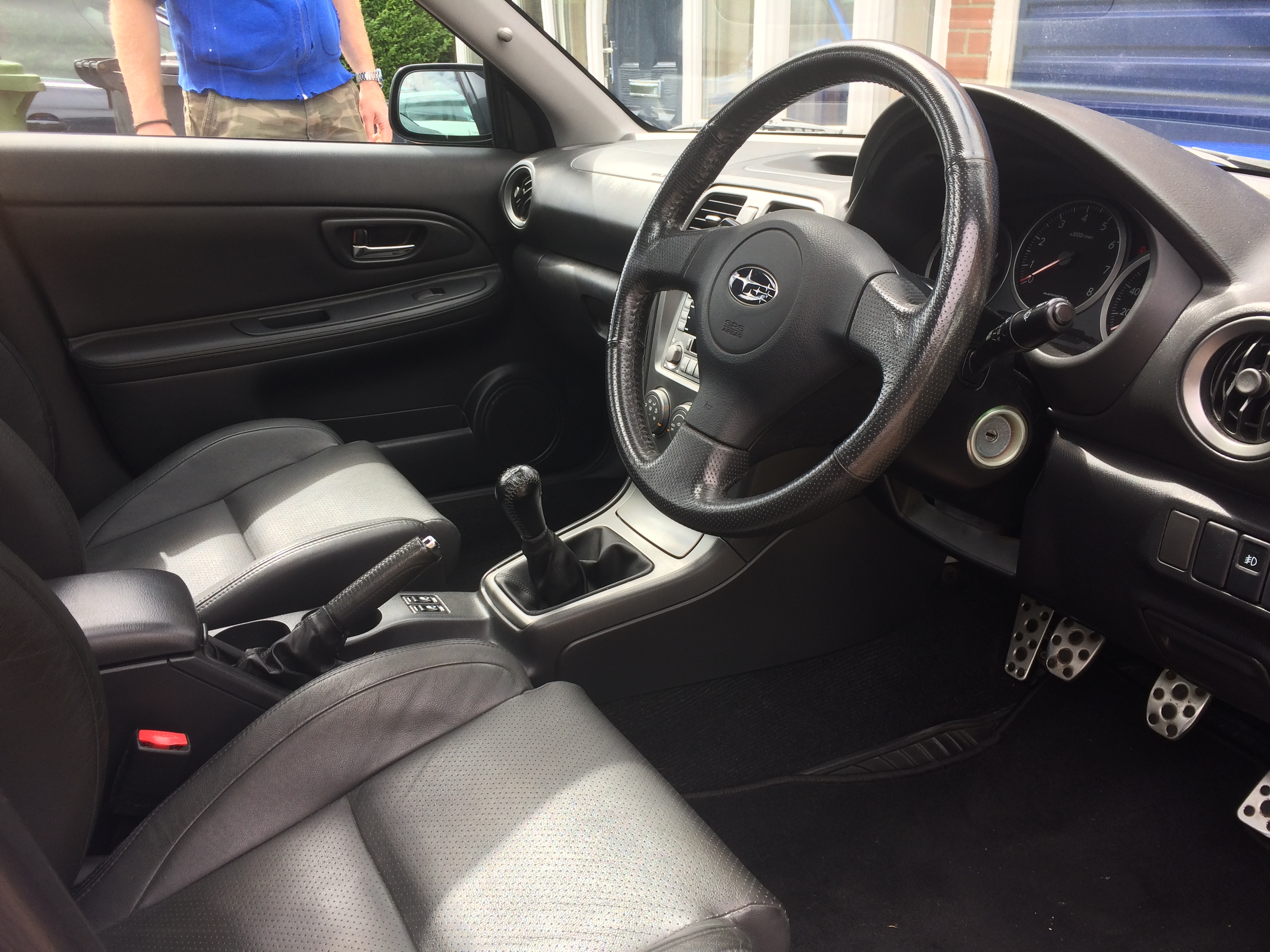
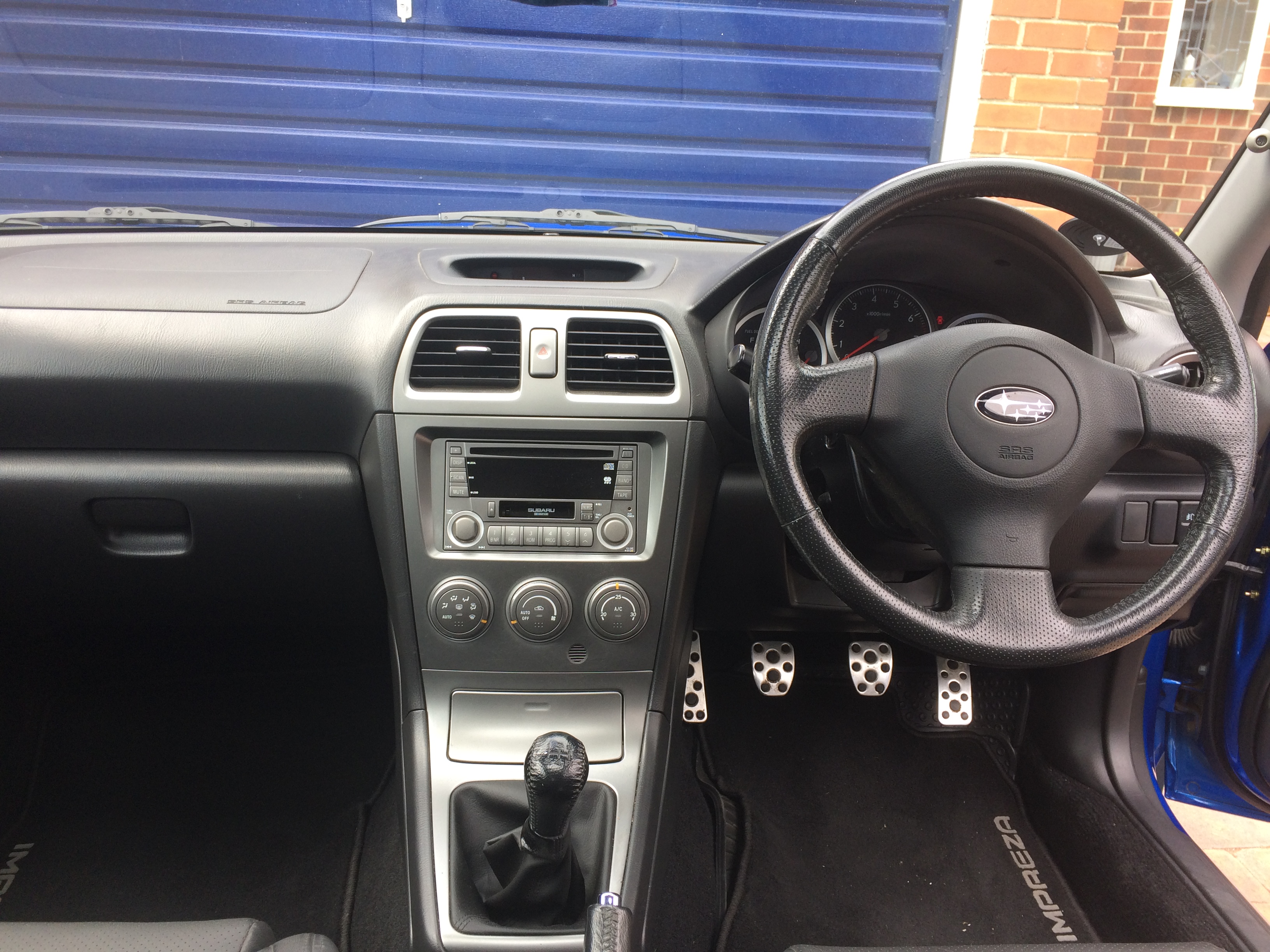
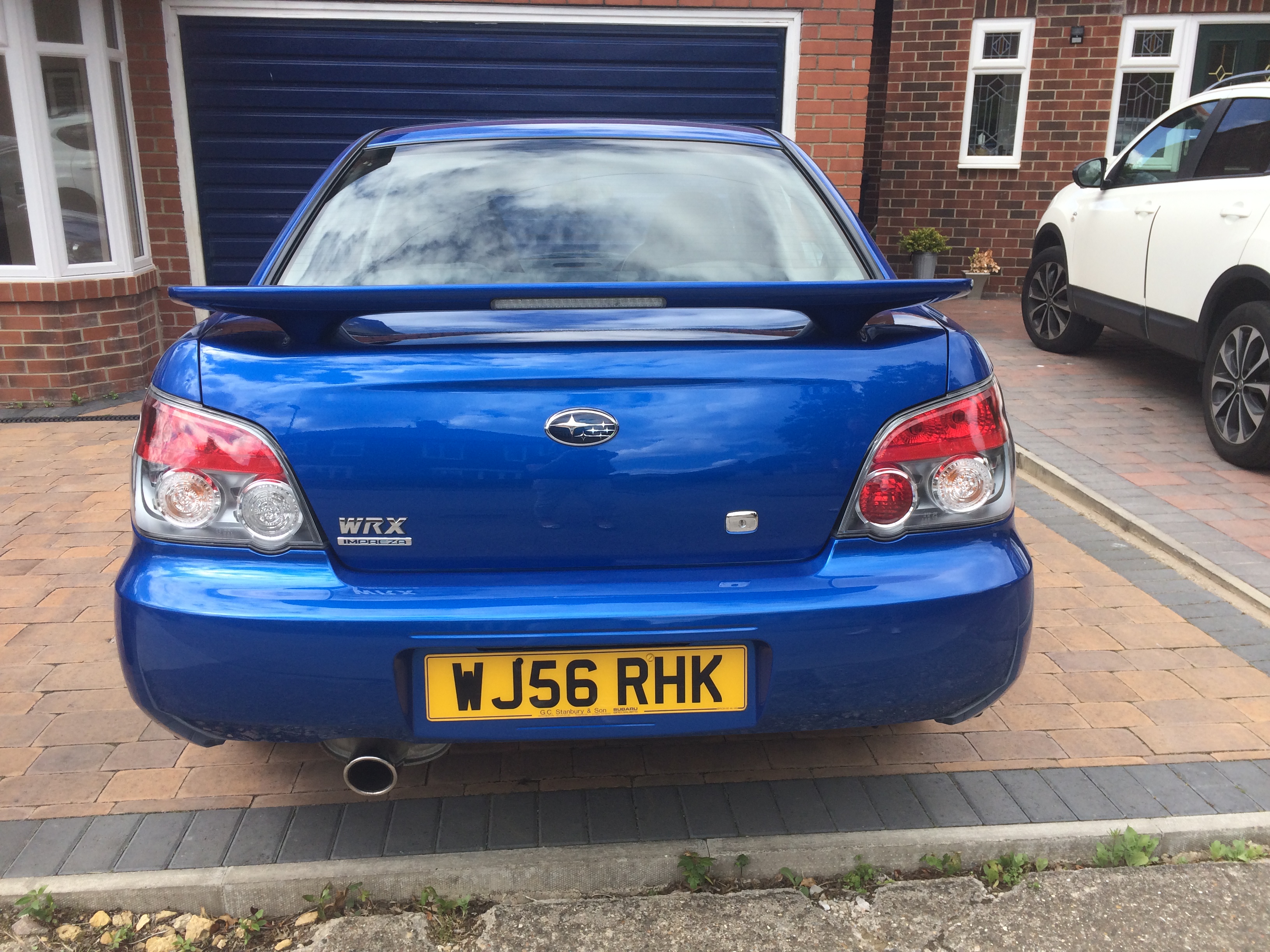
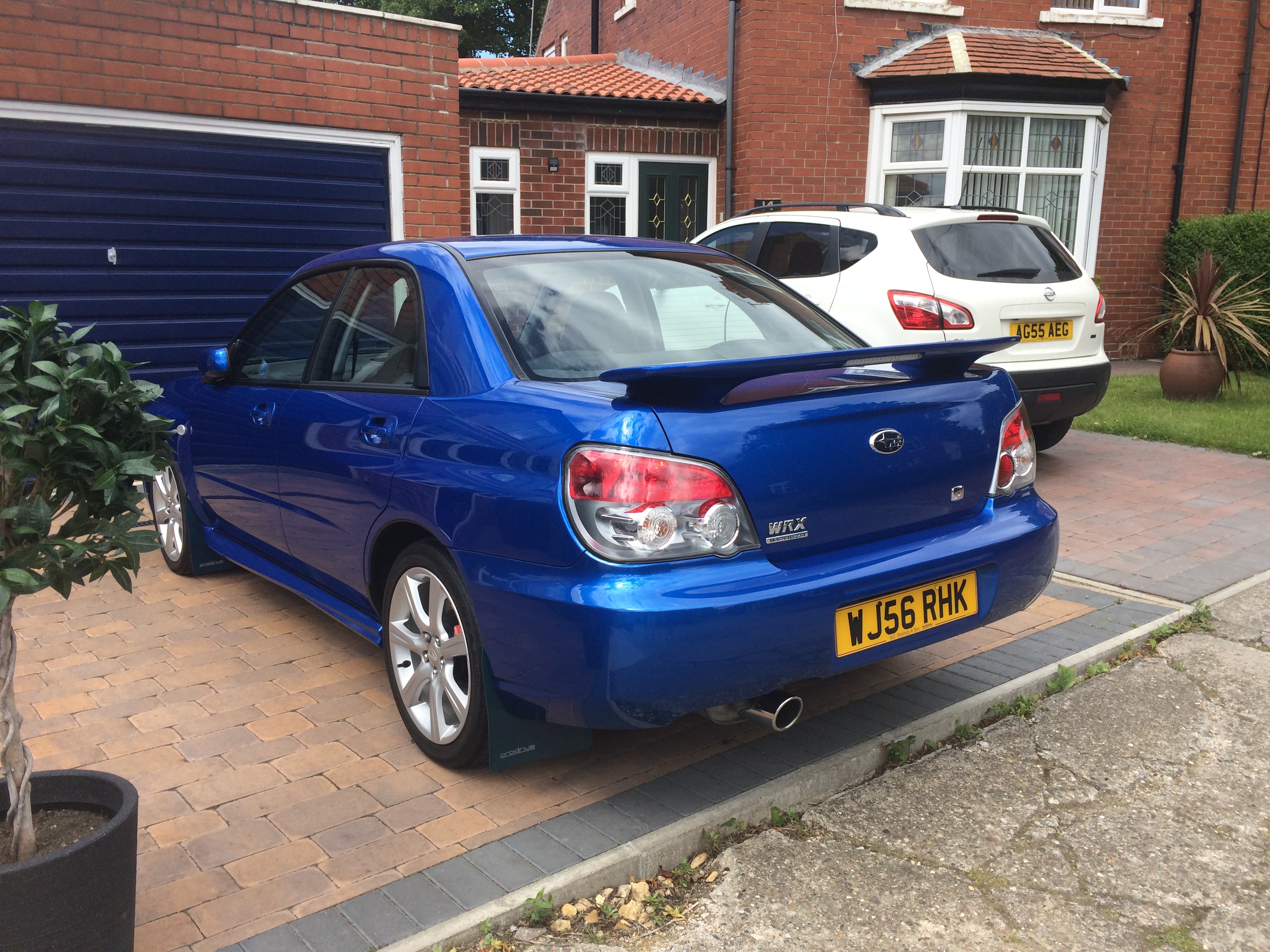
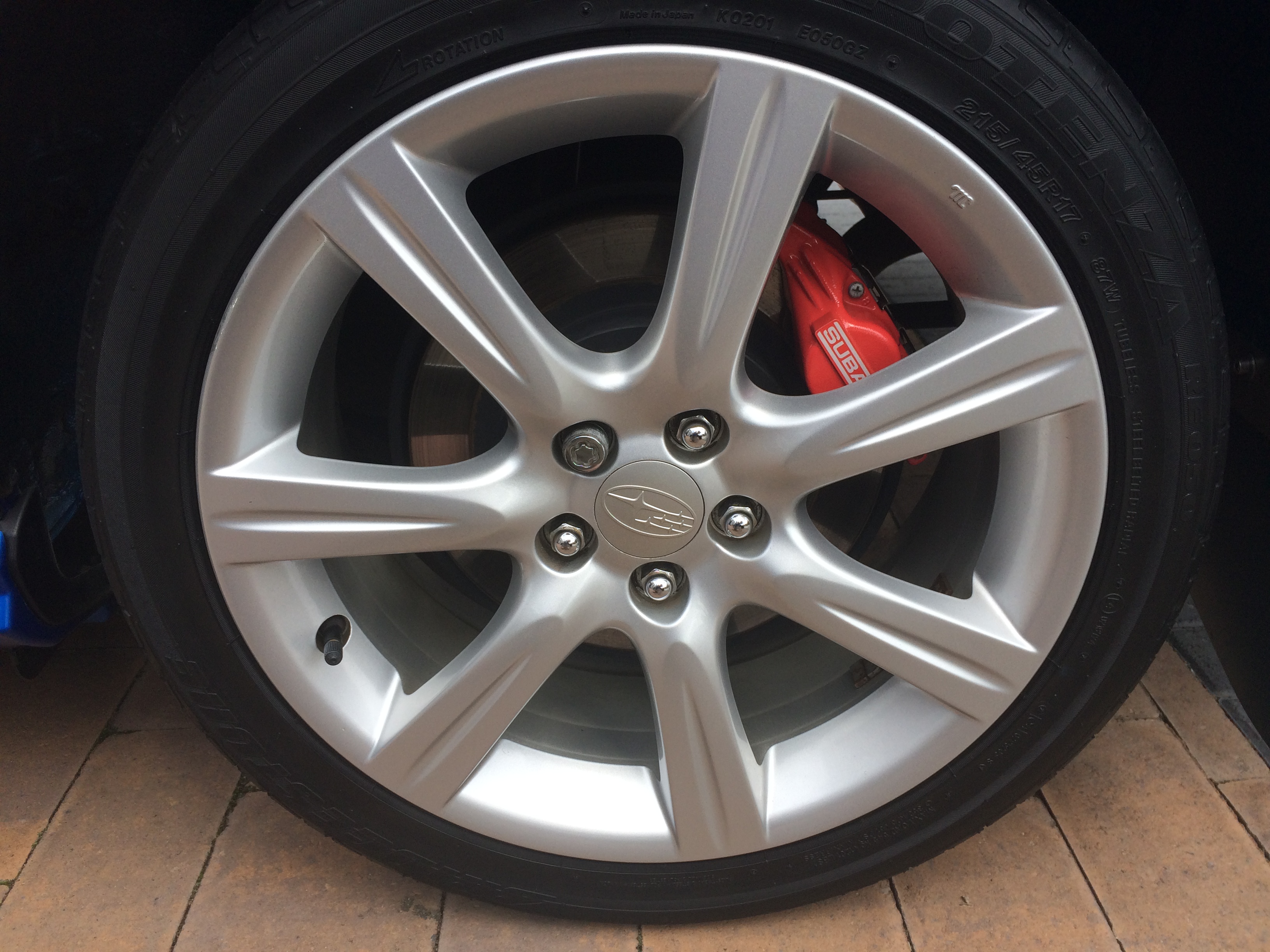
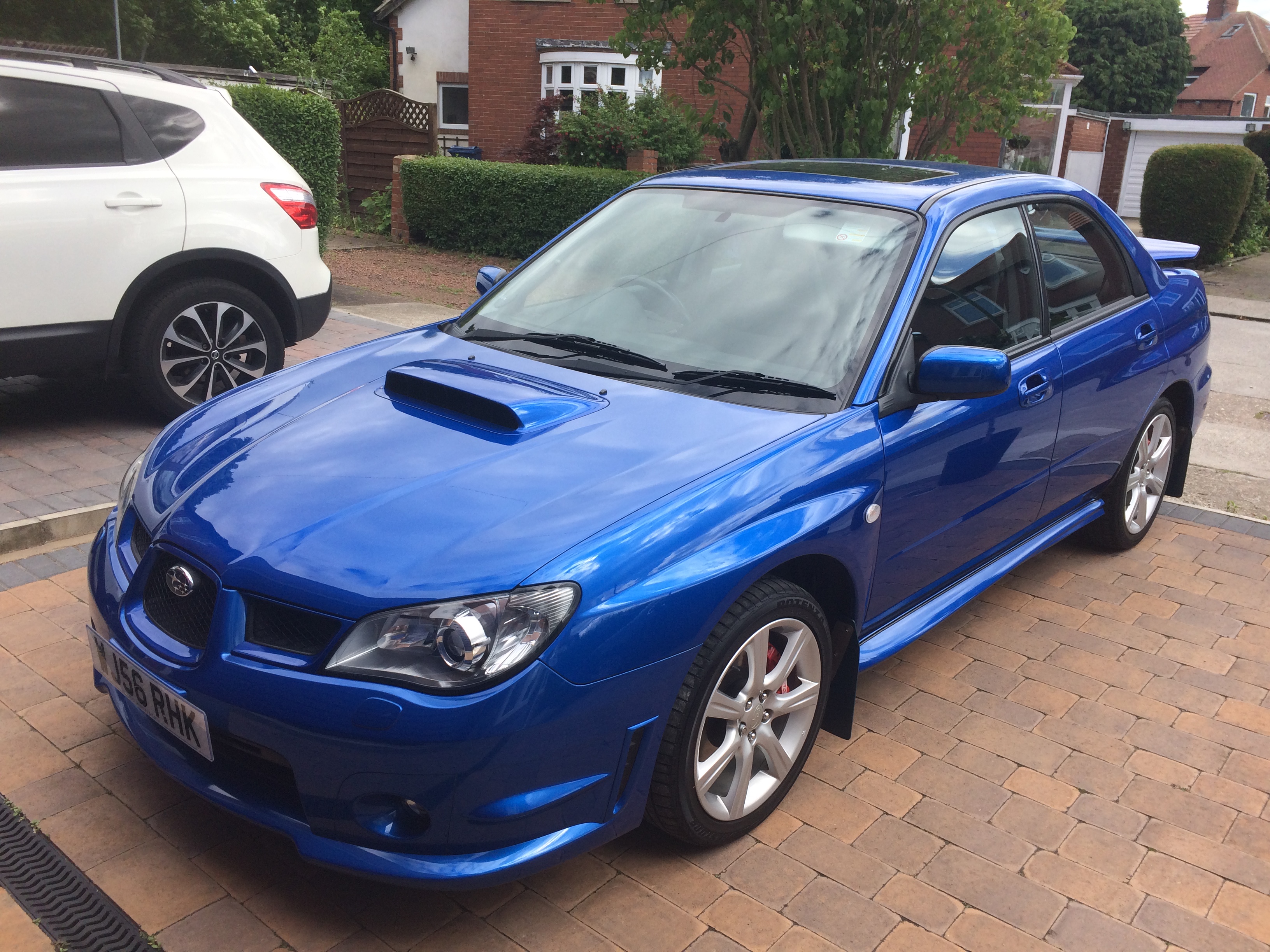
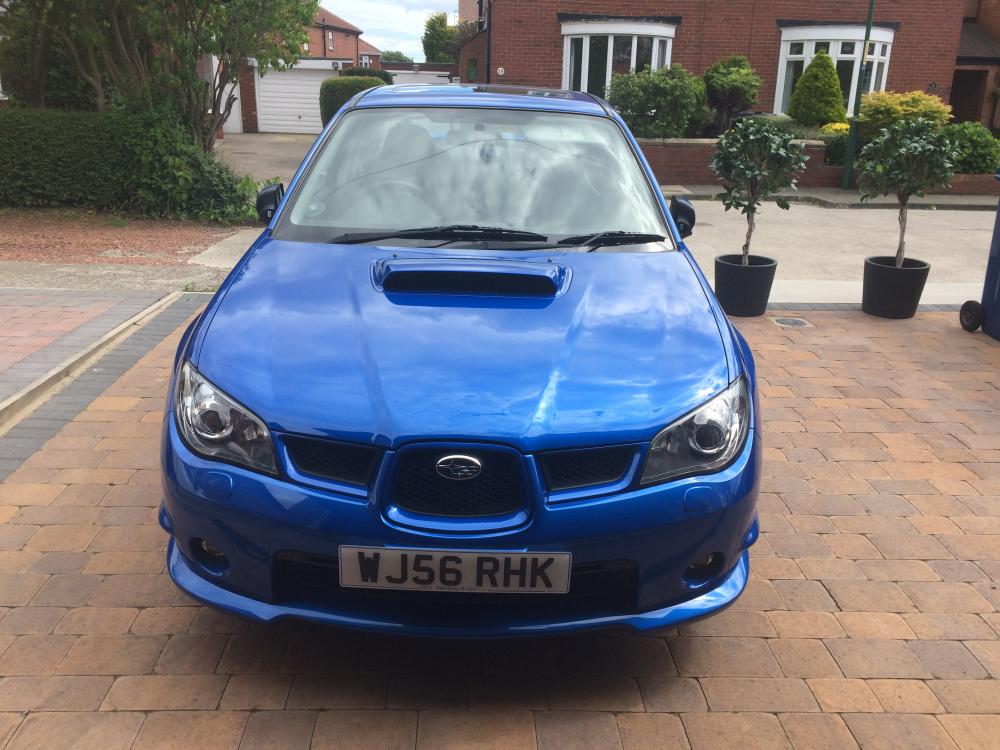
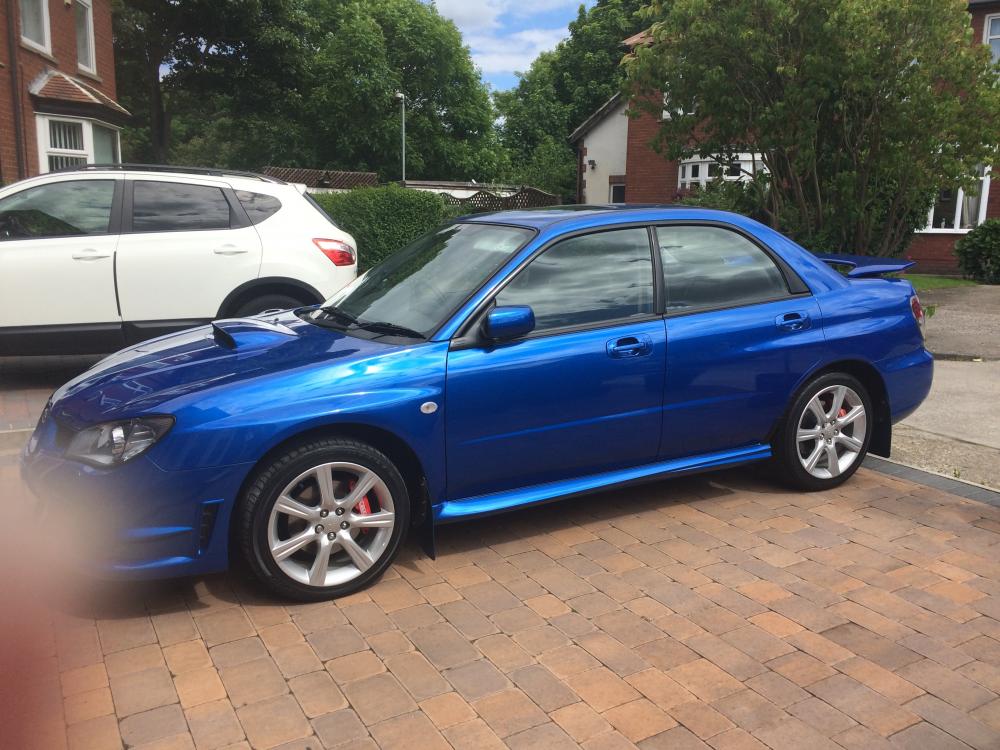
  1. This car has been garaged since built, is in pristine condition. The mileage is 20,786, garaged over the winters and only driven on dry days. In addition to the standard WRX features it has full, leather interior, heated front seats, and electric tilt and slide sunroof. It has been serviced and maintained by Subaru dealerships and has 7 services to date. The car is completely standard with pro-drive mudflaps fitted by Subaru at the time of original purchase in 1996. All paperwork / receipts and MOT certificates held. 2 owners , full service history, 12 months MOT - no advisories. Electric windows, air conditioning, CD player and cassette player, Isofix (child seat) points, sports seats, central locking, alarm and immobiliser. Drivers, passenger and side airbags. Spare wheel (space saver). 17" alloys.
Background Picker
Customize Layout

Configure browser push notifications

Chrome (Android)
  1. Tap the lock icon next to the address bar.
  2. Tap Permissions → Notifications.
  3. Adjust your preference.
Chrome (Desktop)
  1. Click the padlock icon in the address bar.
  2. Select Site settings.
  3. Find Notifications and adjust your preference.