abritishfellow
Members
-
Joined
-
Last visited
-
Thanks very much for all this info! A lot of the boxes are ticked and I did think on the test drive It felt quicker than expected. I'm coming from an Audi A3 3.2 V6 which on paper has a little more power but does weight a little more too. I felt the Impreza was a fair bit quicker so the 265bhp would make sense. It does have most of the things listed but the interior isn't blue so leads me to wonder. Is the WRX Prodrive 300 perhaps different to the UK300? Not sure if i'm more or less confused! Thanks!
-
I forgot to add Interestingly I see nothing about my new car that indicates it's a UK300 (from my online research) but the V5 does say it is one. Any light shed on this is appreciated!
-
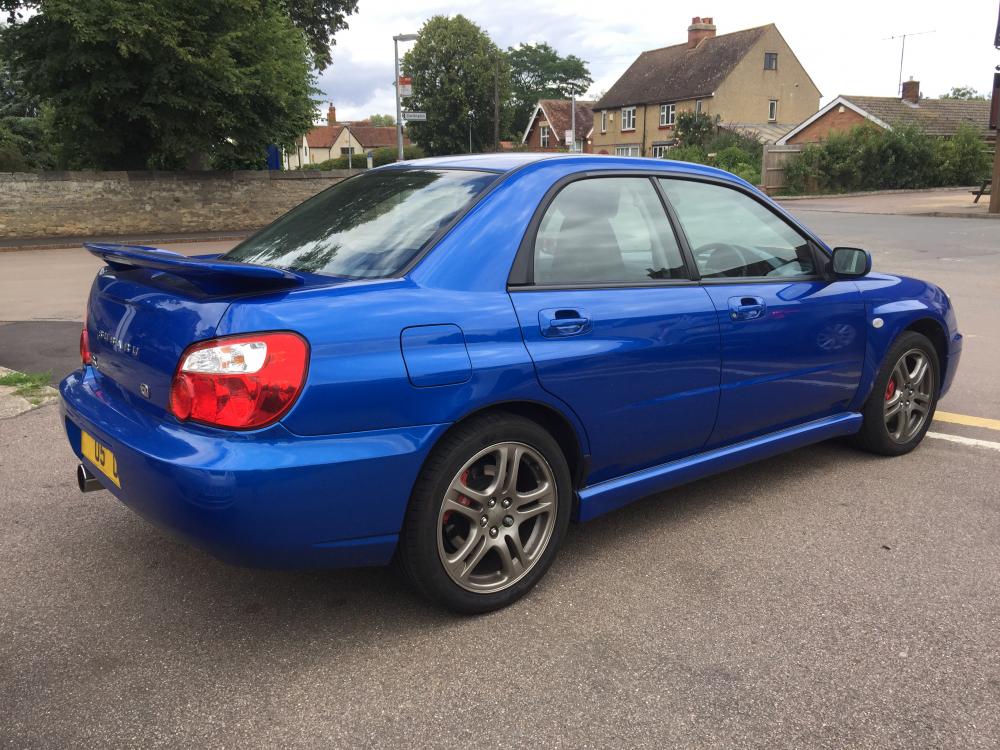
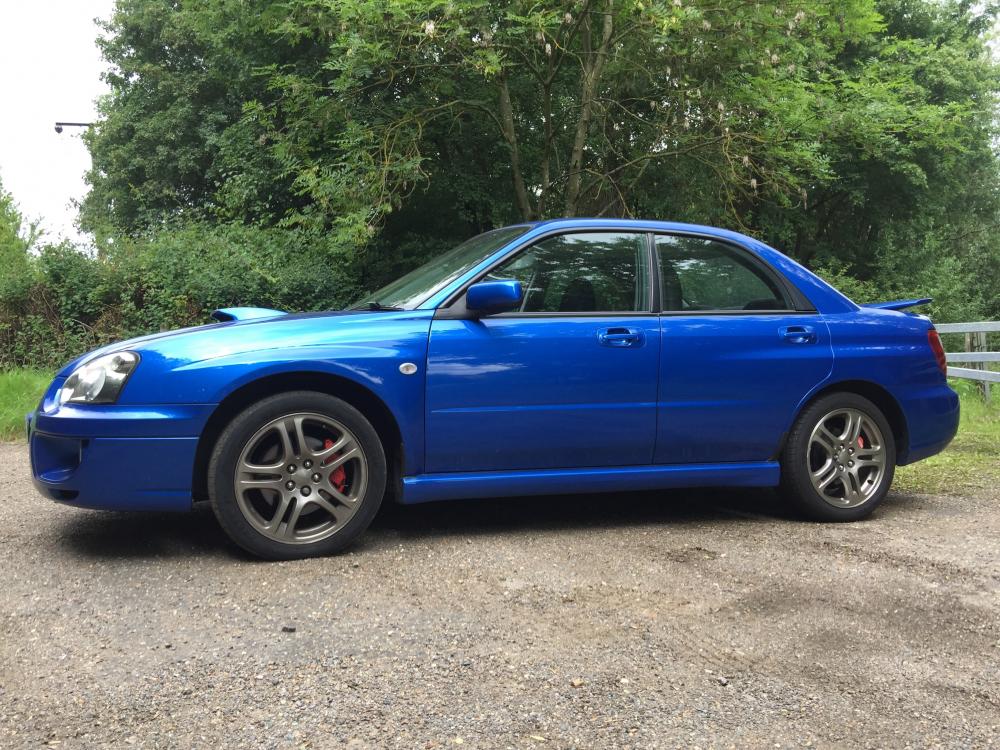
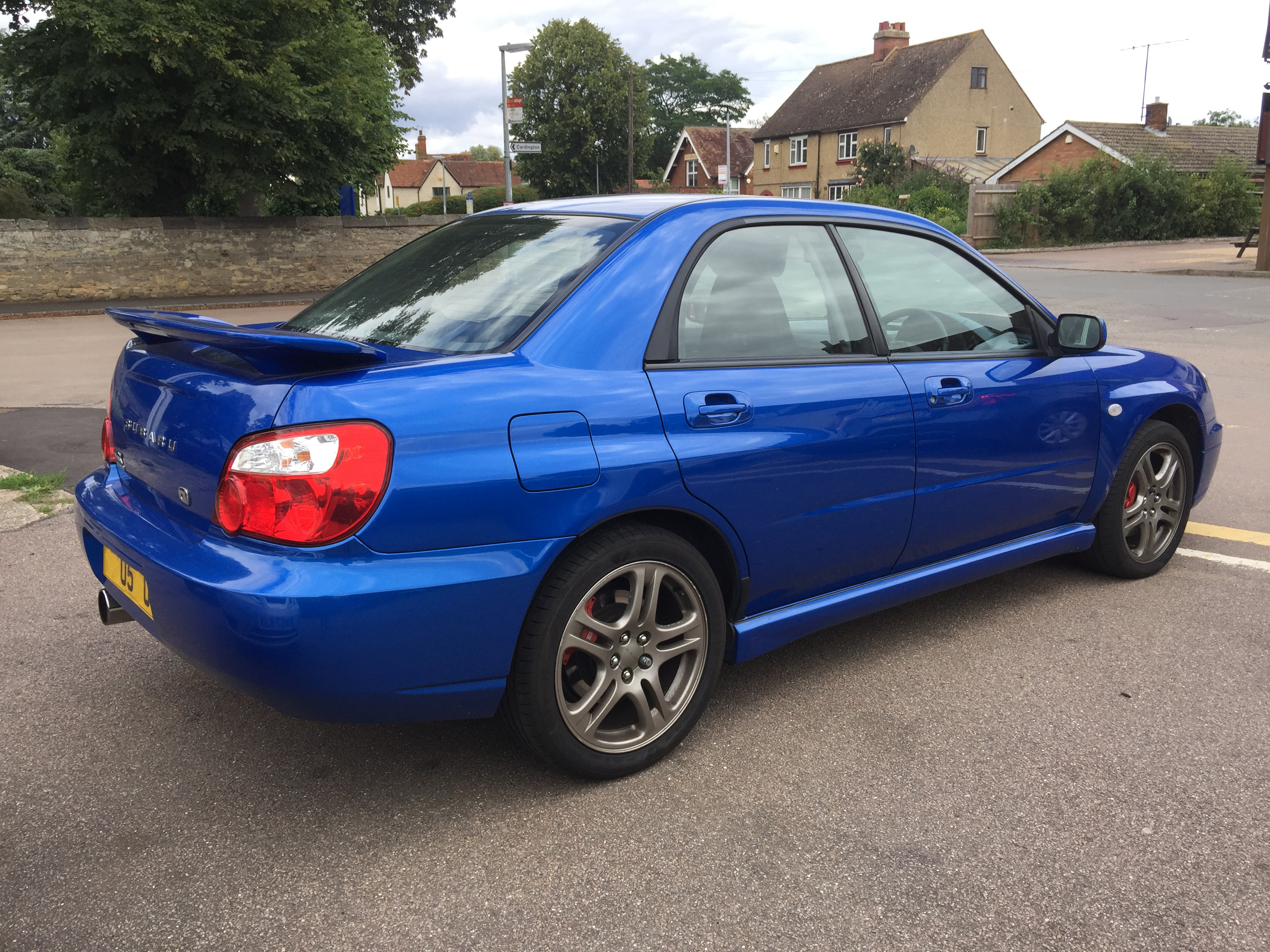
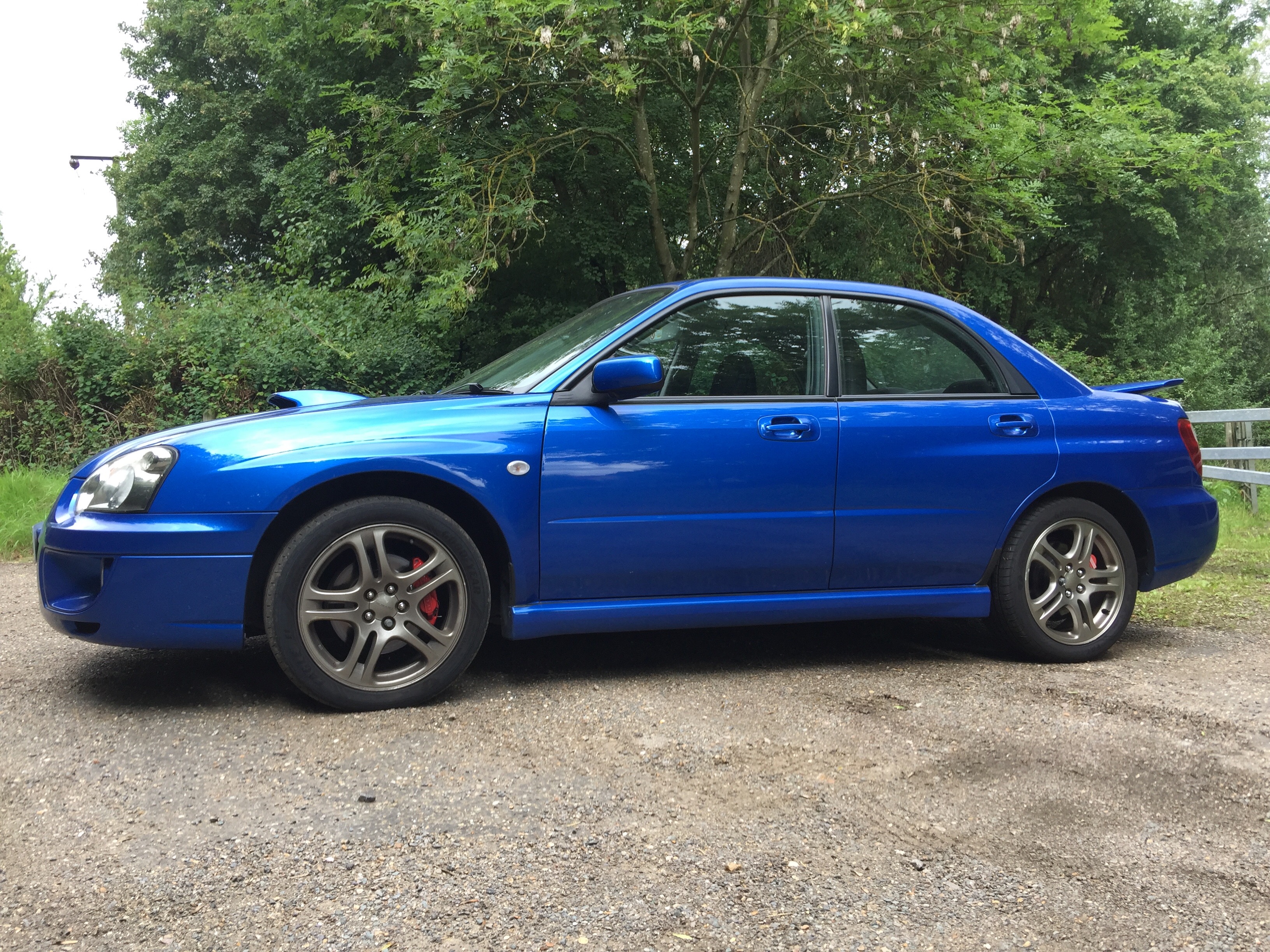
Hi All! After 10 years of want and lusting over various models from afar, I have today finally bought an Impreza which I will collect tomorrow. Its a 2005 WRX (UK 300) with prodrive pack. I'm a little confused about the 300 part so hoping someone will be able to clear it up for me. Also perhaps what exactly the pro drive pack should include!? Here she is. One owner from new and came with a small trailer full of receipts and service history. Plans to change a few bits and perhaps drag a few more ponies out at some point. Whats top of your must change list for a standard Impreza? Thanks, Andrew.