Starglimmer
Members
-
Joined
-
Last visited
Everything posted by Starglimmer
-
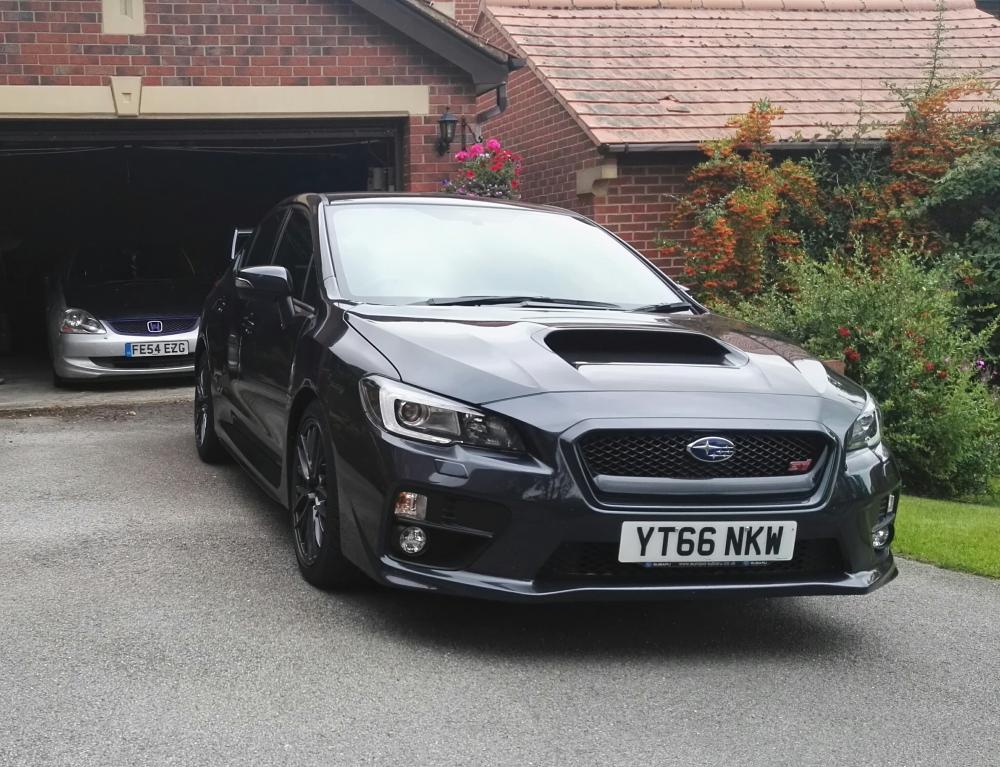
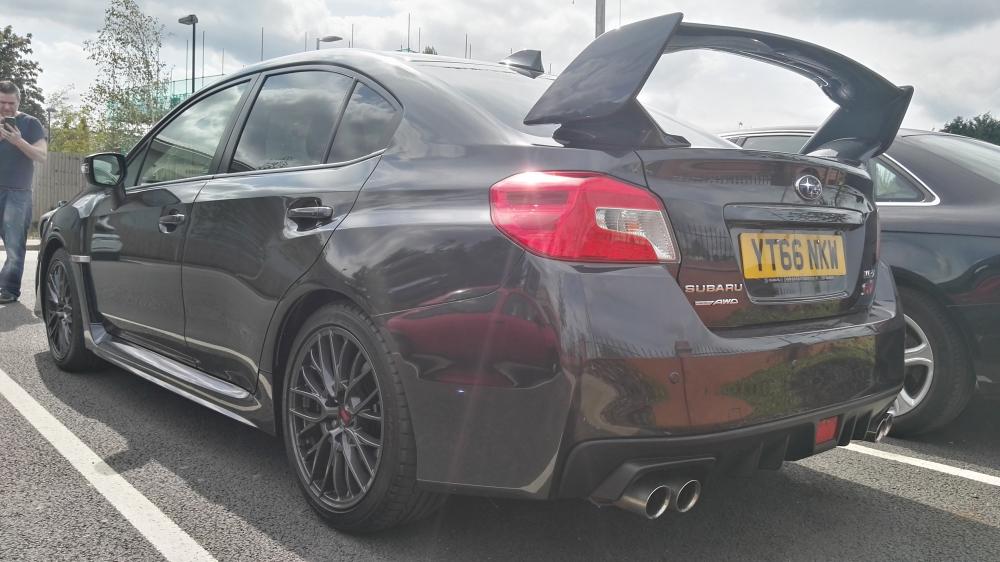
 Hiya everyone, I'm Joanna, I live in Nottingham/work in Matlock. I've recently got a 2016 WRX STI (she's called Mikasa) and I'm absolutely loving her. The drive is so smooth and power delivery is fantastic! I started my car life with a EP1 Civic called Sakura, unfortunately she ended up with too many problems that needed fixing so she's currently living in the garage until I can do the engine swap I want. I look forward to getting to know everyone, I'll be at JAE (Tomodachi stand) and I hope to meet some of you there! I've included some pics :-)